 AI TikTok app - Go viral!Go viral on TikTok with AI influencers, pranks & trends. Free iOS app - pay with Apple Pay or card.Get It Free →
AI Sprite Generator — Game Art & Pixel Sprites
Craft pixel-perfect sprites in seconds. Generate diverse character animations and game assets with control over resolution, color palette, and animation frames – all optimized for popular game engines like Unity and Godot.
Try a style:
When you use this AI sprite generator online, you'll immediately notice how it streamlines what used to take hours of painstaking pixel placement. Whether you're a solo indie developer prototyping your first platformer or an experienced game designer rapidly iterating on character concepts, the tool adapts to your workflow. Our users typically start by describing their character or asset in simple terms—"cyberpunk ninja with purple armor" or "medieval shopkeeper NPC"—and the AI interprets these prompts into cohesive sprite sheets complete with multiple animation frames. You'll find that the real power comes from the fine-tuning controls: adjust your color palette to match your game's aesthetic, specify exact resolutions for pixel density requirements, and generate multiple pose variations without starting from scratch.
The practical advantages become clear when you're working on tight deadlines or limited budgets. This game asset generator AI excels at producing consistent character variations—imagine needing five different enemy types that share a visual style, or generating an entire village worth of NPCs in an afternoon. You can export directly in formats optimized for Unity, Godot, or GameMaker, with transparent backgrounds and properly aligned sprite sheets ready to import. Many developers use it for rapid prototyping, testing gameplay mechanics with placeholder sprites that actually look polished enough to inform art direction decisions before committing to final assets.
How to use AI Sprite Generator — Game Art & Pixel Sprites
Steps to get you started in BasedLabs.

Step 1
Step 1: Define Your Sprite's Core Concept
Describe the character, creature, or object you want to create.
Start by providing a detailed prompt outlining the sprite's appearance, style (e.g., 8-bit, 16-bit, isometric), and any specific characteristics (e.g., 'orc warrior with a flaming sword, 16-bit style'). Use keywords to guide the AI towards your desired aesthetic. Pro Tip: Include references to specific games or artists for a more targeted result.

Step 2
Step 2: Customize and Refine Your Generation
Tweak the initial output to match your vision.
After the AI generates the initial sprite, use the 'Style Editor' to adjust parameters like color palette, shading intensity, and pixel density. If necessary, utilize the 'Inpainting' tool to manually correct any artifacts or add specific details. Adjust the 'Variance' slider to create slightly different versions of the same sprite for added variety. Pro Tip: Save your favorite presets for consistent sprite generation across your game.

Step 3
Step 3: Export and Integrate into Your Game Engine
Download your sprites in the correct format.
Choose your desired export format (e.g., PNG, GIF, sprite sheet) and resolution. For game engines like Unity and Godot, select the 'Sprite Sheet' option and specify the number of frames and animation direction. Consider using the 'Auto-Tile' feature to generate tile sets for creating seamless game environments. Pro Tip: Optimize your sprite sheet for minimal file size to improve game performance.
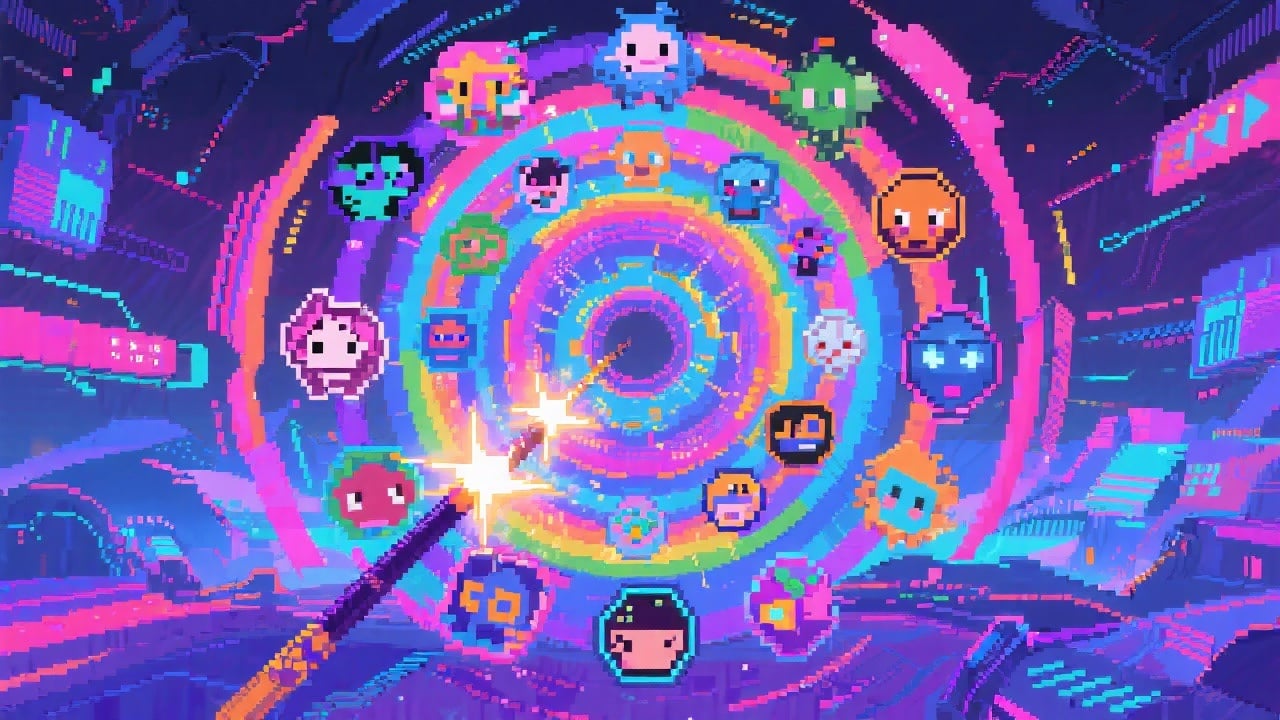
Unleash Thousands of Sprite Variations
Our AI is trained on a massive dataset of pixel art styles, ranging from classic 8-bit aesthetics to modern, stylized designs. Easily switch between styles with a single click and generate countless variations of your sprites, accelerating your game development process.
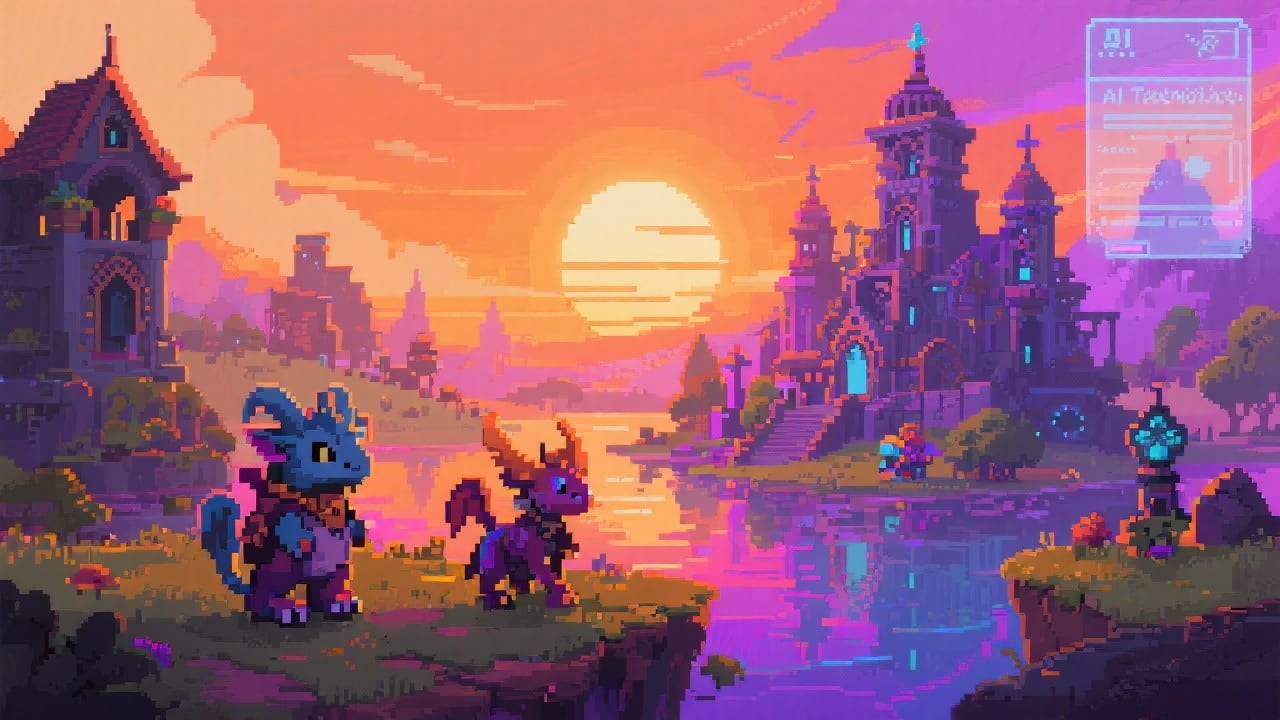
Generate High-Resolution Sprites for Modern Games
Unlike traditional pixel art editors, our AI sprite generator can create sprites at significantly higher resolutions. This allows you to use them in modern games with high-resolution displays without sacrificing the charm of pixel art. Perfect for creating visually stunning indie games.
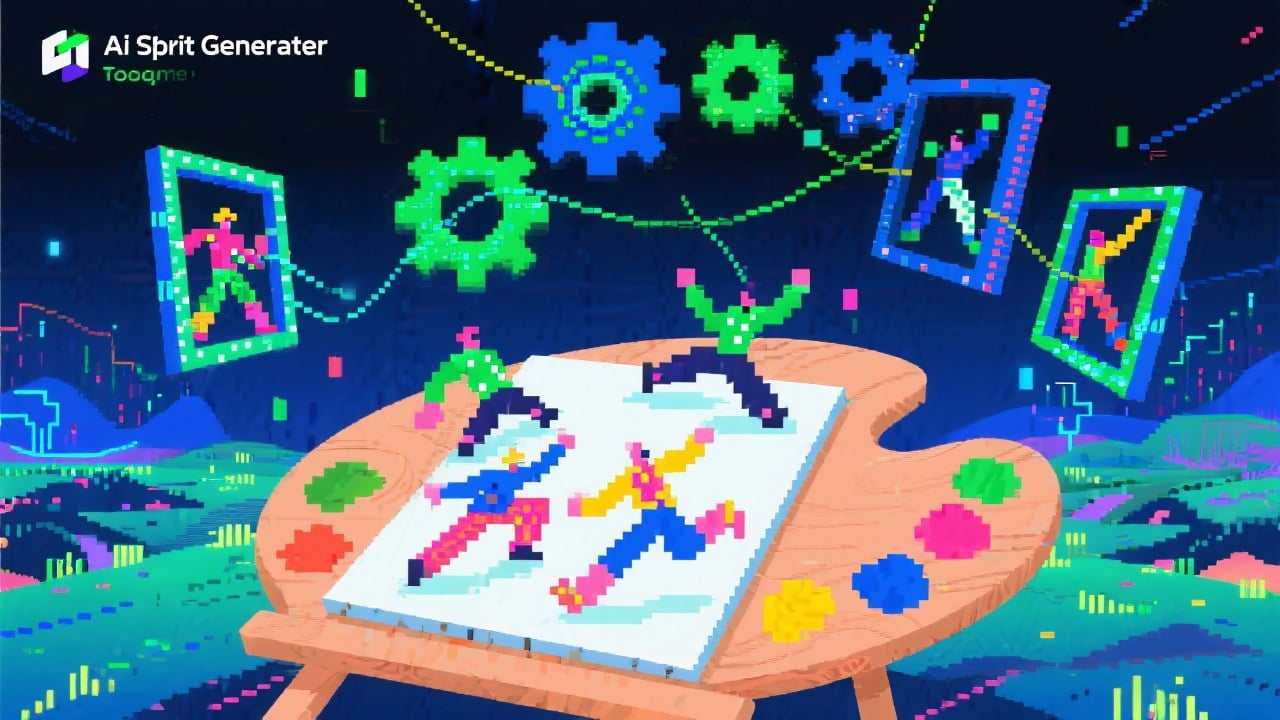
Fine-Grained Control Over Animation
Our 'Animation Assist' feature lets you generate walking, running, jumping, and other animations automatically. Fine-tune the number of frames, animation speed, and stylistic variations to achieve the perfect look for your game. Supports exporting as sprite sheets or individual frames for maximum flexibility.
FAQs
Discover related AI tools:
- 0
Browse Related Content
Explore AI-generated sprite generator — game art & pixel sprites artwork from our community
More From BasedLabs



Generate Your First Game Sprite Now!
Join millions of creators using BasedLabs to generate professional, scroll-stopping content for social media, YouTube, marketing, and more — in seconds. Produce high-quality AI-generated videos and images optimized for engagement and reach. Streamline your content workflow and scale faster.
