 AI TikTok app - Go viral!Go viral on TikTok with AI influencers, pranks & trends. Free iOS app - pay with Apple Pay or card.Get It Free →
album generator
Craft compelling album art instantly! Our generator uses advanced diffusion models pre-trained on millions of album covers, allowing you to create unique, genre-specific visuals in seconds that perfectly match your music's vibe and style.
Try a style:
When you use this tool, you'll discover how quickly professional-quality visuals can come together without any design experience. Independent musicians find it especially valuable when preparing singles or EPs on tight deadlines—simply describe your music's mood, genre, and aesthetic preferences, and the album cover creator AI generates multiple options within seconds. You'll find that specifying details like "dark synthwave with neon accents" or "acoustic folk with earthy tones" produces remarkably targeted results that capture your artistic vision.
Our users typically experiment with different prompt styles to refine their results. Start broad with genre and mood descriptors, then add specific visual elements like color schemes, typography styles, or artistic movements (think "vaporwave," "minimalist," or "70s psychedelic"). The AI music artwork generator responds well to concrete imagery—"a lone figure on a misty mountain" works better than vague concepts. Pro tip: generate several variations and combine elements you like by iterating on your most successful prompts.
The tool shines for various scenarios beyond album releases. Many creators generate album art for playlist covers, podcast episode thumbnails, or social media promotional graphics. You can maintain visual consistency across an entire discography by reusing similar prompts with slight variations, helping establish your brand identity. The speed and flexibility mean you can test different concepts before committing to a final design, making it perfect for A/B testing audience reactions on social platforms.
How to use album generator
Steps to get you started in BasedLabs.

Step 1
Describe Your Album's Vibe
Use a detailed prompt to guide the AI.
Provide a text prompt that describes the genre, mood, and visual style you envision for your album cover. For example, instead of just 'rock album', try 'psychedelic rock album cover, swirling colors, vintage posters'. Be as specific as possible to get the best results. Experiment with different keywords.

Step 2
Refine with Style Presets
Leverage pre-defined styles for quick iterations.
Explore the built-in style presets to quickly generate variations of your album cover in different artistic styles. Choose from options like 'abstract', 'photorealistic', 'anime', or 'vaporwave' to see how the AI interprets your initial prompt with a new aesthetic lens. Combine presets for unique effects.

Step 3
Upscale and Enhance
Finalize your cover with high-resolution output.
Once you've found an album cover you love, use the built-in upscaling feature to increase the resolution for printing or digital distribution. Then, apply sharpening and color correction filters within the platform to enhance the final image. This ensures your album cover looks professional and polished.
Hyper-Specific Genre Modeling
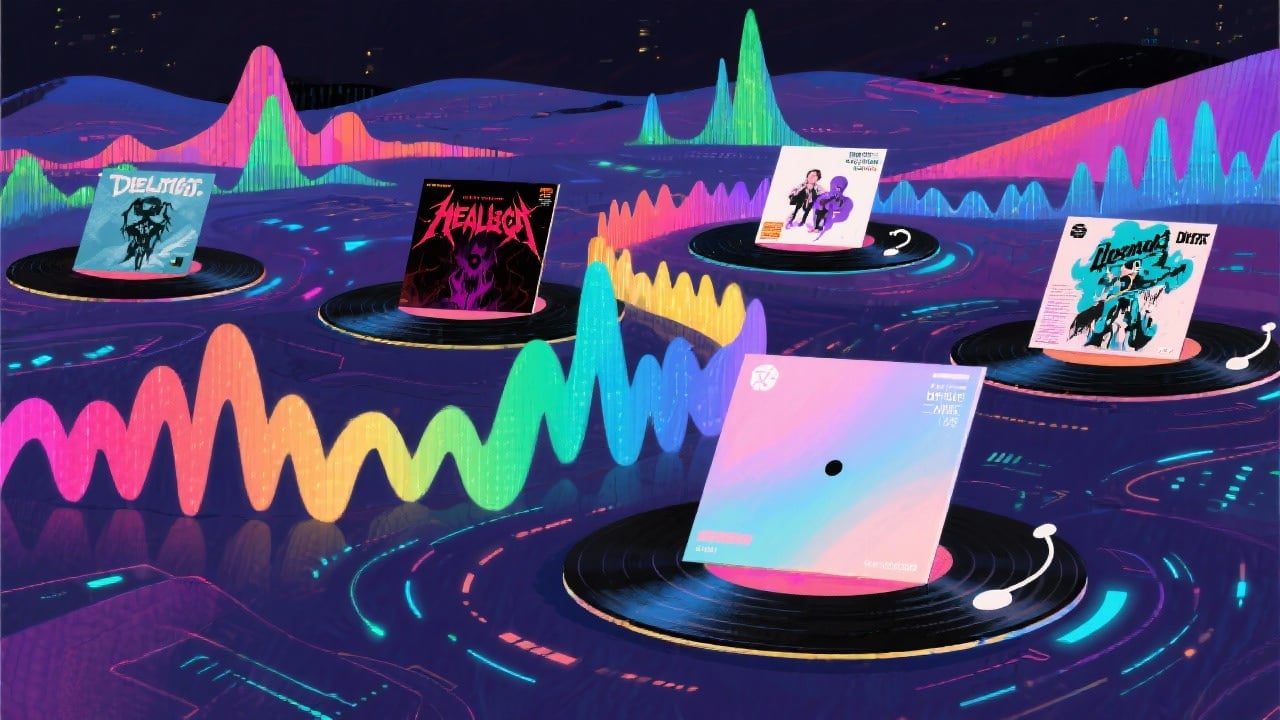
Our AI has been trained on a vast dataset of album covers from every genre imaginable, allowing it to generate visuals that perfectly capture the nuances and stylistic conventions of your specific musical style – from death metal to dream pop.
Iterate Endlessly with ControlNet
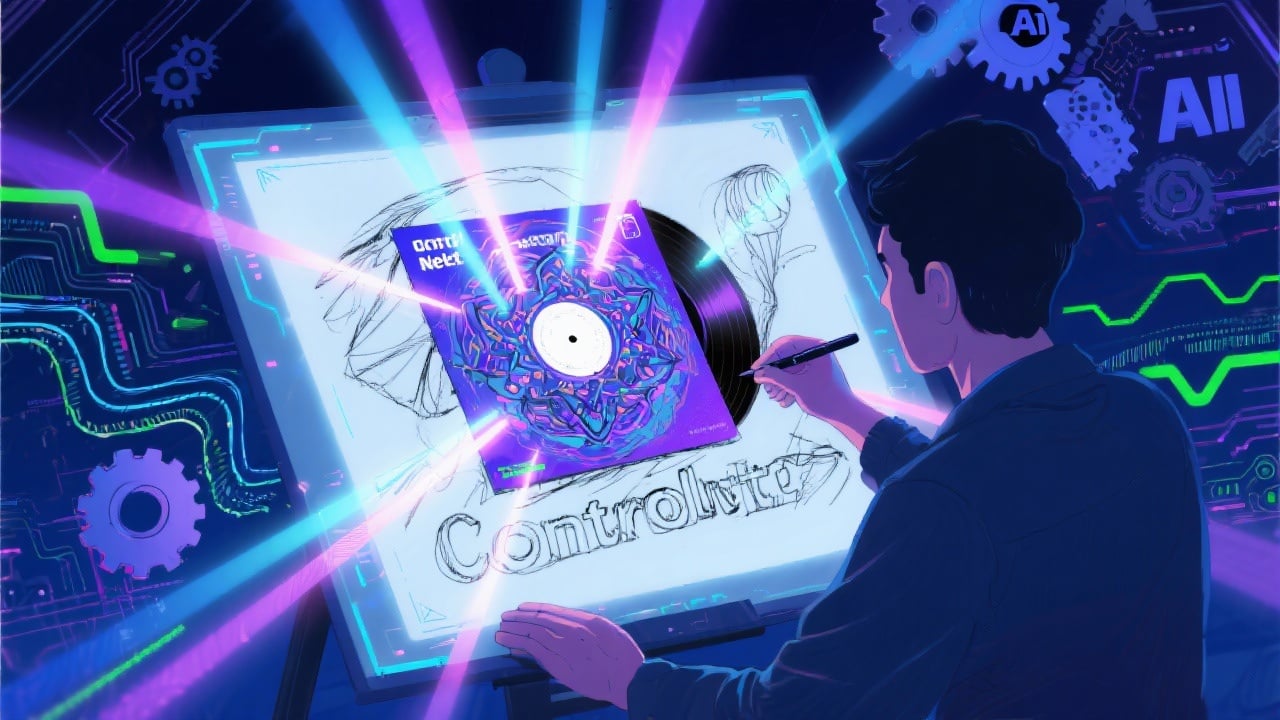
Utilize ControlNet integration to exert fine-grained control over the composition and layout of your album cover. Upload a sketch or reference image and guide the AI to generate artwork that adheres to your desired structure. This allows you to seamlessly blend your creative vision with AI power.
Commercial Use License Included
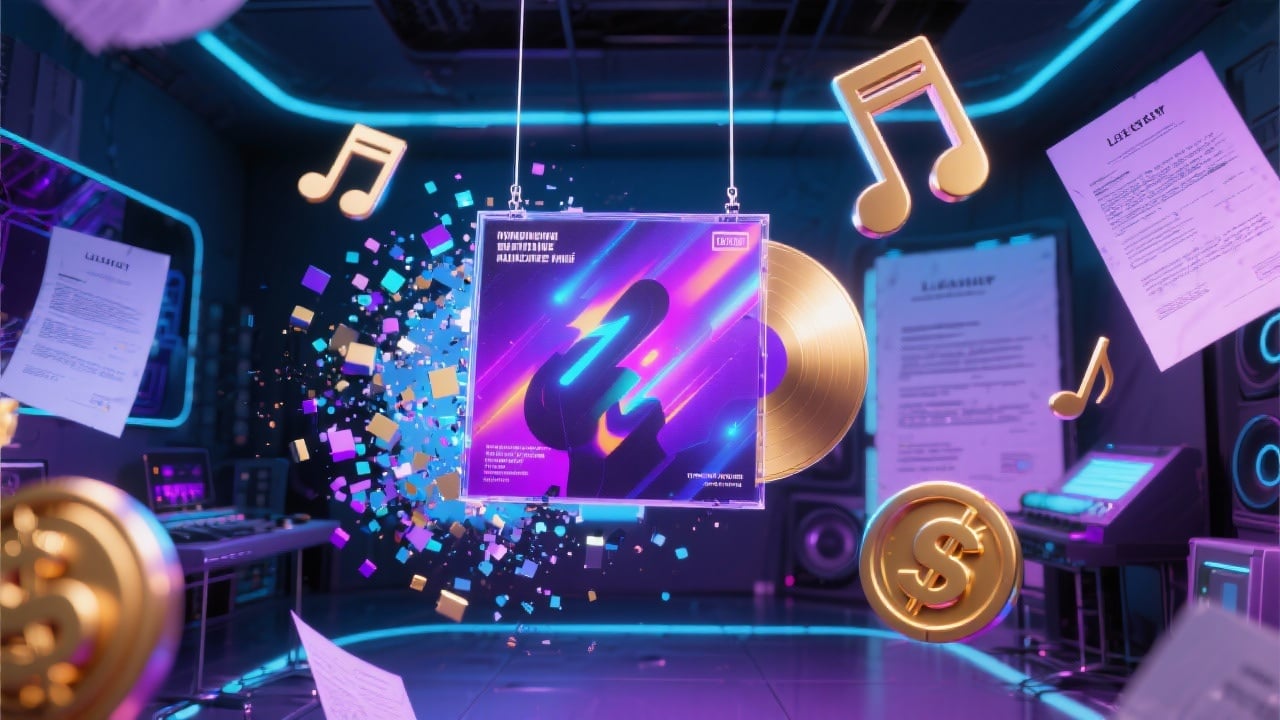
All album covers generated with our tool come with a commercial use license, allowing you to freely use them for your music releases, merchandise, and promotional materials without worrying about copyright infringement or royalties. Create with confidence!
FAQs
Discover related AI tools:
- 0
Browse Related Content
Explore AI-generated album generator artwork from our community
More From BasedLabs



Generate Your Album Cover Now
Join millions of creators using BasedLabs to generate professional, scroll-stopping content for social media, YouTube, marketing, and more — in seconds. Produce high-quality AI-generated videos and images optimized for engagement and reach. Streamline your content workflow and scale faster.
