 AI TikTok app - Go viral!Go viral on TikTok with AI influencers, pranks & trends. Free iOS app - pay with Apple Pay or card.Get It Free →
airbrush design generator
Transform your creative vision into vibrant, photorealistic airbrush art in seconds. Our generator uses advanced diffusion models trained on real airbrush techniques, allowing you to create stunning visuals without messy equipment or years of practice.
Try a style:
When you use this AI airbrush art generator, you'll immediately notice how it captures the signature characteristics of traditional airbrush work—those smooth gradient transitions, luminous highlights, and that unmistakable spray-paint aesthetic that once required expensive compressors and countless hours of practice. Our users typically apply this tool for creating custom t-shirt designs, retro-style album covers, vehicle wrap concepts, and eye-catching social media graphics that stand out with that distinctive '80s and '90s vibe.
The beauty of this digital airbrush design approach is how it interprets your text prompts or image uploads through the lens of authentic airbrush techniques. You'll find that describing specific elements like "metallic chrome lettering," "neon glow effects," or "portrait with soft background fade" produces remarkably accurate results. Pro tip: mentioning surface textures in your prompts—like "airbrushed on black velvet" or "sprayed on denim jacket"—helps the AI understand the exact aesthetic you're after.
Whether you're a graphic designer exploring nostalgic aesthetics, a merchandise creator needing quick mockups, or simply someone who's always admired airbrush art but never had access to the physical tools, this online airbrush simulator bridges that gap instantly. The generator handles everything from subtle shading work to bold, hyper-saturated designs that would traditionally take professional artists hours or even days to complete manually.
How to use airbrush design generator
Steps to get you started in BasedLabs.

Step 1
Refine Your Prompt for Maximum Impact
Specificity is key!
Instead of simply saying 'airbrush butterfly', specify the type of butterfly (e.g., 'monarch butterfly'), the color palette (e.g., 'iridescent blue and orange'), and the background style (e.g., 'abstract nebula background'). Use descriptive adjectives like 'photorealistic', 'hyperdetailed', or 'vintage' to further refine the output. Experiment with negative prompts to exclude unwanted elements, such as 'blur' or 'grainy texture'.

Step 2
Adjust the 'Airbrush Realism' Slider
Fine-tune the authenticity
Our unique 'Airbrush Realism' slider controls the degree to which the generated image mimics traditional airbrush techniques. Lower values produce a more stylized, digital look, while higher values prioritize realism, incorporating subtle imperfections and variations in paint flow. Experiment with different settings to achieve the desired aesthetic.

Step 3
Utilize the 'Masking' Tool for Targeted Refinement
Precisely control areas of focus
Use the masking tool to selectively refine specific areas of your image. For example, you can mask the background and use a different prompt to create a more detailed or contrasting backdrop. This feature is particularly useful for adding intricate details to specific elements of your design while maintaining the overall airbrush aesthetic.
Achieve Hyperrealistic Details with AI
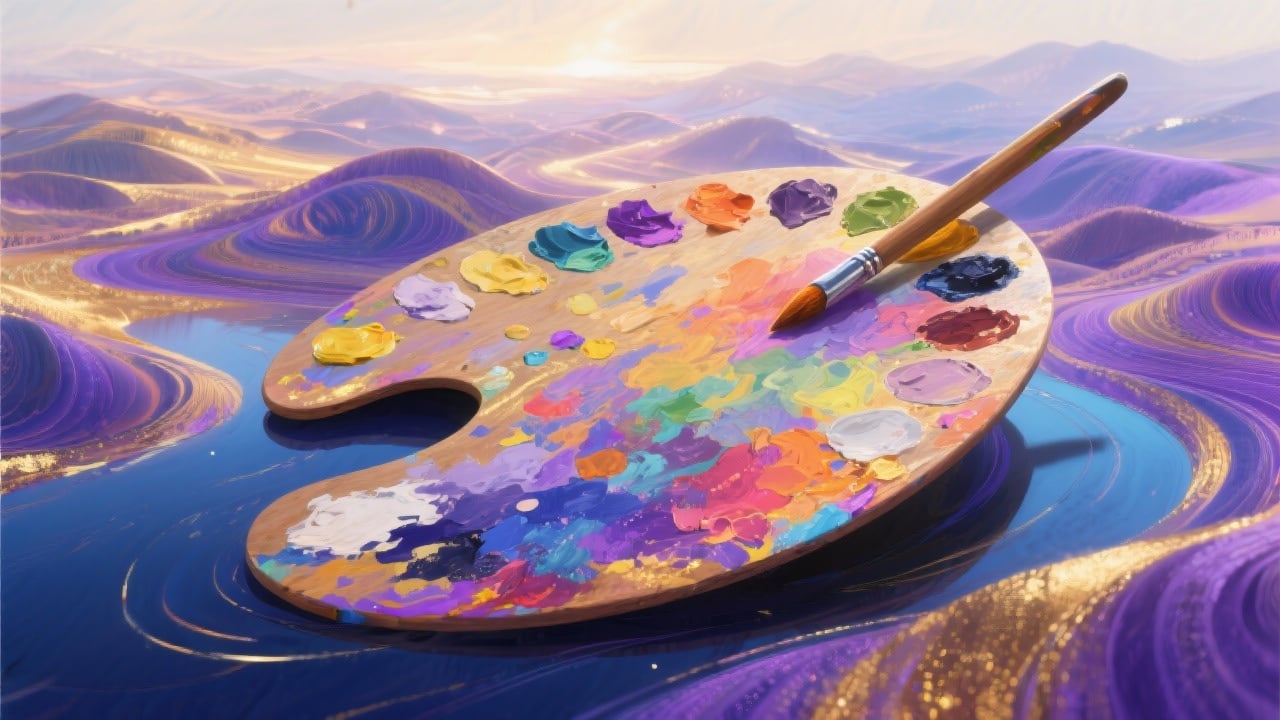
Our AI model is trained on over 10 million airbrush paintings and illustrations, enabling it to generate incredibly realistic textures, gradients, and blending effects that rival traditional airbrush art. See the difference in the subtle color variations and smooth transitions.
Iterate Rapidly with Style Presets
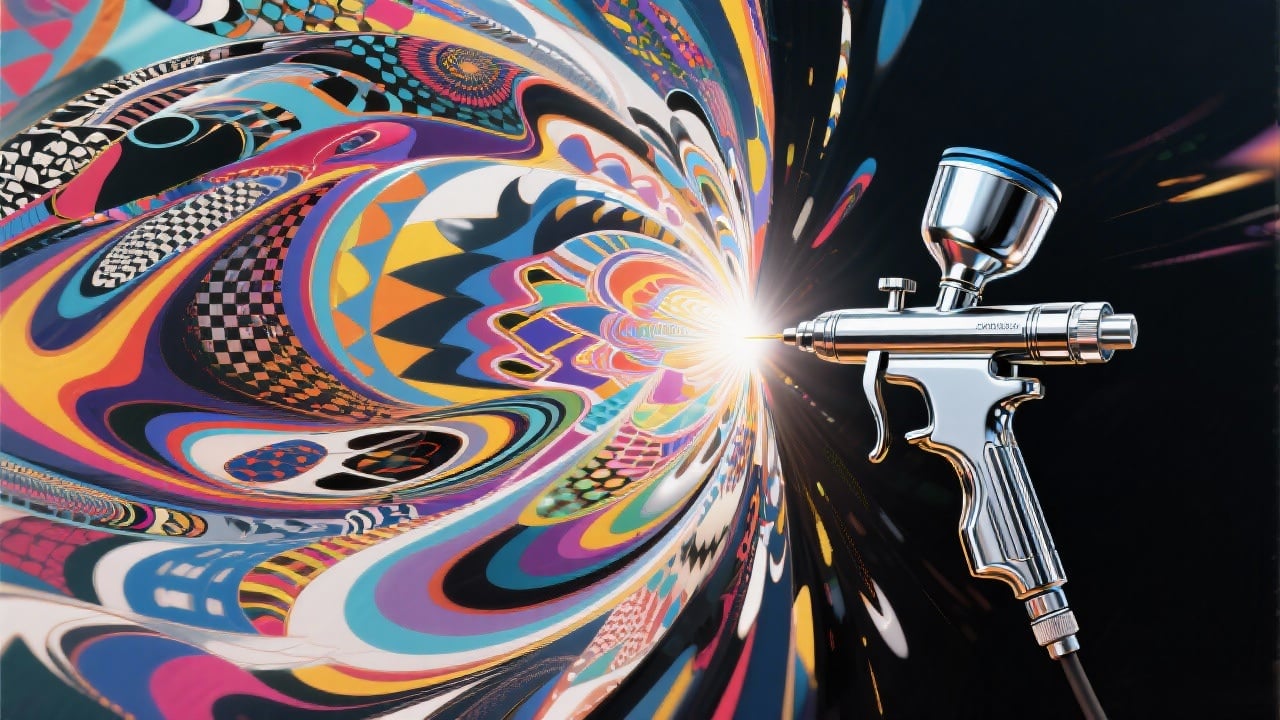
Experiment with 30+ built-in style presets, ranging from classic automotive airbrushing to contemporary abstract designs. Simply select a preset to instantly transform your design into a new artistic direction, saving you hours of manual experimentation. Preview each style live before applying it.
Generate Commercial-Ready Assets
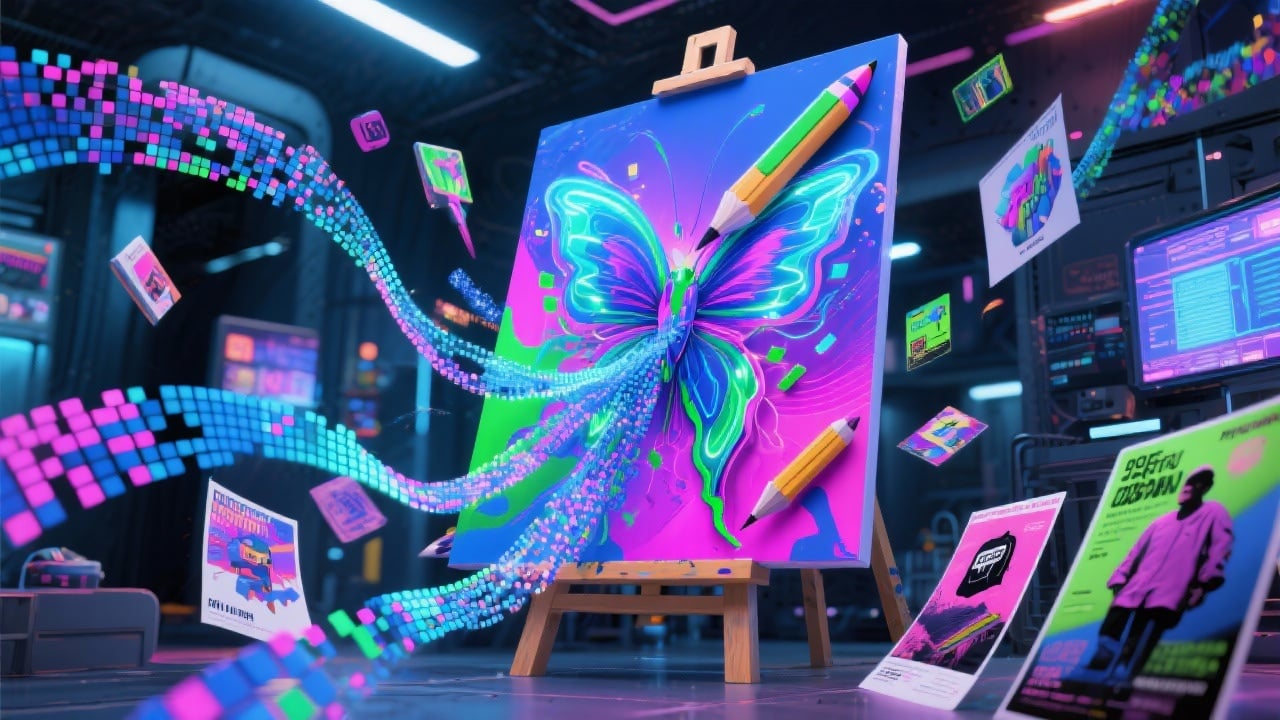
All images generated with our airbrush design generator are royalty-free and can be used for commercial purposes, including merchandise, advertising, and digital art projects. Start monetizing your AI art today without worrying about licensing fees or restrictions.
FAQs
Discover related AI tools:
- 0
Browse Related Content
Explore AI-generated airbrush design generator artwork from our community
More From BasedLabs



Start Creating Amazing Airbrush Art Today
Join millions of creators using BasedLabs to generate professional, scroll-stopping content for social media, YouTube, marketing, and more — in seconds. Produce high-quality AI-generated videos and images optimized for engagement and reach. Streamline your content workflow and scale faster.
