 AI TikTok app - Go viral!Go viral on TikTok with AI influencers, pranks & trends. Free iOS app - pay with Apple Pay or card.Get It Free →
ai generated pixar movies
Transform your imagination into stunning Pixar-style movie posters and concept art with our AI image generator. Craft emotionally resonant scenes and character designs that capture the magic of Pixar films in seconds.
Try a style:
When you use our AI Pixar movie generator, you'll discover how quickly professional-looking concept art comes to life. The tool excels at capturing that signature Pixar aesthetic—the luminous lighting, expressive character faces, and vibrant color palettes that make their films instantly recognizable. Our users typically start with simple text prompts describing their scene or character, and within seconds, they're refining AI Pixar style images that look like they could be from actual production studios. Whether you're developing a pitch deck for an animated project, creating fan art, or just exploring creative ideas, the results consistently capture that emotional depth Pixar is known for.
The practical applications extend beyond just hobbyist fun. Independent animators use the tool to rapidly prototype character designs and test different visual directions before committing to expensive 3D modeling work. Marketing professionals create Pixar movie posters for campaigns that need that family-friendly, heartwarming appeal. You'll find that tweaking your prompts to include specific lighting conditions (like "golden hour" or "volumetric fog") and emotional descriptors ("joyful," "contemplative," "adventurous") produces the most compelling results. The key is being descriptive about both the visual style and the feeling you want to evoke—just like Pixar does in their storytelling.
How to use ai generated pixar movies
Steps to get you started in BasedLabs.

Step 1
Step 1: Define Your 'Movie' Concept
Develop a short, intriguing story idea.
Before generating anything, jot down a brief summary of your intended Pixar-style 'movie.' Focus on the core theme, characters, and overall message. A well-defined concept will guide your prompts and ensure a cohesive final result. For example: 'A lonely robot discovers a lost puppy on a desolate planet and learns the meaning of friendship.'

Step 2
Step 2: Craft Detailed and Specific Prompts
Use descriptive language and Pixar-specific keywords.
Write detailed prompts incorporating the elements of a Pixar movie. Include character descriptions (e.g., 'A fluffy, blue alien with large, expressive eyes'), setting details ('A lush, alien jungle with bioluminescent plants'), and lighting conditions ('Golden hour sunlight filtering through the trees'). Experiment with adding artistic styles like 'Pixar animation style' or 'rendered in Unreal Engine 5' for added realism.

Step 3
Step 3: Iteratively Refine and Upscale
Generate multiple variations and refine the best results.
Generate several versions of your image using slightly different prompts. Select the version that best captures your vision and upscale it using an AI image upscaler. Tools like Real-ESRGAN or Topaz Photo AI can enhance resolution and clarity without sacrificing detail. This ensures your 'movie poster' looks crisp and professional, even when printed at larger sizes.
Achieve Authentic Pixar Visuals
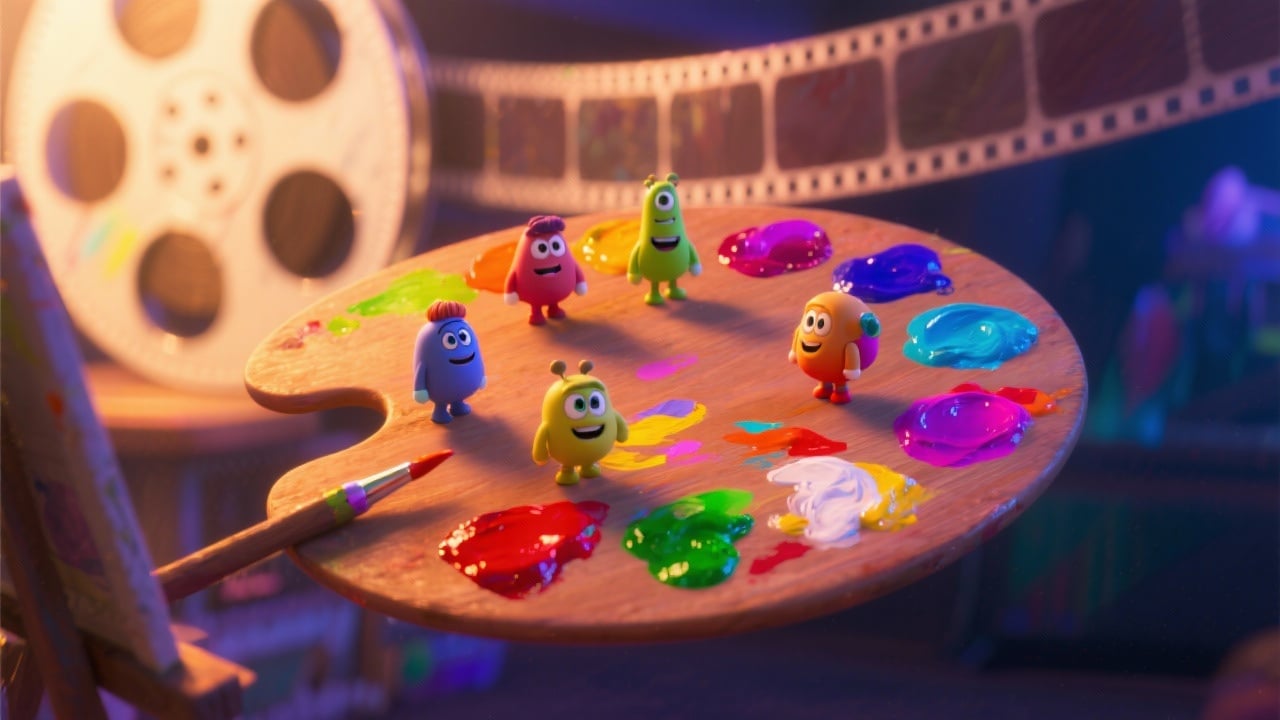
Our AI model is trained on a comprehensive dataset of Pixar films, allowing it to accurately replicate the studio's iconic animation style, including character designs, lighting techniques, and color palettes. This ensures your generated images capture the distinct visual language of Pixar.
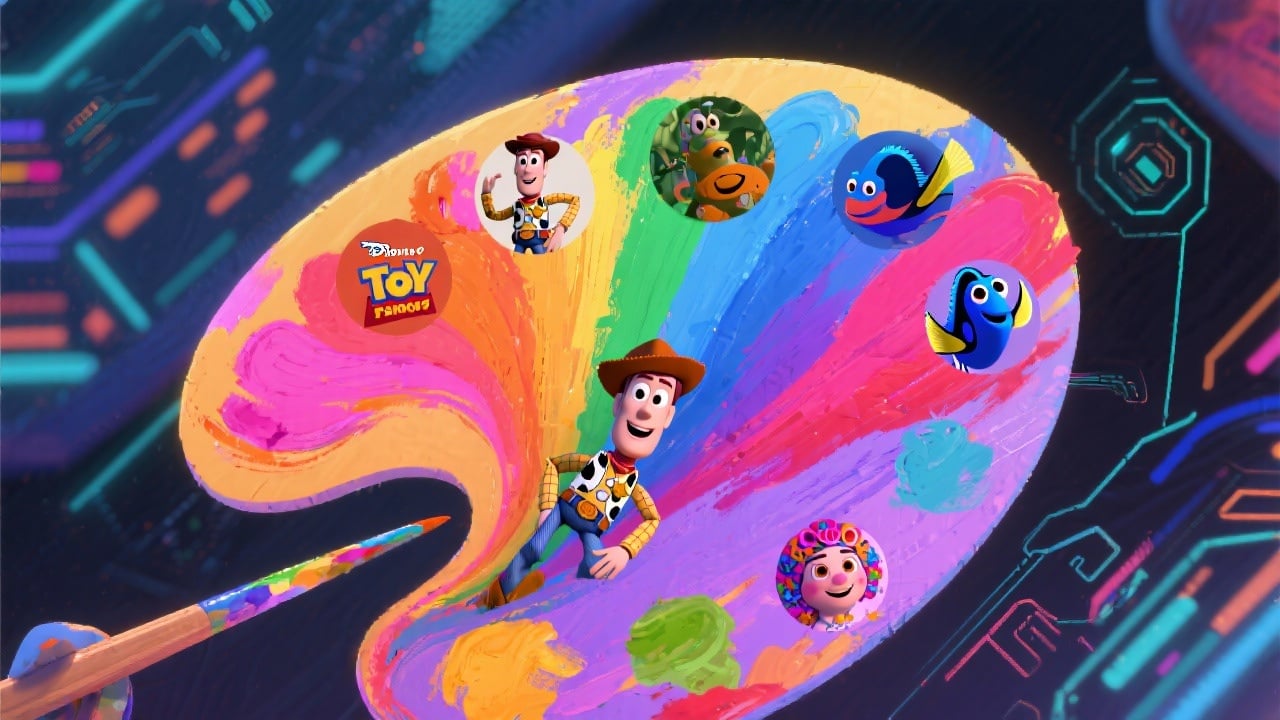
Fine-Grained Control with Style Presets
Quickly experiment with different artistic styles by leveraging our library of over 50 pre-defined Pixar-inspired style presets. Choose from specific Pixar films like 'Toy Story,' 'Finding Nemo,' or 'Coco' to instantly apply their unique visual characteristics to your creations. Customize presets for advanced control.
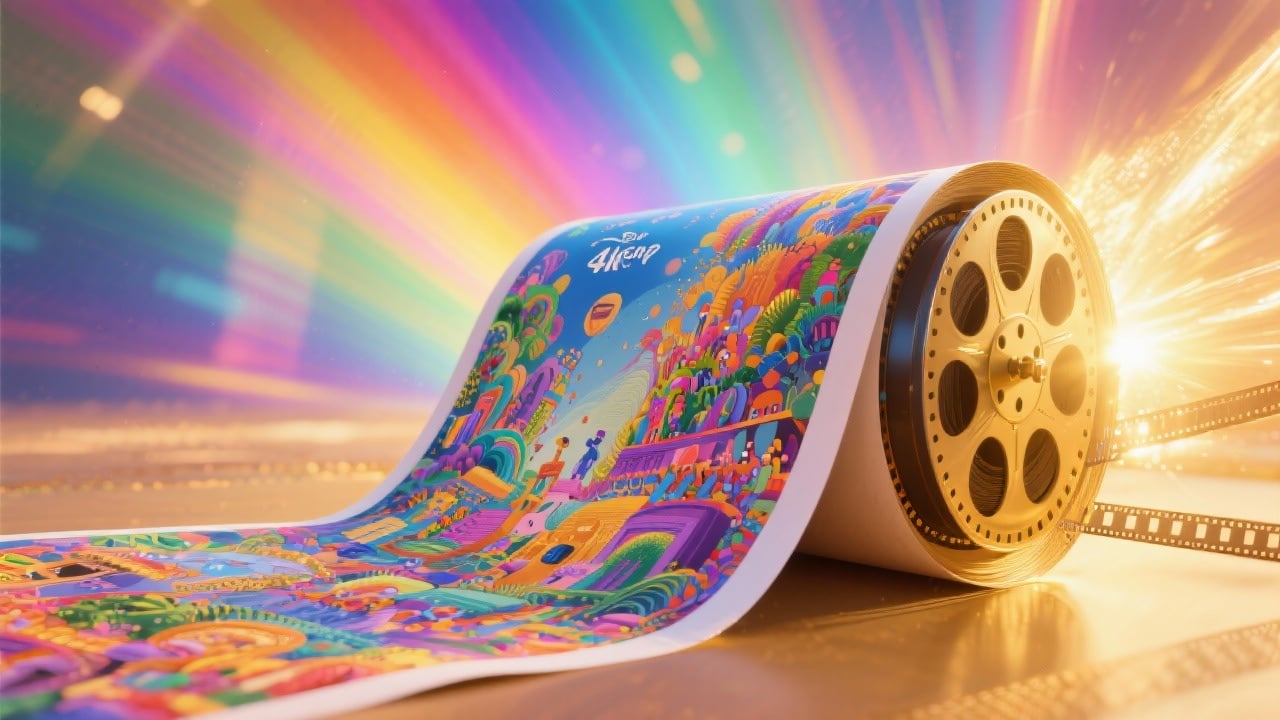
High-Resolution Output for Print
Generate images in stunning 4K resolution, ideal for creating high-quality prints, movie posters, or digital artwork. Preserve intricate details and vibrant colors, ensuring your AI generated Pixar creations look professional and polished across various display formats.
FAQs
Discover related AI tools:
- 0
Browse Related Content
Explore AI-generated generated pixar movies artwork from our community
More From BasedLabs



Create Your Pixar-Inspired Movie Today!
Join millions of creators using BasedLabs to generate professional, scroll-stopping content for social media, YouTube, marketing, and more — in seconds. Produce high-quality AI-generated videos and images optimized for engagement and reach. Streamline your content workflow and scale faster.
