 AI TikTok app - Go viral!Go viral on TikTok with AI influencers, pranks & trends. Free iOS app - pay with Apple Pay or card.Get It Free →
new york address
Generate realistic New York addresses for fictional stories, data testing, or creative projects.
Try these examples:
How to use new york address
Steps to get you started in BasedLabs.

Step 1
Click the 'Generate' Button
Initiate Address Creation
Simply click the 'Generate' button to instantly create a random New York address. Each click produces a unique and plausibly realistic address.

Step 2
Review the Generated Address
Inspect the Details
Carefully review the generated address to ensure it meets your specific requirements. Pay attention to the street number, street name, city (New York), state (NY), and zip code. Note this address is not real.

Step 3
Copy and Paste the Address
Utilize the Address
Select the generated address and copy it to your clipboard. You can then paste it into your document, form, or application as needed. Always remember not to use generated addresses for nefarious or illegal reasons.
Realistic Address Generation
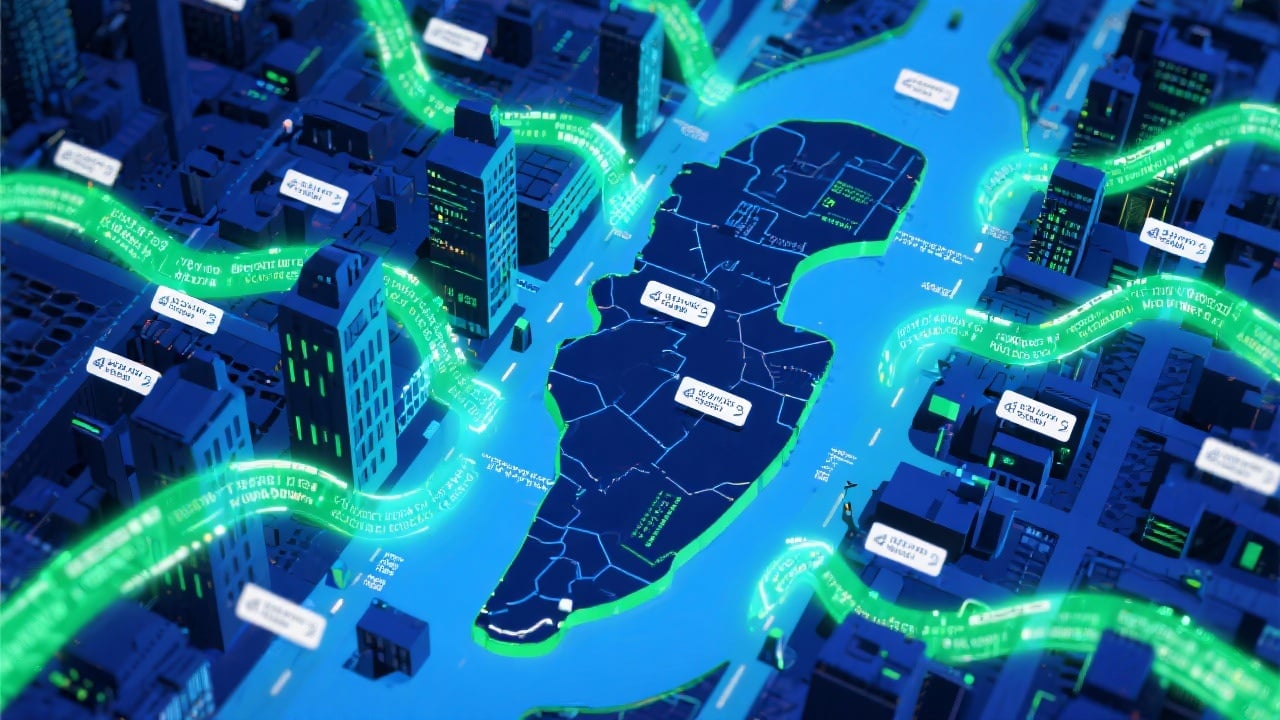
This tool generates addresses that mimic the formatting and structure of real New York addresses, providing a convincing appearance for creative projects and data testing.
Instant Address Creation
Generate addresses instantly with a single click, saving you time and effort compared to manually creating addresses.

Versatile Applications
Ideal for writers, developers, designers, and anyone who needs a realistic-looking New York address for creative or testing purposes.

FAQs
Discover related AI tools:
Browse Related Content
Explore AI-generated new york address artwork from our community
More From BasedLabs



Generate Your New York Address Now
Join millions of creators using BasedLabs to generate professional, scroll-stopping content for social media, YouTube, marketing, and more — in seconds. Produce high-quality AI-generated videos and images optimized for engagement and reach. Streamline your content workflow and scale faster.
