 AI TikTok app - Go viral!Go viral on TikTok with AI influencers, pranks & trends. Free iOS app - pay with Apple Pay or card.Get It Free →
pngtuber maker
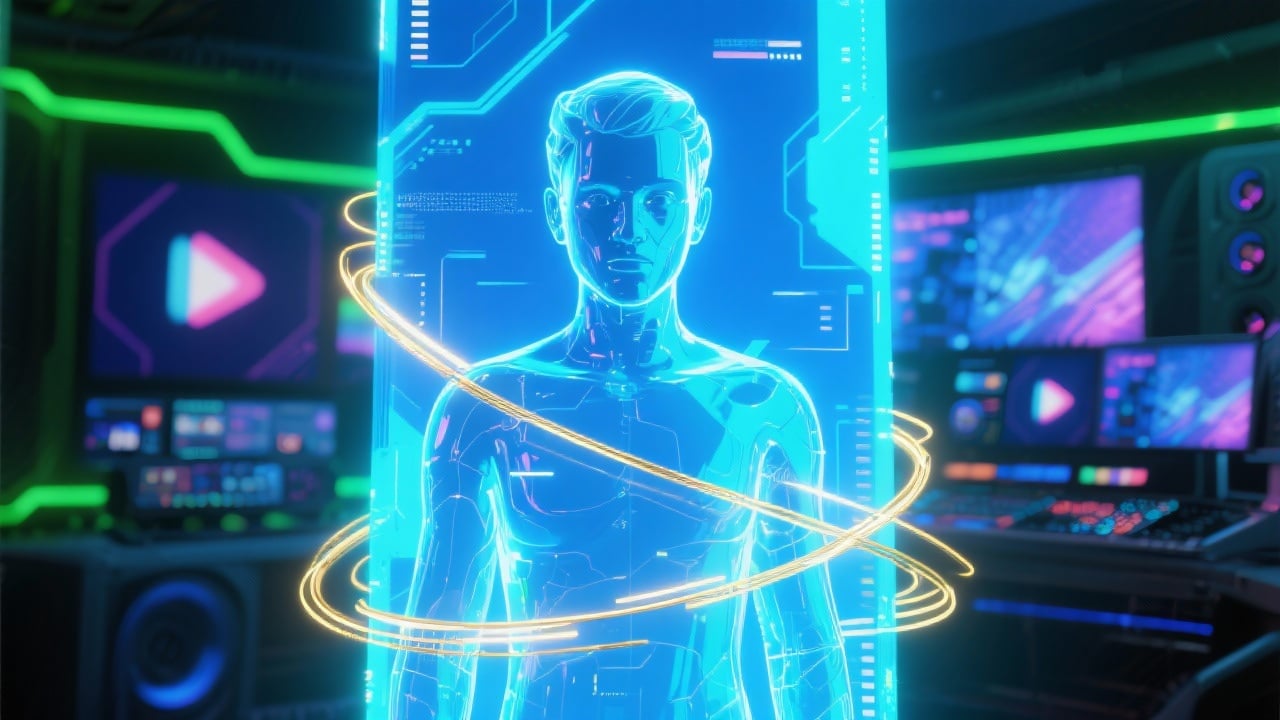
Instantly generate a unique PNGTuber avatar that reacts to your voice, offering unparalleled expressiveness for livestreams and videos. Unlock over 20 customizable animation styles for a truly dynamic persona.
Try a style:
Creating content as a streamer or video creator doesn't have to mean investing in expensive motion capture equipment or spending hours learning complex software. When you use this pngtuber maker online, you'll find that generating a professional-looking avatar takes just minutes. The AI handles the heavy lifting by creating unique character designs that respond to your voice input in real-time, making your streams feel more engaging without the technical overhead of full 3D VTuber setups.
Our users typically start with a simple character concept and experiment with the 20+ animation styles to find what matches their streaming personality. Whether you're running a gaming channel, hosting educational content, or building a commentary series, the animated pngtuber avatar adapts to different contexts surprisingly well. The voice-reactive feature is particularly useful for platforms like Twitch, YouTube, and TikTok where viewer attention spans are short—your avatar's mouth movements and expressions sync naturally with your speech, creating that personal connection without showing your face on camera.
The practical advantage here is flexibility. You can generate multiple avatar variations for different content types or moods, switch between them mid-stream, and maintain consistent branding across platforms. Many creators use this as their entry point into content creation before potentially upgrading to more complex setups later, while others stick with it permanently because it simply works for their style.
How to use pngtuber maker
Steps to get you started in BasedLabs.

Step 1
Select Your Base Style
Choose the aesthetic that best represents your persona
Begin by choosing one of our pre-designed base avatar styles. Browse through the options and select one that matches your desired aesthetic, be it cartoonish, realistic, or something in between. This initial choice will influence the customization options available in subsequent steps.

Step 2
Fine-Tune Voice Activation
Customize the sensitivity of your avatar's responses
Adjust the voice activation threshold within the 'Animation Settings'. Increasing the sensitivity will make the avatar react to quieter sounds, while decreasing it will require louder input. Experiment with different settings to find the optimal balance for your microphone and speaking style. You can also adjust the 'mouth open' percentage to better match your speech patterns.

Step 3
Export for Streaming
Download your avatar and integrate it with OBS Studio
Once you're satisfied with your avatar, export it as a transparent PNG sequence or GIF. In OBS Studio, add a new 'Image' or 'GIF' source, select your exported files, and position the avatar on your stream overlay. Ensure the background is set to transparent for seamless integration. Pro tip: Set the GIF loop to 'Forever' for continuous animation.
20+ Unique Animation Styles
Unlock a wide array of animation styles, from subtle head bobs to exaggerated mouth movements, allowing you to create a highly expressive avatar. Each style is meticulously crafted to react realistically to your voice input, enhancing the overall engagement of your streams and videos.

Real-Time Voice Sync Engine
Our AI engine analyzes your voice input in real-time, ensuring your avatar's lip movements and facial expressions are perfectly synchronized with your speech. This eliminates the need for manual adjustments, providing a seamless and professional look.

Direct OBS Studio Integration
Export your avatar in formats optimized for direct integration with OBS Studio and other popular streaming software. The transparent background ensures effortless layering on your stream, saving you valuable time and effort during setup. Includes pre-configured settings for common streaming platforms.
FAQs
Discover related AI tools:
Browse Related Content
Explore AI-generated pngtuber maker artwork from our community
More From BasedLabs



Create Your AI PNGTuber Avatar Now
Join millions of creators using BasedLabs to generate professional, scroll-stopping content for social media, YouTube, marketing, and more — in seconds. Produce high-quality AI-generated videos and images optimized for engagement and reach. Streamline your content workflow and scale faster.
