 AI TikTok app - Go viral!Go viral on TikTok with AI influencers, pranks & trends. Free iOS app - pay with Apple Pay or card.Get It Free →
synthwave backgrounds
Generate vibrant, nostalgic synthwave backgrounds tailored to your exact specifications. Create stunning visuals with custom color palettes, glitch effects, and iconic 80s-inspired elements, perfect for streaming overlays or album art.
Try a style:
When you use our synthwave backgrounds generator, you'll discover how quickly you can transform abstract ideas into polished visuals that capture that quintessential 80s aesthetic. Whether you're setting up a Twitch stream, designing album artwork, or creating social media content, the tool gives you precise control over every element—from the intensity of the neon glow to the grid perspective and sun placement. Our users typically start with a simple text prompt like "purple and pink sunset over grid landscape" and then refine their results by adjusting specific parameters until they achieve exactly the look they're after.
The real power comes from experimentation with different combinations. You'll find that adding details like "chrome text," "palm tree silhouettes," or "digital rain effects" can dramatically shift the mood of your 80s aesthetic backgrounds. Pro tip: if you're creating content for a specific brand or project, generate several variations with consistent color schemes to build a cohesive visual library. Many creators use these retro wave backgrounds as base layers, then add their own logos, text, or animations on top. The high-resolution output ensures your final designs look crisp whether they're displayed as desktop wallpapers, YouTube thumbnails, or printed posters.
How to use synthwave backgrounds
Steps to get you started in BasedLabs.

Step 1
Select Your Base Aesthetic
Choose a visual starting point.
Start by selecting a 'Base Aesthetic' from the available options, such as 'Cityscape,' 'Gridworld,' or 'Cyberpunk.' This will set the foundational elements for your synthwave background. Experiment with different aesthetics to see which best suits your vision. Pro Tip: 'Cityscape' works best with a wide aspect ratio for a cinematic feel.

Step 2
Customize the Color Palette & Effects
Refine the colors and add digital touches.
Next, fine-tune your color palette by using the 'Custom Color Palette' tool. Add neon pinks, blues, purples, and yellows. Experiment with features such as 'Glow,' 'Bloom,' and 'Scanlines' to further enhance the retro vibe. Adjust the 'Intensity' slider for each effect to achieve the desired level of visual flair.

Step 3
Download and Integrate
Get your high-res image and put it to work.
Once satisfied, download your synthwave background in PNG or JPG format at your desired resolution. You can use it as a wallpaper, overlay for streaming, or in your graphic design projects. For video projects, consider layering multiple versions with subtle animation for added depth. Pro Tip: Use a photo editing software to add lens flares for even more visual pizzazz.
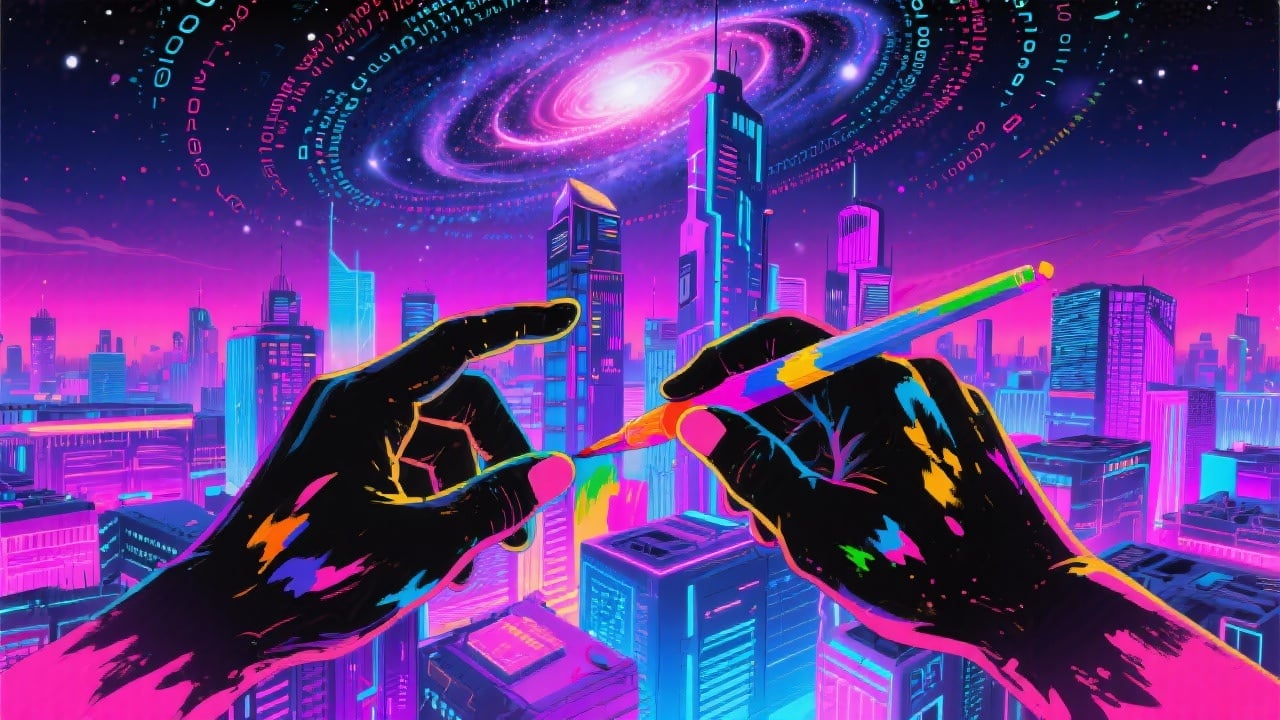
Hyper-Customizable Color Palettes
Craft the perfect synthwave mood with an unlimited array of custom color palettes. Input specific hexadecimal codes or use our intuitive color picker to define gradients, highlights, and shadows, ensuring your background perfectly matches your desired aesthetic.
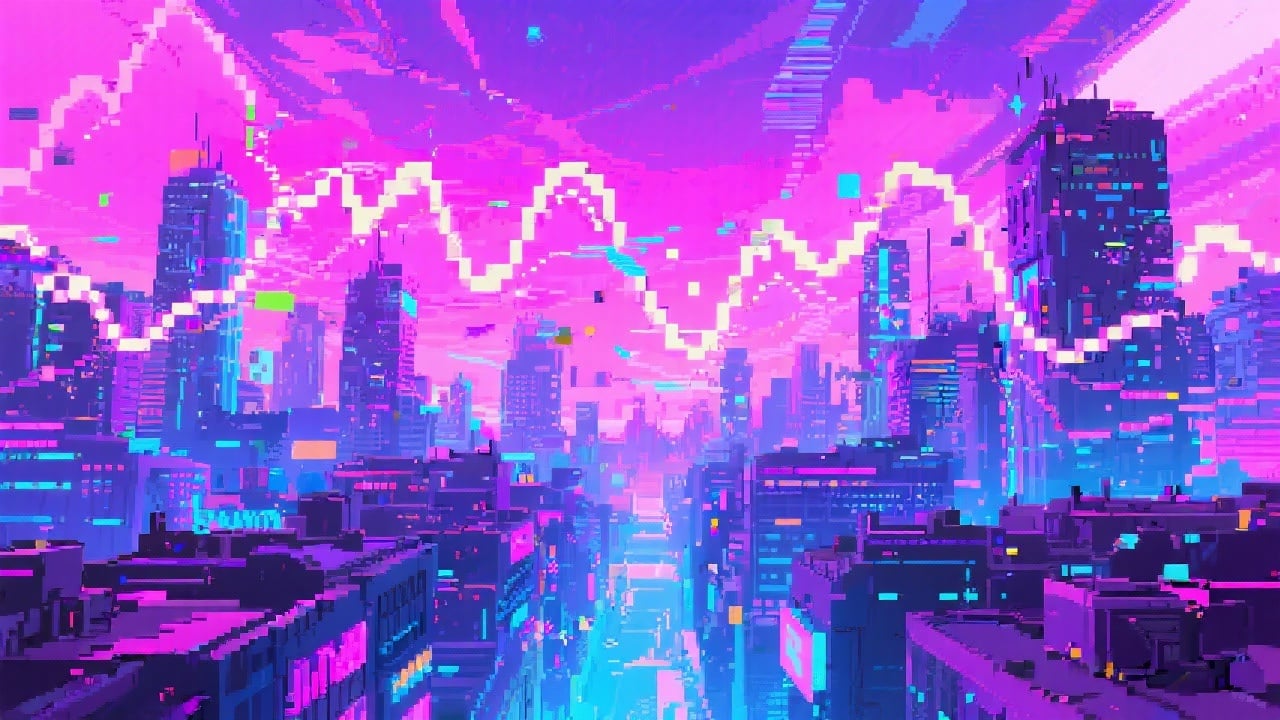
Authentic Glitch Effects
Infuse your synthwave backgrounds with realistic digital artifacts and glitches. Our algorithm simulates the look of corrupted data and signal degradation, adding a layer of gritty realism that sets your visuals apart. Control the intensity with adjustable 'Glitch Factor' settings.
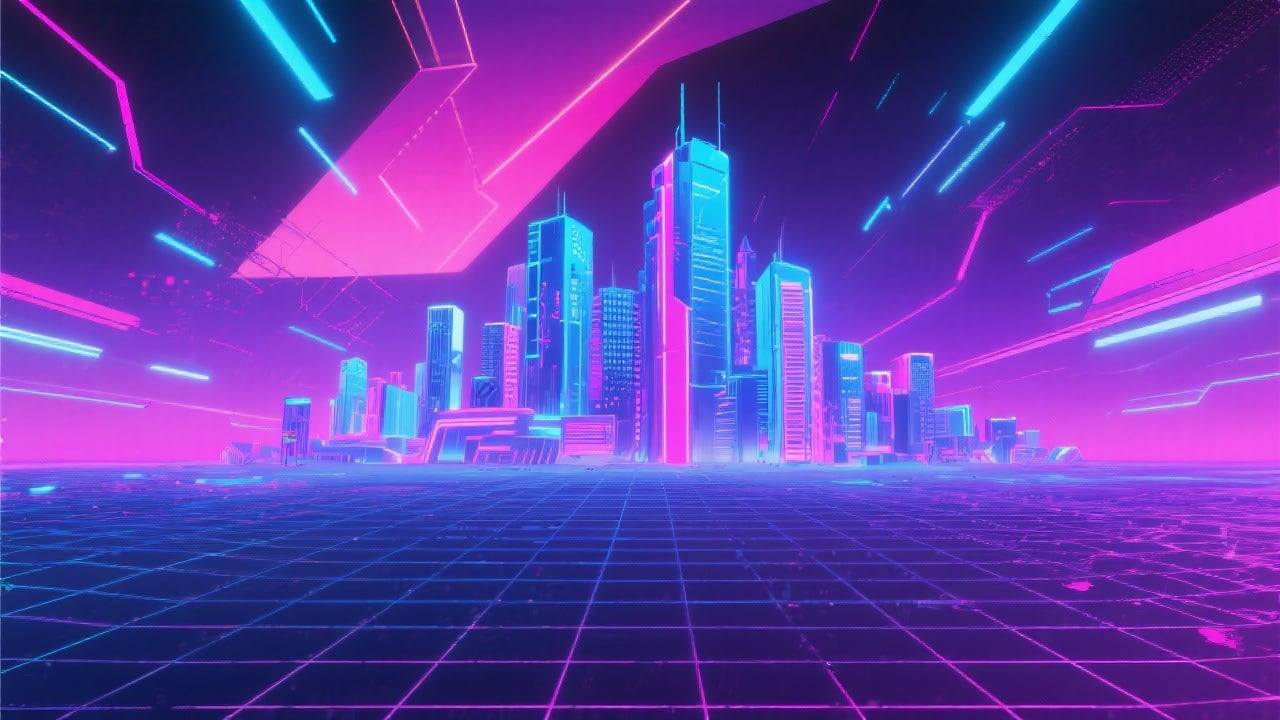
High-Resolution Output
Download your synthwave backgrounds in crystal-clear resolution up to 4K (3840x2160 pixels). Perfect for print, digital displays, and high-definition video projects, ensuring your visuals look stunning no matter the application.
FAQs
Discover related AI tools:
- 0
Browse Related Content
Explore AI-generated synthwave backgrounds artwork from our community
More From BasedLabs



Create Your Synthwave Background Now
Join millions of creators using BasedLabs to generate professional, scroll-stopping content for social media, YouTube, marketing, and more — in seconds. Produce high-quality AI-generated videos and images optimized for engagement and reach. Streamline your content workflow and scale faster.
