 AI TikTok app - Go viral!Go viral on TikTok with AI influencers, pranks & trends. Free iOS app - pay with Apple Pay or card.Get It Free →
Random Assignment Generator
Effortlessly create randomized groups or pairings for fair and unbiased assignments.

How to use Random Assignment Generator
Steps to get you started in BasedLabs.

Step 1
Enter Your List
Input the items you want to assign.
Start by typing or pasting the list of individuals, items, or categories that you want to randomly assign. Ensure each item is separated by a line break.

Step 2
Specify Group Settings
Choose the number of groups or size of each group.
Determine how many groups you want to create or the desired size of each group. The generator will then distribute the items randomly into the specified configurations.

Step 3
Generate Assignments
Click to generate the random assignments.
Once you've entered your list and specified the group settings, click the 'Generate' button to initiate the random assignment process. The results will be displayed clearly, showing the assignment for each item.
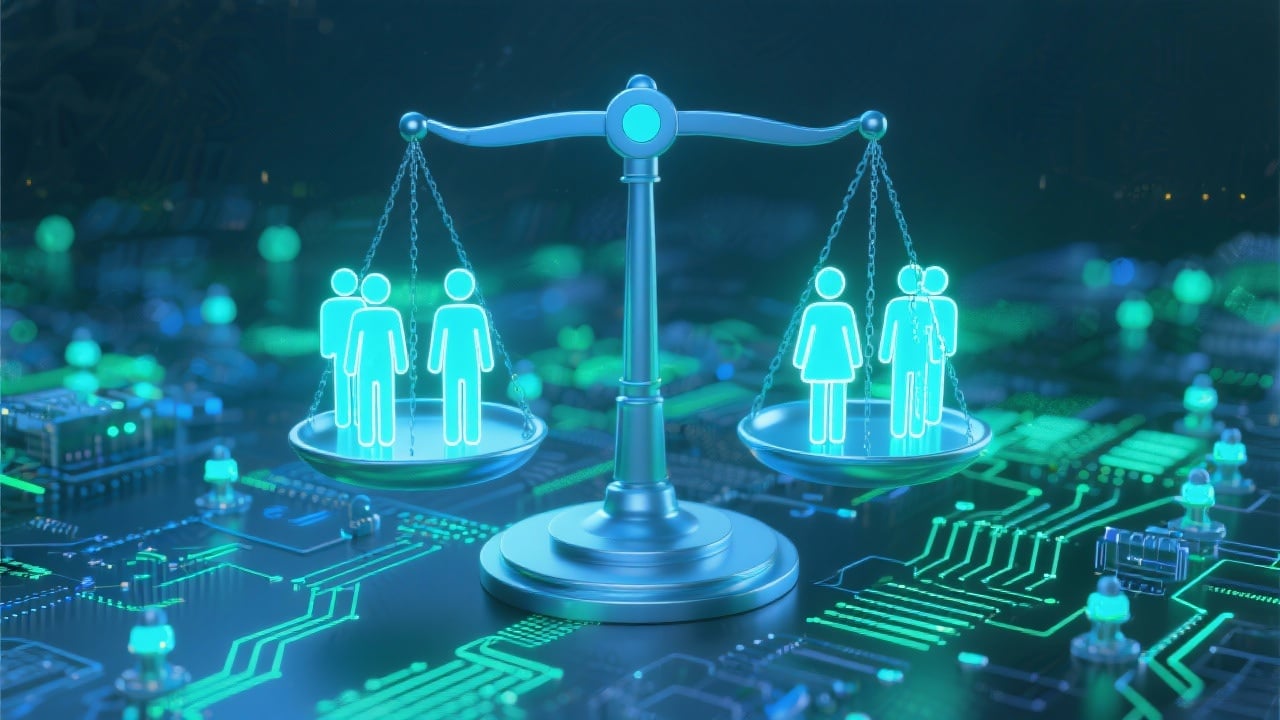
Ensure Fairness and Objectivity
Create unbiased assignments, eliminating any personal preferences or pre-existing biases that could influence group or team selection. This is crucial for fair evaluation and equal opportunities.
Save Time and Effort
Avoid the tedious and time-consuming process of manually assigning individuals or items. Our generator automates the process, saving you valuable time and effort.
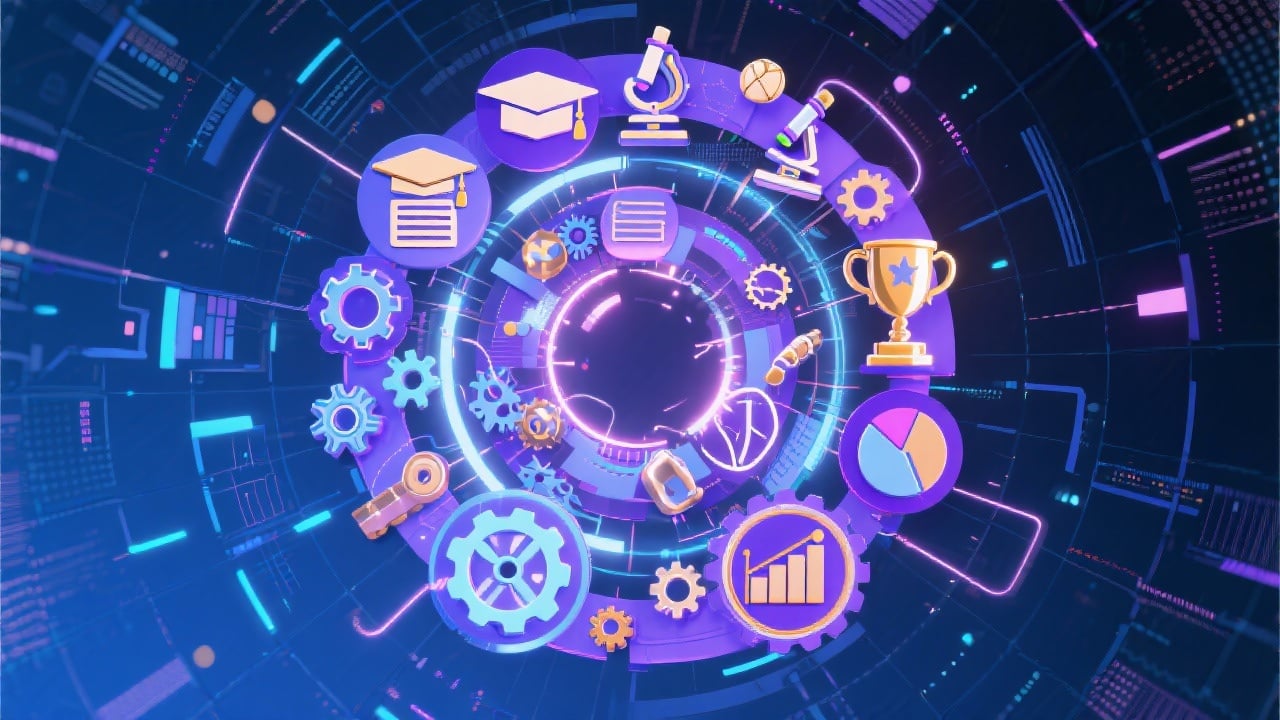
Versatile Application
Suitable for a wide range of applications, including education, research, sports, and project management, making it a valuable tool for diverse scenarios requiring random assignment.
FAQs
Discover related AI tools:
- 0
Browse Related Content
Explore AI-generated random assignment generator artwork from our community
More From BasedLabs



Ready to Generate Random Assignments?
Join millions of creators using BasedLabs to generate professional, scroll-stopping content for social media, YouTube, marketing, and more — in seconds. Produce high-quality AI-generated videos and images optimized for engagement and reach. Streamline your content workflow and scale faster.
