 AI TikTok app - Go viral!Go viral on TikTok with AI influencers, pranks & trends. Free iOS app - pay with Apple Pay or card.Get It Free →
Stitch Background
Create unique and visually appealing stitched backgrounds for your projects with our AI-powered tool.
Try a style:
How to use Stitch Background
Steps to get you started in BasedLabs.

Step 1
Select Your Stitch Style
Choose the type of stitch pattern to use.
Browse through the available stitch styles, such as cross-stitch or running stitch, and select the one that best suits your desired aesthetic.

Step 2
Customize Colors and Density
Define the color scheme and stitch density.
Use the color picker to choose the colors for the stitches and the background. Adjust the stitch density to create a tighter or looser pattern.

Step 3
Download Your Background
Save your completed stitch background.
Select the desired resolution and file format (PNG, JPG, etc.) and download your generated stitch background for use in your project.
Unique and Customizable Designs
Our AI-powered tool allows for endless customization, ensuring that your stitch background is unique and perfectly tailored to your needs.
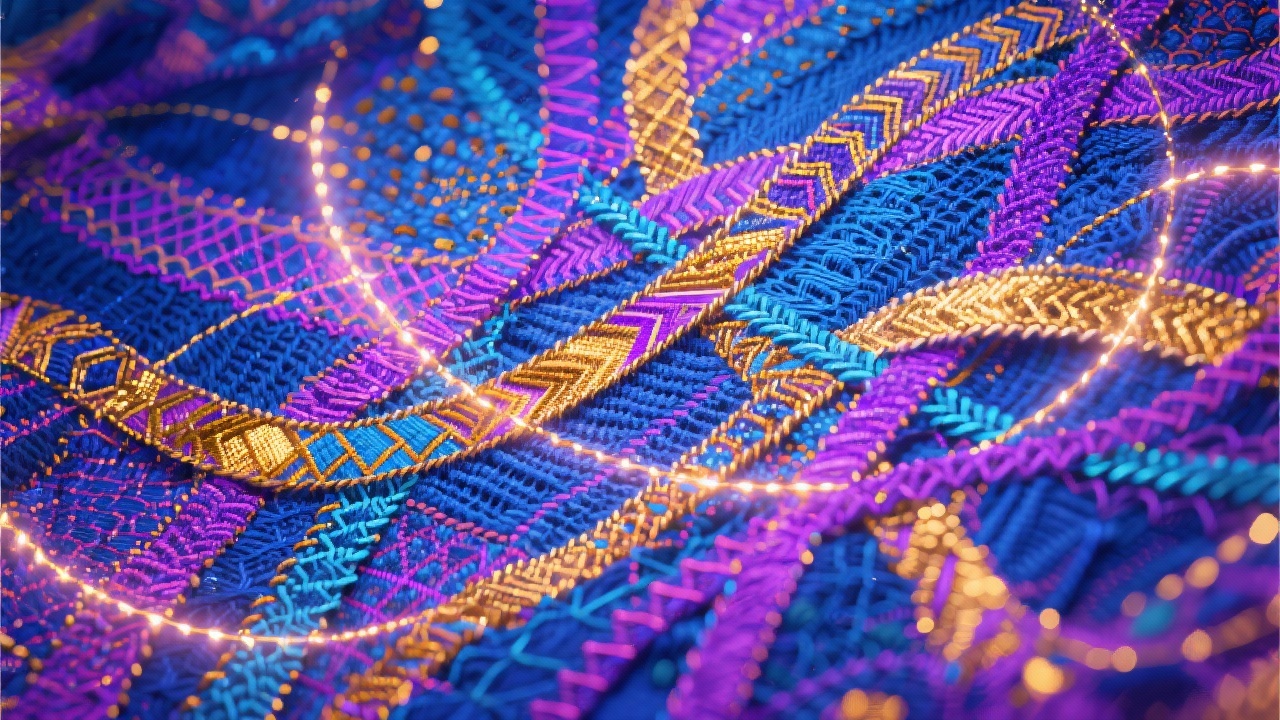
Time-Saving Solution
Say goodbye to time-consuming manual creation. Our tool generates high-quality stitch backgrounds in seconds, freeing up your time for other creative tasks.

High-Quality Output
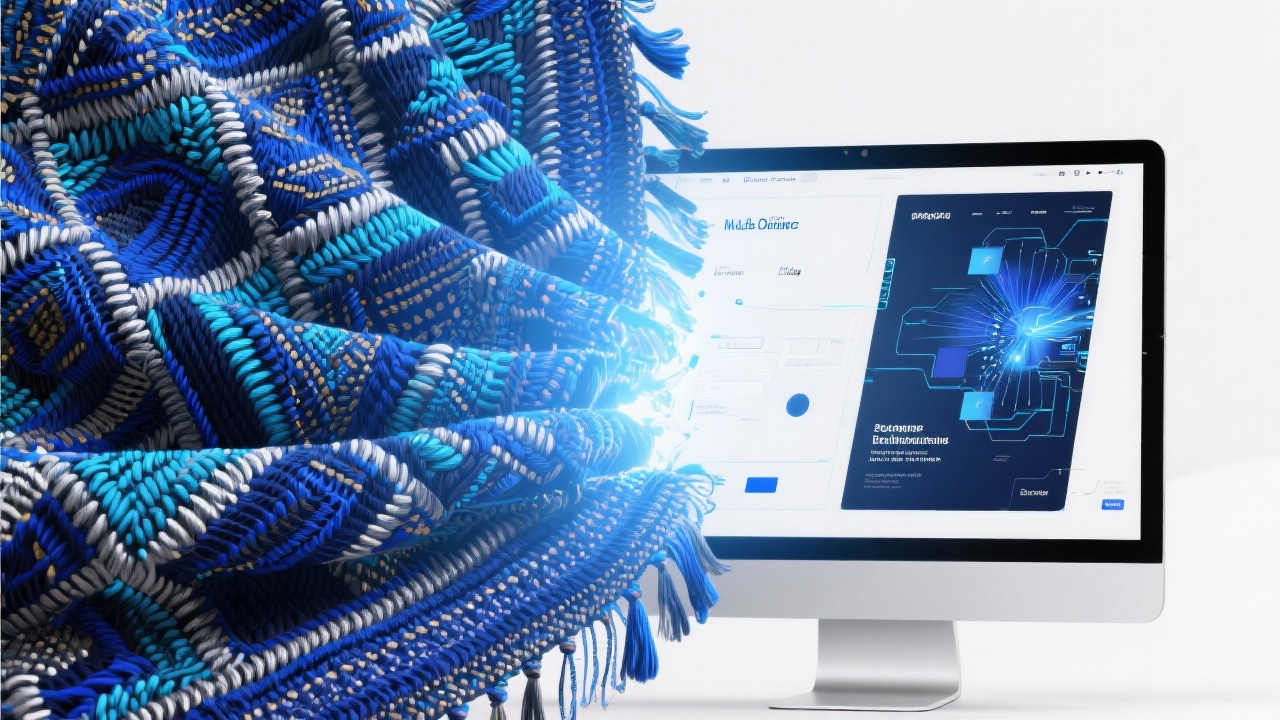
Our tool delivers high-resolution stitch backgrounds suitable for both web and print, ensuring professional-looking results every time.
FAQs
Discover related AI tools:
- 0
Browse Related Content
Explore AI-generated stitch background artwork from our community
More From BasedLabs



Create Your Stitch Background Now
Join millions of creators using BasedLabs to generate professional, scroll-stopping content for social media, YouTube, marketing, and more — in seconds. Produce high-quality AI-generated videos and images optimized for engagement and reach. Streamline your content workflow and scale faster.
