 AI TikTok app - Go viral!Go viral on TikTok with AI influencers, pranks & trends. Free iOS app - pay with Apple Pay or card.Get It Free →
fantasy map generator ai
Create stunning and unique fantasy maps in seconds with the power of AI.
Try a style:
Whether you're a dungeon master planning your next campaign, a fantasy author building an immersive world, or a game developer sketching out new territories, this AI map creator transforms your imagination into detailed cartography in moments. When you use our fantasy map generator, you'll find that it handles everything from continental coastlines to mountain ranges, forests, and rivers—all without requiring any artistic skill or specialized software knowledge.
The real power comes from how quickly you can iterate on ideas. Our users typically generate multiple map variations within minutes, experimenting with different terrain configurations until they find exactly what their world needs. You can describe the type of landscape you're envisioning—perhaps a volcanic archipelago with ancient ruins, or a frozen tundra with scattered settlements—and watch as the AI interprets your vision into a cohesive map. This makes it invaluable as one of your core worldbuilding tools, especially when you need to rapidly prototype different regions or explore "what if" scenarios for your setting.
The generated maps work seamlessly for tabletop RPG sessions, novel reference materials, or game design documentation. You'll notice that each creation maintains internal geographical logic—rivers flow downhill, cities appear near water sources, and terrain transitions feel natural—giving your fantasy world an authentic sense of place that players and readers will appreciate.
How to use fantasy map generator ai
Steps to get you started in BasedLabs.

Step 1
1. Describe Your World
Provide Details for the AI
Start by describing the type of world you want to create. Include details such as climate, dominant terrain, and desired level of detail. The more information you give, the better the AI can generate a map that matches your vision.

Step 2
2. Generate the Map
Let the AI Work Its Magic
Once you've provided the description, click the 'Generate Map' button. The AI will process your input and create a unique fantasy map based on your specifications. This process may take a few seconds or minutes, depending on the complexity of the map.

Step 3
3. Customize and Export
Refine Your Map and Save It
After the map is generated, you can customize it further by adding labels, editing terrain, and adjusting colors. Once you're satisfied with the result, export the map in your desired file format (e.g., PNG, JPG) for use in your projects.
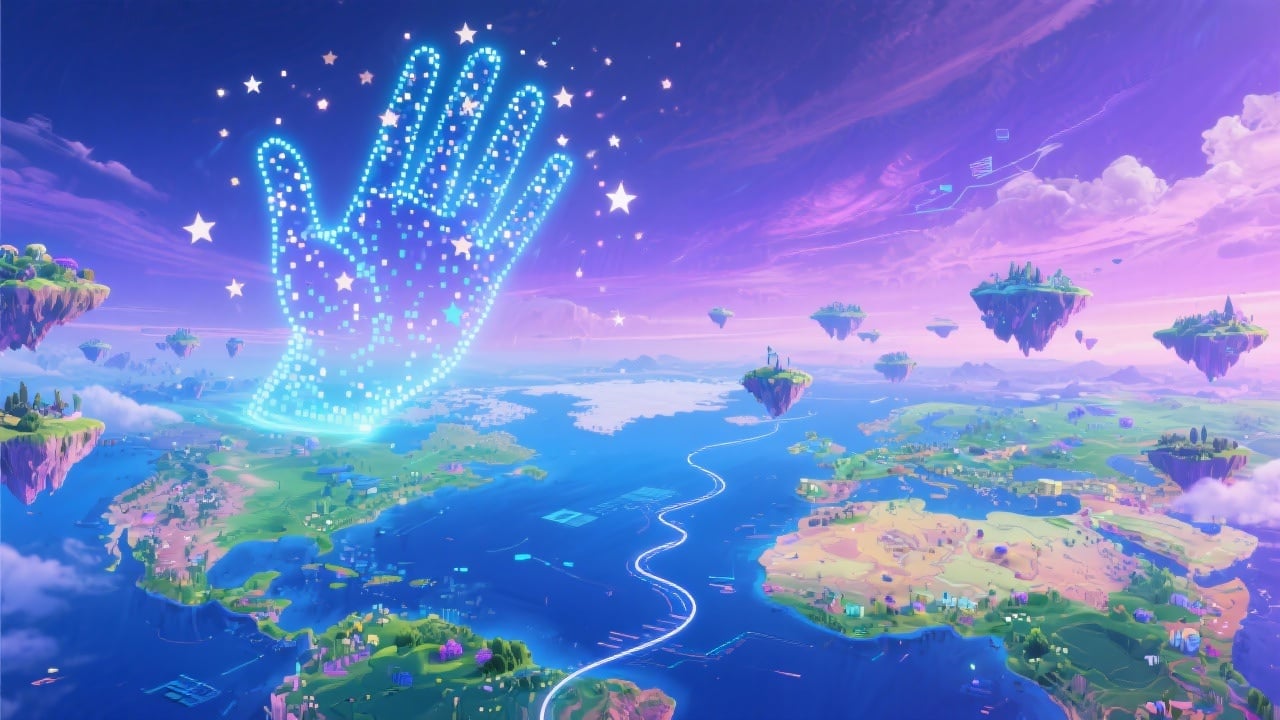
Endless Map Possibilities
Explore limitless creative possibilities with our AI-powered fantasy map generator. Whether you're a writer, game developer, or worldbuilder, our tool provides you with the means to quickly create unique and detailed maps for your projects.
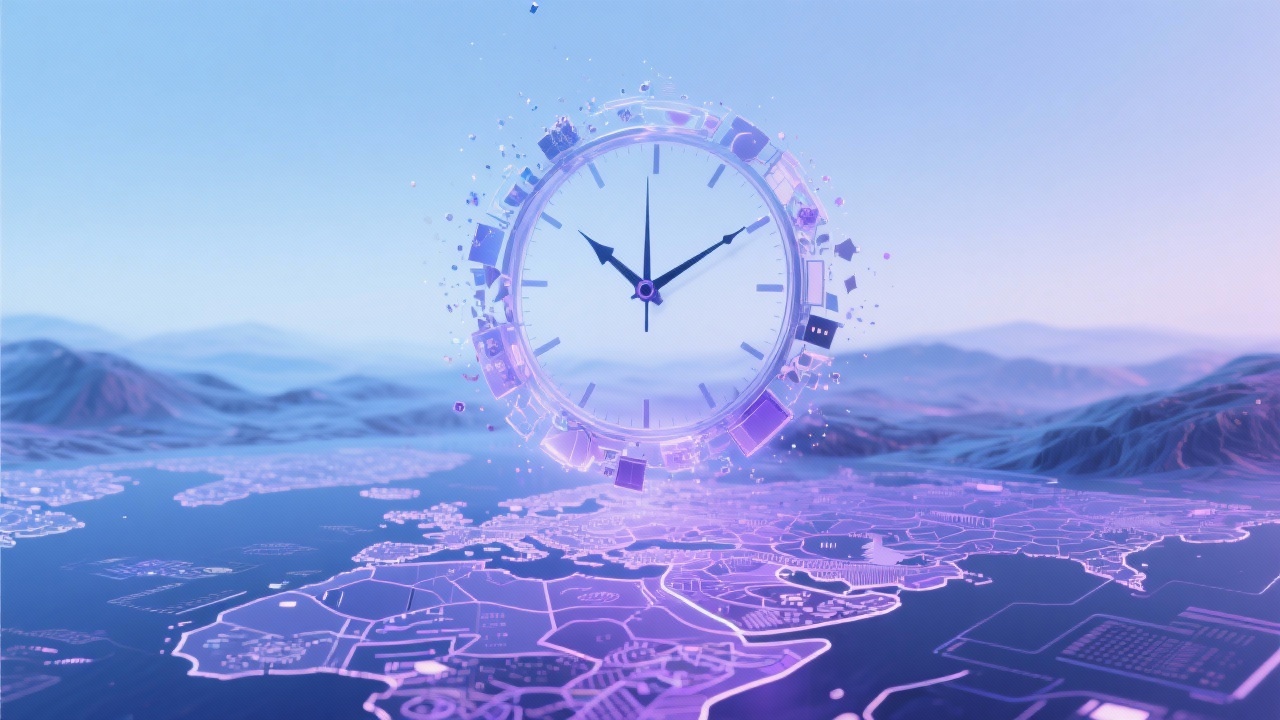
Save Time and Effort
Creating detailed fantasy maps manually can be time-consuming and require specialized skills. Our AI generator streamlines the process, allowing you to generate professional-quality maps in a fraction of the time, saving you valuable time and effort.
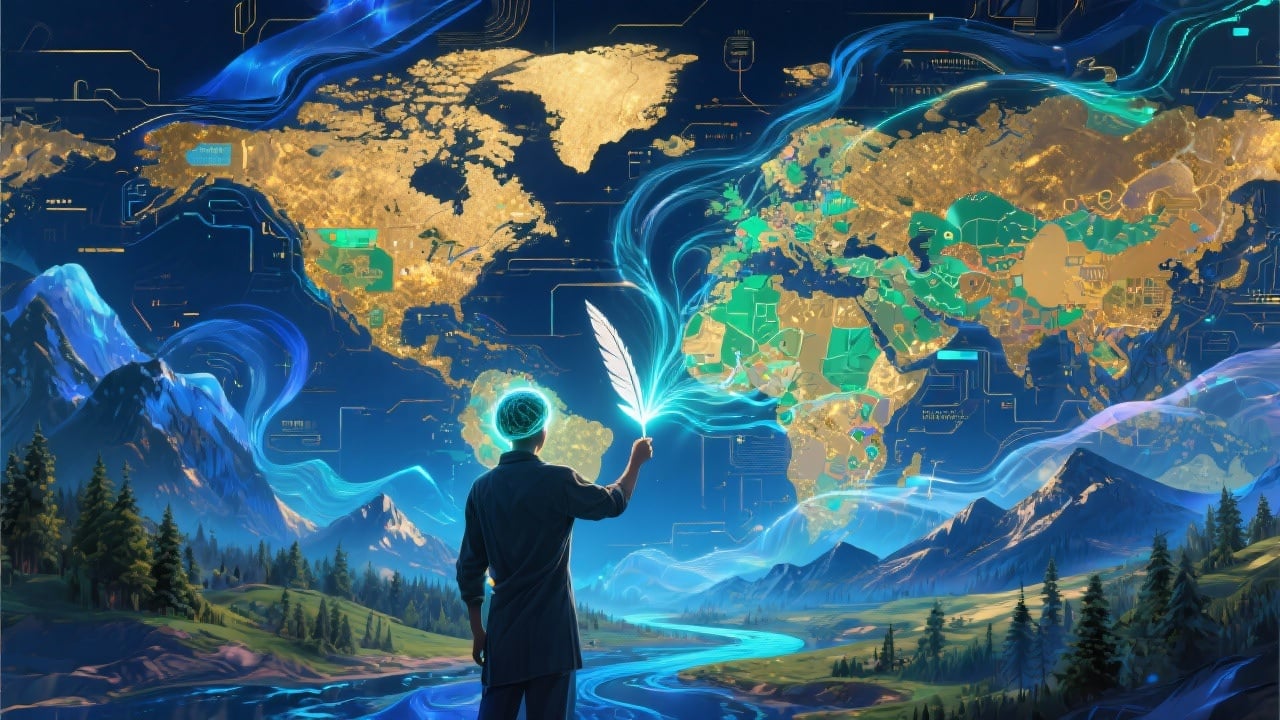
Inspire Your Creativity
Stuck on worldbuilding? Our AI generator can provide you with a spark of inspiration. Use the generated maps as a starting point for your worldbuilding process and let your imagination run wild.
FAQs
Discover related AI tools:
- 0
Browse Related Content
Explore AI-generated fantasy map generator ai artwork from our community
More From BasedLabs



Create Your Fantasy World Now
Join millions of creators using BasedLabs to generate professional, scroll-stopping content for social media, YouTube, marketing, and more — in seconds. Produce high-quality AI-generated videos and images optimized for engagement and reach. Streamline your content workflow and scale faster.
