 AI TikTok app - Go viral!Go viral on TikTok with AI influencers, pranks & trends. Free iOS app - pay with Apple Pay or card.Get It Free →
turbo tattoo ideas
Unleash hyper-realistic and dynamic turbo tattoo concepts in seconds. Our AI generates unique designs based on your specific themes, incorporating gradients and motion effects for truly cutting-edge body art inspiration.
Try a style:
When you use this turbo tattoo generator, you'll immediately notice how it transforms abstract concepts into striking visual designs that capture motion and energy. Whether you're exploring sleek automotive themes, aerodynamic patterns, or high-speed imagery for your next piece, the AI interprets your prompts and adds those signature gradient flows and motion blur effects that make designs feel alive. Our users typically start with broad concepts like "turbo engine with flames" or "speedometer needle breaking limits," then refine their results by adjusting style preferences and color intensity.
The real advantage here is experimentation without commitment. You can generate dozens of variations in minutes, exploring different angles, color schemes, and compositional approaches that would take hours to sketch traditionally. Try combining mechanical elements with organic forms—think turbo chargers wrapped in floral patterns or speed lines integrated with geometric mandalas. You'll find that the AI excels at creating those intricate gradient transitions and depth effects that give dynamic tattoo designs their eye-catching dimensionality.
Before heading to your tattoo artist, save multiple versions of your favorite concepts. Professional tattooers can use these AI-generated designs as starting points, adapting the proportions and details to fit your body's contours while maintaining that kinetic energy you're after. The tool works especially well for sleeve concepts, back pieces, and larger canvases where motion effects truly shine.
How to use turbo tattoo ideas
Steps to get you started in BasedLabs.

Step 1
Define Your Turbo Vision
Craft a detailed prompt.
Start by clearly defining your desired 'turbo' aesthetic. Be specific: "biomechanical arm tattoo, turbo boosters, glowing energy lines" is much better than just "cool tattoo." Include keywords like 'speed', 'velocity', 'futuristic', and 'dynamic' to guide the AI's interpretation. Add a style modifier like 'hyperrealism' or 'cyberpunk' for a distinct look.

Step 2
Iterate and Refine
Use prompts and edit parameters
Once you have an initial design, don't settle. Use the 'Variations' feature to generate similar designs with subtle differences. Experiment with different prompt keywords, styles, and even artists (mimicking styles can yield unique results). Pay attention to detail: refine the prompt to emphasize or de-emphasize specific elements until you achieve your desired outcome. Use the inpainting tool to fix any imperfections.

Step 3
Prepare for Your Artist
Upscale and clean up your chosen design.
Before bringing the AI-generated design to your tattoo artist, upscale the image using our built-in upscaler to at least 4K resolution. This ensures the details are sharp and clear. Also, consider using basic photo editing software to clean up any minor imperfections and remove any elements you don't want in the final tattoo. This will save your artist time and ensure a smoother transfer process.
Motion-Inspired Design
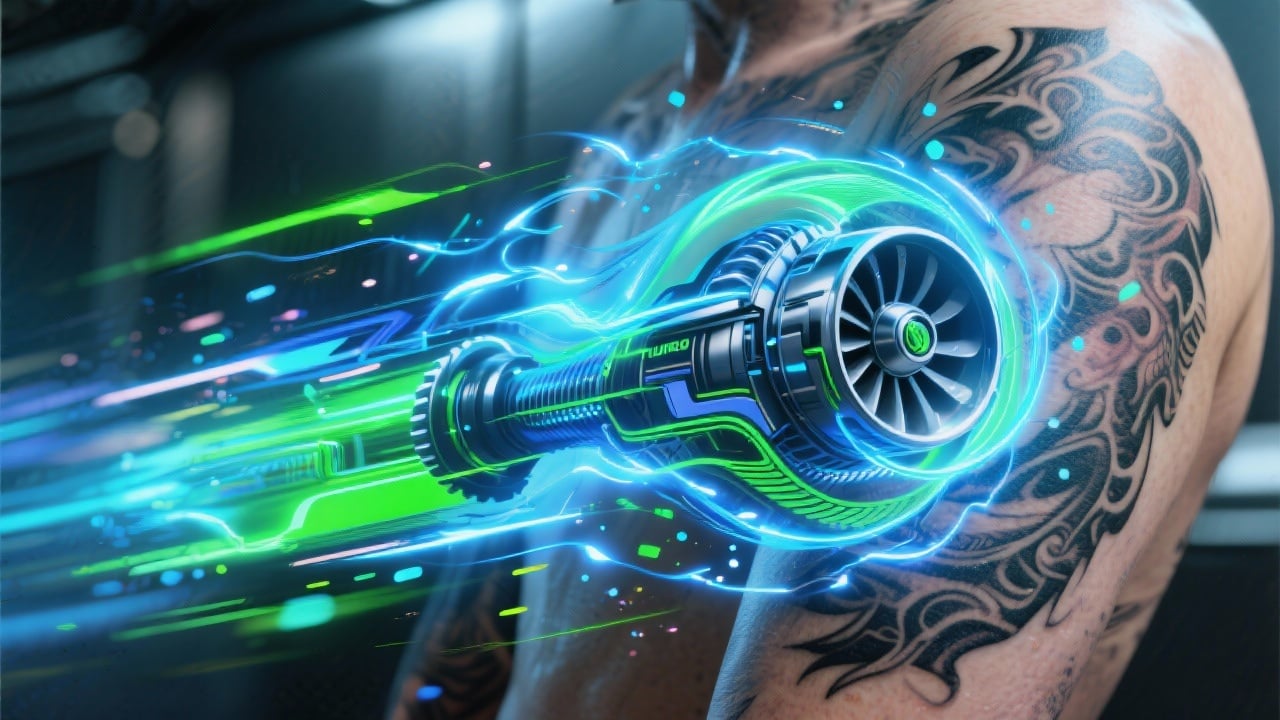
Our AI models are specifically trained on dynamic motion and speed-related imagery, resulting in tattoo designs that visually convey movement and energy. Expect to see realistic motion blur effects and subtle particle effects, emulating the look of acceleration.
Limitless Thematic Exploration
From cyberpunk-inspired turbo designs to steampunk aesthetics and even organic, nature-based 'turbo' concepts, our platform enables exploration across diverse themes. Get beyond standard tattoo styles and discover a unique interpretation of the 'turbo' aesthetic that aligns with your personal vision.

Refine to Perfection
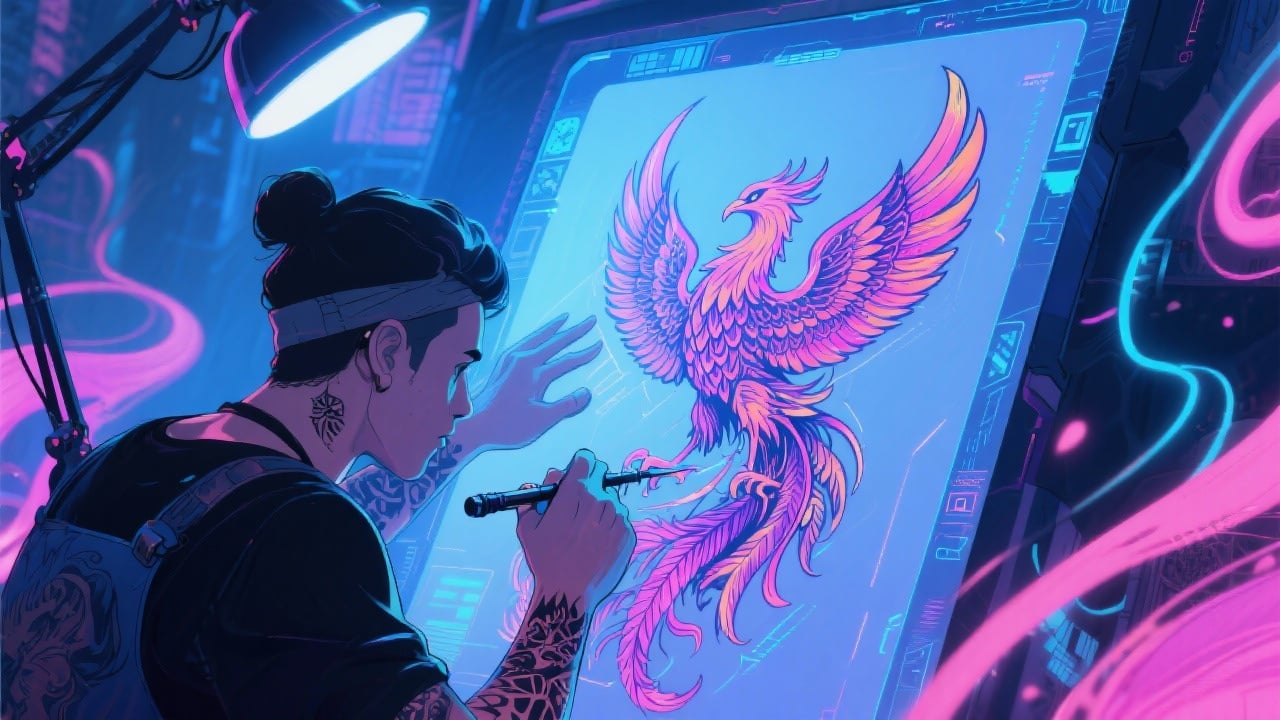
The integrated inpainting tools let you fine-tune generated tattoos. Remove unwanted elements, fix lines, add details until its exactly what you want before committing.
FAQs
Discover related AI tools:
- 0
Browse Related Content
Explore AI-generated turbo tattoo ideas artwork from our community
More From BasedLabs



Design Your Turbo Tattoo Now
Join millions of creators using BasedLabs to generate professional, scroll-stopping content for social media, YouTube, marketing, and more — in seconds. Produce high-quality AI-generated videos and images optimized for engagement and reach. Streamline your content workflow and scale faster.
