 AI TikTok app - Go viral!Go viral on TikTok with AI influencers, pranks & trends. Free iOS app - pay with Apple Pay or card.Get It Free →
Fantasy Curse Generator
Conjure unique and compelling fantasy curses for your stories, games, and creative projects.
Try these examples:
How to use Fantasy Curse Generator
Steps to get you started in BasedLabs.

Step 1
Enter Context (Optional)
Provide details about the curse.
Enter relevant keywords or phrases describing the curse's intended effect, the target of the curse, or the source of the curse's power. This will help tailor the generated curses to your specific needs.

Step 2
Generate Curses
Click the 'Generate' button.
Once you've entered your context (or decided to go with a random generation), click the button to generate a list of unique fantasy curses.

Step 3
Review and Refine
Select or modify the generated curses.
Browse the generated curses and choose the ones that best fit your project. You can also modify the curses to further personalize them or combine elements from multiple generated curses.
Save Time and Effort
Avoid the time-consuming process of brainstorming and crafting curses from scratch. Our generator provides instant inspiration and a wide selection of options.
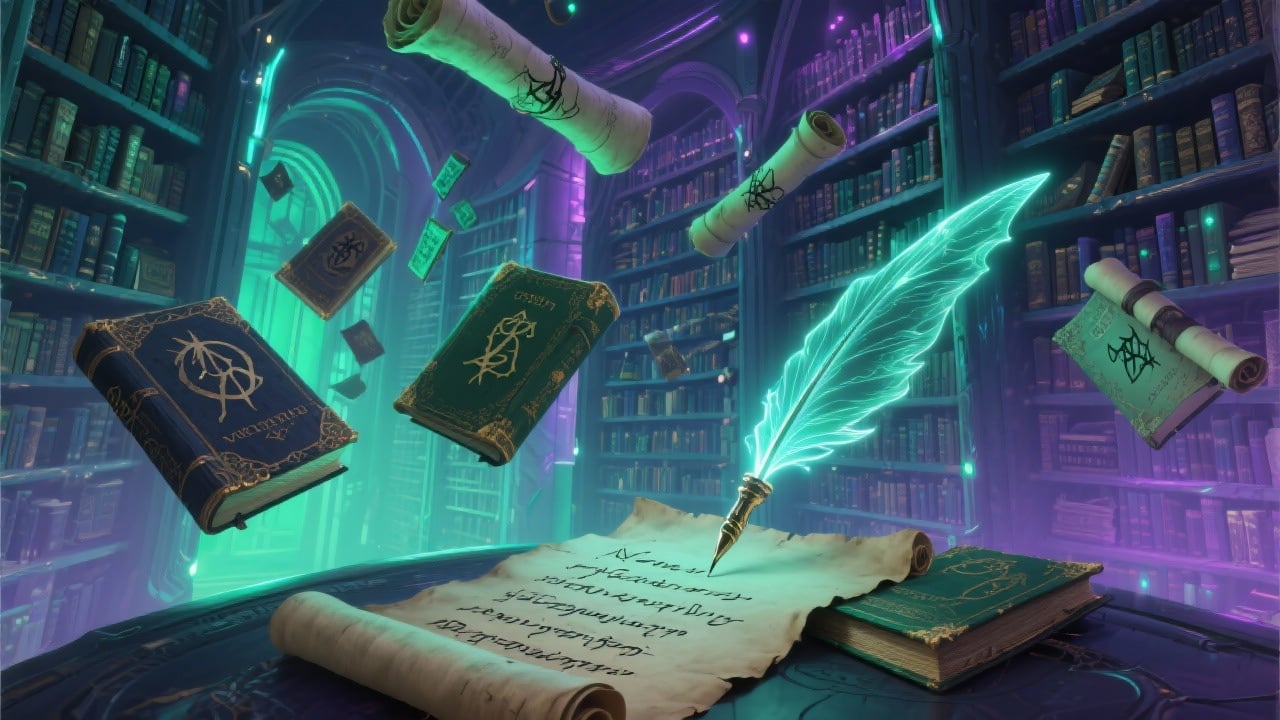
Unleash Your Creativity
Overcome writer's block and explore new creative avenues with AI-generated curses that you might not have considered otherwise.

Enhance Your Storytelling
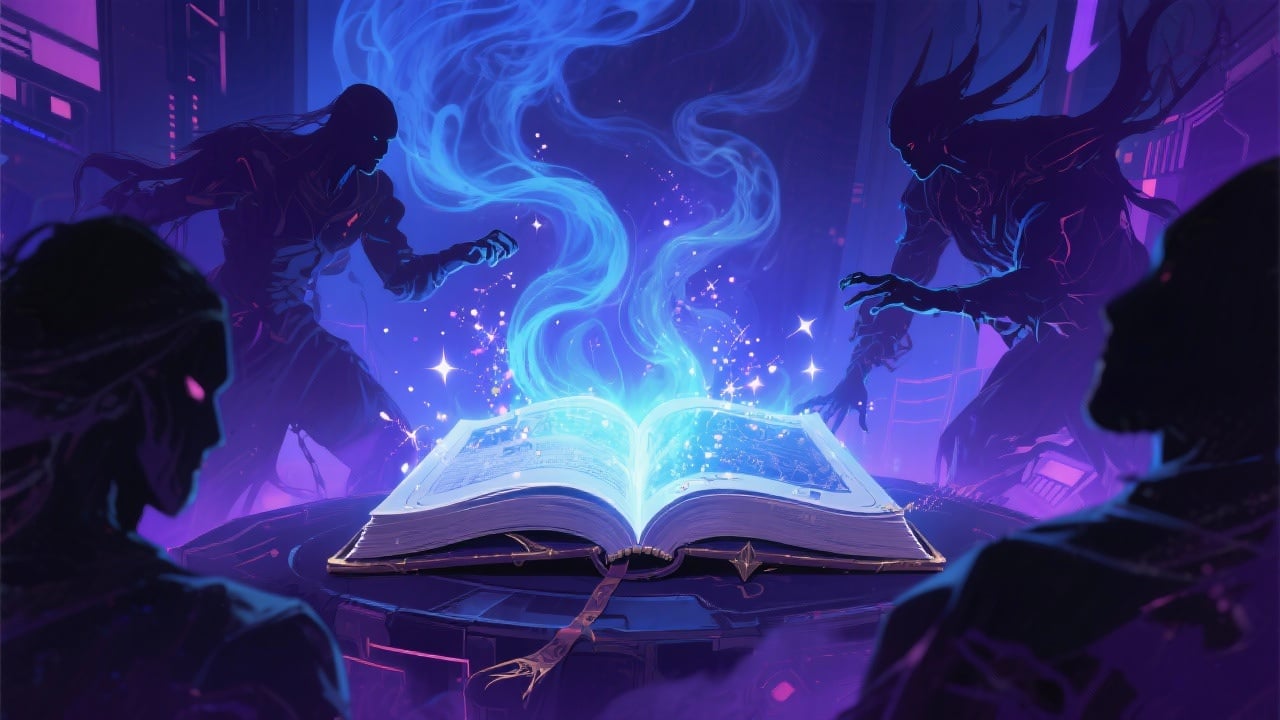
Use compelling curses to add layers of conflict, mystery, and danger to your stories, games, and role-playing campaigns.
FAQs
Discover related AI tools:
- 0
Browse Related Content
Explore AI-generated fantasy curse generator artwork from our community
More From BasedLabs



Unleash Dark Magic Now
Join millions of creators using BasedLabs to generate professional, scroll-stopping content for social media, YouTube, marketing, and more — in seconds. Produce high-quality AI-generated videos and images optimized for engagement and reach. Streamline your content workflow and scale faster.
