 AI TikTok app - Go viral!Go viral on TikTok with AI influencers, pranks & trends. Free iOS app - pay with Apple Pay or card.Get It Free →
Outfit Theme Wheel
Generate unique and creative outfit themes to inspire your wardrobe and event style.
Try these examples:
When you use this outfit theme generator, you'll discover an effortless way to break out of style ruts and explore fashion directions you might never have considered on your own. Whether you're planning a themed party, organizing a photoshoot, curating content for social media, or simply want to refresh your everyday wardrobe, the randomized approach helps eliminate decision paralysis and sparks genuine creativity. Our users typically find that the unexpected combinations—like "Vintage Cyberpunk" or "Cottagecore Noir"—push them to mix pieces in ways they wouldn't have thought of otherwise.
The tool proves especially valuable for content creators, event planners, and fashion enthusiasts who need fresh clothing theme ideas on demand. You'll find that spinning the wheel multiple times can generate a month's worth of style inspiration in minutes, perfect for planning Instagram outfit grids or themed events. The beauty of the random generation is that it forces you to work with constraints creatively—if you land on "Tropical Minimalist," for example, you'll need to thoughtfully balance bold patterns with clean silhouettes. Many users save their favorite generated themes in a notes app and gradually build outfits around them, treating each result as a mini creative challenge that keeps their style evolution exciting and intentional.
How to use Outfit Theme Wheel
Steps to get you started in BasedLabs.

Step 1
Spin the Wheel
Initiate the theme generation process.
Click the "Spin" or "Generate" button to activate the Outfit Theme Wheel. Wait for it to select a random theme.

Step 2
Review the Generated Theme
Analyze the suggested outfit theme.
Carefully read the generated theme. Consider the key elements and overall vibe it suggests for your outfit.

Step 3
Incorporate the Theme into Your Outfit
Translate the theme into a real-world outfit.
Use the generated theme as inspiration to create your outfit. Consider the colors, styles, and overall feel of the theme when selecting your clothing and accessories.
Endless Inspiration
Never run out of outfit ideas. The Outfit Theme Wheel provides a constant source of inspiration for your daily attire.
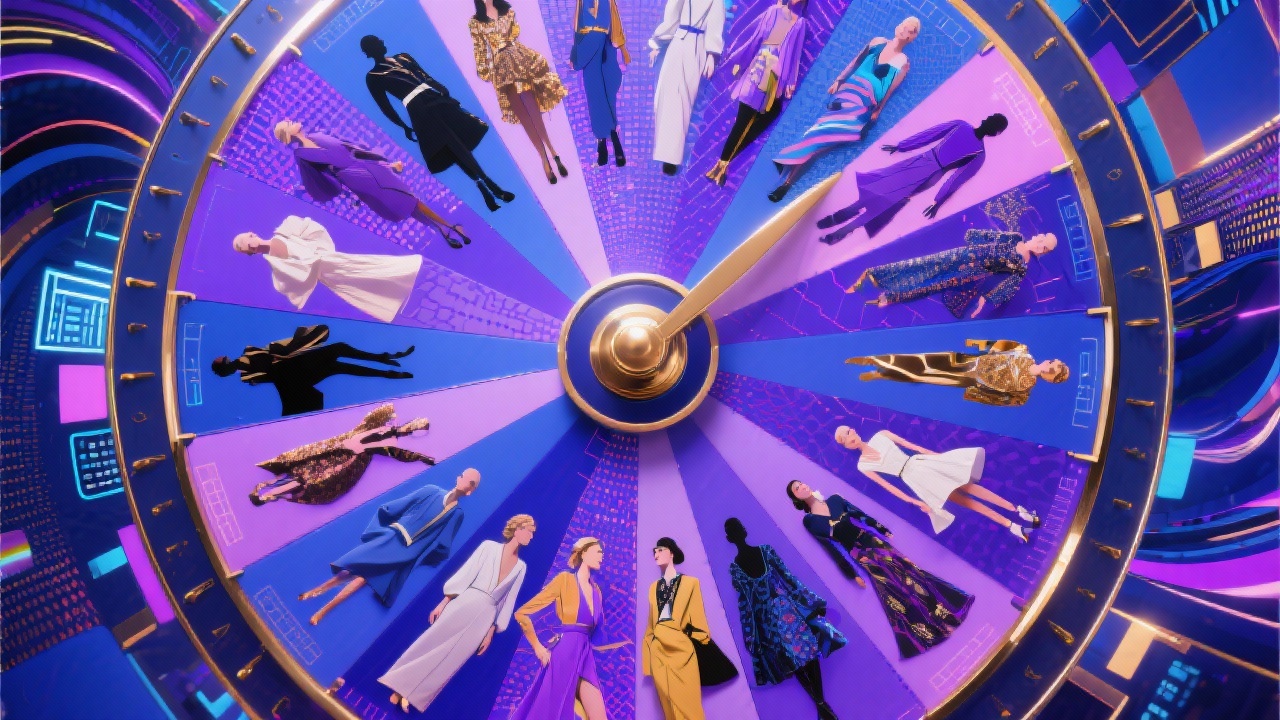
Event-Ready Style
Easily generate outfit themes tailored to specific events, ensuring you're always dressed appropriately and stylishly.
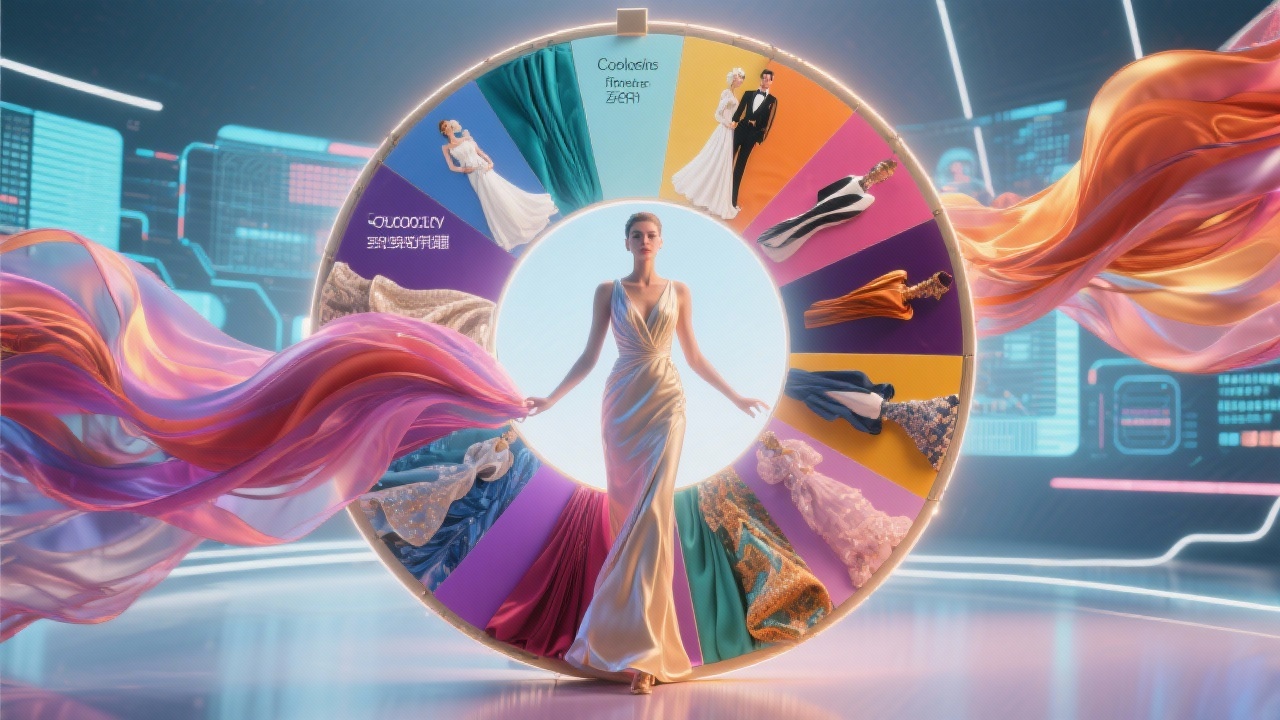
Express Your Creativity
The Outfit Theme Wheel encourages you to explore new fashion choices and express your unique personality through your clothing.
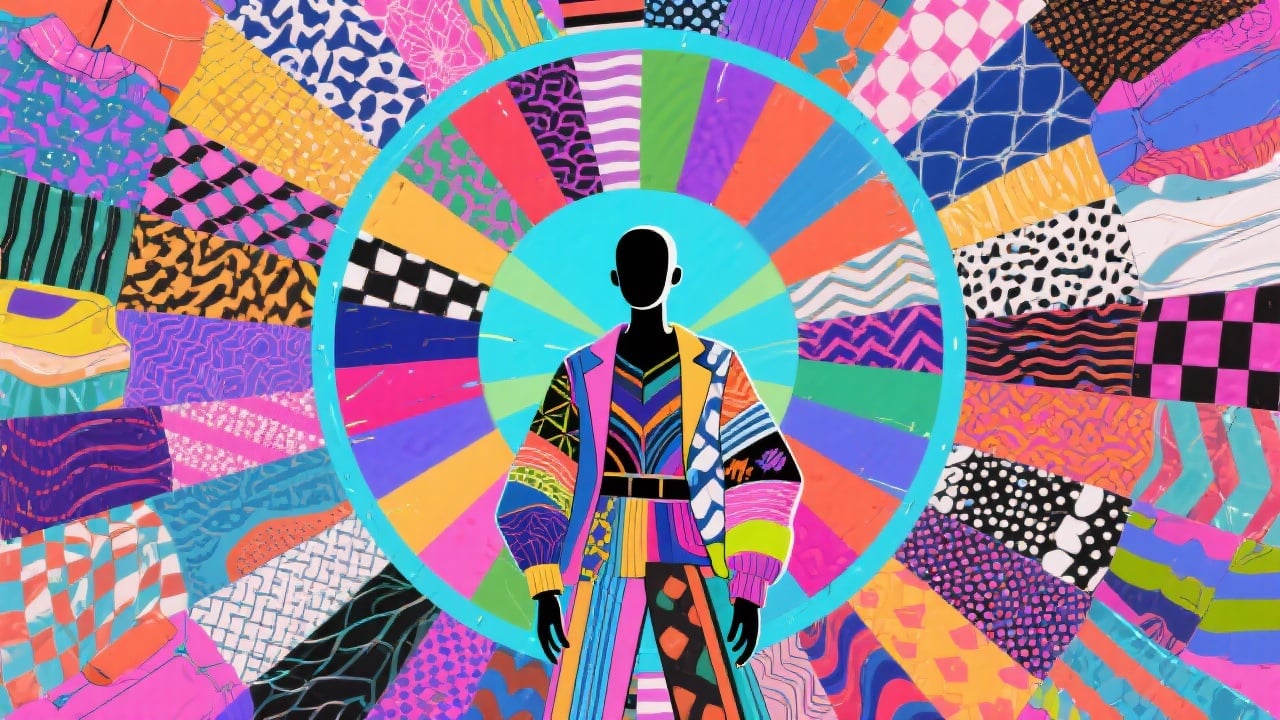
FAQs
Discover related AI tools:
- 0
Browse Related Content
Explore AI-generated outfit theme wheel artwork from our community
More From BasedLabs



Spin the Outfit Theme Wheel
Join millions of creators using BasedLabs to generate professional, scroll-stopping content for social media, YouTube, marketing, and more — in seconds. Produce high-quality AI-generated videos and images optimized for engagement and reach. Streamline your content workflow and scale faster.
