 AI TikTok app - Go viral!Go viral on TikTok with AI influencers, pranks & trends. Free iOS app - pay with Apple Pay or card.Get It Free →
Kaiju Generator
Create unique and terrifying Kaiju images with our AI-powered generator.
Try a style:
When you use our Kaiju generator, you're tapping into AI technology specifically trained on the visual language of giant monsters—from classic Toho-style creatures to modern interpretations. You'll find that the tool excels at creating detailed, imposing designs with the signature elements that make Kaiju so iconic: massive scale, destructive power, and unique anatomical features. Whether you're a concept artist developing creature designs for a project, a game developer needing original monster assets, or simply a fan wanting to visualize your own colossal beast, this AI art generator delivers production-quality results in seconds.
Our users typically start by describing the type of Kaiju they envision—specifying characteristics like "armored reptilian monster with crystalline spines" or "bioluminescent aquatic creature with tentacles." The more specific you are with details like texture, color schemes, and distinctive features, the more aligned your results will be with your vision. Many creators use the tool iteratively, generating multiple variations and refining their prompts based on what works best.
The practical applications extend beyond personal projects. Content creators use generated Kaiju for YouTube thumbnails, tabletop game campaigns, comic book concepts, and social media art. Since each generation produces unique imagery, you're getting original monster designs rather than recycled stock images—perfect for establishing a distinctive visual identity for your creative work.
How to use Kaiju Generator
Steps to get you started in BasedLabs.

Step 1
Describe Your Kaiju
Use descriptive keywords
Start by inputting descriptive keywords or phrases that define the type of Kaiju you want to generate. Consider elements like size, color, features (horns, scales, claws), and the environment it inhabits. Be as specific as possible to guide the AI's creation.

Step 2
Generate the Image
Let the AI work its magic
Once you've provided your description, click the 'Generate' button. The AI will process your input and create a unique Kaiju image based on your specifications. This process may take a few moments depending on the complexity of the image.

Step 3
Download and Share
Save your creation
Once the image is generated, you can download it to your device. You can then use the image for various purposes, such as personal art projects, concept design, or sharing on social media. Remember to check the usage rights before using the image for commercial purposes.
Unleash Your Creativity
Generate endless variations of colossal monsters, limited only by your imagination. Explore different designs and bring your wildest Kaiju concepts to life.
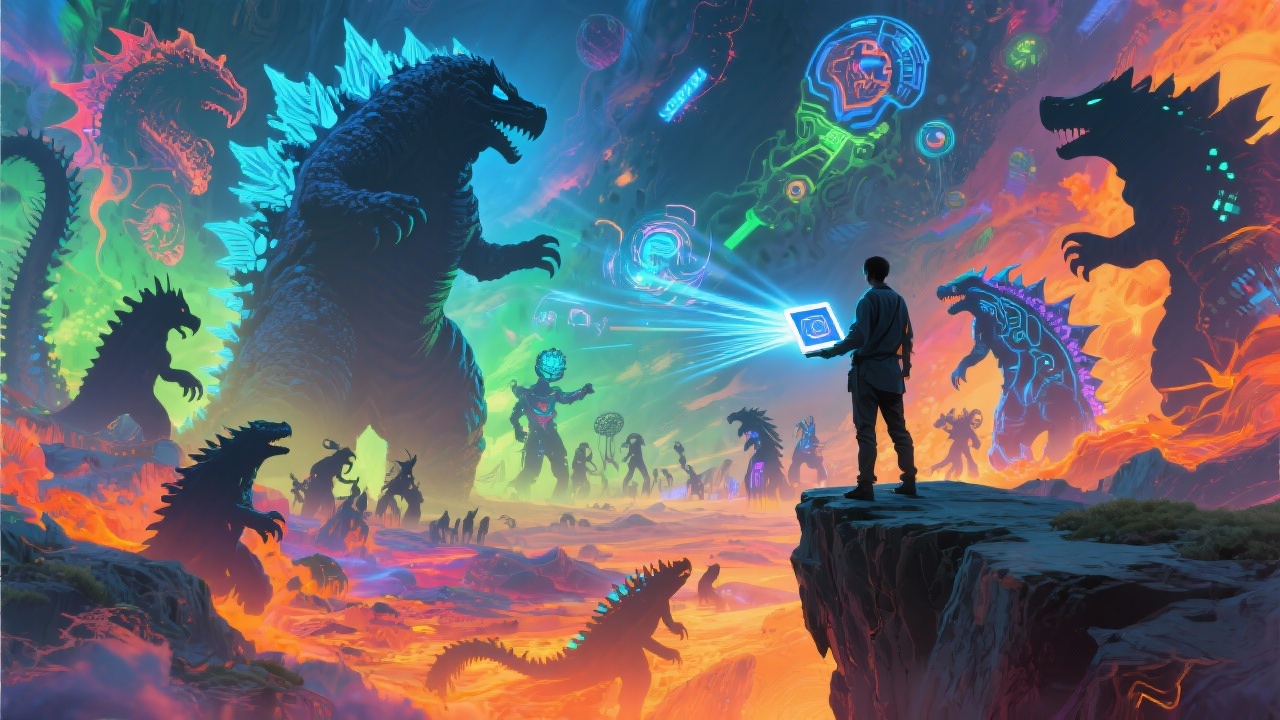
Save Time and Resources
Instead of spending hours or days drawing or commissioning Kaiju art, create stunning visuals in seconds with our AI-powered generator. Perfect for concept artists, game developers, and hobbyists.
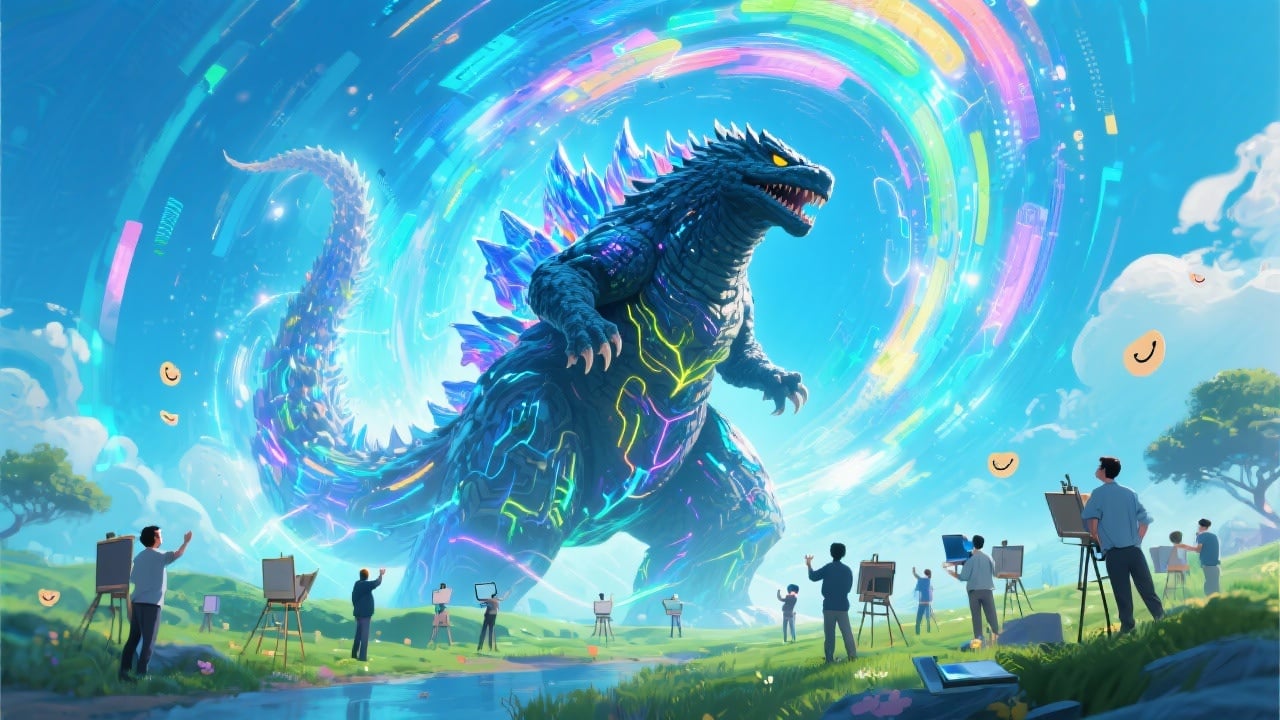
Get Inspired
Use the Kaiju Generator as a source of inspiration for your own creative projects. Explore different combinations of features and elements to spark new ideas and push your artistic boundaries.
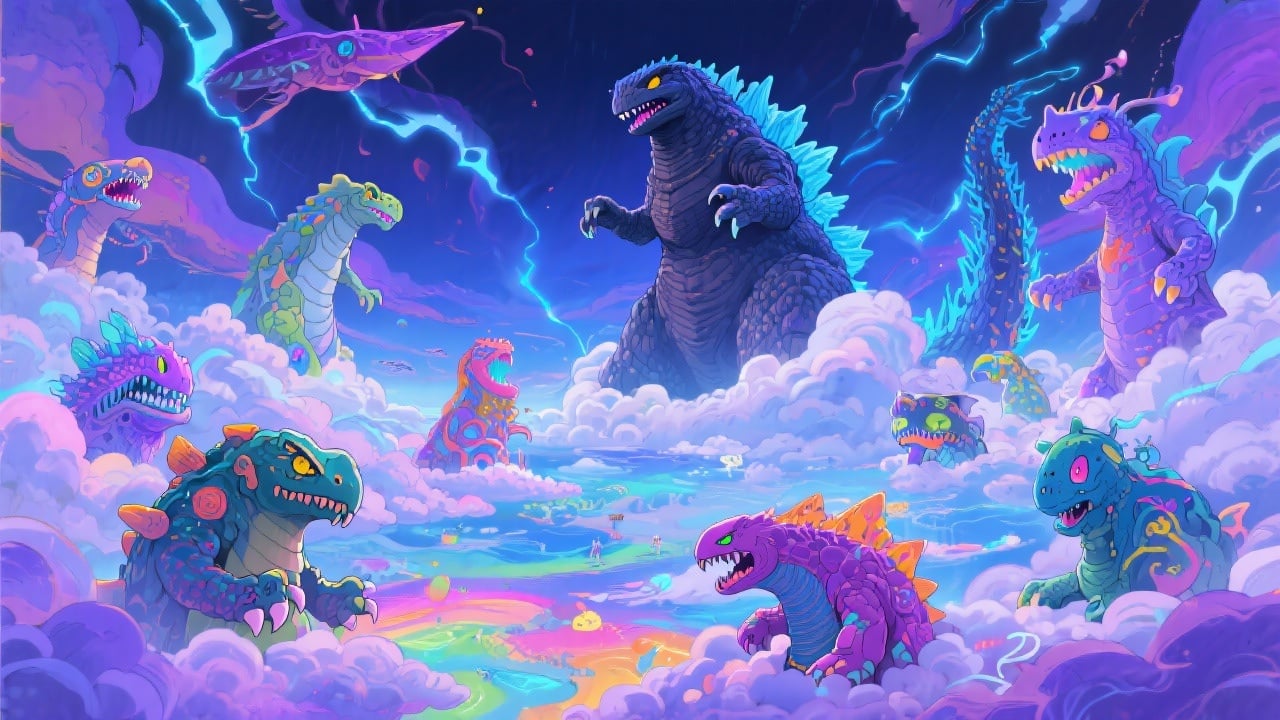
FAQs
Discover related AI tools:
- 0
Browse Related Content
Explore AI-generated kaiju generator artwork from our community
More From BasedLabs



Create Your Kaiju Now!
Join millions of creators using BasedLabs to generate professional, scroll-stopping content for social media, YouTube, marketing, and more — in seconds. Produce high-quality AI-generated videos and images optimized for engagement and reach. Streamline your content workflow and scale faster.
