 AI TikTok app - Go viral!Go viral on TikTok with AI influencers, pranks & trends. Free iOS app - pay with Apple Pay or card.Get It Free →
Stick and Poke Tattoo Ideas
Discover unique and inspiring stick and poke tattoo designs for your next DIY ink.
Try a style:
Finding the perfect design for your hand poked tattoo can be challenging, especially when you're working with the deliberate, methodical nature of stick and poke. That's where our AI-powered generator comes in handy. When you use this tool, you'll discover designs that are specifically optimized for the hand-poke technique—think clean lines, bold shapes, and imagery that translates beautifully to the dotwork style. Our users typically start by exploring simple geometric patterns, minimalist symbols, or small nature-inspired motifs that work perfectly for DIY applications.
The beauty of generating stick and poke tattoo ideas with AI is the ability to iterate quickly and preview countless variations before committing ink to skin. You'll find that certain designs—like delicate florals, celestial symbols, or abstract line art—are particularly well-suited for the hand-poked aesthetic. The tool helps you visualize how different concepts will look at various sizes and placements, which is crucial since stick and poke tattoos require more time and precision than machine work. Whether you're a beginner looking for your first simple design or an experienced DIY artist seeking fresh inspiration, you can experiment with styles, adjust complexity levels, and save your favorites to reference during your actual tattooing session.
How to use Stick and Poke Tattoo Ideas
Steps to get you started in BasedLabs.

Step 1
Find Inspiration
Explore our AI generated images to discover the perfect stick and poke design.
Browse the gallery for unique patterns, minimalist designs, and creative ideas. Save your favorites for future reference and use them as inspiration for your own unique creation.

Step 2
Customize Your Design
Modify and personalize the generated images to match your vision.
Use image editing software or sketch variations of the designs to create a truly one-of-a-kind tattoo. Consider size, placement, and your personal style to make it your own.

Step 3
Plan Your Tattoo
Prepare your workspace and gather all necessary sterilized supplies.
Ensure a clean and sterile environment. Gather sterile needles, tattoo ink, disinfectant, stencils (if desired), gloves, and aftercare supplies before you begin the tattooing process.
Endless Inspiration
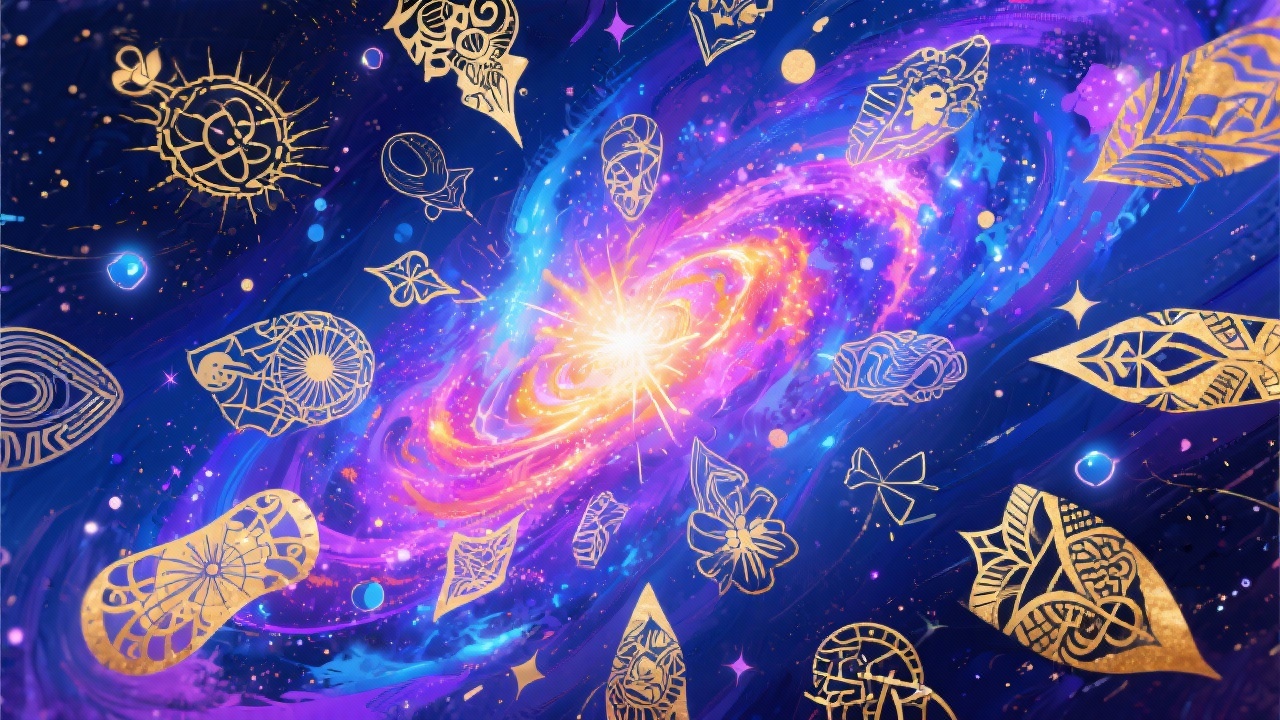
Explore a wide range of styles, from simple minimalist designs to intricate patterns, all generated by AI. Find the perfect starting point for your DIY tattoo.
Personalized Designs
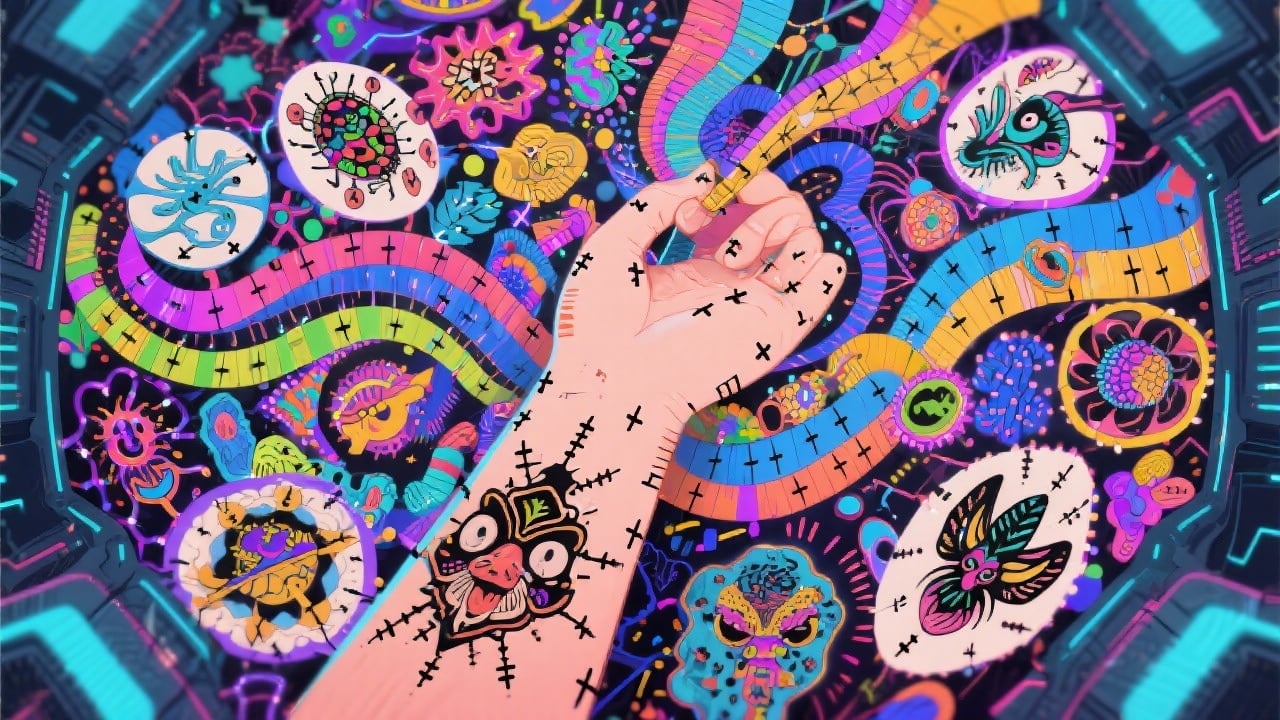
Use the generated images as a base and modify them to fit your preferences. Change colors, add details, or combine elements from different designs to create something truly unique.
Save Time and Effort
Avoid spending hours searching for inspiration online. Our AI-powered generator provides a curated collection of designs, saving you time and allowing you to focus on the creative process.
FAQs
Discover related AI tools:
- 0
Browse Related Content
Explore AI-generated stick and poke tattoo ideas artwork from our community
More From BasedLabs



Get Inspired!
Join millions of creators using BasedLabs to generate professional, scroll-stopping content for social media, YouTube, marketing, and more — in seconds. Produce high-quality AI-generated videos and images optimized for engagement and reach. Streamline your content workflow and scale faster.
