 AI TikTok app - Go viral!Go viral on TikTok with AI influencers, pranks & trends. Free iOS app - pay with Apple Pay or card.Get It Free →
ai monster generator
Create unique and terrifying monsters with the power of artificial intelligence!
Try a style:
When you use this tool, you'll discover how quickly you can bring nightmarish creatures to life without any drawing skills. Simply describe the monster you're envisioning—whether it's a shadowy demon with crystalline horns, a bioluminescent deep-sea abomination, or a cybernetic beast from a post-apocalyptic wasteland—and watch as the AI monster generator transforms your words into detailed visual artwork. Our users typically experiment with different descriptive styles, finding that specific details about textures, colors, and atmospheric elements produce the most striking results.
The monster creator excels across various creative projects. Game developers use it for rapid concept art prototyping, generating dozens of enemy designs before settling on final characters. Tabletop RPG enthusiasts create custom creatures for their campaigns, while writers visualize antagonists from their horror and fantasy novels. You'll find that combining unexpected elements—like mixing organic and mechanical features, or blending creatures from different mythologies—often yields the most original monster designs.
For best results, try including lighting conditions and environmental context in your prompts. A "forest-dwelling creature with moss-covered scales" produces different atmospheric qualities than simply "scaled creature." Don't hesitate to iterate either—generating multiple variations with slight prompt adjustments helps you refine your vision and discover creative directions you hadn't initially considered.
How to use ai monster generator
Steps to get you started in BasedLabs.

Step 1
Enter a Description
Describe your desired monster.
Provide a detailed description of the monster you want to create. Include details about its appearance, environment, and any special abilities it might have. The more detail you provide, the better the AI can understand your vision.

Step 2
Generate Your Monster
Let the AI do its magic.
Click the "Generate" button to start the AI's monster creation process. This may take a few moments depending on the complexity of your request and server load.

Step 3
Download Your Creation
Save your monstrous artwork.
Once the monster is generated, you can download the image in a variety of formats (e.g., JPG, PNG) to use in your projects. Feel free to generate multiple versions until you find the perfect monster.
Unleash Your Creativity
Our AI Monster Generator allows you to explore your imagination and create monsters you never thought possible. Perfect for writers, game developers, artists, and anyone who loves the macabre.
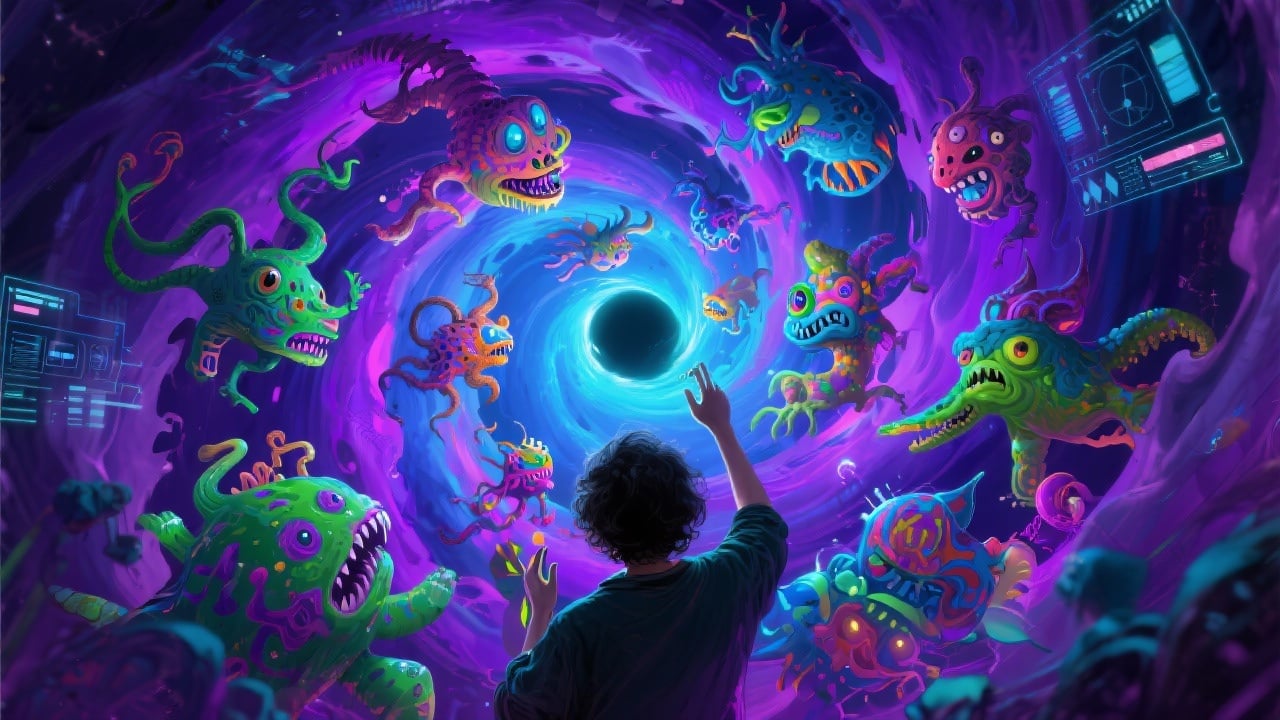
Save Time and Resources
Designing monsters from scratch can be time-consuming and challenging. Our AI Monster Generator streamlines the process, allowing you to quickly generate a variety of monster designs without the need for extensive drawing or modeling skills.
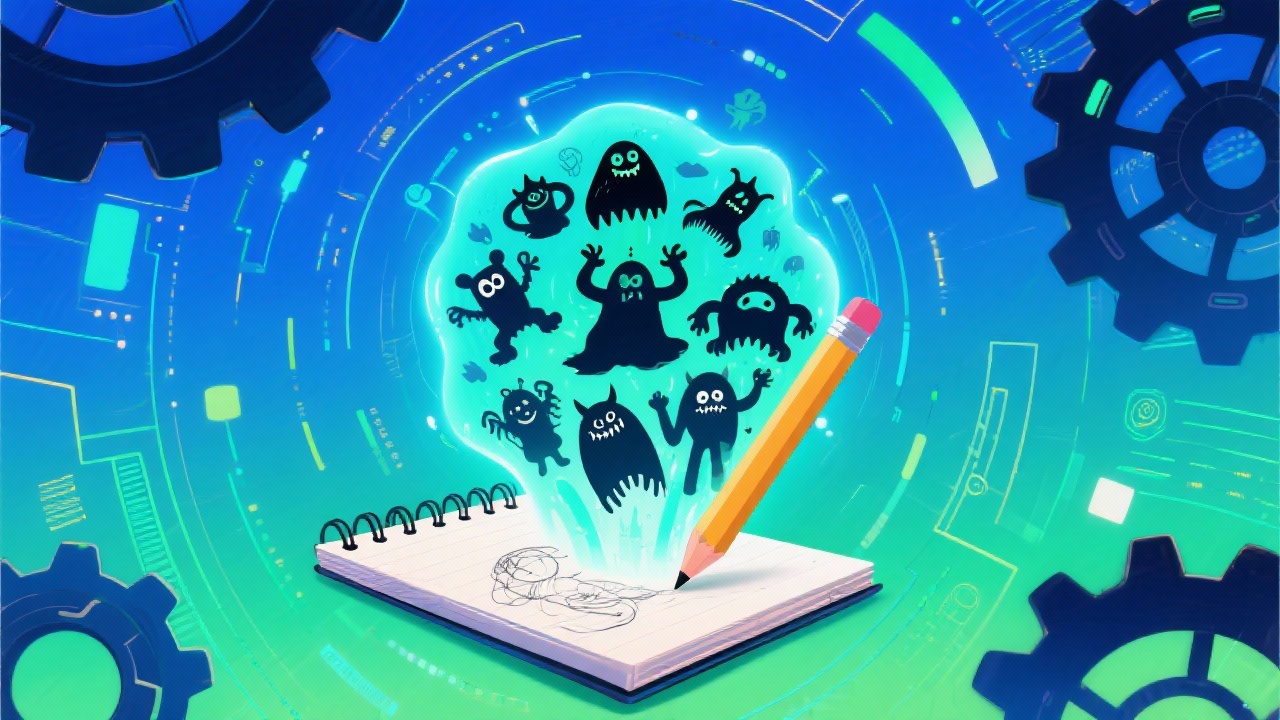
High-Quality Results
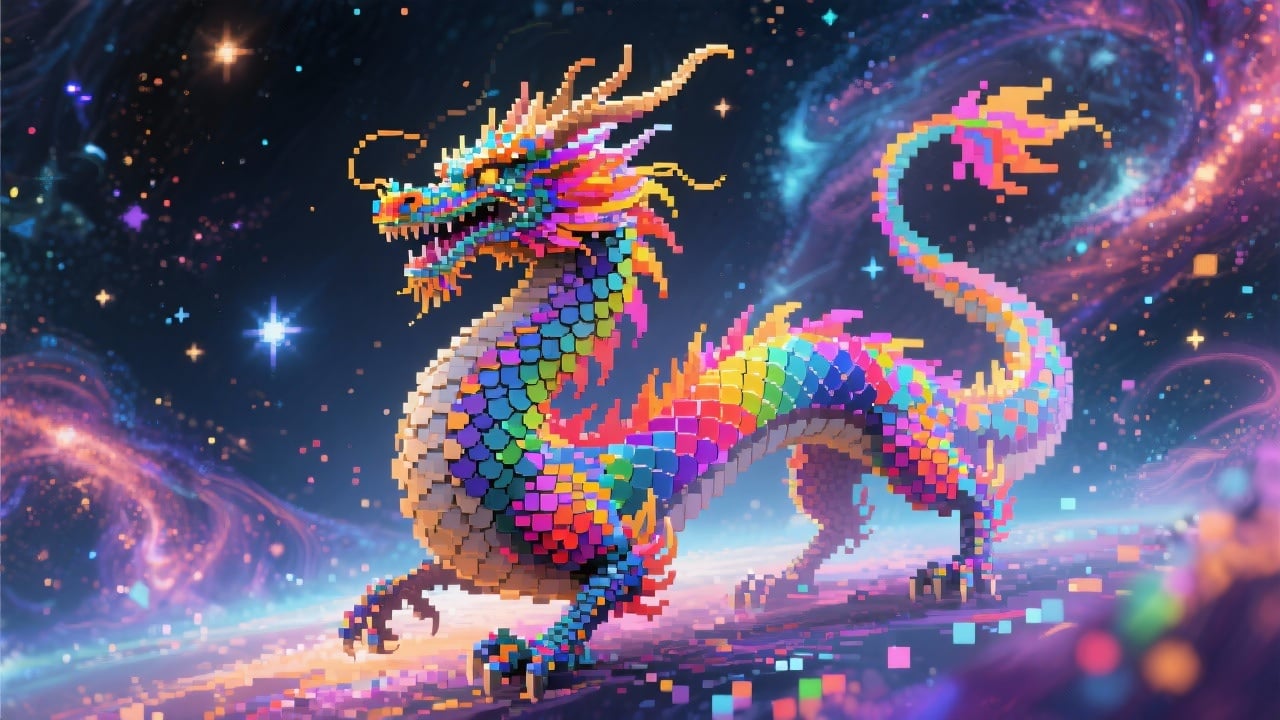
Our AI is trained on a vast dataset of monster designs, ensuring that the generated images are of high quality and visually appealing. You can use these images in your professional projects with confidence.
FAQs
Discover related AI tools:
- 0
Browse Related Content
Explore AI-generated monster generator artwork from our community
More From BasedLabs



Create Your Monster Now!
Join millions of creators using BasedLabs to generate professional, scroll-stopping content for social media, YouTube, marketing, and more — in seconds. Produce high-quality AI-generated videos and images optimized for engagement and reach. Streamline your content workflow and scale faster.
