 AI TikTok app - Go viral!Go viral on TikTok with AI influencers, pranks & trends. Free iOS app - pay with Apple Pay or card.Get It Free →
Pop Art Generator
Transform your photos into vibrant, iconic Pop Art masterpieces with our AI-powered tool.
Try a style:
When you use our Pop Art generator, you'll discover how easy it is to recreate those bold, high-contrast aesthetics that defined the 1960s art movement. Simply upload any portrait or image, and our AI instantly analyzes the composition, isolates key features, and applies vibrant color schemes reminiscent of Warhol's iconic screen prints. You'll find that photos with clear subjects and good lighting produce the most striking results, though our tool handles everything from selfies to product shots with impressive versatility.
Our users typically leverage this tool for eye-catching social media content, custom merchandise designs, or unique gift prints that stand out. Marketing teams love it for creating memorable campaign visuals, while artists use it as a springboard for further creative exploration. The beauty of AI Pop Art is that you're not limited to traditional color palettes—experiment with neon combinations, complementary contrasts, or even monochromatic schemes to match your brand or aesthetic vision.
One practical tip: try the same image multiple times to generate different variations, as the AI can interpret your photo in various ways. You can also adjust the intensity of the effect depending on whether you want a subtle pop art influence or a full-on Warhol style transformation. The entire process takes seconds, giving you professional-quality results without needing any design experience or expensive software.
How to use Pop Art Generator
Steps to get you started in BasedLabs.

Step 1
Upload Your Image
Start with your favorite photo.
Click the 'Upload Image' button and select the photo you want to transform into Pop Art. Ensure the image is clear and well-lit for the best results.

Step 2
Customize the Pop Art Style
Adjust the settings to match your vision.
Use the available sliders and options to adjust the color palette, intensity of the effects, and other parameters to customize the Pop Art style to your liking. Experiment to find the perfect look!

Step 3
Download Your Pop Art Creation
Save and share your masterpiece!
Once you're satisfied with the result, click the 'Download' button to save your newly created Pop Art image. You can then share it on social media, use it as a profile picture, or print it out for a unique piece of art.
Instant Pop Art Transformation
Transform your photos into Pop Art masterpieces instantly with our AI-powered tool. No design skills required!
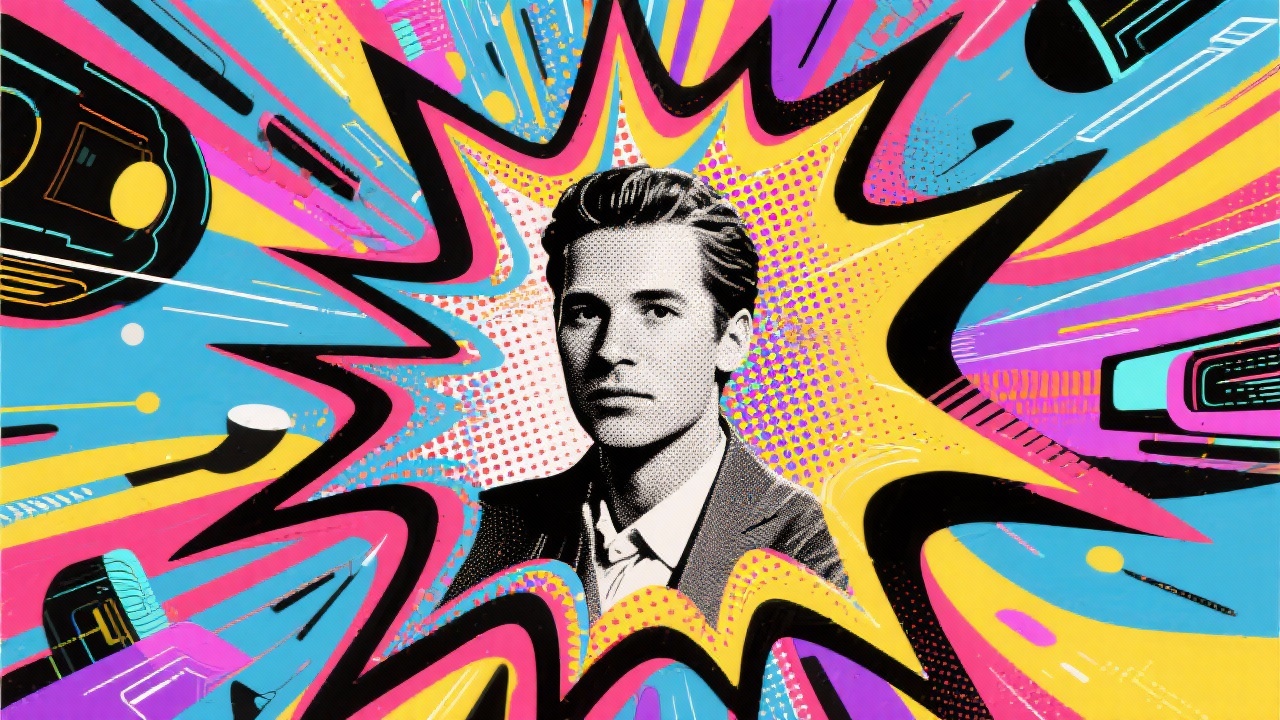
Customizable and Unique Styles
Experiment with various color palettes, intensity levels, and detail settings to create a truly unique Pop Art image that reflects your personal style.
High-Quality Results
Our Pop Art Generator creates high-resolution images that are perfect for printing, sharing online, or using in your creative projects.
FAQs
Discover related AI tools:
- 0
Browse Related Content
Explore AI-generated pop art generator artwork from our community
More From BasedLabs



Ready to Create Your Own Pop Art?
Join millions of creators using BasedLabs to generate professional, scroll-stopping content for social media, YouTube, marketing, and more — in seconds. Produce high-quality AI-generated videos and images optimized for engagement and reach. Streamline your content workflow and scale faster.
