 AI TikTok app - Go viral!Go viral on TikTok with AI influencers, pranks & trends. Free iOS app - pay with Apple Pay or card.Get It Free →
Chain Tattoo
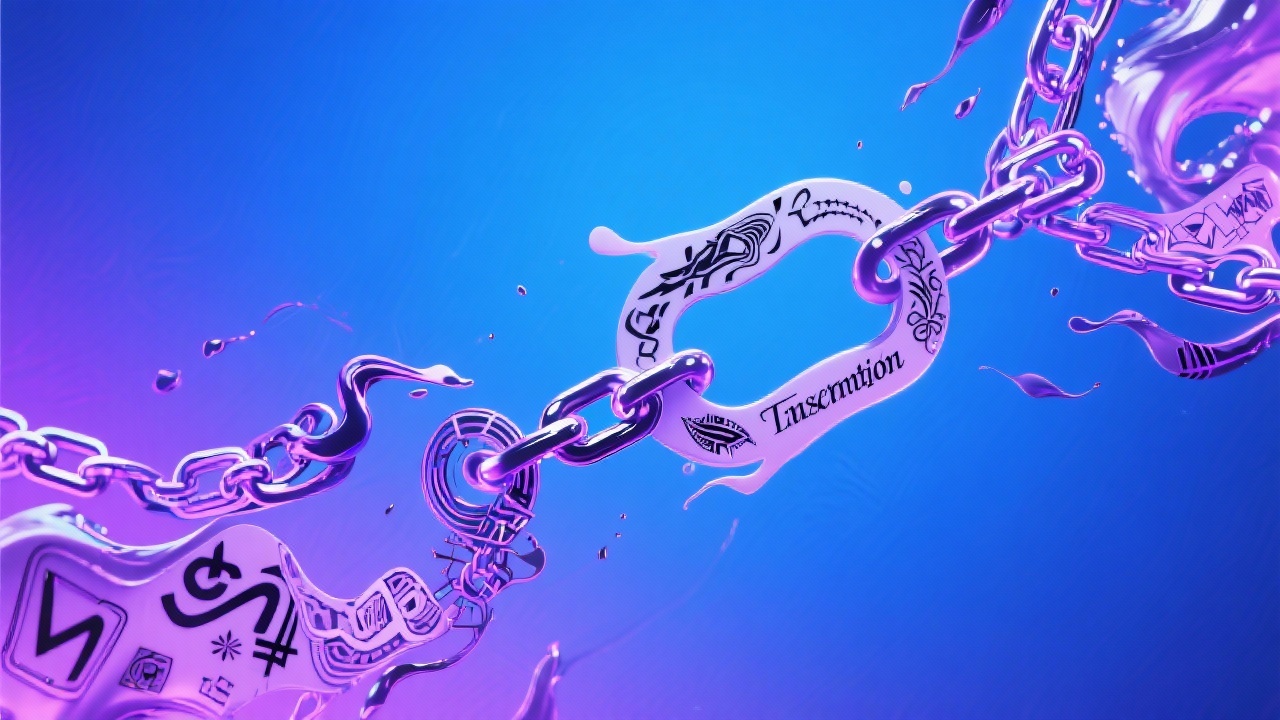
Generate unique and captivating chain tattoo designs with our AI-powered tool.
Try a style:
How to use Chain Tattoo
Steps to get you started in BasedLabs.

Step 1
Describe Your Vision
Provide detailed instructions.
Start by describing the type of chain tattoo you envision. Include details about the style (realistic, abstract, tribal, etc.), the placement on your body (arm, leg, back, etc.), and any additional elements you want to incorporate.

Step 2
Generate and Review
Let the AI do its magic.
Click the 'Generate' button to let the AI create several chain tattoo design options based on your description. Review the generated designs and choose the one that best aligns with your vision.

Step 3
Download and Refine
Prepare for the tattoo artist.
Download your favorite design and take it to a professional tattoo artist. They can help you refine the design, adjust the size and placement, and ensure it will look amazing on your skin.
Endless Inspiration
Explore countless chain tattoo design ideas and find the perfect inspiration for your next tattoo, all at your fingertips.

Customized Designs
Tailor the generated designs to your exact preferences with detailed prompts and descriptions, creating a truly unique and meaningful tattoo.
Save Time and Money
Quickly generate a wide range of design options, saving you time and money compared to traditional design methods.

FAQs
Discover related AI tools:
- 0
Browse Related Content
Explore AI-generated chain tattoo artwork from our community
More From BasedLabs



Design Your Dream Chain Tattoo Now!
Join millions of creators using BasedLabs to generate professional, scroll-stopping content for social media, YouTube, marketing, and more — in seconds. Produce high-quality AI-generated videos and images optimized for engagement and reach. Streamline your content workflow and scale faster.
