 AI TikTok app - Go viral!Go viral on TikTok with AI influencers, pranks & trends. Free iOS app - pay with Apple Pay or card.Get It Free →
Animorph Generator
Transform images with AI, creating seamless animal-human hybrids in seconds!
Try a style:
How to use Animorph Generator
Steps to get you started in BasedLabs.

Step 1
Upload Your Human Image
Start the transformation process
Click the 'Upload Image' button and select a clear, well-lit photo of the person you want to morph. Ensure the face is clearly visible.

Step 2
Choose Your Animal Image
Select the animal to merge with
Click the 'Select Animal' button and choose an image of the animal you want to use for the transformation. Consider the angle and lighting of the animal image for best results.

Step 3
Generate and Download
Complete the transformation
Click the 'Generate Animorph' button to begin the AI-powered morphing process. Once complete, you can preview the result and download the final image to your device.
Unleash Your Creativity
Experiment with different combinations of human and animal images to create endless possibilities. Perfect for avatar creation, digital art, and social media content.
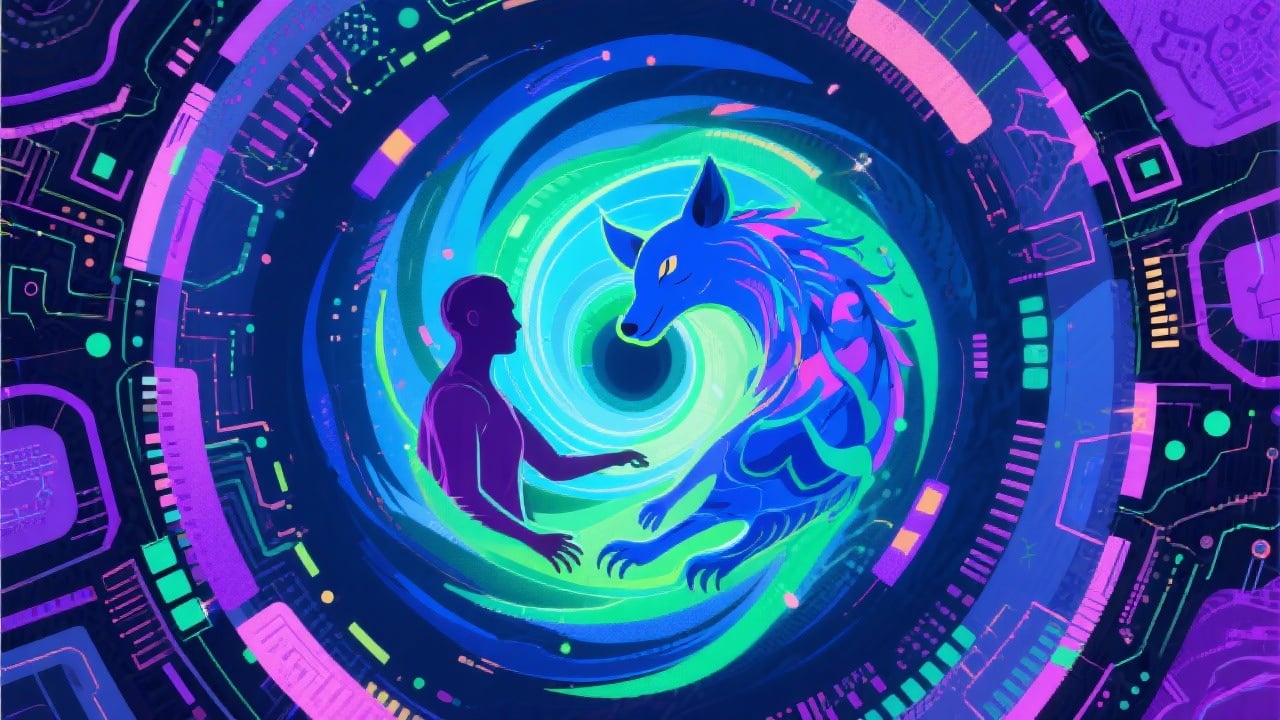
Powered by Advanced AI
Our AI algorithms ensure a smooth and natural blending of features, resulting in high-quality Animorph transformations that look incredibly realistic.
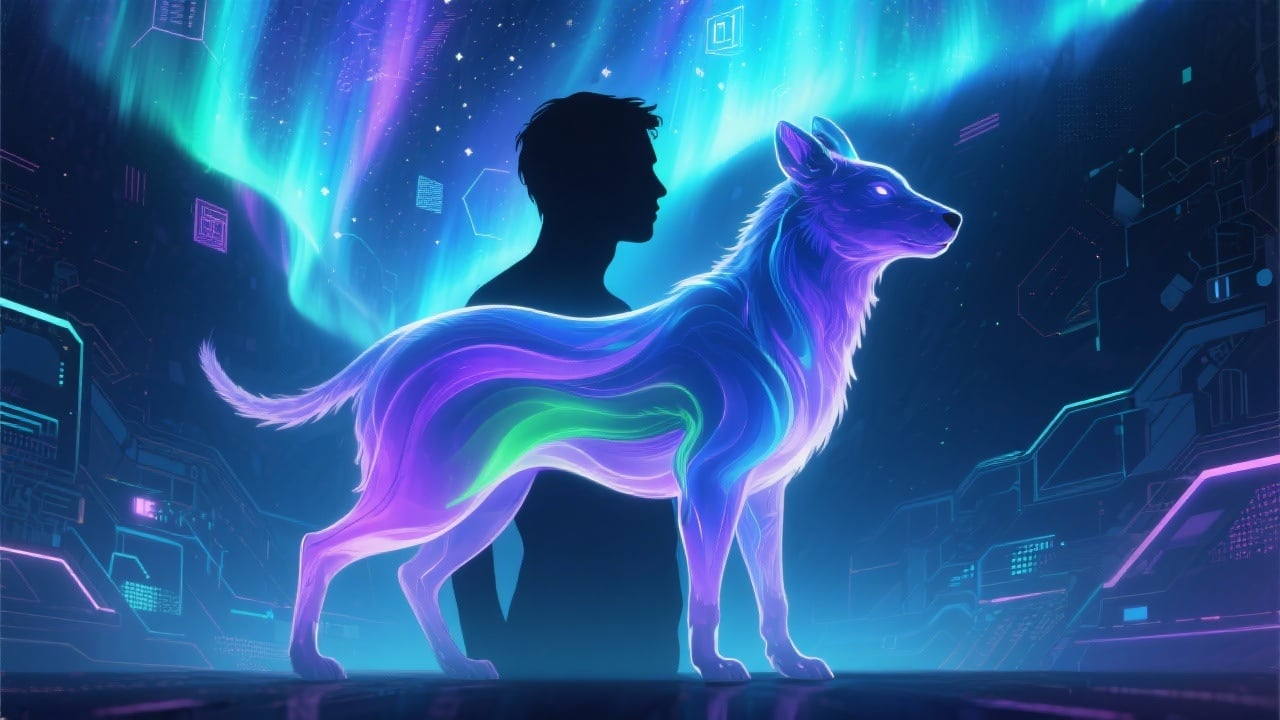
Easy and Intuitive Interface
Our user-friendly interface makes it easy for anyone to create stunning Animorph images in just a few clicks. No technical expertise or design skills are necessary.
FAQs
Discover related AI tools:
- 0
Browse Related Content
Explore AI-generated animorph generator artwork from our community
More From BasedLabs



Ready to Morph?
Join millions of creators using BasedLabs to generate professional, scroll-stopping content for social media, YouTube, marketing, and more — in seconds. Produce high-quality AI-generated videos and images optimized for engagement and reach. Streamline your content workflow and scale faster.
