 AI TikTok app - Go viral!Go viral on TikTok with AI influencers, pranks & trends. Free iOS app - pay with Apple Pay or card.Get It Free →
Beard AI
Generate realistic beards on any face with AI, explore different styles, and visualize your new look.
Try a style:
How to use Beard AI
Steps to get you started in BasedLabs.

Step 1
Upload Your Photo
Select your best picture
Choose a clear, well-lit photo of your face from your device or take a new one using your camera. Make sure your face is clearly visible and facing forward.

Step 2
Select a Beard Style
Browse the beard style gallery
Explore the various beard styles available in our gallery. Click on the style you want to try on your photo. You can preview different styles to find the perfect match.

Step 3
Customize and Generate
Fine-tune and generate your look
Adjust the beard's settings such as length, color, and density to customize it to your liking. Once you are satisfied, click the 'Generate' button to see your new look.
Experiment Risk-Free
See how different beard styles look on you before committing to growing one. Save time and avoid beard-growing regrets.
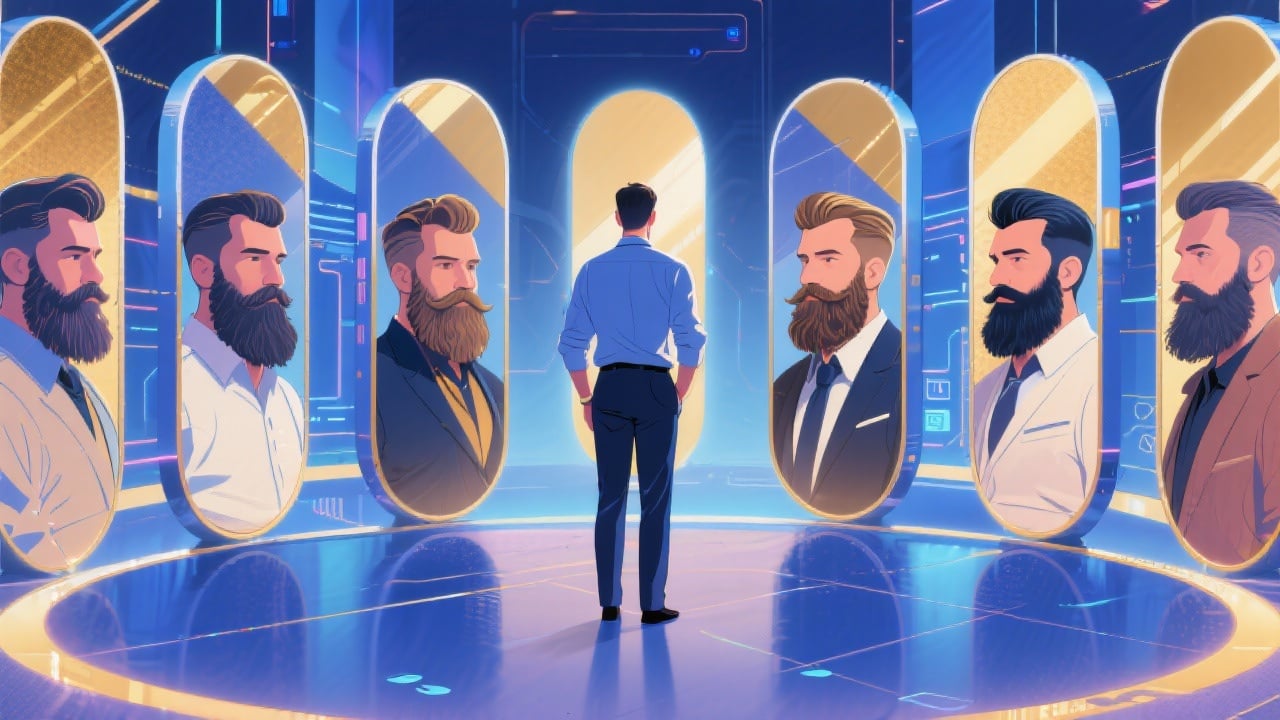
Explore Endless Possibilities
Experiment with countless beard styles and find the perfect one to match your personality and face shape. Unleash your creativity and discover new looks.
Enhance Your Photos
Use Beard AI to create unique and eye-catching photos for social media, dating profiles, or just for fun. Impress your friends and followers with your new look.
FAQs
Discover related AI tools:
Browse Related Content
Explore AI-generated beard ai artwork from our community
More From BasedLabs



Try Beard AI Now!
Join millions of creators using BasedLabs to generate professional, scroll-stopping content for social media, YouTube, marketing, and more — in seconds. Produce high-quality AI-generated videos and images optimized for engagement and reach. Streamline your content workflow and scale faster.
