AI TikTok app - Go viral!Go viral on TikTok with AI influencers, pranks & trends. Free iOS app - pay with Apple Pay or card.Get It Free →
genshin oc maker
Design unique Genshin Impact Original Characters (OCs) with our AI-powered avatar creator.
Try a style:
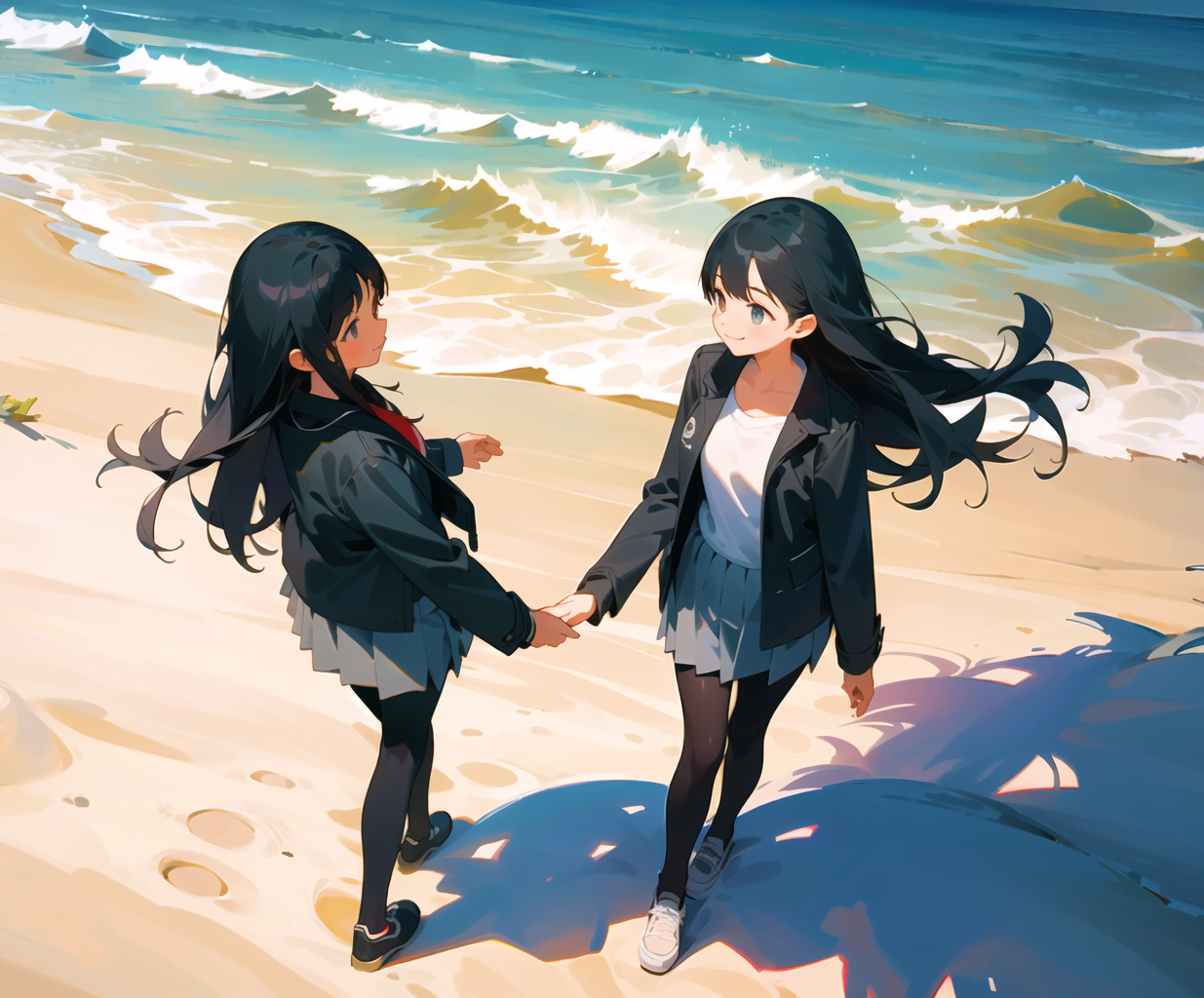
Creating your own character in the Genshin Impact universe has never been more accessible. When you use this AI-powered tool, you'll discover how quickly you can transform your character concepts into fully realized designs that match the game's distinctive anime art style. Whether you're designing a Pyro swordmaster from Natlan or a Hydro catalyst user inspired by Fontaine's aesthetics, the character creator adapts to capture those region-specific details and elemental themes that make Genshin's roster so memorable.
Our users typically find this tool invaluable for multiple creative projects beyond personal art collections. Roleplayers use it to visualize their tabletop or forum characters, fanfiction writers generate reference images for their stories, and cosplayers experiment with design variations before committing to costume construction. You'll find that the AI understands Genshin's signature elements—from vision ornaments and elemental effects to the intricate clothing patterns that define each nation's fashion.
For best results, be specific with your prompts when describing your Genshin Impact OC. Include details about their vision element, weapon type, regional origin, and personality traits. Mentioning references like "similar to Hu Tao's playful energy" or "Inazuman-inspired armor" helps the AI capture exactly what you're envisioning. The more context you provide about your character's backstory and aesthetic preferences, the more aligned your generated designs will be with your creative vision.
How to use genshin oc maker
Steps to get you started in BasedLabs.

Step 1
Specify Character Attributes
Define your character's base traits.
Start by selecting fundamental attributes like gender, element (Pyro, Hydro, etc.), and general body type. These choices will guide the AI in creating initial designs.

Step 2
Customize Appearance
Refine your character's visual elements.
Dive into detailed customization options such as hairstyle, eye color, clothing style, and weapon selection. Use the available sliders and dropdowns to fine-tune the appearance to your exact preferences.

Step 3
Generate and Download
Generate and save your unique Genshin OC.
Once you are satisfied with your character's design, click the 'Generate' button. The tool will process your input and create a high-quality image of your Genshin OC. You can then download the image for personal use.
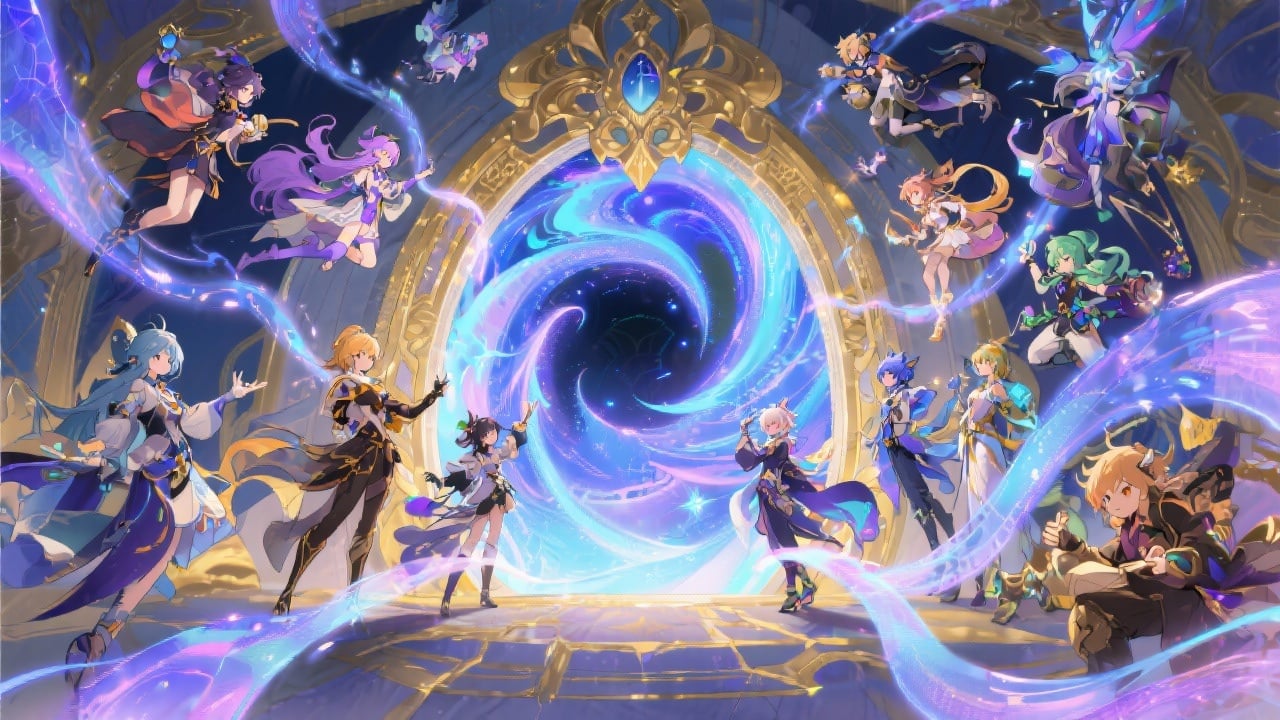
Unlimited Creativity
Explore a vast range of options to create truly original characters that fit seamlessly into the Genshin Impact universe.
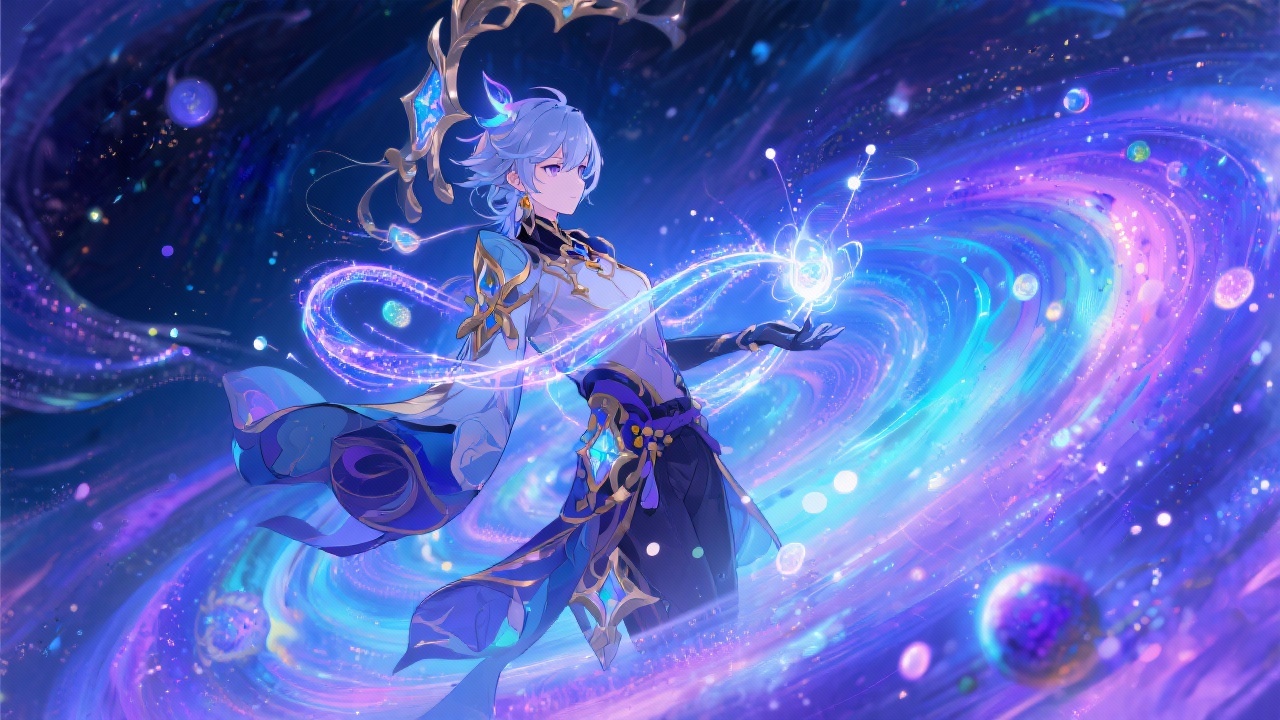
AI-Powered Assistance
Let our AI assist you by suggesting variations, providing inspiration, and refining your design to achieve the perfect look.
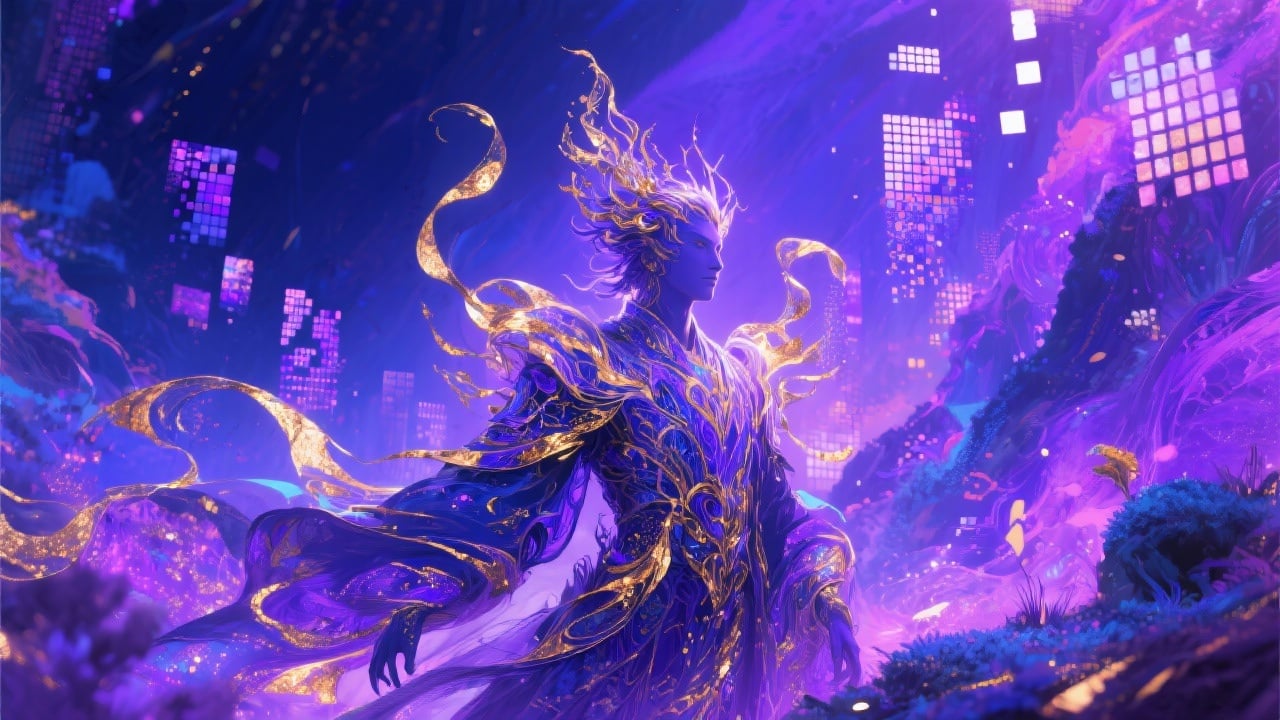
High-Quality Results
Enjoy crisp, clear images that showcase your character's design in detail, suitable for sharing on social media, using as avatars, or incorporating into your personal projects.
FAQs
Discover related AI tools:
- 0
Browse Related Content
Explore AI-generated genshin oc maker artwork from our community
More From BasedLabs
Create Your Genshin OC Today!
Join millions of creators using BasedLabs to generate professional, scroll-stopping content for social media, YouTube, marketing, and more — in seconds. Produce high-quality AI-generated videos and images optimized for engagement and reach. Streamline your content workflow and scale faster.