 AI TikTok app - Go viral!Go viral on TikTok with AI influencers, pranks & trends. Free iOS app - pay with Apple Pay or card.Get It Free →
ai choir generator
Create stunning choral arrangements with the power of artificial intelligence.

Whether you're a composer working on a film score, a church music director preparing for Sunday service, or an indie game developer needing ethereal background vocals, this AI choir generator transforms your creative vision into fully-realized choral arrangements in minutes. When you use the tool, you'll find that it understands the nuances of vocal harmony—from traditional SATB (soprano, alto, tenor, bass) configurations to more experimental layering. Our users typically start with a melody or chord progression, then let the music AI build out complementary vocal parts that sound natural and emotionally resonant.
The practical applications are surprisingly broad. Music educators use it to demonstrate different harmonization techniques to their students, while content creators generate royalty-free choral backing for YouTube videos and podcasts. You can experiment with everything from intimate chamber choir sounds to massive cathedral-style arrangements with dozens of virtual voices. One tip: start with simpler arrangements to understand how the tool interprets your input, then gradually add complexity. The generator excels at creating those difficult-to-produce "oohs" and "aahs" that would normally require hiring an entire vocal ensemble, making professional-quality choral arrangement accessible to anyone with a musical idea and an internet connection.
How to use ai choir generator
Steps to get you started in BasedLabs.

Step 1
Input Your Melody
Start with a musical idea.
Begin by entering your desired melody into the AI choir generator. You can input notes directly or upload a MIDI file. Specify the key, tempo, and desired vocal range for the lead melody.

Step 2
Customize Harmony and Voice Types
Craft the perfect vocal texture.
Select the desired harmony style (e.g., traditional, modern, gospel) and choose the voice types you want to include in your choir (soprano, alto, tenor, bass). Adjust the relative volume and panning of each voice part for optimal balance.

Step 3
Generate and Refine
Bring your choral vision to life.
Click the 'Generate' button to create the choral arrangement. Listen to the output and make any necessary adjustments to the parameters. Export the final product in your desired audio format for use in your projects.
Rapid Prototyping
Experiment with different harmonies and vocal arrangements in minutes, allowing you to efficiently develop your musical concepts.
Unleash Creativity
Break free from traditional arranging constraints and explore unconventional harmonies and voicings that the AI can generate.
Educational Tool
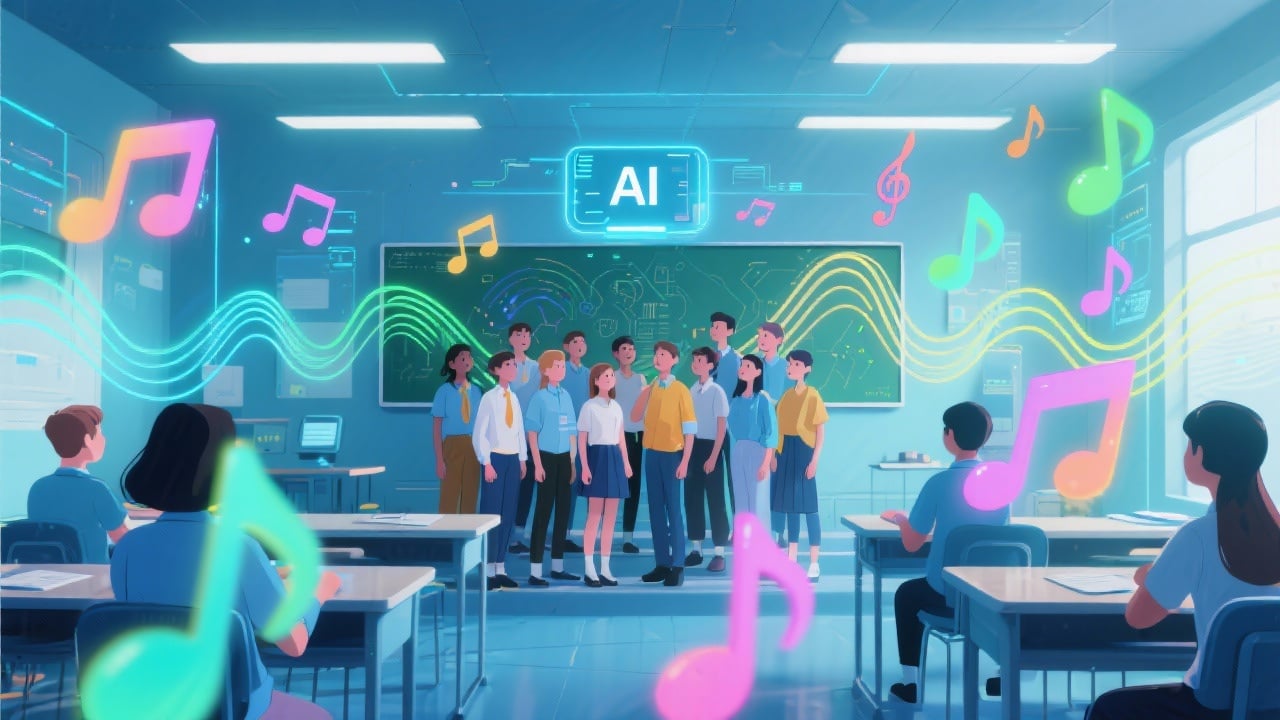
Use the AI choir generator as a teaching aid to demonstrate choral arrangement techniques, explore different harmonic structures, and inspire student creativity.
FAQs
Discover related AI tools:
Browse Related Content
Explore AI-generated choir generator artwork from our community
More From BasedLabs



Create Your AI Choir Now
Join millions of creators using BasedLabs to generate professional, scroll-stopping content for social media, YouTube, marketing, and more — in seconds. Produce high-quality AI-generated videos and images optimized for engagement and reach. Streamline your content workflow and scale faster.
