 AI TikTok app - Go viral!Go viral on TikTok with AI influencers, pranks & trends. Free iOS app - pay with Apple Pay or card.Get It Free →
color tattoos for men
Generate vibrant and unique color tattoo designs for men in seconds. Explore diverse styles, from traditional American to Japanese Irezumi, and visualize your ink ideas with unparalleled realism before hitting the tattoo parlor.
Try a style:
When you use BasedLabs.ai to explore color tattoo ideas for men, you're essentially getting a risk-free preview of how different designs will look on your body before committing to permanent ink. Our users typically experiment with multiple variations—adjusting everything from color saturation to placement—which helps them communicate exactly what they want to their tattoo artist. You'll find that the AI understands the nuances of masculine color tattoo aesthetics, whether you're drawn to the bold reds and blues of traditional American styles or the intricate gradients of Japanese-inspired work.
The real advantage here is speed and iteration. Instead of scheduling multiple consultations or trying to explain your vision through reference images, you can generate dozens of AI tattoo design color variations in minutes. Try visualizing that phoenix sleeve in both warm sunset tones and cool oceanic blues, or see how a geometric piece translates across different color schemes. Many users discover unexpected color combinations they never would have considered—like deep purples paired with burnt orange, or teal accents in otherwise traditional pieces. This tool works particularly well when you have a general concept but aren't sure about the specific palette, or when you want to see how certain colors will complement your skin tone and existing tattoos.
How to use color tattoos for men
Steps to get you started in BasedLabs.

Step 1
Step 1: Describe Your Vision
Tell the AI about your tattoo idea.
Start by describing the core imagery you want in your tattoo. Be specific about the style (e.g., Neo-Traditional, Watercolor, Geometric), color preferences (e.g., deep blues and greens, vibrant reds and oranges), and any symbolic elements you desire (e.g., lion, dragon, compass). Use descriptive keywords to guide the AI's creative process. For instance, 'Neo-traditional lion with a vibrant mane and intricate geometric background in blues and golds.'

Step 2
Step 2: Refine the Style and Placement
Fine-tune the design with style presets and placement options.
Experiment with different style presets to see how the AI interprets your vision. Consider placement on your arm, back, chest, etc. – this influences the design's flow and size. Use the 'Refine' feature to adjust color intensity, line weight, and level of detail until you achieve the desired aesthetic. You can also upload a photo of the intended placement area to visualize the design on your body.

Step 3
Step 3: Download and Consult with Your Artist
Prepare your design for your tattoo artist.
Once you're satisfied with the generated design, download the high-resolution image. Share it with your chosen tattoo artist as inspiration. Discuss any necessary modifications to ensure the design is suitable for your skin type, pain tolerance, and the artist's skill set. The AI design serves as a powerful starting point for a truly unique and personalized tattoo.
Explore 100+ Color Palette Variations
Our AI is trained on a massive dataset of color theory principles and real-world tattoos, enabling you to experiment with over 100 different color palette variations for your design. Quickly iterate through complementary, analogous, and triadic color schemes to discover the ideal visual harmony.
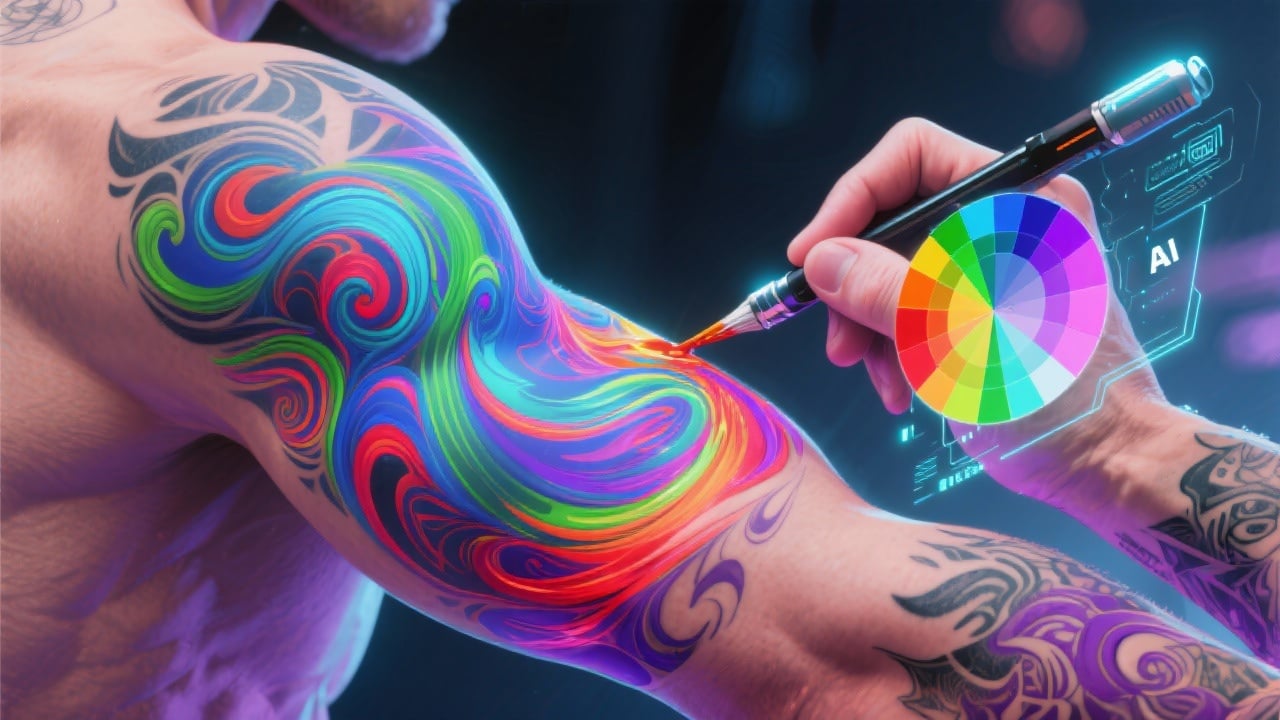
Visualize Tattoos on Different Body Parts
Upload a photo of your arm, back, or chest, and our AI will seamlessly overlay the generated tattoo design. This allows you to visualize the design's scale, position, and how it interacts with your body's contours, ensuring the final tattoo complements your physique.
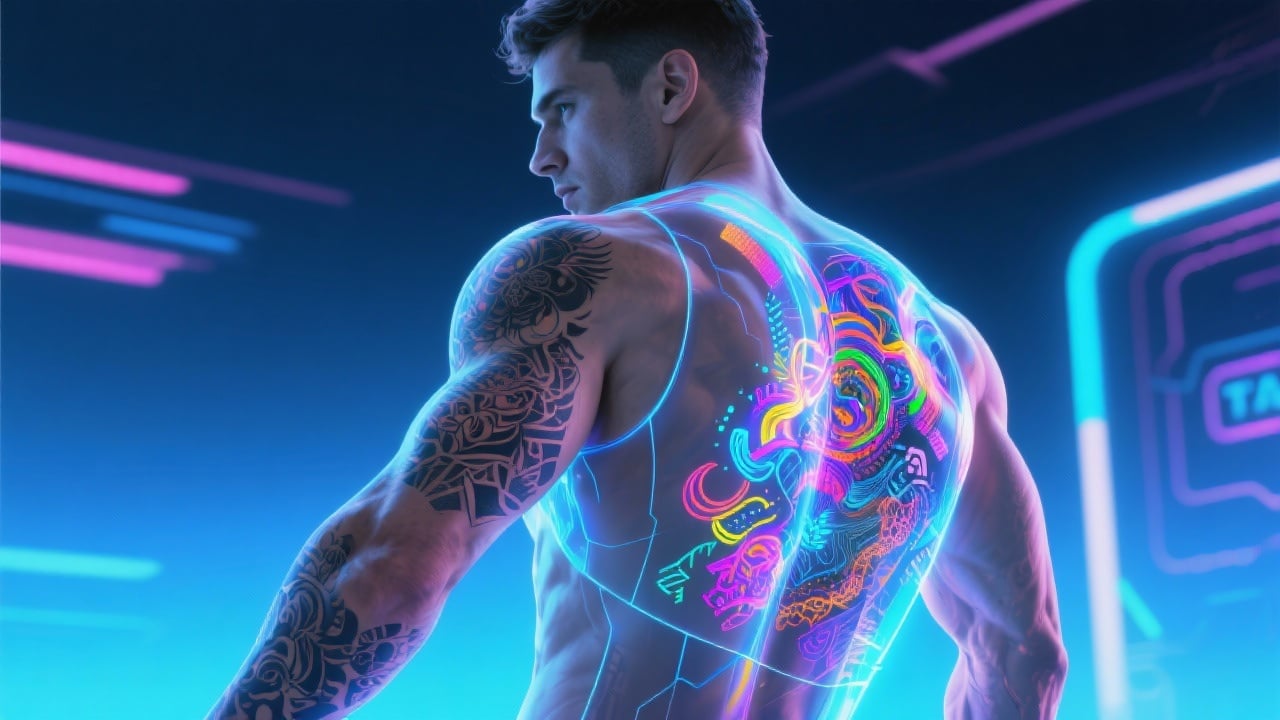
Generate High-Resolution, Print-Ready Designs
Our AI generates high-resolution (300 DPI) tattoo designs that are print-ready and optimized for tattoo stencils. Provide your tattoo artist with a detailed and accurate blueprint, minimizing communication errors and ensuring the final result closely matches your vision.
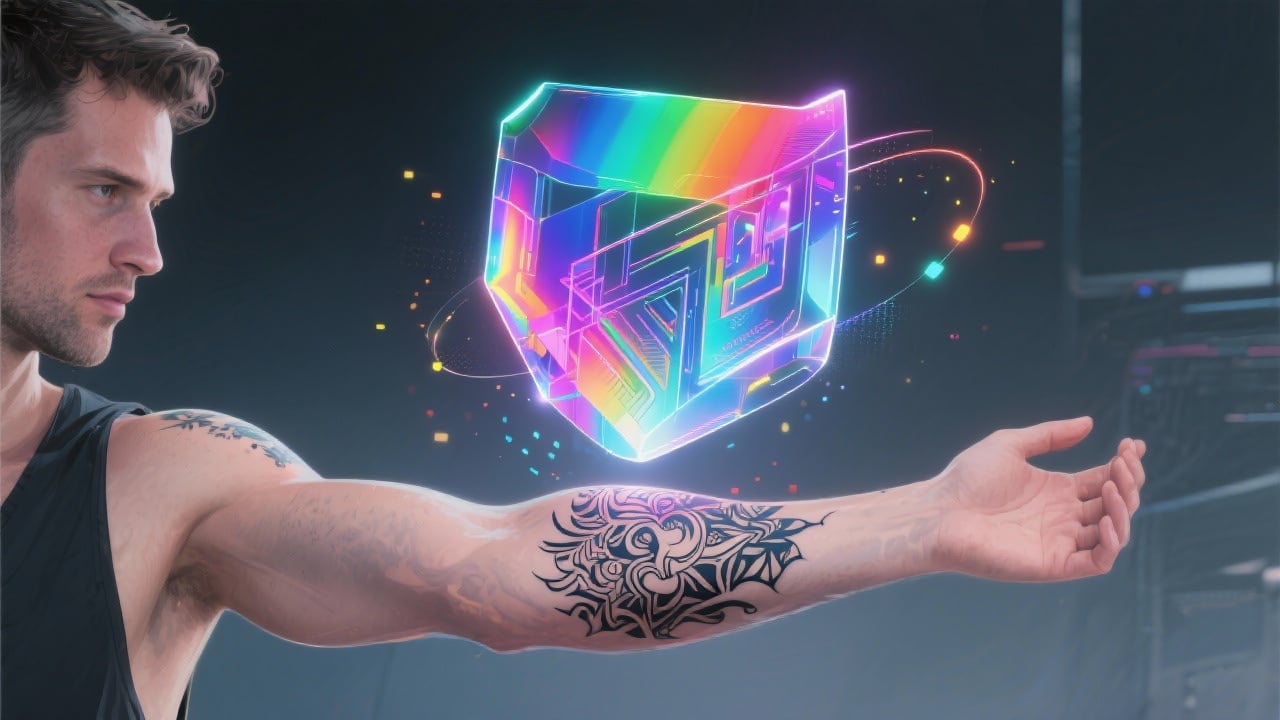
FAQs
Discover related AI tools:
- 0
Browse Related Content
Explore AI-generated color tattoos for men artwork from our community
More From BasedLabs



Design Your Dream Color Tattoo Today
Join millions of creators using BasedLabs to generate professional, scroll-stopping content for social media, YouTube, marketing, and more — in seconds. Produce high-quality AI-generated videos and images optimized for engagement and reach. Streamline your content workflow and scale faster.
