 AI TikTok app - Go viral!NEW: Seedream 5 by ByteDance. Sharper prompts, native text in 14 languages, precise edits. Try it now.Try It Now →
Photo To Sketch
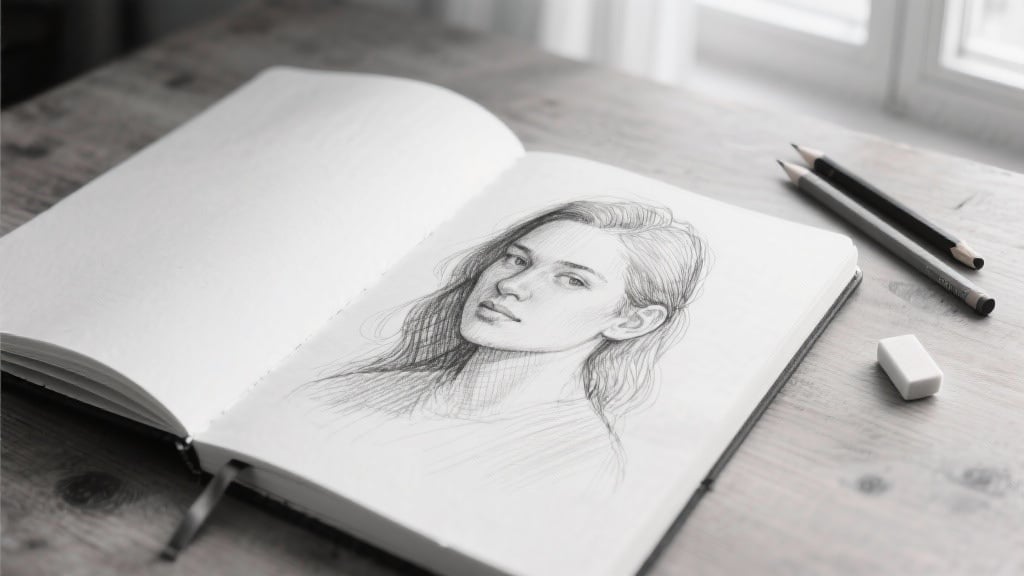
Turn any image into clean pencil line art with photo to sketch in minutes. Upload a photo, choose a pencil style, and get share ready sketches without manual tracing.

How to use Photo To Sketch
Steps to get you started in BasedLabs.
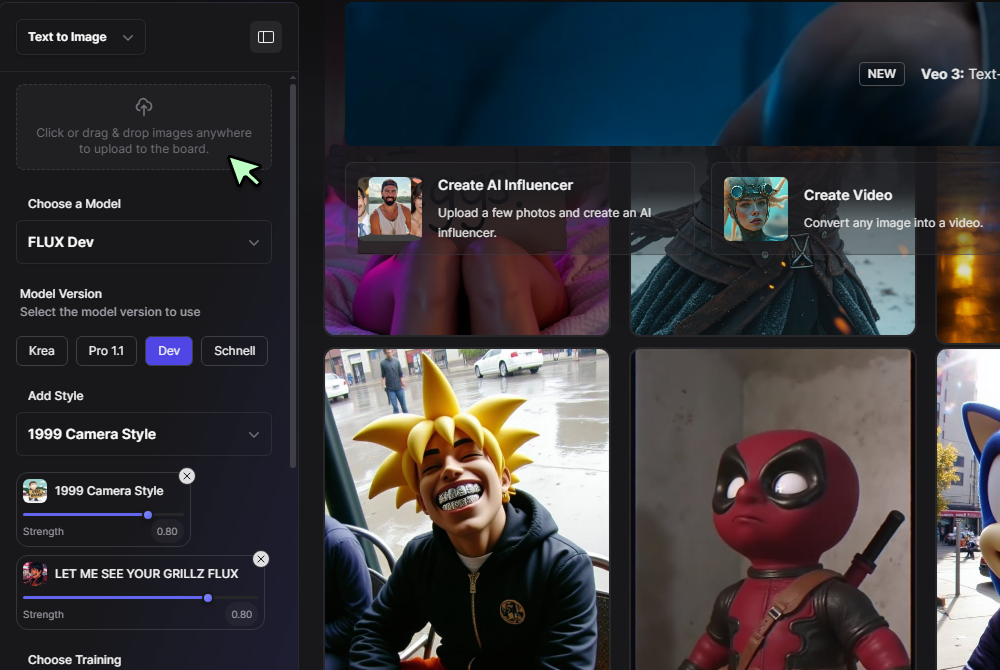
Step 1
Upload a Photo
Drag and drop your image or click Upload. Portraits, products, and architecture all work well. Higher resolution gives cleaner edges and finer shading.
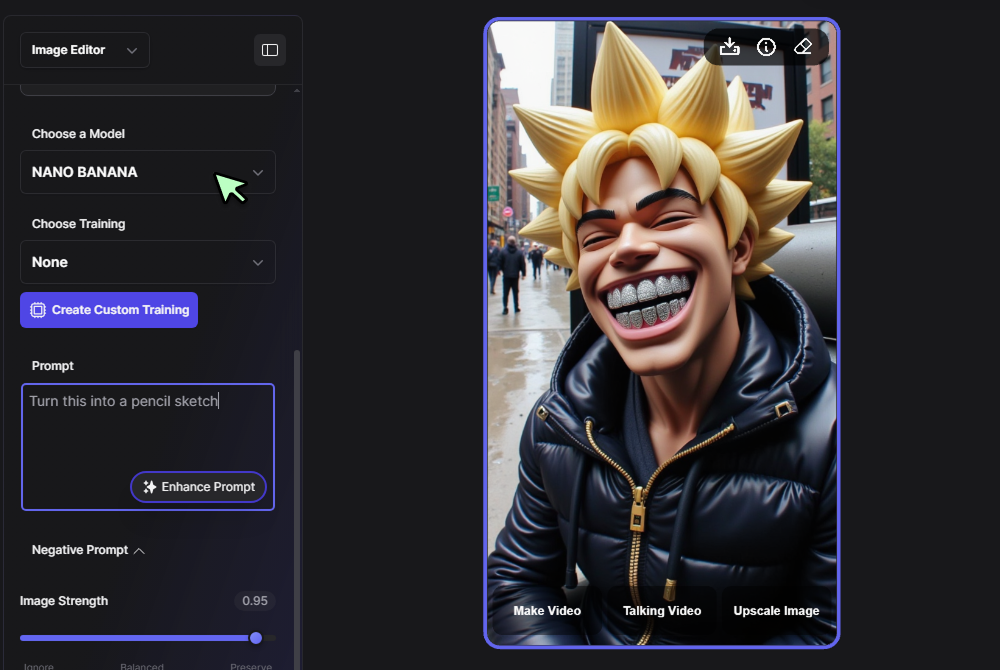
Step 2
Select Image Editor and Nano Banana
Choose the Image Editor option from the drop down, then pick the Nano Banana model. To get a true sketch, write a clear prompt that tells the model you want pencil lines, clean edges, and minimal shading.
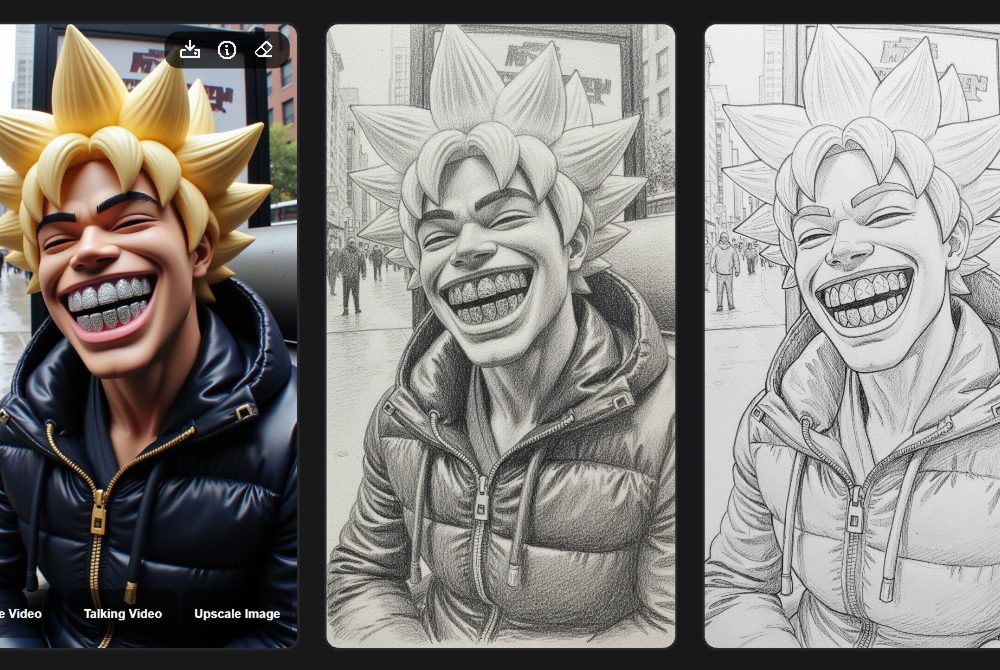
Step 3
Generate and Refine
Click Generate. Review the preview, then tweak prompts or sliders for stronger lines, softer crosshatching, or lighter backgrounds. Download your sketch when it looks right.
Real Pencil Look, Zero Cleanup
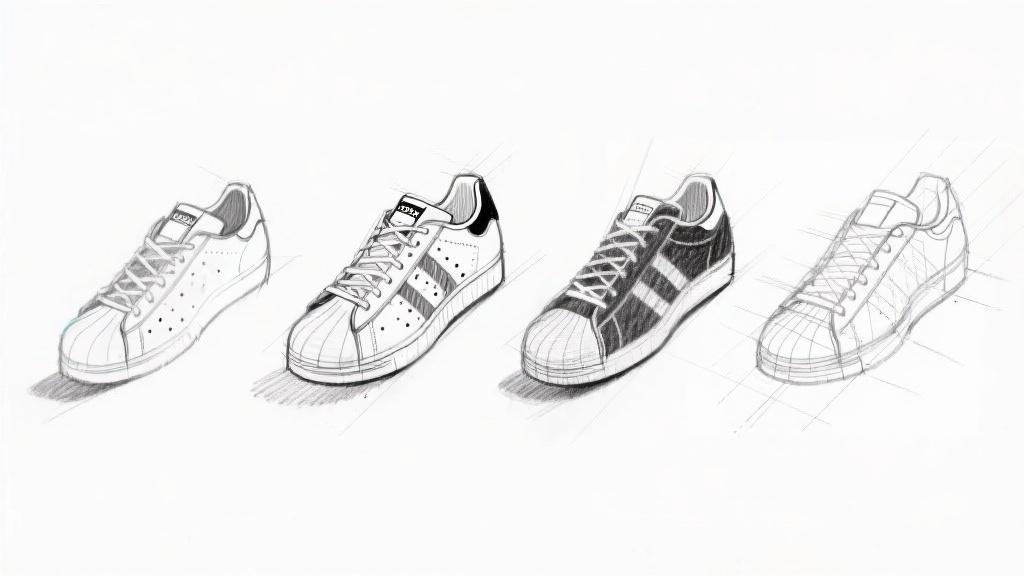
Get crisp outlines, soft hatching, and natural paper texture with photo to sketch ai. If you want to add color later or upscale, open results in the AI Image Generator for quick edits. Outputs are clean enough for packaging, logos, and client decks, so you skip manual cleanup.
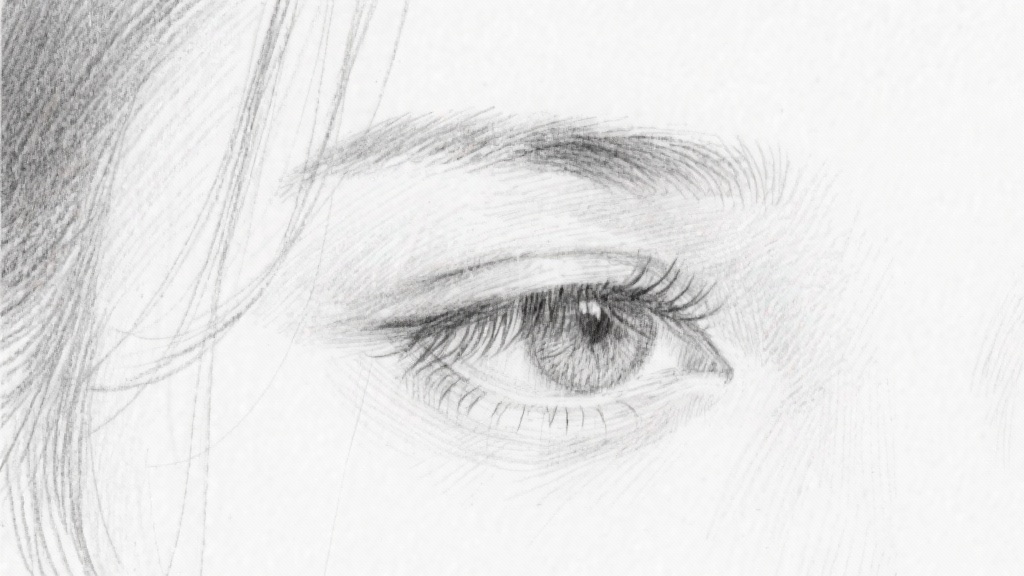
Free, Fast, and In Your Browser
Create a photo to pencil sketch online free that looks hand drawn, no installs needed. For smoother blur handling and consistent tone mapping, try the Seedream 3.0 pipeline, it also suits quick photo to sketch online free tests. Start small to explore styles, then upscale once you lock the look to save time.
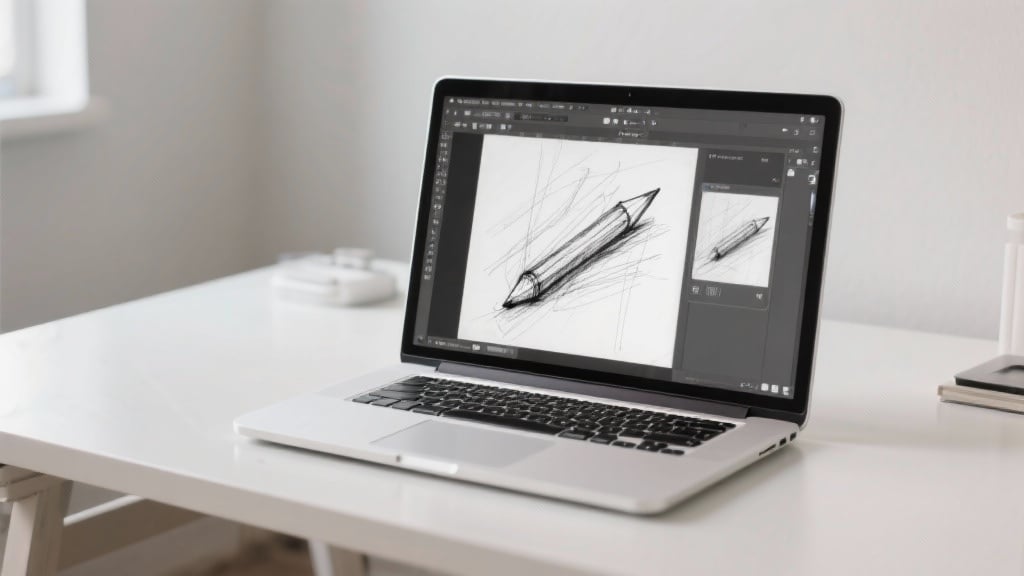
Guided Controls for Any Style
Not sure how to turn a photo into a sketch? Use guided presets for fine pencil, charcoal, or technical drafting, then refine with the lightweight Nano Banana tuner to balance edge contrast and shading depth. Save any preset you like, then reuse it across albums for consistent results.
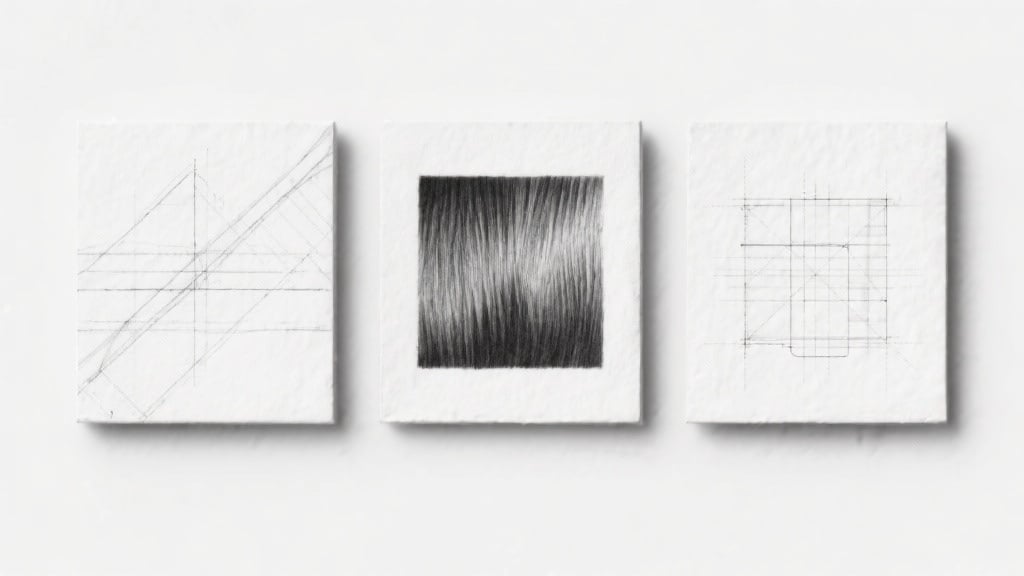
Detail That Survives Complexity
Hair, fabric, and tiny textures stay readable, even in busy scenes. When you need precise line retention, switch to the high fidelity Imagen 4 detail model for sharper contours and cleaner crosshatch. It preserves small text and logos better than generic filters, which is ideal for product shots and UI mockups.
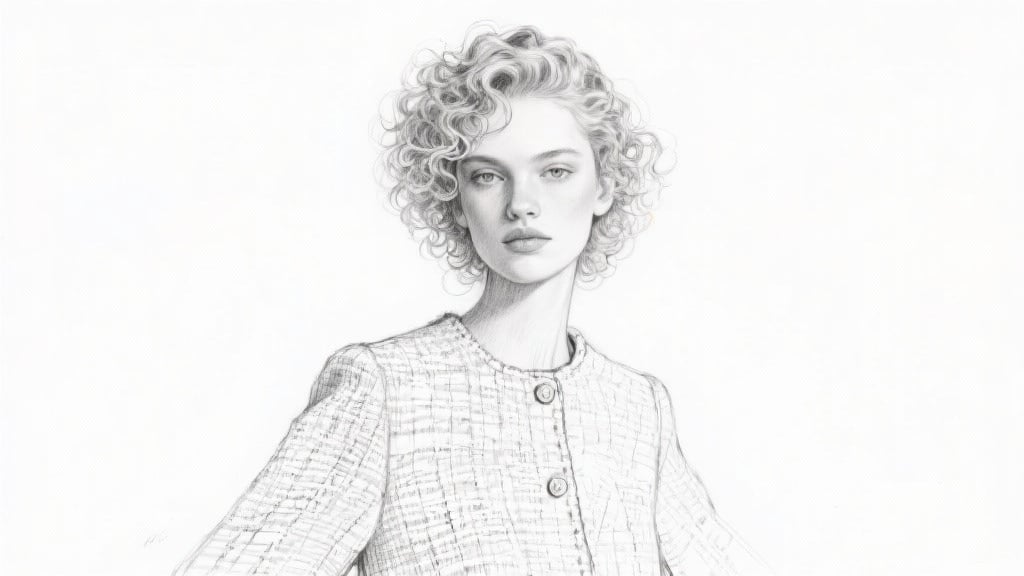
Batch Friendly, Creative Variations
Save a preset and run series work for product shots or lookbooks. Explore stylized graphite, ink, or blueprint lines with Flux Krea styles, then export the best takes as print ready assets. Use job queues to process folders overnight, then compare versions side by side in the morning.
FAQs
Discover related AI tools:
- Kling 2.6
- R2 Upload Test
- Nano Banana 2
- Nano Banana Pro
- Ideogram AI
- AI Gorilla
- AI Picture Generator — Free Online 2026
- Photo To Caricature
- Sketch To Image
- Studio Ghibli Filter
- MiniMax Hailuo 2.3
- Hyper Realism AI
- Realistic AI Image Generator — Photo-Grade Free
- LTX-2 Video AI — Try Free Online
- AI Logo Maker
- Reve Image Editing — Try Free Online
- Kling 2.5 Turbo
- Pixverse AI
- Hunyuan Image 3.0
- AI Prompt Generator
- Remove Background On Photo Free
- AI Photo Cropper
- Adobe Express Photo Editor
- AI Bing Image Creator
- Convert Text To Image AI
- AI Bot Image Generator
Browse Related Content
Explore AI-generated photo to sketch artwork from our community
Related Resources






More Than Photo to Sketch
Join millions of creators using BasedLabs to generate professional, scroll-stopping content for social media, YouTube, marketing, and more — in seconds. Produce high-quality AI-generated videos and images optimized for engagement and reach. Streamline your content workflow and scale faster.
