 AI TikTok app - Go viral!Go viral on TikTok with AI influencers, pranks & trends. Free iOS app - pay with Apple Pay or card.Get It Free →
Map Quiz Maker
Generate interactive map quizzes for education, training, or just for fun!

When you use this AI-powered quiz maker, you'll discover how effortlessly you can transform any geographic region into an engaging learning experience. Whether you're a teacher preparing for a geography lesson, a corporate trainer designing location-based assessments, or simply someone who loves testing their world knowledge, the tool adapts to your needs. Our users typically start by selecting their target region—from entire continents down to specific states or countries—and the AI generates relevant quiz questions within seconds.
You'll find that the interactive format makes learning locations far more engaging than traditional flashcards or paper tests. The tool works especially well for creating timed challenges where students identify capitals, major cities, landmarks, or custom points of interest. Many educators use it to gamify their lessons, running classroom competitions where students race to correctly identify locations on the map. Travel enthusiasts have found it perfect for preparing trips by familiarizing themselves with destinations, while trivia hosts use it to create geography quiz rounds that get genuinely competitive.
The beauty of this geography quiz generator lies in its flexibility—you can create quick five-minute quizzes for casual learning or comprehensive assessments covering dozens of locations. The AI handles the heavy lifting of positioning markers and generating questions, so you can focus on choosing the right difficulty level and content for your audience.
How to use Map Quiz Maker
Steps to get you started in BasedLabs.

Step 1
Select your Map Area
Choose the geographical region for your quiz.
Start by defining the area of the map you want to quiz your users on. This could be a specific country, continent, or even a custom-defined region.

Step 2
Add Locations and Questions
Pinpoint locations and write corresponding questions.
Next, add specific locations to your map that you want to include in the quiz. For each location, create relevant questions that challenge the user's knowledge of the area.

Step 3
Customize and Share
Adjust settings and share your completed quiz.
Finally, customize the quiz settings, such as the number of questions, time limits, and feedback options. Once you are happy with the quiz, share it with your audience through a shareable link or embed code.
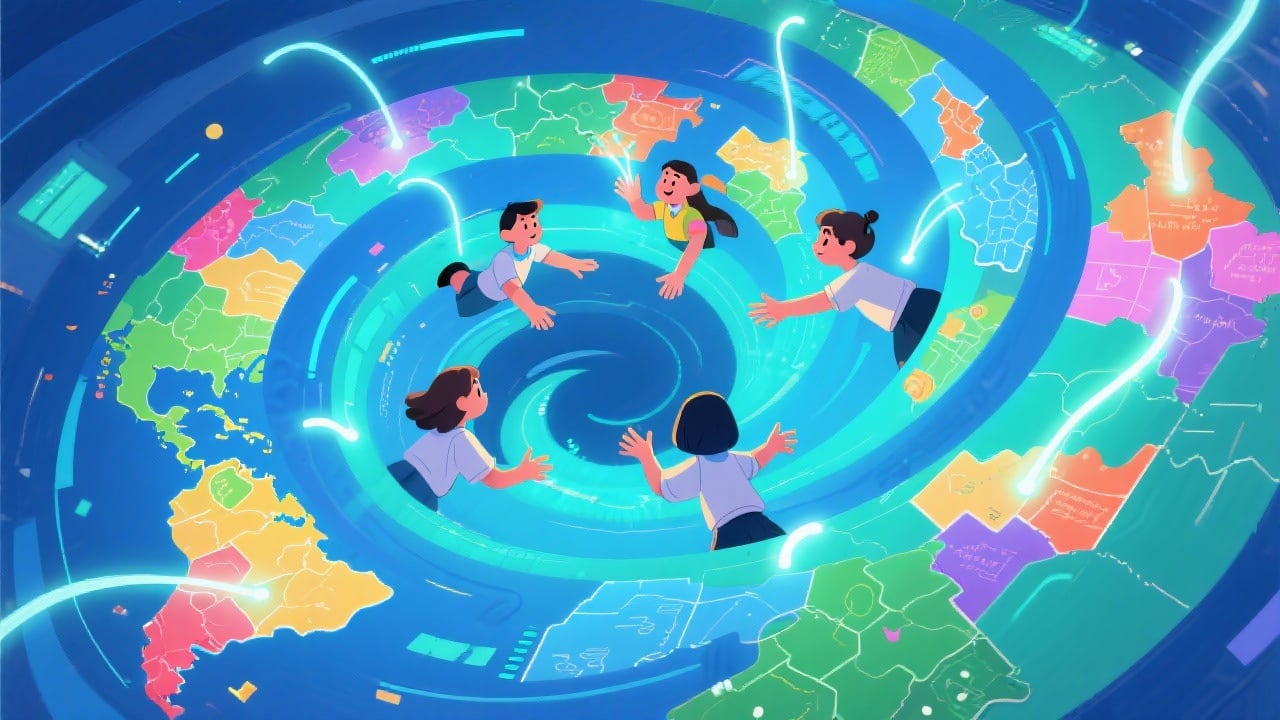
Engaging Learning Experience
Transform geography lessons into interactive and engaging experiences. The visual nature of map quizzes helps students retain information more effectively.
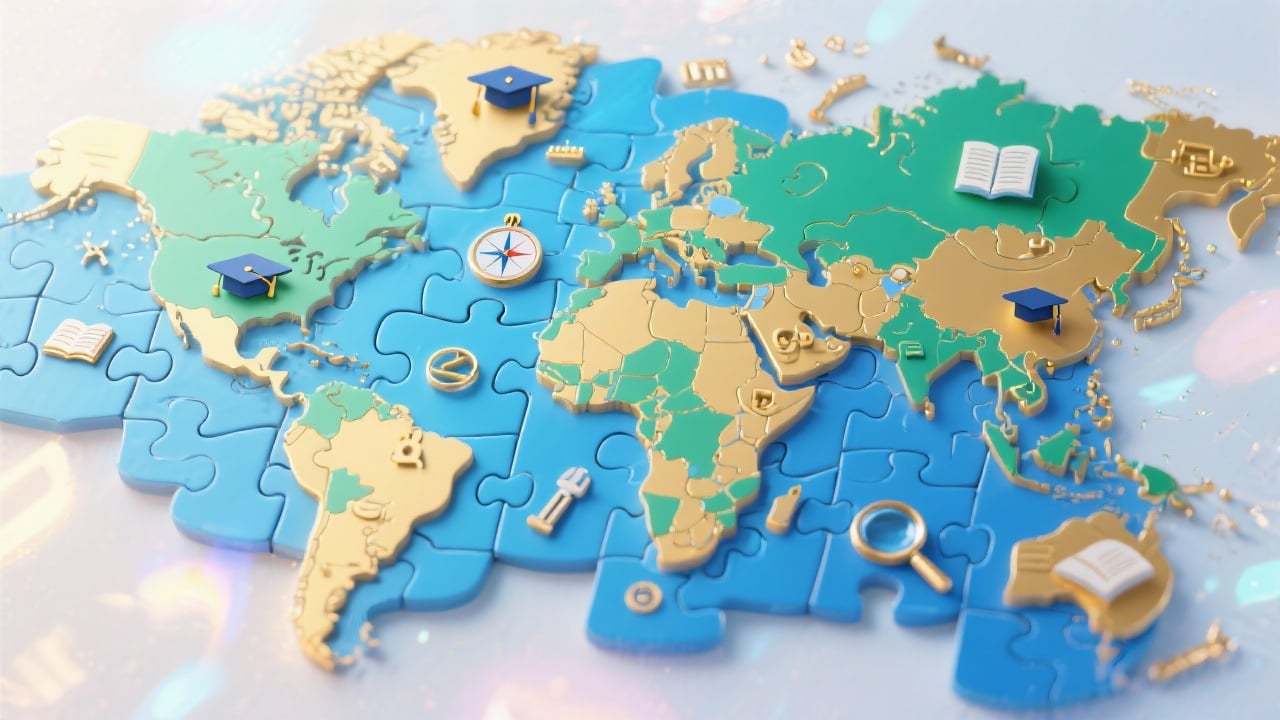
Customizable Content
Create quizzes that are perfectly aligned with your curriculum or training objectives. Adjust the difficulty level, question types, and map regions to suit your audience.
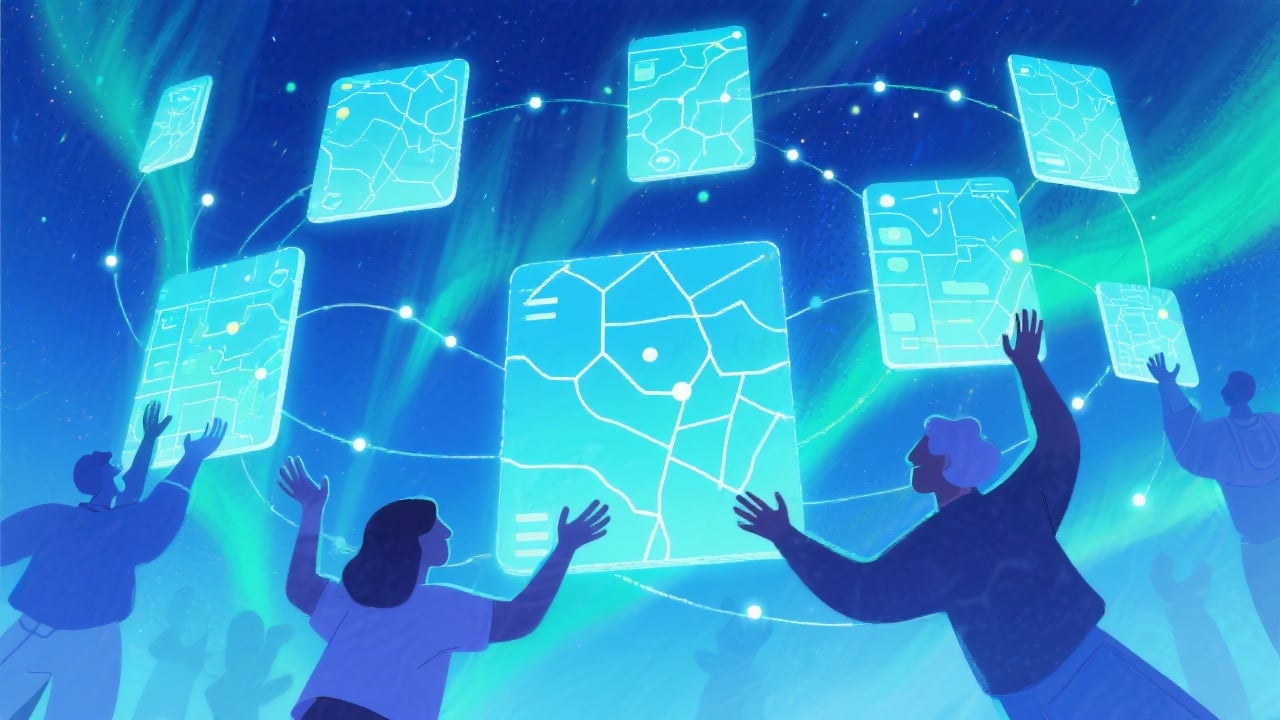
Easy to Share and Embed
Effortlessly share your quizzes with your students, colleagues, or friends. Embed them directly into your website or learning management system for easy access.
FAQs
Discover related AI tools:
Browse Related Content
Explore AI-generated map quiz maker artwork from our community
More From BasedLabs



Create Your Own Map Quiz Today!
Join millions of creators using BasedLabs to generate professional, scroll-stopping content for social media, YouTube, marketing, and more — in seconds. Produce high-quality AI-generated videos and images optimized for engagement and reach. Streamline your content workflow and scale faster.
