 AI TikTok app - Go viral!Go viral on TikTok with AI influencers, pranks & trends. Free iOS app - pay with Apple Pay or card.Get It Free →
small tattoo sleeve
Design your perfect small tattoo sleeve with AI-powered image generation, offering unique and personalized designs for your body art.
Try a style:
When you use BasedLabs.ai to create your small tattoo sleeve, you're tapping into a powerful AI tattoo generator that transforms your ideas into visual concepts before you ever step into a tattoo parlor. Our users typically start by describing their vision—whether that's a nature-themed half-sleeve with delicate florals, geometric patterns wrapping around the forearm, or a collection of meaningful symbols tied together with creative elements. The AI processes your description and generates multiple design variations, letting you explore different artistic directions without any commitment.
You'll find that this approach is particularly valuable for small tattoo sleeve designs because it helps you visualize how individual elements work together as a cohesive piece. Instead of collecting random reference images from Pinterest or Instagram, you can experiment with specific placements, sizing, and style combinations tailored to your arm's dimensions. Many users generate 10-20 variations before settling on their favorite direction, adjusting prompts to refine details like shading intensity, color schemes, or negative space.
The practical benefit here is bringing something concrete to your tattoo artist consultation. Rather than struggling to verbally describe your vision, you'll have AI-generated references that communicate exactly what you want. This saves consultation time, ensures you and your artist are aligned, and often results in better final artwork since your tattooist can focus on adapting the design to your body rather than starting from scratch.
How to use small tattoo sleeve
Steps to get you started in BasedLabs.

Step 1
Describe your vision
Input your ideas.
Start by describing your ideal small tattoo sleeve. Include details about the style, themes, specific images, and placement on your arm. The more specific you are, the better the AI can generate a suitable design.

Step 2
Generate and refine
See your tattoo come to life.
Use the AI tool to generate initial designs based on your description. Review the results and provide feedback to refine the designs. Adjust the parameters and regenerate until you find a design you love.

Step 3
Consult a tattoo artist
Take it to the professionals.
Once you have a final design, consult with a professional tattoo artist. They can assess the design, make any necessary modifications, and ensure that it is suitable for tattooing on your skin.
Endless Design Possibilities
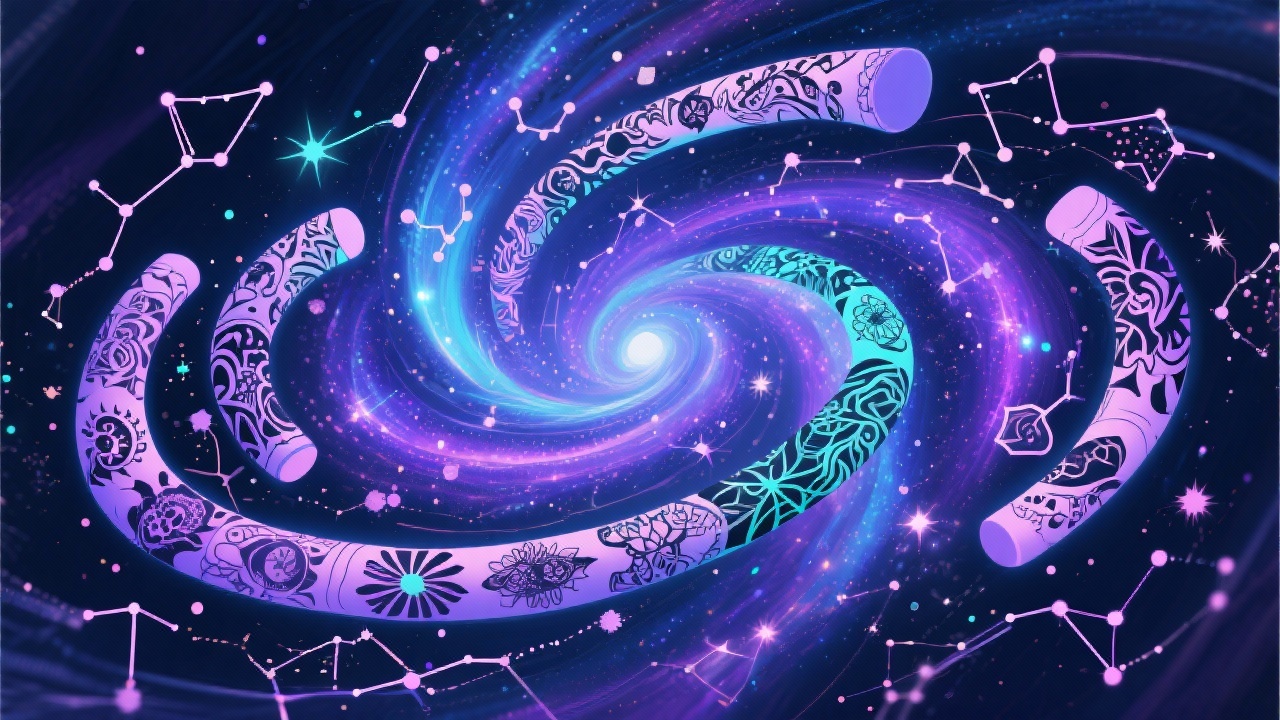
Explore countless design options without needing to sketch or draw. The AI generates novel combinations, allowing you to discover ideas you might not have considered otherwise.
Save Time and Effort
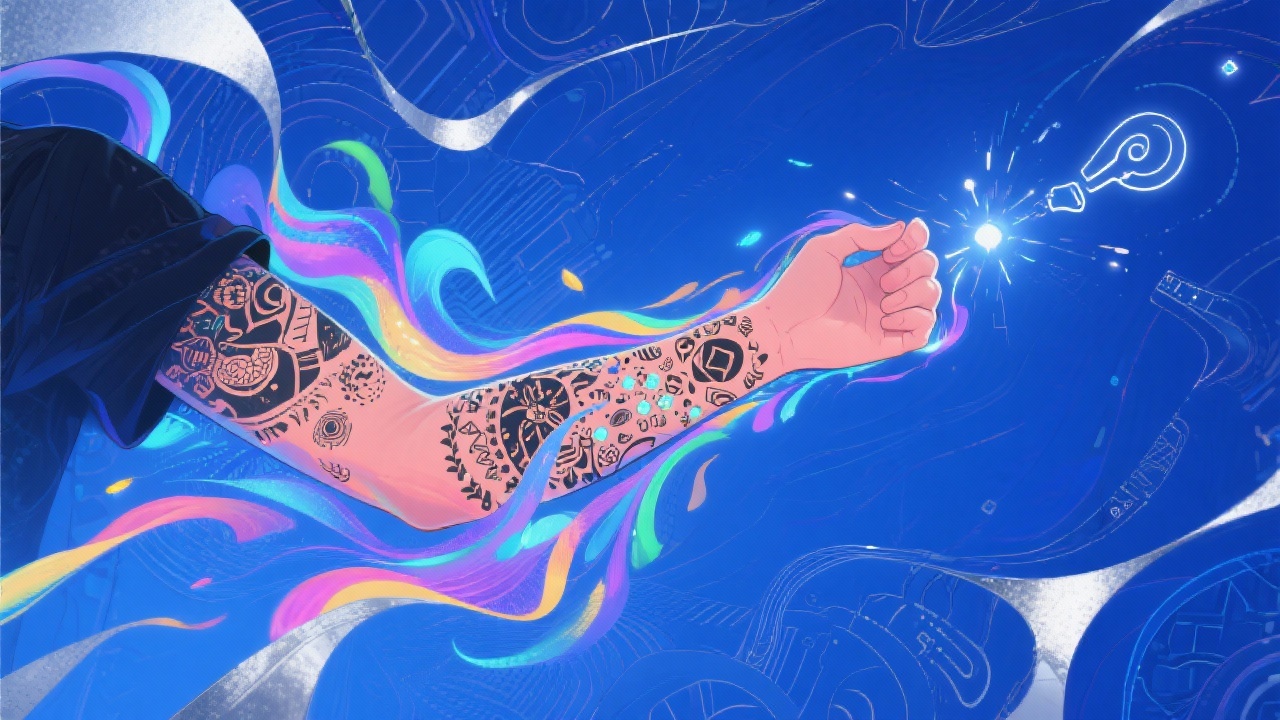
Skip the time-consuming process of browsing through tattoo portfolios or trying to explain your vision to an artist. Get instant visual representations of your ideas.
Personalized Designs
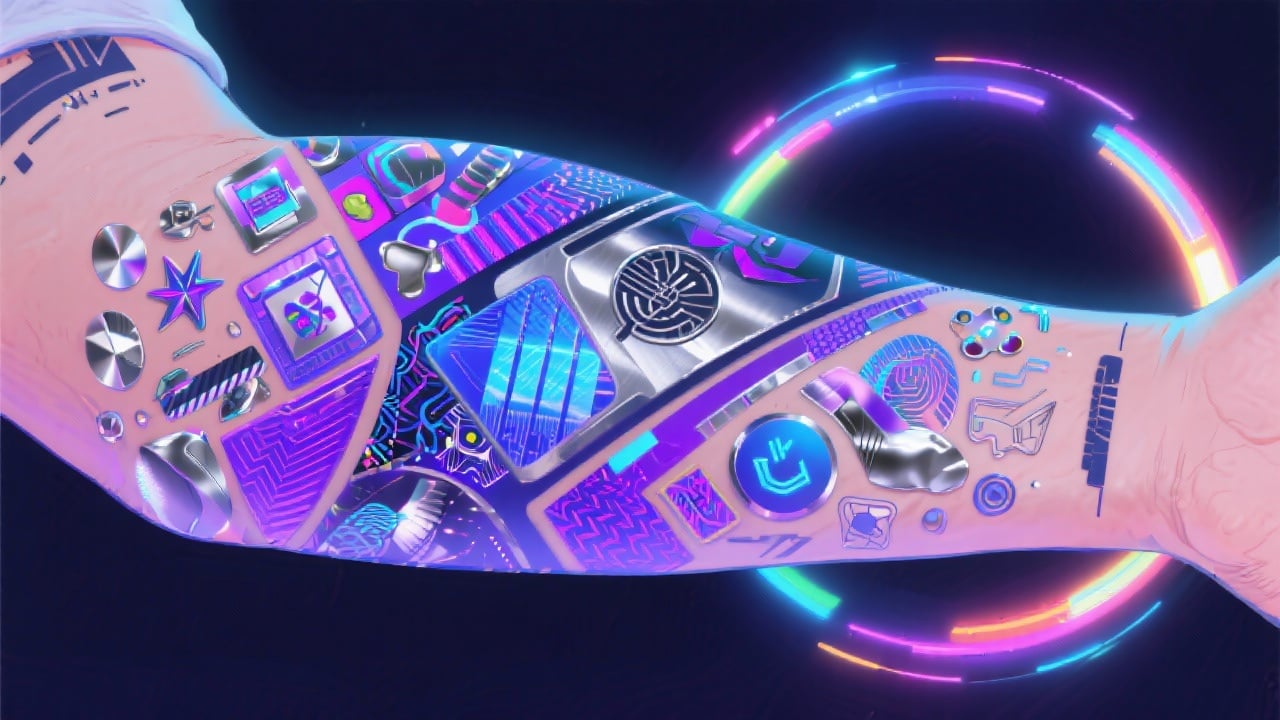
Create a truly unique small tattoo sleeve that reflects your personality, interests, and style. The AI adapts to your specific preferences, resulting in a design that is perfectly suited to you.
FAQs
Discover related AI tools:
- 0
Browse Related Content
Explore AI-generated small tattoo sleeve artwork from our community
More From BasedLabs



Start Designing Your Small Tattoo Sleeve Now!
Join millions of creators using BasedLabs to generate professional, scroll-stopping content for social media, YouTube, marketing, and more — in seconds. Produce high-quality AI-generated videos and images optimized for engagement and reach. Streamline your content workflow and scale faster.
