
Node-based AI canvases went from a niche workflow toy to standard infrastructure in about two years. The pitch is simple: instead of juggling six different model providers in separate tabs, you chain image, video, and audio models on one visual graph, then rerun the whole thing whenever inputs change. The newer development is that the canvas products now ship APIs, which turns a design tool into a backend you can call from your own product.
That API layer is where the platforms actually differ. Most of them look the same in a demo video: nodes, wires, a run button. The differences show up when you try to trigger a graph from a webhook, version it, or bill for it inside a SaaS app.
This guide compares six platforms we have actually run pipelines on, with an eye on what the node-based platforms with real APIs do differently from the ones where the API is an afterthought.
What "canvas platform with an API" actually means
A canvas platform gives you a visual editor where each node is a model call or a transform, and edges pass outputs downstream. The API part means you can execute that graph programmatically: send inputs over HTTP, get generated assets back, and skip the UI entirely once the pipeline is designed.
The practical test is short. Can you save a graph, call it with new inputs from a script, and get a predictable output URL back? Platforms that pass this test can sit inside a product. Platforms that fail it are visual pipeline builders for humans only, which is fine, but it is a different category.
1. Weavy
Weavy is the most design-forward canvas in the group. It treats the graph as an artboard: you mix generative nodes with compositing, typography, and layout controls, and the result feels closer to a creative suite than a developer tool. Teams coming from Figma tend to adopt it fastest.
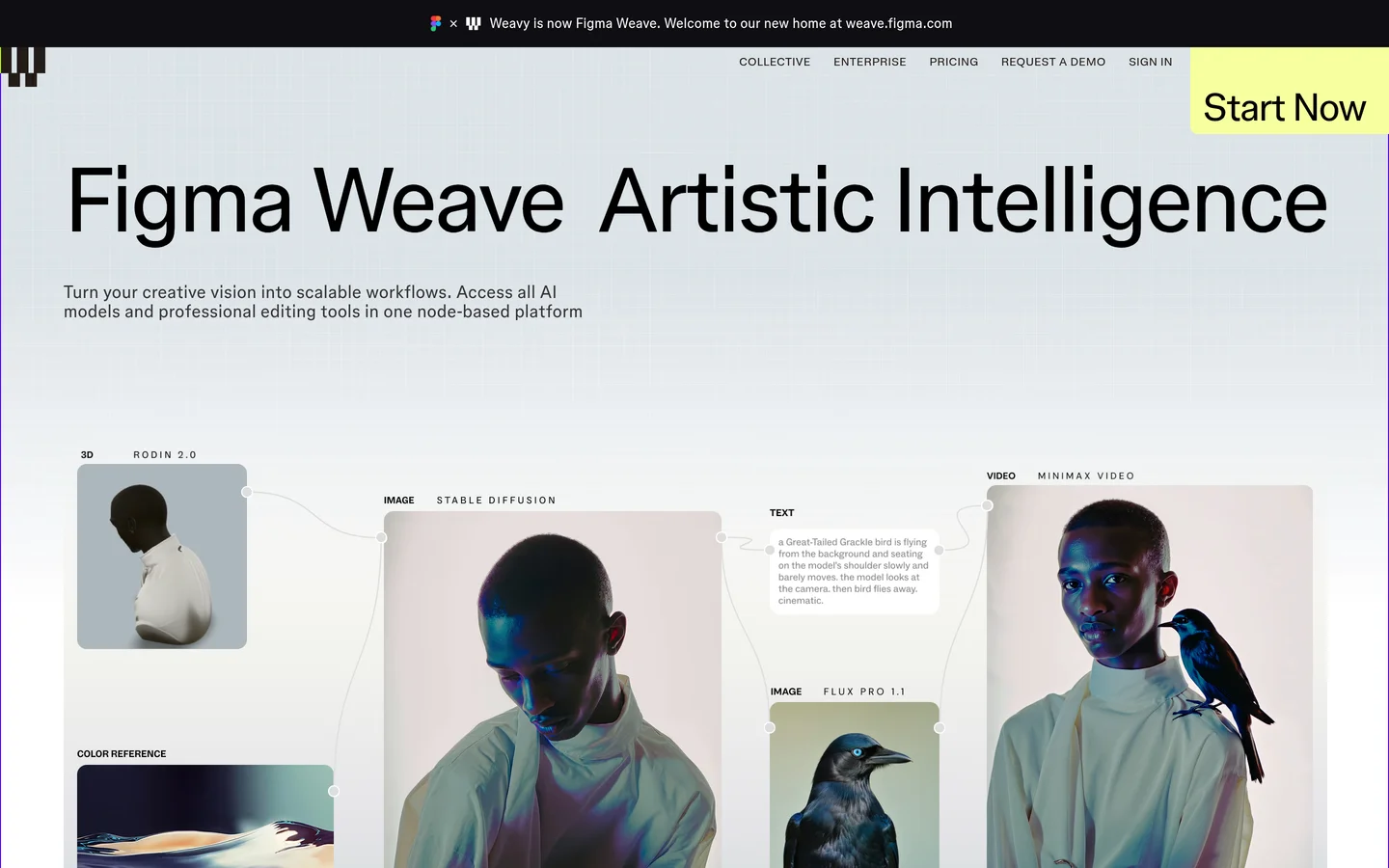
The trade-off is on the automation side. Programmatic access has been improving, but developers who need clean REST execution of a saved graph often end up looking at a Weavy alternative with an API once a project moves from exploration to production.
- Strength: best-in-class compositing and design controls on the canvas
- Weakness: automation story is thinner than the editing story
- Best for: design teams iterating on visual concepts, the audience most no-code AI platforms with API access are now chasing
2. Flora
Flora markets itself as an "intelligent canvas" and leans hard into creative exploration. Branching iterations, side-by-side variants, and fast model swapping make it strong for ideation, and it has real traction with art directors.
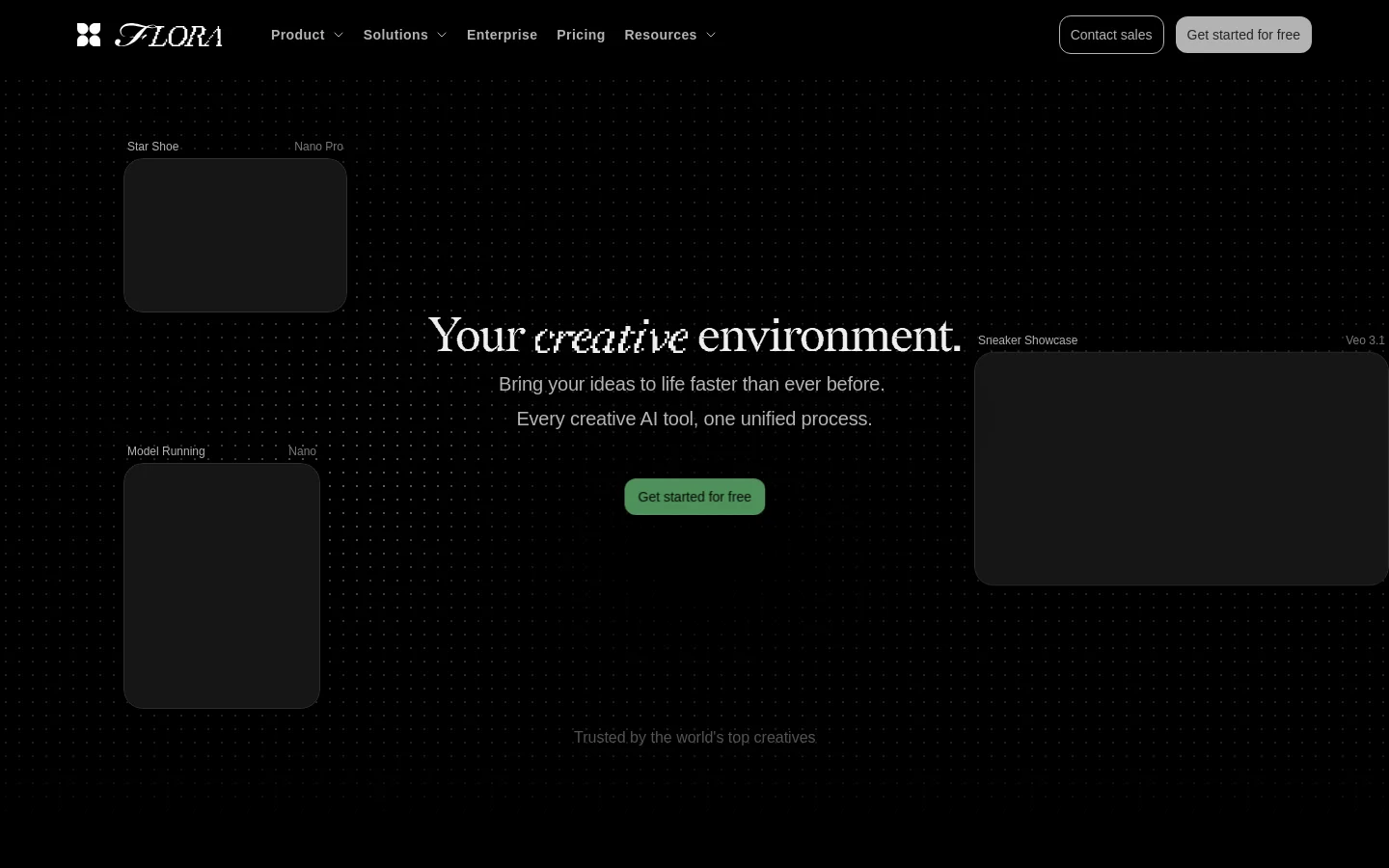
Developer access is the open question. We covered the state of the Flora AI API separately; the short version is that the product is built around interactive use first, so teams that need headless execution usually pair it with something else.
- Strength: fastest ideation loop of any canvas here
- Weakness: limited programmatic surface
- Best for: creative exploration and moodboarding, or building AI workflows without code before engineers get involved
3. Krea
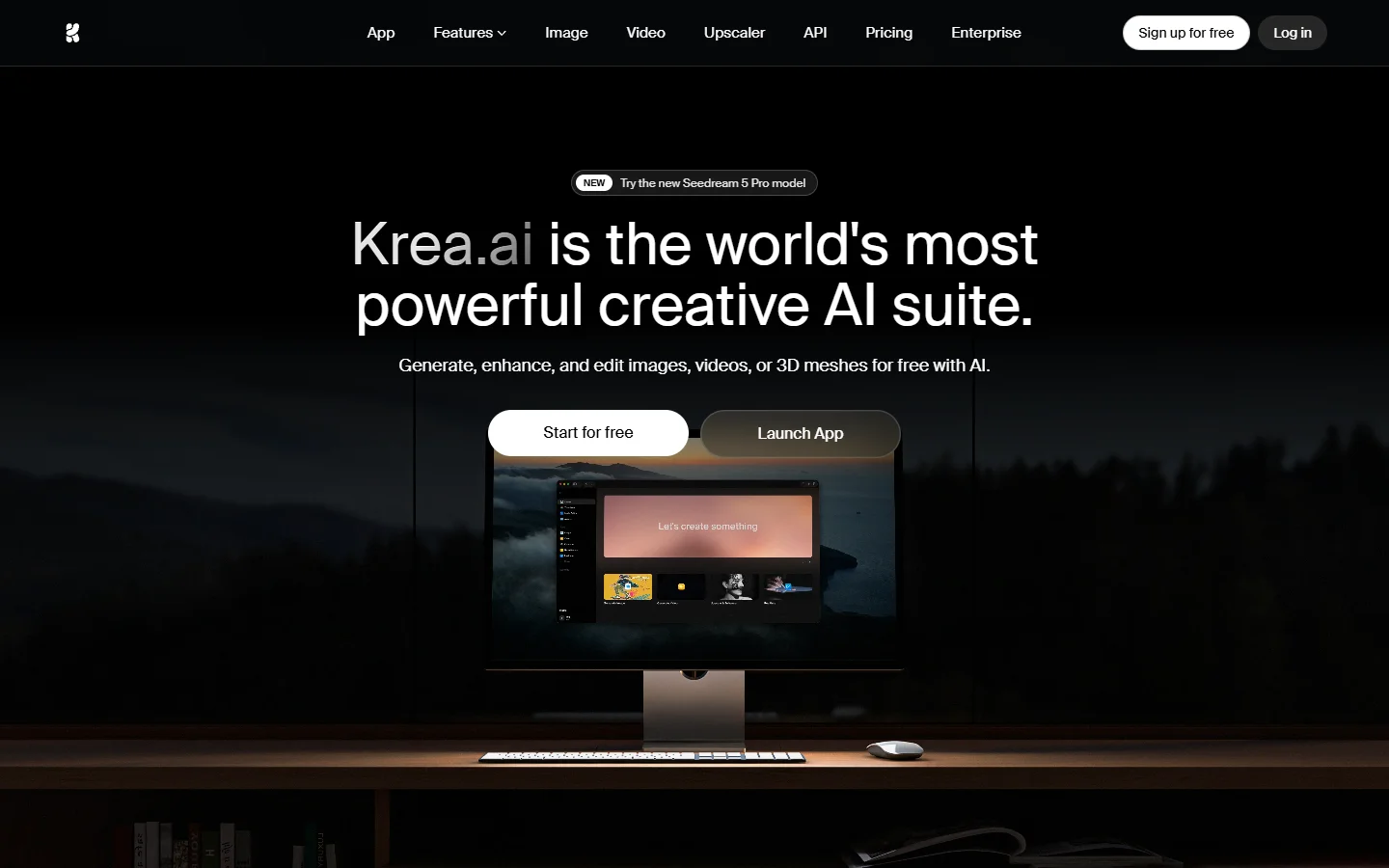
Krea started as a realtime generation playground and grew node features later. Its strength is speed: realtime canvas painting, fast upscaling, and a model lineup that tracks new releases closely. The node editor is younger than the rest of the product but improving quickly.
- Strength: realtime feedback and strong model coverage
- Weakness: graph execution via API is not the core product
- Best for: individual creators who want speed over pipeline structure; pair it with batch image generation via API when volume grows
4. fal.ai
fal.ai comes at the problem from the opposite direction. It is an inference platform first, with hundreds of hosted models behind consistent endpoints, and its workflow tooling grew on top of that developer base. If your team thinks in code, fal feels natural immediately.
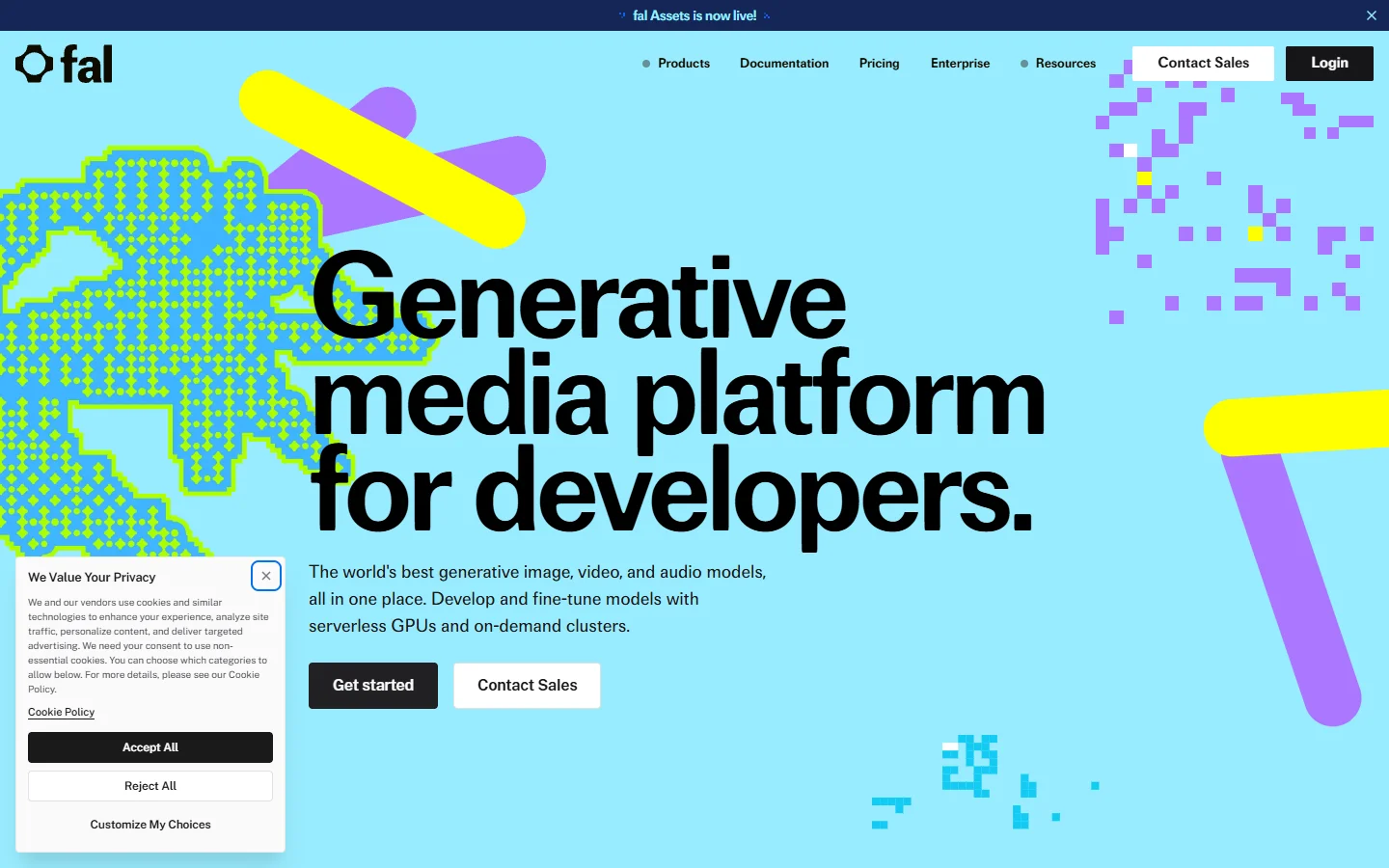
The canvas is more utilitarian than Weavy or Flora, and non-technical teammates will not live in it. It competes less with design canvases and more with the orchestration APIs used in production apps, where raw latency and model breadth matter most.
- Strength: serious infrastructure, low latency, wide model catalog
- Weakness: the visual layer is secondary; expect to write code
- Best for: engineering teams building generation features into products; see our comparison of node platforms for developer teams
5. ComfyUI
ComfyUI is the open-source reference point for node-based generation. Nothing else matches its depth: custom nodes exist for nearly every model, sampler, and post-process you can name, and the graphs are portable JSON you can run anywhere.
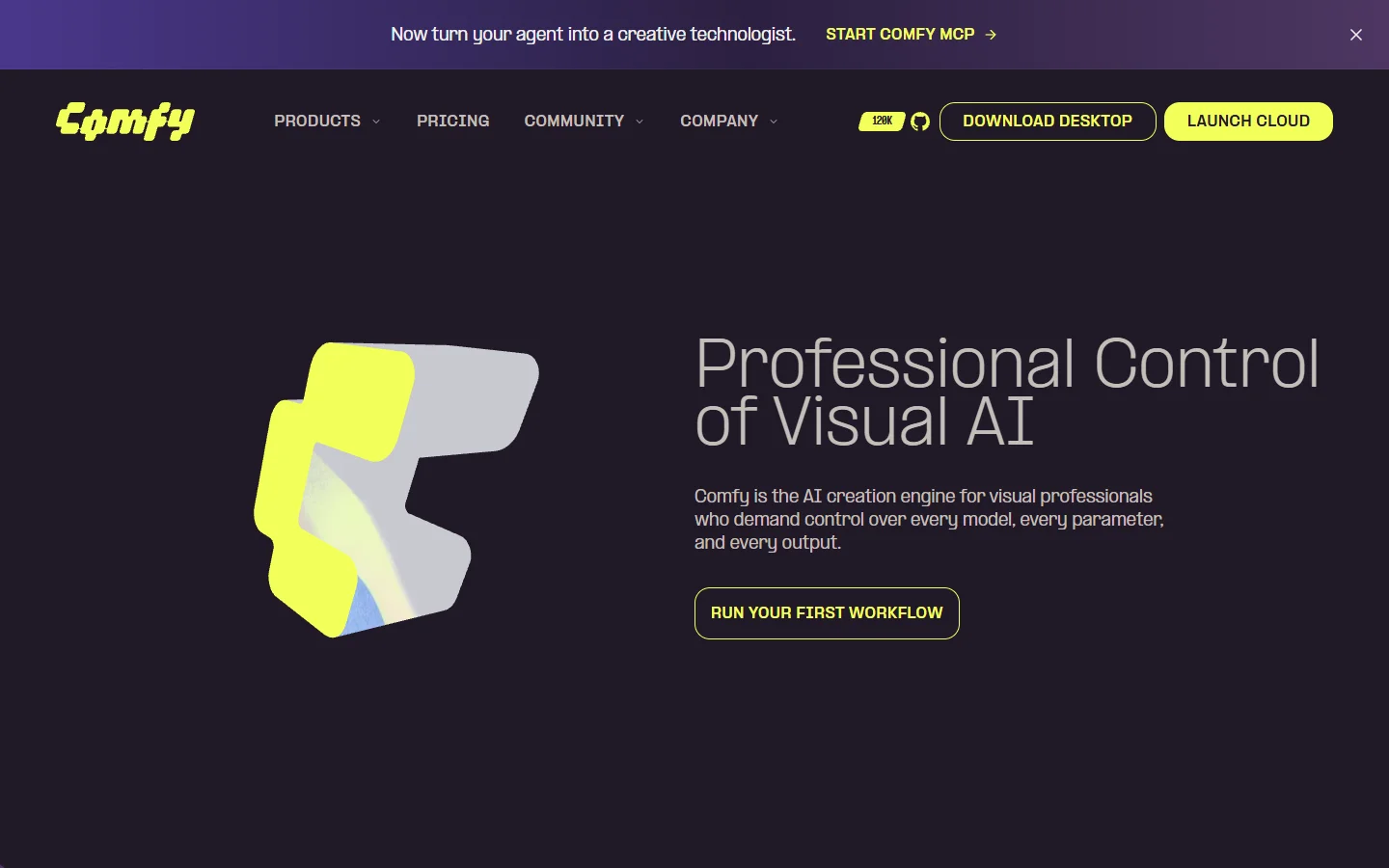
The cost is operational. You manage GPUs, dependencies, and custom node conflicts yourself, or pay a hosted provider to do it. Exposing a ComfyUI graph as a stable HTTP endpoint is possible but it is real engineering work, which is why so many teams start there and then move to a managed option once they need pipelines behind a REST API without the ops burden.
- Strength: unmatched flexibility and community node ecosystem
- Weakness: you own the infrastructure and the breakage
- Best for: power users and teams with GPU ops experience; teams that outgrow self-hosting usually move to no-code AI with API access
6. Freepik Spaces
Freepik shipped Spaces as a node canvas inside its broader creative suite, and its distribution advantage is obvious: millions of existing subscribers get a workflow tool bundled with the assets they already use.

For API work the picture is mixed. Freepik has solid generation endpoints, but Spaces graphs and the API live somewhat separate lives today; we dug into the details in our Freepik Spaces API breakdown. Watch this one though, because the roadmap clearly points toward tighter integration.
- Strength: bundled distribution, stock assets and generation in one place
- Weakness: canvas-to-API path is still maturing
- Best for: marketing teams already inside the Freepik ecosystem
Wiring a canvas into production

The pattern that works in production is the same across stacks: design the graph visually, freeze it, then treat it as a single endpoint. For that last step, some platforms are built around it from the start. Wireflow's approach is a good example of the category done right; its guide to running an end-to-end AI image pipeline shows how a saved canvas becomes a callable workflow with typed inputs, which is exactly the contract a backend team wants.
Whichever platform you pick, insist on three things before committing: stable workflow IDs, webhook or polling support for long-running jobs, and output URLs you can store. Our walkthrough of an AI canvas with a REST API goes through each requirement with request examples.
How to choose
Match the platform to who runs it day to day. If designers own the pipeline, Weavy or Flora will get used; if engineers own it, fal.ai or a headless workflow platform will win, and the canvas is just the debugging view.
Budget matters less than billing model. Per-seat pricing suits interactive tools, but anything you call from code should bill per execution, otherwise costs detach from usage. The drag-and-drop tools that expose APIs increasingly get this right with usage-based tiers.
FAQ
What is an AI canvas platform? A visual editor where AI model calls are nodes on a graph and outputs flow between them. It replaces gluing multiple model APIs together by hand, and the better platforms let you run the whole graph through an API once it is designed.
Do I need to know how to code to use these? Not for the canvas itself. Weavy, Flora, Krea, and Freepik Spaces are fully usable without code. You only need engineering help when you want to trigger graphs from your own software.
Which platform is best for developers? fal.ai for raw inference and model breadth, ComfyUI for maximum control if you can host it. Teams that want a visual editor and clean execution endpoints in one product should compare the node editors that ship APIs before defaulting to either.
Is ComfyUI free? The software is open source and free. The GPU you run it on is not, and hosted ComfyUI services typically charge per generation or per GPU-hour.
Can I resell outputs generated through these platforms? Generally yes for paid tiers, but license terms differ per platform and per model. Check the model-level licensing, especially for production pipelines that serve customers, where indemnification terms start to matter.
How much do canvas platform APIs cost? Expect usage-based pricing tied to model inference, roughly $0.01 to $0.10 per image and $0.10 to $1.00 per video second depending on the model. Per-seat editor pricing is usually separate from execution pricing.
Conclusion

The canvas category has split into two lanes: design-first tools (Weavy, Flora, Krea, Freepik Spaces) and infrastructure-first tools (fal.ai, ComfyUI). The interesting products in 2026 are the ones closing the gap from both sides. Wireflow sits in that convergence zone with a visual canvas that doubles as an API-callable workflow, and the incumbents are all moving the same direction.
Pick based on who operates the tool, verify the API contract before you build on it, and keep your graphs portable where you can. The model layer will keep churning; the pipeline structure you design is the part that lasts.