
Node-based AI canvases had a breakout year. Higgsfield, Krea, Freepik Spaces, and a wave of smaller tools all shipped drag-and-drop editors where you wire a prompt node into an image model, chain an upscaler behind it, and watch results render in place. The canvas solved a real problem: multi-step generation used to mean copy-pasting outputs between five different tabs.
But a canvas on its own has a ceiling. The moment you want to run that pipeline a thousand times, trigger it from your own app, or hand it to a teammate who never opens the editor, you need an API behind the canvas. That pairing is what people now search for as an "AI canvas API," and the tools that offer it look very different from each other. We covered the broader pattern in our guide to building AI pipelines with REST APIs, and this piece zooms in on the canvas side specifically.
What an AI canvas API actually is
The term gets used loosely, so it helps to pin it down. An AI canvas API is a programmatic interface to workflows you built visually. You design the graph on a canvas: input nodes, model nodes, post-processing nodes, output nodes. The platform then exposes that graph as an endpoint. POST your inputs, get the generated result back. The canvas is the authoring environment; the API is the execution environment.
This is distinct from a plain image generation API, where you call a single model with a prompt and parameters. We compared those in our roundup of content generation APIs, and they are great for one-shot calls. A canvas API earns its keep when the job has stages: generate, upscale, remove background, composite, then maybe push the result into a video model.
It is also distinct from headless orchestration, where there is no visual layer at all and the whole pipeline lives in code or YAML. Headless platforms have their place, and we looked at the strongest options in our piece on headless AI workflow platforms. The canvas API sits in the middle: visual to build, programmatic to run.
Why the combination matters

The honest answer is iteration speed. Pipelines built purely in code are slow to tweak. Changing "upscale 2x then color grade" to "color grade then upscale 4x" means editing code, redeploying, and re-running. On a canvas you drag one edge and hit run. Designers and non-engineers can own the creative logic while engineers own the integration.
The API half matters for the opposite reason: canvases do not scale by hand. If your product needs 500 product shots with the same treatment, nobody is clicking "run" 500 times. That batch problem is old enough that we wrote a full walkthrough on running batch image generation via API, and the canvas API pattern is the cleanest answer to it yet: the graph is versioned in one place, and the batch loop is ten lines of code.
There is a quieter benefit too. When the workflow lives in a graph instead of scattered scripts, you can audit it. You can see exactly which model version produced an asset, which matters more every year as teams get asked where their generated content came from.
The platforms that ship a real canvas API today
A lot of tools have a canvas. Fewer have a usable API behind it, and that gap is exactly why searches for things like a Weavy alternative with an API keep climbing. Here is the honest state of the field, based on what each platform actually exposes rather than what its landing page implies.
Higgsfield Canvas
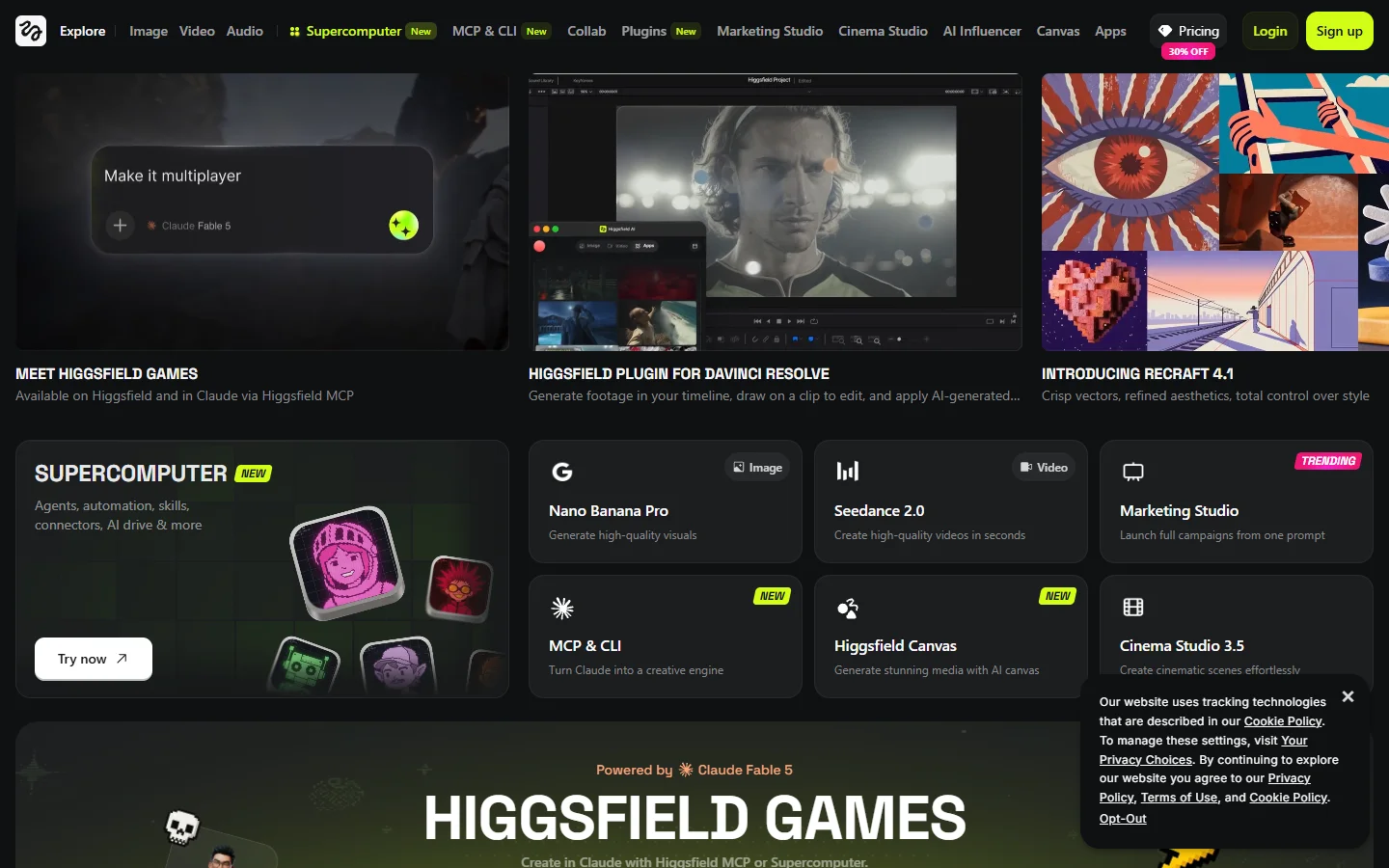
Higgsfield built its canvas around motion: prompts, images, and video models connect into a single pipeline, with strong cinematic presets. The canvas experience is polished and clearly aimed at creators first. API access exists but is geared toward enterprise conversations rather than self-serve keys, so solo developers may find the door half open. If video output is the end goal, it is worth comparing against direct model access like the approach in our Kling video API guide.
Krea
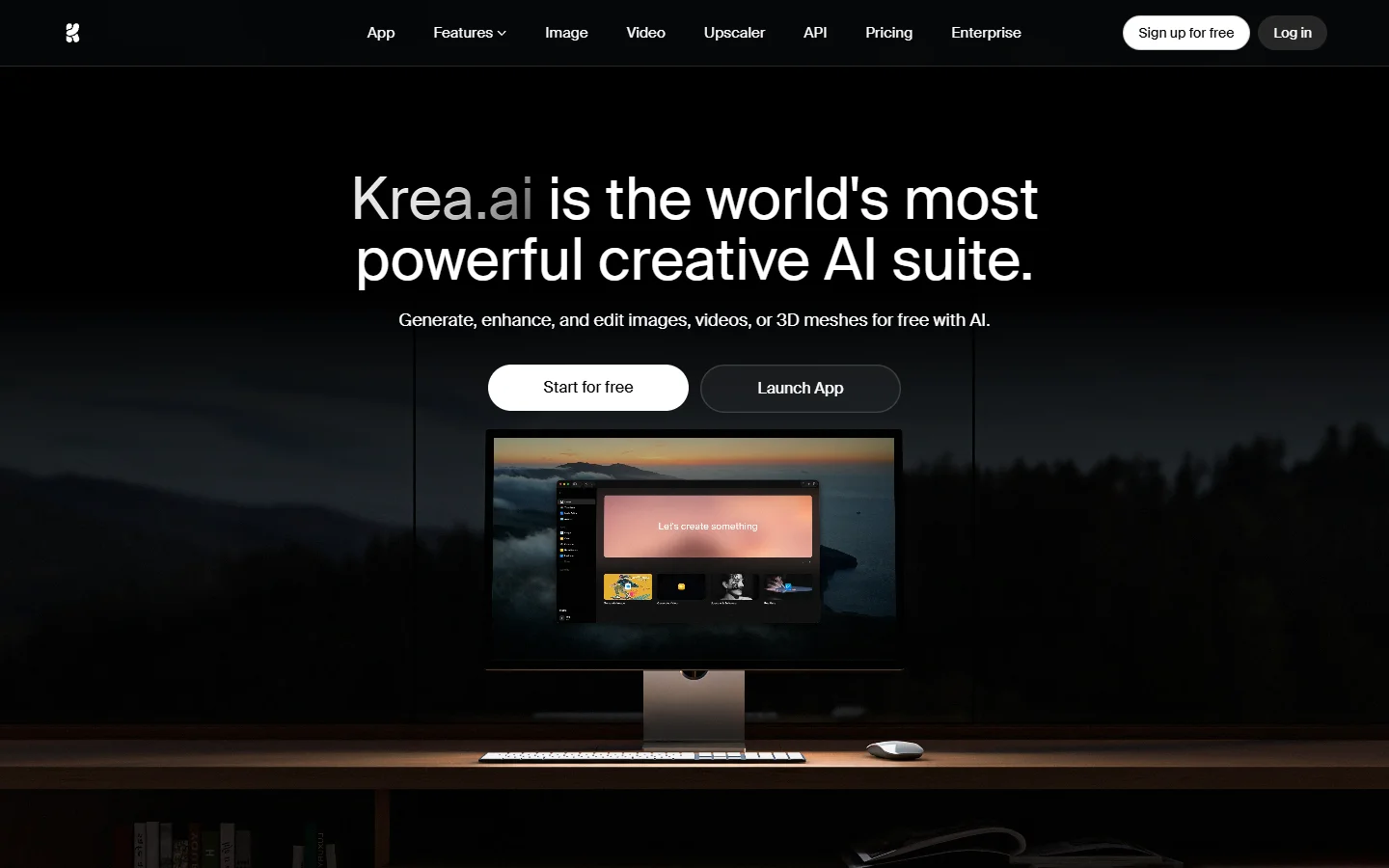
Krea is the real-time option. Its canvas previews generations live as you adjust prompts and parameters, which makes it the fastest authoring loop on this list. The trade-off is that Krea is built for hands-on creation; its programmatic story is thinner than its editor, and teams that need heavy automation usually pair it with something else for the production side.
ComfyUI
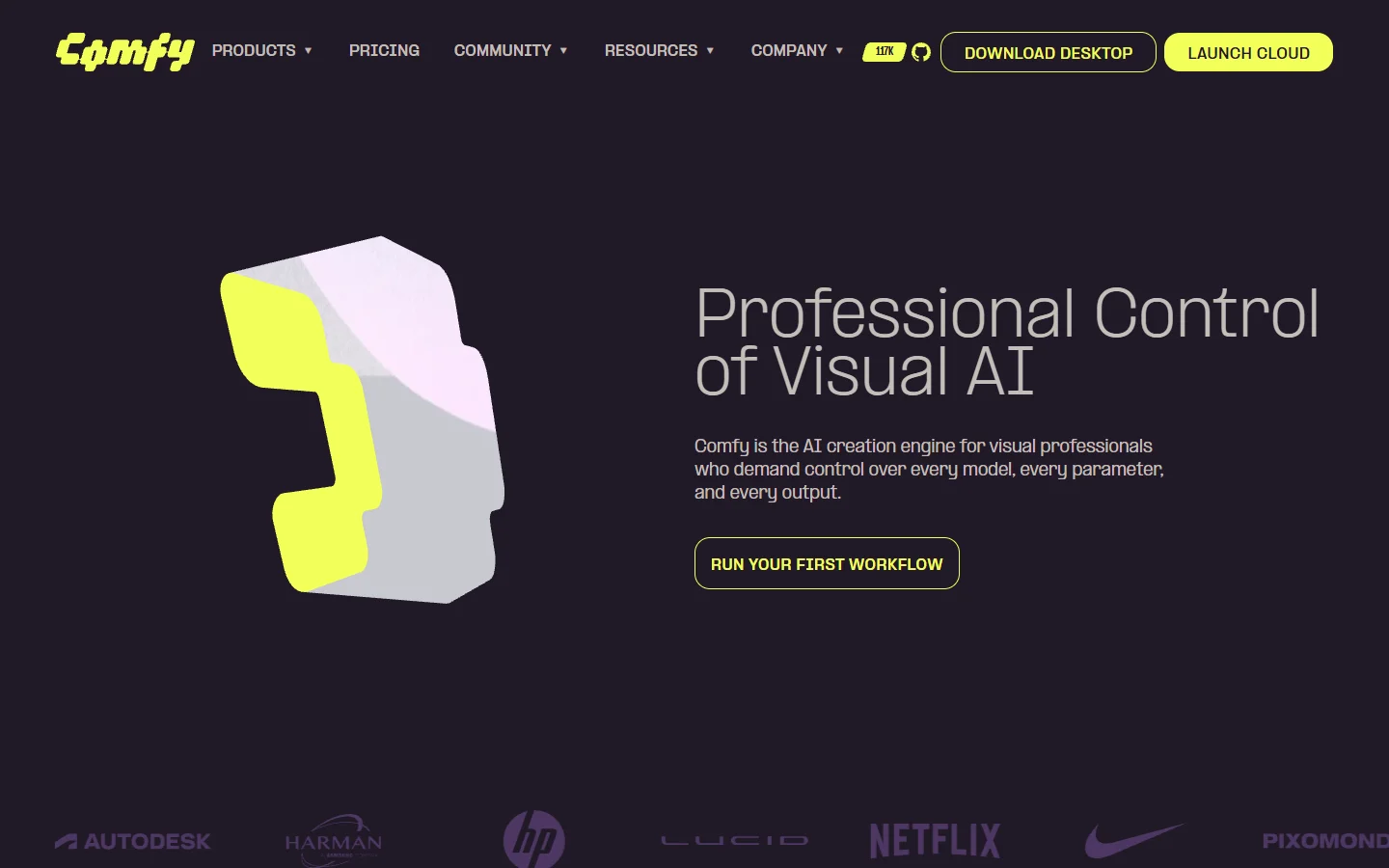
ComfyUI is the open-source heavyweight. Every workflow is a JSON graph, and the local server exposes it over a websocket API, so in a strict sense ComfyUI has had a canvas API longer than anyone. The cost is operational: you host it, you manage GPUs, you maintain custom nodes. Self-hosting model pipelines has real infrastructure overhead, similar to what we found when testing Flux Pro API pricing and code examples against self-hosted equivalents.
Freepik Spaces

Freepik Spaces is the collaboration play: multiple people on the same canvas, building and duplicating workflows in real time. It is the strongest choice for design teams already inside the Freepik ecosystem. The API surface is newer and still maturing; we dug into the details in our dedicated Freepik Spaces API review.
fal.ai
fal.ai comes at the problem from the opposite direction: API first, canvas second. Developers get fast, unified REST access to Flux, video models, and dozens of others, with a visual workflow layer added on top. If your team is engineers all the way down, starting API-first is reasonable; the canvas is a convenience rather than the core product.
Putting a canvas workflow into production
The build-then-call loop is roughly the same on every platform that does this well, from the big names above down to the Runway API alternatives we have tested separately. You prototype the graph on the canvas with test inputs until the output quality holds across a varied sample set, not just your favorite prompt.
Then you parameterize. The nodes that should change per request, usually the prompt, the source image, and the output size, get marked as inputs. Everything else stays frozen in the graph. One practical option for this stage is an AI image editing suite that exposes each saved canvas as its own REST endpoint, so the parameterized graph becomes a callable URL without extra deployment steps.
Finally, you wire it into your stack like any other service: handle the async job lifecycle, store the output URLs, and set spend alerts before you scale the call volume. The async part trips up most first-timers, since generation jobs can take 30 seconds or more; our walkthrough on building AI workflows with an API covers the polling and webhook patterns that keep this sane.
What to evaluate before you commit

Four things separate a production-ready canvas API from a demo. First, self-serve keys: if API access requires a sales call, prototyping dies. Second, workflow versioning: when someone edits the canvas, do existing API consumers break? Third, honest pricing: per-generation costs compound fast at batch volume. Fourth, model breadth: a canvas locked to one model family ages badly.
It is worth scoring candidates against the same criteria we used for production-grade orchestration APIs: latency under load, failure behavior, and what happens to in-flight jobs when you hit a rate limit. Canvas platforms are younger than the model APIs underneath them, and the gaps show up exactly there.
FAQ
What is an AI canvas API?
It is a programmatic interface to workflows authored on a visual node canvas. You build the generation pipeline by connecting nodes, then call it as an endpoint from your own code. The pattern combines the iteration speed of visual editing with the repeatability of an API, as covered in our no-code AI workflow guide.
Is a canvas API different from a normal image generation API?
Yes. A plain generation API calls one model per request. A canvas API executes a whole graph: multiple models, post-processing, and conditional steps, all in one call.
Can I use ComfyUI as a canvas API without self-hosting?
Several cloud providers host ComfyUI and expose its workflow API, which removes the GPU management problem. You still inherit custom-node compatibility issues, so pin your node versions. For managed alternatives, see our comparison of Weavy and its API options.
Do canvas APIs support video models or just images?
The stronger platforms chain image and video nodes in the same graph, so a workflow can generate a still, then animate it. Check which video models are first-class nodes; access patterns vary, as we found when testing Google Veo via API.
How much does a canvas API cost to run?
Most platforms charge per generation step, so a five-node graph costs roughly the sum of its model calls. Budget from your expected batch volume, not from single test runs; costs scale linearly and surprise people at the thousand-run mark.
Who actually needs one?
Teams that ship generated assets repeatedly: e-commerce catalogs, game studios, marketing pipelines. If you generate images occasionally and by hand, a free AI image generator and a canvas editor are enough, and the API half is overhead.
The bottom line
The canvas and the API used to be separate product categories, one for creatives and one for developers. In 2026 the useful tools are the ones that refuse to pick a side. Higgsfield and Krea lead on the authoring experience, ComfyUI on flexibility, Freepik Spaces on collaboration, and fal.ai on raw developer ergonomics.
If your deciding factor is turning a finished canvas into a callable endpoint with the least friction, also benchmark a dedicated AI workflow tool against the list above before committing; the endpoint ergonomics differ more than the canvases do. Whichever platform you pick, prototype the full loop early. The canvas demo is the easy part; the thousandth API call is where the real differences show.