
Node-based editors have become the default way to build AI pipelines that actually ship. Instead of writing glue code between models, you wire inputs and outputs on a visual canvas, test the result, and expose the whole thing as an API endpoint. The shift from "prompt playground" to "programmable pipeline" is what separates a weekend experiment from a production feature. If you are evaluating tools for a project that needs both a visual builder and a REST API, this guide covers the options worth testing in 2026.
The appeal is straightforward: a canvas lets non-engineers prototype, while the API layer lets developers integrate the same logic into apps. The best tools do both without forcing you to pick one audience.
Why Node Editors Beat Linear Prompt Chains
Linear prompt chains work fine for single-model tasks. The moment you need branching logic, conditional routing, or multi-model orchestration, they fall apart. A node editor gives you a directed graph where each node handles one job: call a model, resize an image, apply a filter, merge outputs. You see the entire pipeline at once, which makes debugging faster and collaboration possible.
The API layer matters because most AI features live inside other products. A marketing team might build a pipeline on a canvas, but the engineering team needs to call it from a Next.js app or a mobile backend. Platforms that expose workflows as REST endpoints eliminate the translation step between prototype and production.
Key Features to Look For
Not every node editor is built the same. Before committing to a platform, check these specifics, especially if you plan to generate images or video at scale:
- Model coverage: does it support the models you actually need? Flux, Stable Diffusion, Kling, Veo, GPT Image, and audio models each have different integration requirements
- API authentication: token-based auth, rate limiting, and usage tracking should be built in, not bolted on
- Node library: pre-built nodes for common operations (upscaling, background removal, format conversion) save hours of custom work
- Execution modes: can you run pipelines synchronously for real-time use cases and asynchronously for batch jobs?
- Pricing model: per-execution billing vs. seat-based licensing affects total cost at scale
Platforms that handle headless workflow execution tend to perform better for production use cases because the API is the primary interface, not an afterthought.
Top Node-Based AI Editors With APIs
Here is a practical look at five platforms that combine visual editing with programmatic access. Each solves the problem differently.
NodeTool
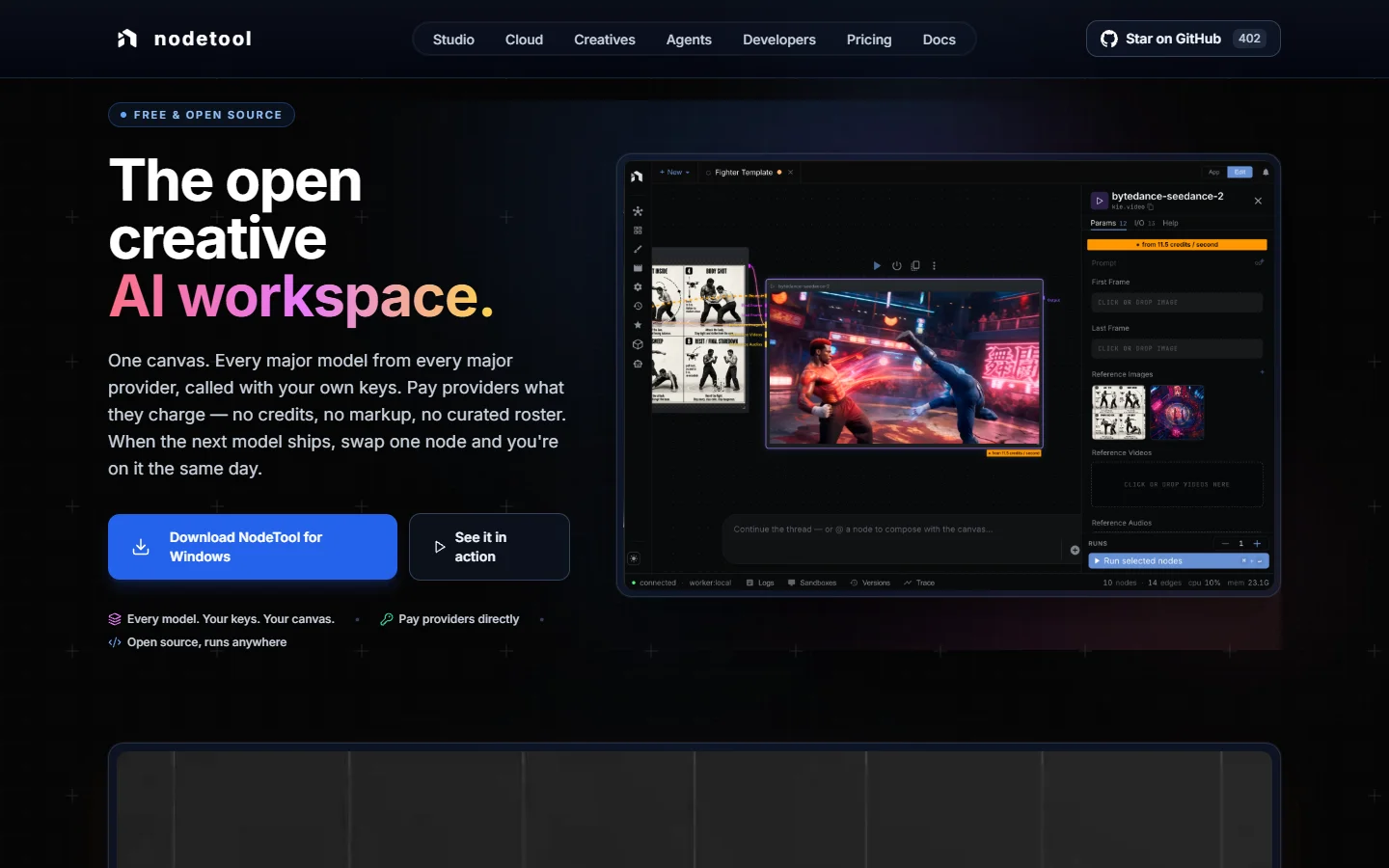
NodeTool is open-source and runs locally or in the browser. It connects to every major model provider (OpenAI, Anthropic, Stability, Replicate, fal) using your own API keys, so there is no markup on inference costs. The node graph supports image generation, video, audio, and LLM chains. For teams that want full control over their stack, NodeTool's self-hosted option removes vendor lock-in entirely. The tradeoff: you manage your own infrastructure, and the API surface is still maturing compared to hosted alternatives.
Flowise
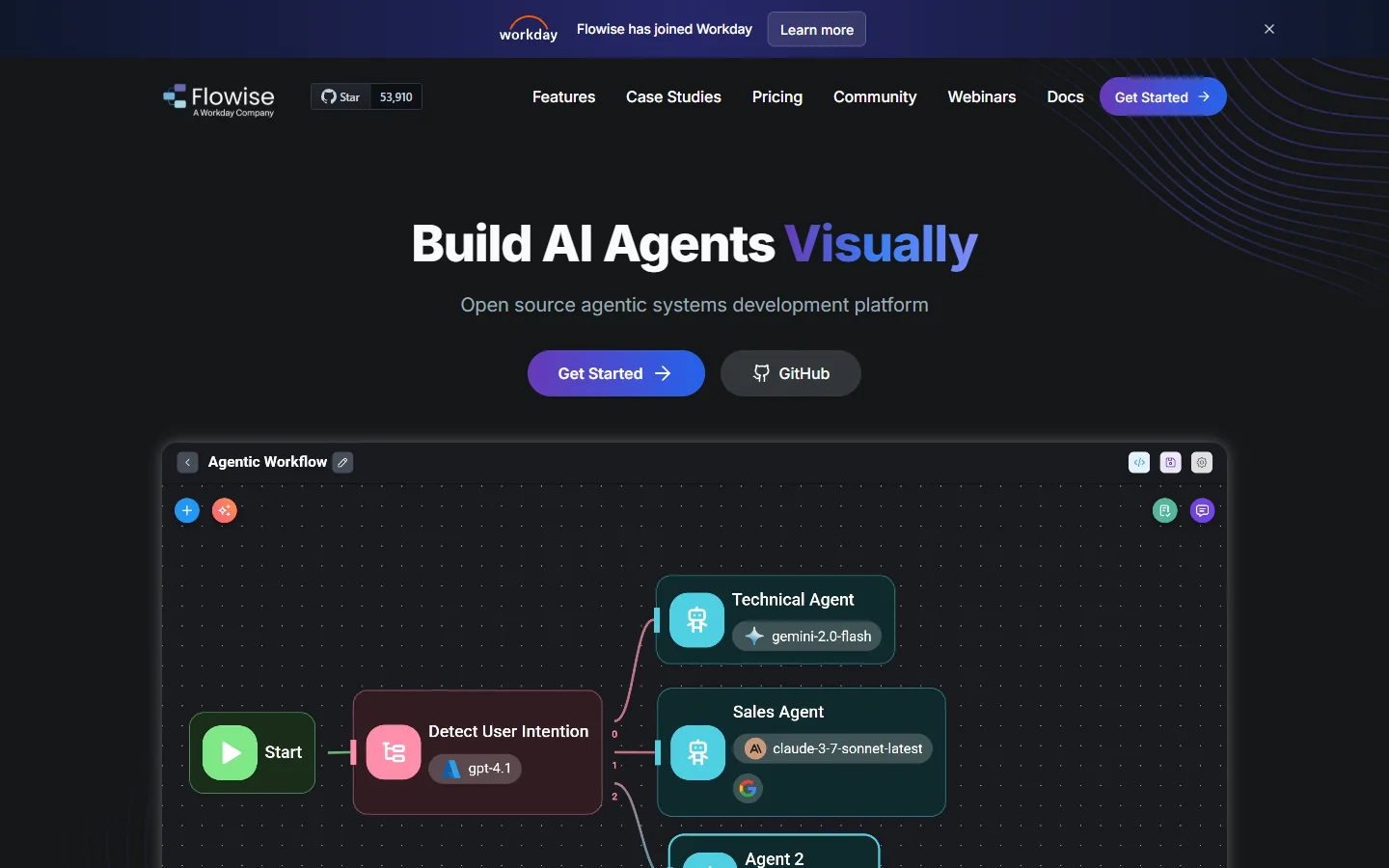
Flowise focuses on LLM applications: chatbots, RAG pipelines, and agentic flows. Its drag-and-drop builder auto-generates a REST API endpoint for each chatflow, which makes integration simple. With 100+ integrations covering vector stores, embedding models, and document loaders, it handles most LLM orchestration tasks. The limitation is scope: Flowise is purpose-built for conversational AI pipelines, not image or video generation. If your use case is text-centric, it is one of the strongest no-code AI options with API access available.
n8n

n8n started as a general workflow automation tool and added AI capabilities through LangChain integration and native AI nodes. Its strength is connecting AI steps with everything else: databases, APIs, webhooks, CRMs, and file systems. The flowchart-style editor is intuitive for people coming from Zapier or Make. For AI-specific work, n8n is best when your pipeline needs to interact with external systems heavily. Its orchestration API is well-documented and production-ready, backed by a large open-source community.
Dify
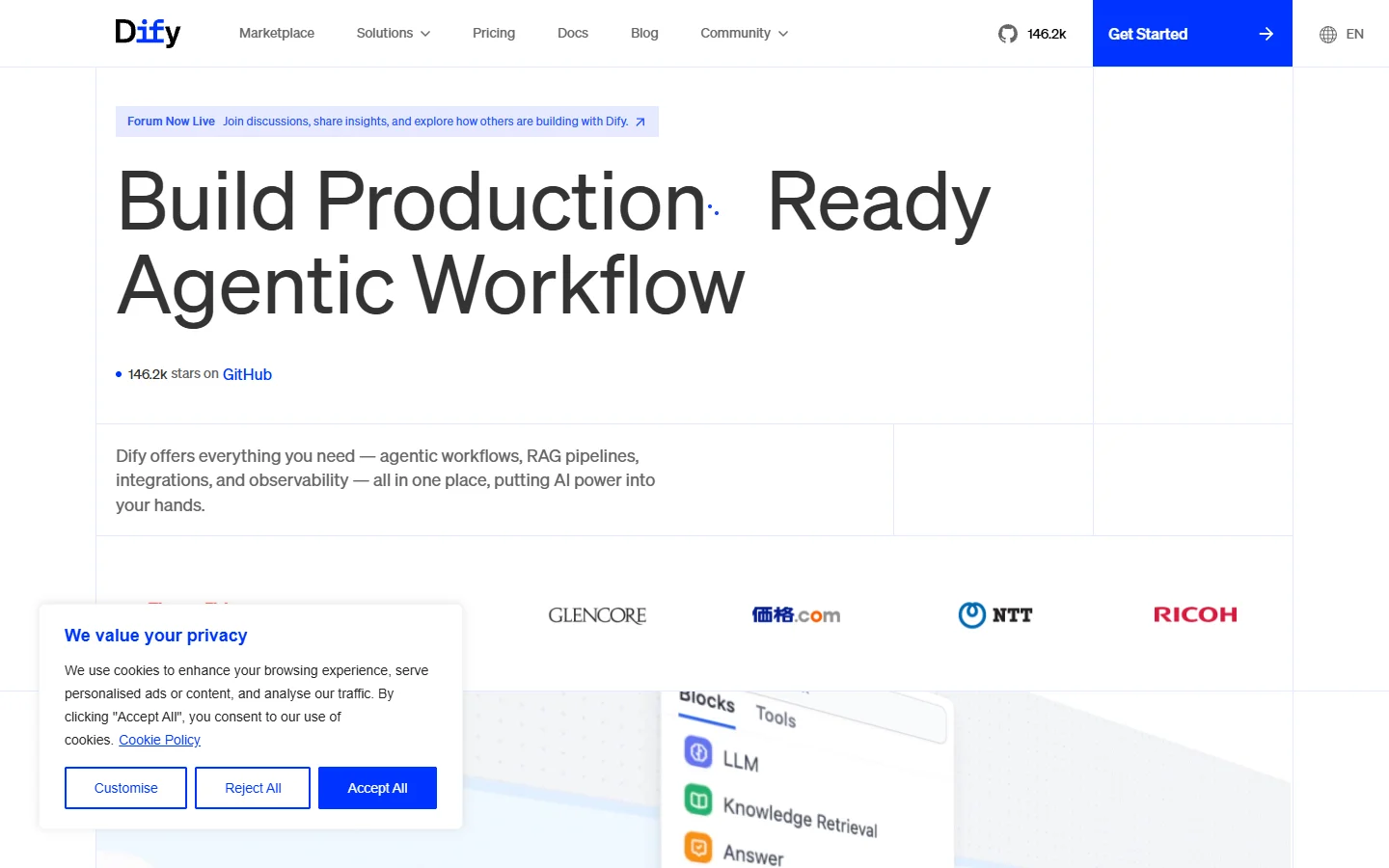
Dify provides a visual canvas for building LLM-powered applications with a focus on production readiness. The node editor connects LLM calls, conditional logic, HTTP requests, and code execution into a single workflow. Every workflow becomes an API endpoint automatically. Dify's monitoring dashboard tracks token usage, latency, and error rates per node, which is useful for optimizing production AI pipelines. The cloud-hosted version handles scaling; the self-hosted option gives you full data control.
ComfyUI
ComfyUI is the standard for image and video generation workflows. Its node graph is the most granular of any tool on this list: you control every step of the diffusion process, from checkpoint loading to sampler configuration. The API is community-driven, with tools like ComfyUI-to-API and hosted services (Replicate, fal) wrapping ComfyUI graphs into callable endpoints. The learning curve is steep, and the API story requires third-party tooling. For teams that need visual AI pipeline building with maximum model control, ComfyUI remains hard to beat.
Multi-Model Pipelines: Where Node Editors Shine
The real power of a node editor shows up when you chain multiple models together. Consider a typical image-to-video production pipeline:
- Text prompt enters a language model node for expansion and refinement
- The refined prompt feeds into an image generation node (Flux 2 Pro, Imagen 4)
- The generated image passes through an upscaling node
- A background removal node isolates the subject
- A compositing node places the subject on a branded template
Building this as a linear script means managing five API calls, error handling between each step, and retry logic. On a visual AI workflow platform like Wireflow's AI workflow platform, you wire those five nodes together, test with sample data, and hit publish. The platform handles execution, retries, and the API layer.
This pattern applies across use cases: marketing teams building ad creative pipelines, e-commerce teams generating product photos, and video teams chaining image-to-video models with audio generation.
Choosing the Right Tool for Your Stack

The decision comes down to what you are building and who is building it.
For LLM-heavy applications (chatbots, RAG, agents): Flowise or Dify. Both generate APIs automatically and have strong LLM-specific node libraries. Flowise is better for quick prototypes; Dify is better for production monitoring and scaling.
For image and video generation: ComfyUI gives the most control, but requires GPU infrastructure and custom API wrapping. Hosted alternatives handle that complexity for you while keeping the node-based editing experience.
For general automation with AI steps: n8n bridges AI and traditional workflow automation better than any specialized tool. If your pipeline touches Slack, Postgres, S3, and an LLM, n8n is the practical choice. It also handles background removal and photo editing tasks when wired to the right model nodes.
For open-source self-hosting: NodeTool and ComfyUI both run on your hardware. NodeTool is broader in scope; ComfyUI is deeper in image generation.
Frequently Asked Questions
What is an AI node editor? An AI node editor is a visual tool where you build AI pipelines by connecting nodes on a canvas. Each node represents an operation: calling a model, transforming data, or routing logic. The graph structure makes it easy to see how data flows through your AI workflow pipeline.
Can I use a node editor without coding? Yes. Most node editors in this guide support drag-and-drop workflows that non-engineers can build and test. The API layer is optional for prototyping but essential for production use.
How do node editors expose APIs? Typically, you save a workflow and the platform generates a REST endpoint. You call it with an HTTP POST, pass in your inputs as JSON, and get the outputs back. Some platforms also support webhooks and streaming responses for real-time applications.
Are node editors suitable for production workloads? Hosted platforms like Dify and n8n are built for production scale. Self-hosted options like ComfyUI and NodeTool need infrastructure work but can handle high throughput with the right setup.
What models can I use in a node editor? Coverage varies by platform. The broadest support typically includes text models (GPT-4, Claude), image models (Flux, Stable Diffusion, DALL-E), video models (Kling, Veo, Seedance), and audio generation models.
How much do AI node editors cost? Pricing models range from free open-source (NodeTool, ComfyUI) to usage-based billing (per API call or per compute minute). Hosted platforms typically charge $20-100/month for team plans plus model inference costs.
What is the difference between a node editor and a prompt playground? A prompt playground lets you test one model with one prompt. A node editor lets you chain multiple models, add logic, transform data, and expose the result as an API. The gap is the difference between testing an idea and shipping a feature.
Wrapping Up
Node-based AI editors with API access sit at the intersection of visual prototyping and programmatic deployment. The tools covered here each take a different approach: some optimize for breadth (n8n, NodeTool), others for depth (ComfyUI, Flowise), and a few aim for both. If your project needs to acquire and onboard users around AI capabilities, it is worth reading about effective user acquisition strategies alongside the technical tooling decisions. The right choice depends on your models, your team's technical depth, and whether you need the API on day one or day thirty.