
The barrier between having an idea and shipping an AI-powered product has never been lower. In 2026, a growing number of platforms let you connect models, data sources, and output channels through visual interfaces rather than writing scripts from scratch. Whether you want to generate marketing images on a schedule, summarize incoming emails, or chain multiple AI models into a single pipeline, you can now do it by dragging nodes onto a canvas and drawing connections between them.
This shift matters because it puts AI automation within reach of teams that lack dedicated ML engineers. Product managers, designers, and solo founders are building workflows that would have required a backend developer two years ago. The tooling has matured enough that "no-code" no longer means "no control."
In this guide, we will walk through the practical steps of building your first AI workflow without writing code, cover the tools worth considering, and flag the limitations you should know about before committing to a platform. If you are evaluating AI tools for your team, this is a good starting point.
Why No-Code AI Workflows Deserve Your Attention
The economics of software development have changed. Hiring a full-stack engineer to wire together three API calls, a database write, and a Slack notification costs more than most small teams can justify. No-code workflow builders compress that work into an afternoon. You define the logic visually, test it in real time, and deploy it without touching a terminal.
Beyond cost savings, speed is the real advantage. When a new model drops (and they drop almost weekly now), teams using visual workflow tools can swap in the new model and test results within minutes. Codebased pipelines require dependency updates, testing, and deployment cycles. No-code tools let you treat AI models like interchangeable parts, which is exactly how the landscape demands you operate. Many of these tools also expose their workflows through an API layer, so your visual prototype can become a production endpoint without a rewrite.
What Actually Makes Up an AI Workflow

Before building anything, it helps to understand the anatomy of a typical AI workflow. Most no-code platforms model workflows as directed graphs. Each node in the graph performs a single operation: calling a model, transforming data, reading from a database, or sending output somewhere.
A basic workflow has three layers. First, a trigger that starts the process: a webhook, a scheduled timer, a new row in a spreadsheet, or a manual button click. Second, one or more processing nodes that do the actual work: image generation, text summarization, translation, classification, or any other AI task. Third, an output node that delivers the result: saving to cloud storage, posting to a CMS, sending an email, or returning a JSON response. If you have experimented with AI-powered video creation, you have already seen this pattern in action.
The real power comes from chaining nodes. A single workflow might take a product description, generate five ad copy variants with GPT, create matching images with a diffusion model, resize them for different social platforms, and publish them to a content queue. Each step feeds into the next, and the whole thing runs without human intervention after the initial setup. Teams already using AI for product video generation will recognize this multi-step pattern immediately.
Step by Step: Building Your First No-Code AI Pipeline
Here is a concrete example. Say you want to build a workflow that takes a blog title, generates a summary, creates a matching hero image, and saves both to your CMS.
1. Choose your platform. Pick a tool that supports the AI models you need. If your workflow involves image generation, make sure the platform has nodes for Stable Diffusion, FLUX, or similar models. If it is mostly text-based, confirm it supports the LLM you prefer.
2. Set up your trigger. Most platforms let you start with a webhook (so another app can kick it off) or a manual trigger (for testing). Start with manual. You can always swap to a webhook or schedule later.
3. Add your first AI node. Drop in a text generation node. Connect it to your trigger so it receives the blog title as input. Configure the prompt: "Write a 2-sentence summary of a blog post titled: {{title}}." Run a test and verify the output looks right. If you want to explore what AI tools and apps are available, most platforms maintain a directory of supported integrations.
4. Chain a second model. Add an image generation node after the text node. Feed the summary into its prompt field so the generated image relates to the content. Most platforms with a visual AI workflow tool interface let you reference previous node outputs using template variables or drag-and-drop connections.
5. Add your output. Connect a final node that posts the summary and image URL to your CMS via its API. Map the fields, run the full workflow end to end, and check the result. Once it works, switch the trigger to a webhook and connect it to your blog publishing flow. You can learn more about connecting AI-generated content to video outputs with a similar approach.

Tools That Handle the Heavy Lifting
The no-code AI workflow space has a few established players and several newer entrants. Here is what each brings to the table.
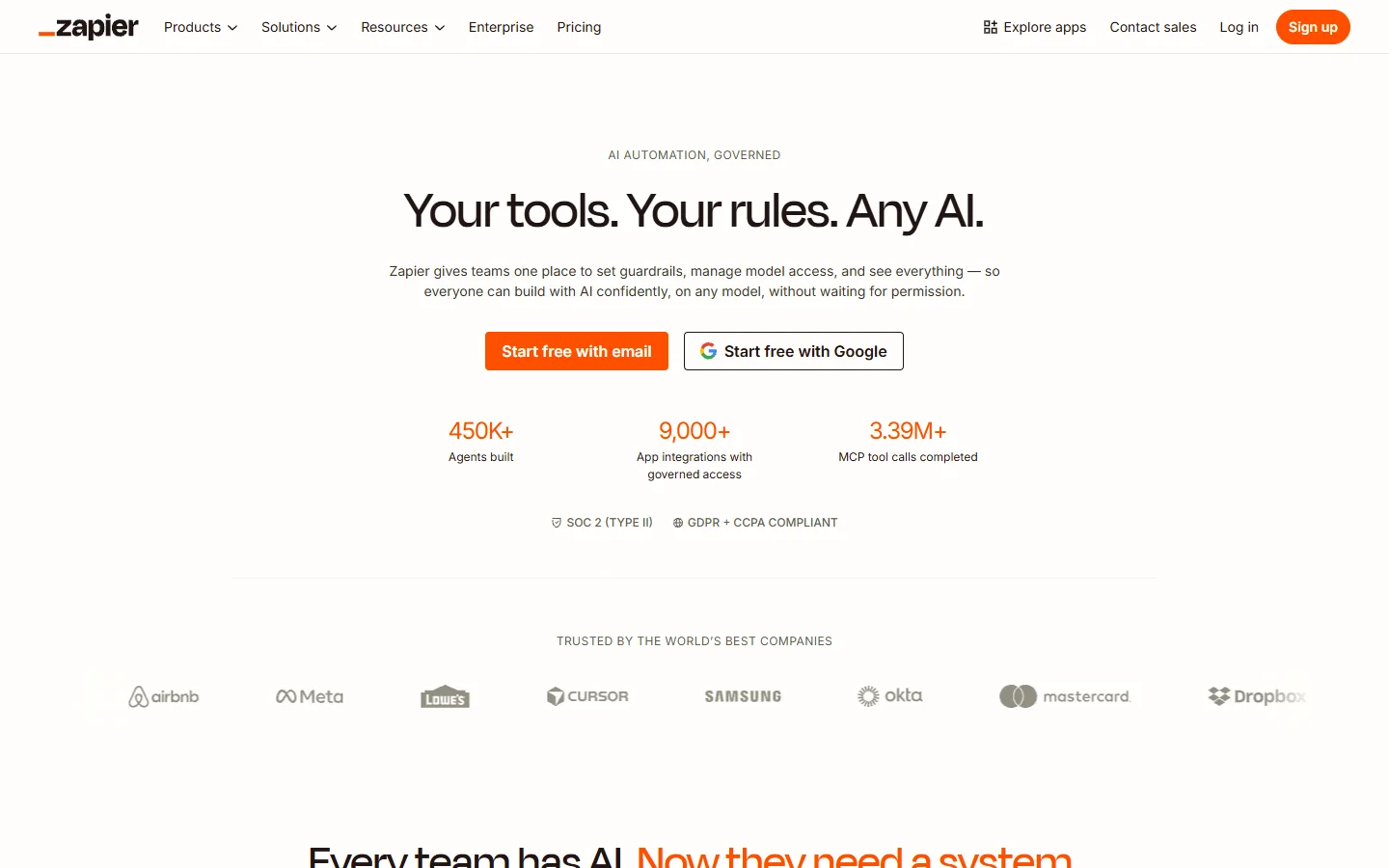
Zapier remains the default choice for teams that need to connect SaaS apps. Its AI actions (powered by OpenAI and others) let you add text generation, classification, and extraction steps directly into Zaps. The free tier is limited, but the breadth of integrations is unmatched. If your workflow is mostly about moving data between existing tools with a sprinkle of AI, Zapier is hard to beat. Teams already using Zapier for design and collaboration workflows will find the AI additions natural.
n8n is the open-source alternative that appeals to technical users who want self-hosting and full control over data. Its node library covers hundreds of services, and you can add custom JavaScript functions when the built-in nodes fall short. The learning curve is steeper than Zapier, but the flexibility makes it a strong pick for teams with privacy requirements or complex logic.

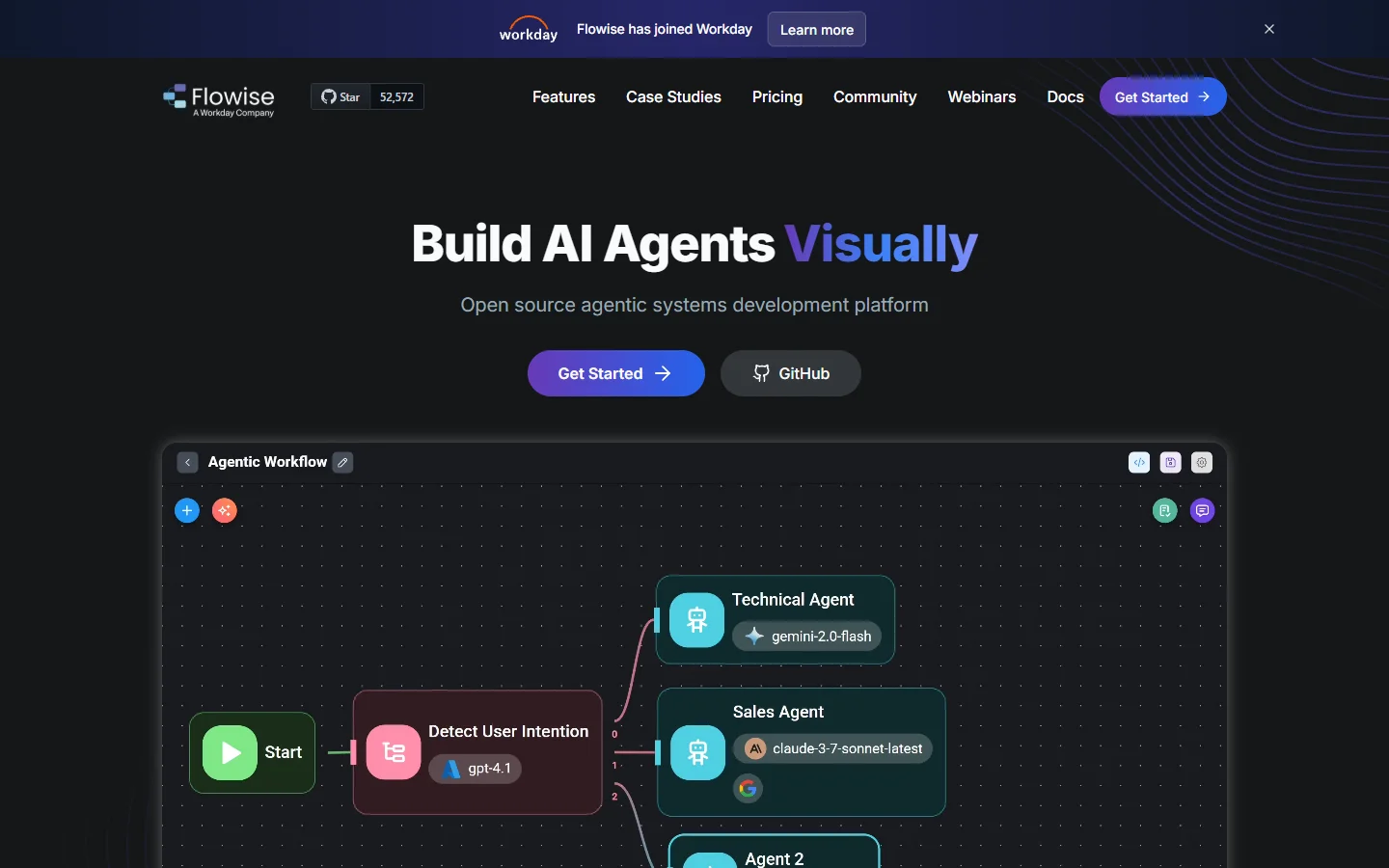
Flowise focuses specifically on LLM workflows. Built on LangChain, it gives you a drag-and-drop interface for assembling chains, agents, and RAG pipelines. If your primary need is building chatbots, document Q&A systems, or other text-heavy AI applications, Flowise offers more specialized nodes than general-purpose tools. Comparing it to other AI generation platforms, Flowise trades breadth for depth in the language model space.
ComfyUI takes a node-based approach to image and video generation specifically. It is popular with creators who want granular control over diffusion model parameters without writing Python. The community has built thousands of custom nodes, making it one of the most extensible options for visual AI work. The tradeoff is that it runs locally, so you need a capable GPU.
Where No-Code Workflows Fall Short
No-code is not a silver bullet. There are real limitations worth understanding before you commit.
Debugging is harder. When a workflow fails at step seven of a twelve-step chain, figuring out what went wrong can be frustrating. Most platforms show you the output of each node, but the error messages from AI models are often vague. You end up guessing whether the issue is your prompt, the model, or the data format.
Vendor lock-in is real. Each platform has its own node system, its own way of storing credentials, and its own execution environment. Moving a complex workflow from Zapier to n8n means rebuilding it from scratch. Some platforms mitigate this with export features, but cross-platform portability is still poor. Consider this alongside the design tool landscape where similar lock-in concerns apply.
Performance ceilings exist. No-code tools add overhead. A workflow that calls three AI models sequentially will always be slower than a purpose-built script that runs those calls in parallel. For high-throughput production use cases (processing thousands of items per hour), you may eventually need to move critical paths to code.
Frequently Asked Questions
Can I build AI workflows without any technical knowledge?
You need a basic understanding of how APIs work and what inputs/outputs each AI model expects. You do not need to know a programming language, but thinking in terms of data flow, inputs, and outputs is essential. Most AI workflow platforms offer tutorials that teach this mental model.
How much do no-code AI workflow tools cost?
Pricing varies widely. Zapier starts free with limited tasks and goes up to $69/month for teams. n8n is free to self-host. Flowise is open source. Cloud-hosted options typically charge per execution or per active workflow. Budget $20-100/month for moderate usage on commercial platforms.
Are no-code workflows secure enough for production?
It depends on the platform. Self-hosted options like n8n give you full control over data residency. Cloud platforms vary in their compliance certifications. Check whether the platform stores your API keys encrypted, whether data passes through their servers, and whether they offer SOC 2 or equivalent. For sensitive data, review the platform's enterprise capabilities before committing.
Can I use my own AI models in a no-code workflow?
Most platforms support custom model endpoints. If your model exposes a REST API, you can call it from an HTTP request node. Some platforms (like n8n and Flowise) have specific nodes for OpenAI, Anthropic, Hugging Face, and other providers. You can also connect to AI plugins for additional model support. Self-hosted models behind a local API work as long as the workflow tool can reach the endpoint.
What happens when an AI model in my workflow returns bad output?
Build validation steps into your workflow. Add a node after each AI call that checks the output format, length, or content before passing it to the next step. Most platforms support conditional branching, so you can route bad outputs to a human review queue or retry with adjusted parameters.
How do I handle rate limits from AI providers?
Add delay nodes between API calls, or use the platform's built-in rate limiting features. Some tools let you configure retry logic with exponential backoff. For high-volume workflows, consider queuing requests and processing them in batches rather than real-time.
Can I combine multiple AI models in a single workflow?
Yes, and this is where no-code workflows shine. You can chain a language model for text generation, an image model for visuals, and a speech model for audio, all in one workflow. Each model's output feeds into the next as input. The visual interface makes it straightforward to see how data flows between different AI models and processing steps.
Wrapping Up
Building AI workflows without code in 2026 is practical, accessible, and increasingly powerful. The tools have matured past the "toy demo" stage into platforms that handle real production workloads. Start with a simple two-step workflow, prove it works, and add complexity from there. Platforms like Wireflow, Zapier, n8n, and Flowise each serve different needs, so pick the one that matches your technical comfort level and the specific AI models you plan to use. The best workflow is the one you actually ship.