
FLORA has become one of the more talked-about creative canvases of the past two years. The pitch is simple: an infinite node-based canvas where designers chain 50+ image, video, and language models together without writing code. But the question we keep getting from readers is different: does the Flora AI API let you take those workflows and run them from your own backend? The short answer is yes, with significant caveats, and those caveats matter a lot if you are building AI pipelines with REST APIs for production use.
This guide covers what the Flora API actually exposes as of mid-2026, what it costs, where the hard limits are, and which tools developers reach for when they outgrow it. We have spent time in the docs and the canvas itself, so this is based on what ships today, not what the marketing page implies. It is the same exercise we ran on the Freepik Spaces API, and the conclusions rhyme.
One note on naming before we start: FLORA is built by Flora Fauna (florafauna.ai, now also at flora.ai). It has nothing to do with the various open-source "flora" repos on GitHub or plant-identification apps. If you searched "flora ai api" and landed on a botany SDK, this is the page you wanted.
What FLORA is, in one section
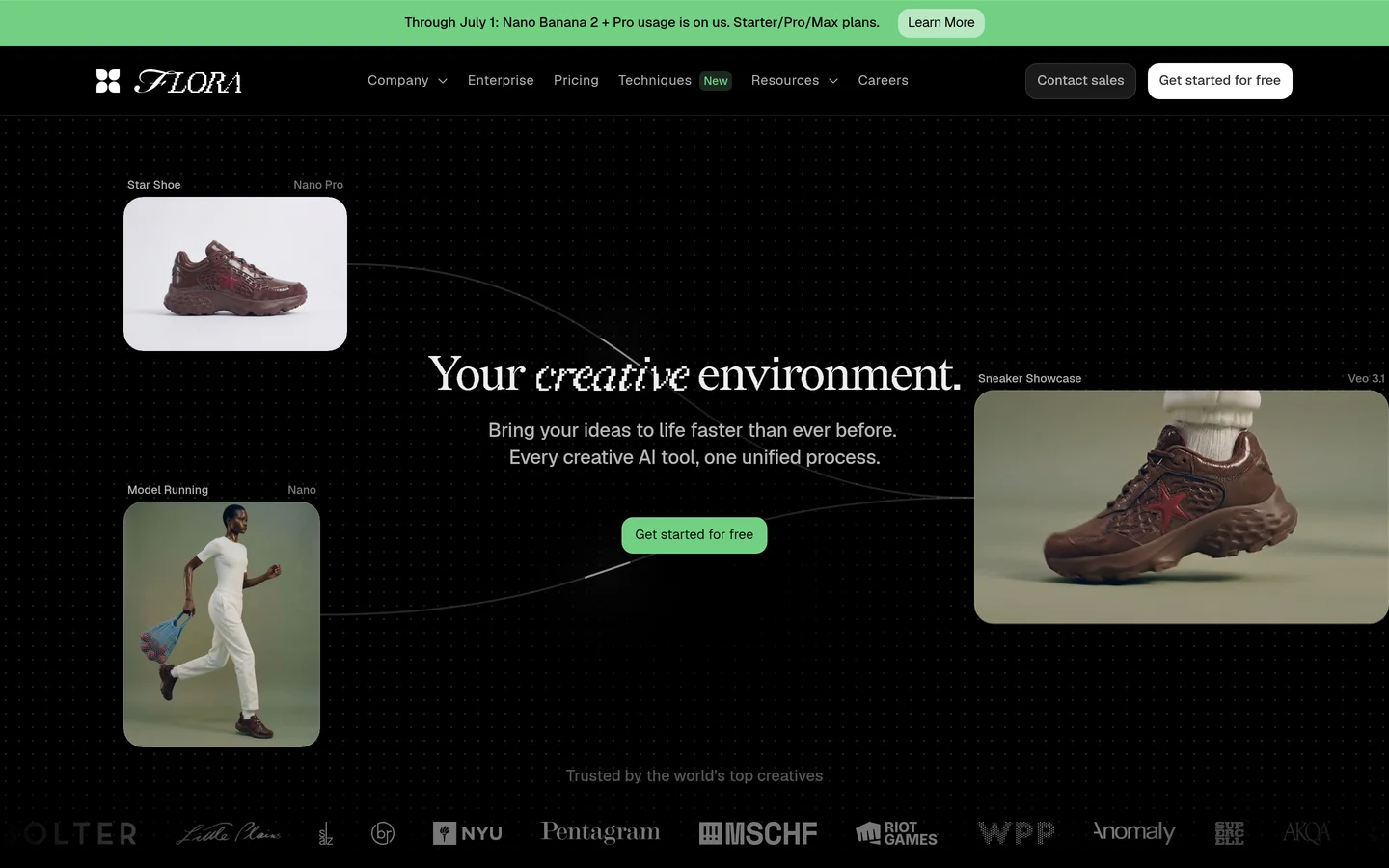
FLORA is an infinite canvas for creative teams. You drop nodes onto a board, wire them together, and each node runs a model: Flux or Nano Banana for images, Kling or Veo for video, GPT-class models for text. Real-time collaboration is built in, and the Style DNA feature lets teams train lightweight custom styles from the interface. The company has raised over $50M and clearly targets design studios and agencies rather than solo tinkerers, a positioning similar to what we described in our Freepik Spaces alternative for developers piece.
The canvas-first approach is genuinely useful for visual iteration, and it is part of a broader shift we covered in our piece on building AI workflows without code. Where things get more complicated is when you want to leave the canvas and call those workflows from software.
How the Flora AI API works
FLORA does publish an API, documented under docs.flora.ai. The model is what they call technique execution. A "technique" is a workflow you (or another user) built on the canvas and saved. The API lets you fetch a technique's input schema by its slug, submit a run with your input parameters, and then poll a status endpoint until the output is ready. That is the whole surface area.
In practice the integration loop looks like this, and it will feel familiar if you have used other async generation services like the ones in our Flux Pro API pricing and code examples walkthrough:
- Fetch the schema for your technique slug so you know what inputs it expects
- Submit a run with a JSON body of inputs (prompt, reference image, parameters)
- Poll for completion and download the resulting asset when status flips to done
It works, and for the core use case of "run my saved canvas workflow from a script," it does the job. Common applications include automated brand asset generation, scheduled content production driven by a cron job along the lines of our batch image generation setup guide, and wiring FLORA outputs into an existing creative pipeline. There is also an MCP server, which lets agent frameworks and AI coding assistants trigger techniques, a sign that FLORA sees agents as a first-class consumer of the API.

Pricing: the API is not on the free plan
FLORA's free tier gives you 500 credits a month, which covers roughly 250 text generations, 14 image generations, or a couple of video clips. It does not include API access. Programmatic access starts on the Starter plan at $18 per seat per month, which includes $12 of usage; Pro at $50/seat bumps that to $50 of included usage plus off-peak unmetered Nano Banana, and Max at $200/seat adds 24/7 unmetered Nano Banana and custom voices.
For comparison shopping on usage-based generation pricing, our roundup of the best AI content generation APIs in 2026 breaks down how seat-plus-usage models like this stack up against pure pay-per-call providers. The short version: seat pricing is fine for teams already living in the canvas, and awkward for a backend service that just wants to call an endpoint.
The hard limits developers hit
This is the section that matters if you are evaluating the Flora AI API for anything beyond light automation, the kind of requirements we catalogued for production-grade orchestration APIs. As of mid-2026:
- Execution only, no composition. You cannot create, modify, or chain workflow nodes through the API. Techniques must be built by hand on the canvas first.
- No webhooks. Completion is poll-only, which means you own the retry and timeout logic.
- No batch endpoints. One run per request; large jobs mean orchestrating many polls yourself.
- One active API key per account. Awkward for separating staging and production, or for multi-service architectures.
- No per-node cost visibility. You see credit burn at the account level, not per step, which makes unit economics hard to model.
None of these are unusual for a product whose API exists to extend a canvas rather than to be the product. But if your roadmap includes composing or versioning workflows programmatically, you will want a platform built API-first. An AI workflow tool that exposes workflow creation, webhooks, and batch endpoints over REST removes exactly the ceilings listed above, and it is worth comparing that feature set directly against FLORA's technique-runner before you commit either way.
It is also worth saying that "limited" does not mean "bad." Plenty of teams never need composition over API. If your designers own the workflows and engineering only needs to trigger them, FLORA's model maps cleanly onto that org chart, much like the division of labor we described in how to build AI workflows with an API.
Alternatives worth evaluating
If the constraints above are dealbreakers, these are the platforms developers most often weigh against FLORA. Each takes a different position on the canvas-versus-API spectrum, and our guide to the best headless AI workflow platforms goes deeper on the headless end of that spectrum.
- fal.ai · Strength: raw model inference at low latency, huge model catalog, true pay-per-call pricing · Weakness: no visual canvas at all; you compose pipelines in code · Best for: engineers who want models as primitives, the approach we profiled among Runway API alternatives for developer teams
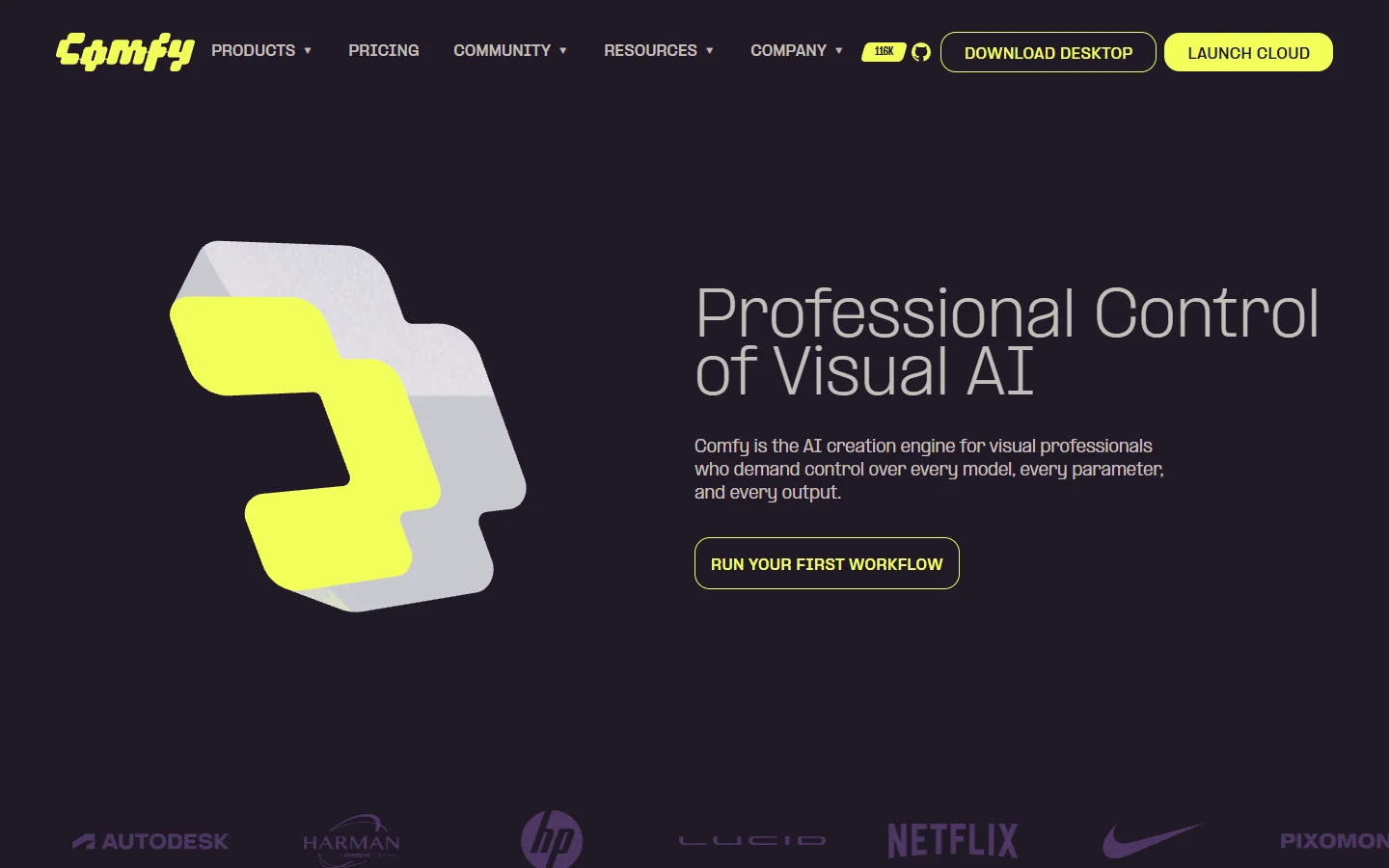
- ComfyUI · Strength: open source, fully self-hosted, the deepest node ecosystem in existence · Weakness: you bring the GPU, the ops, and the patience · Best for: teams with infra muscle who need total control
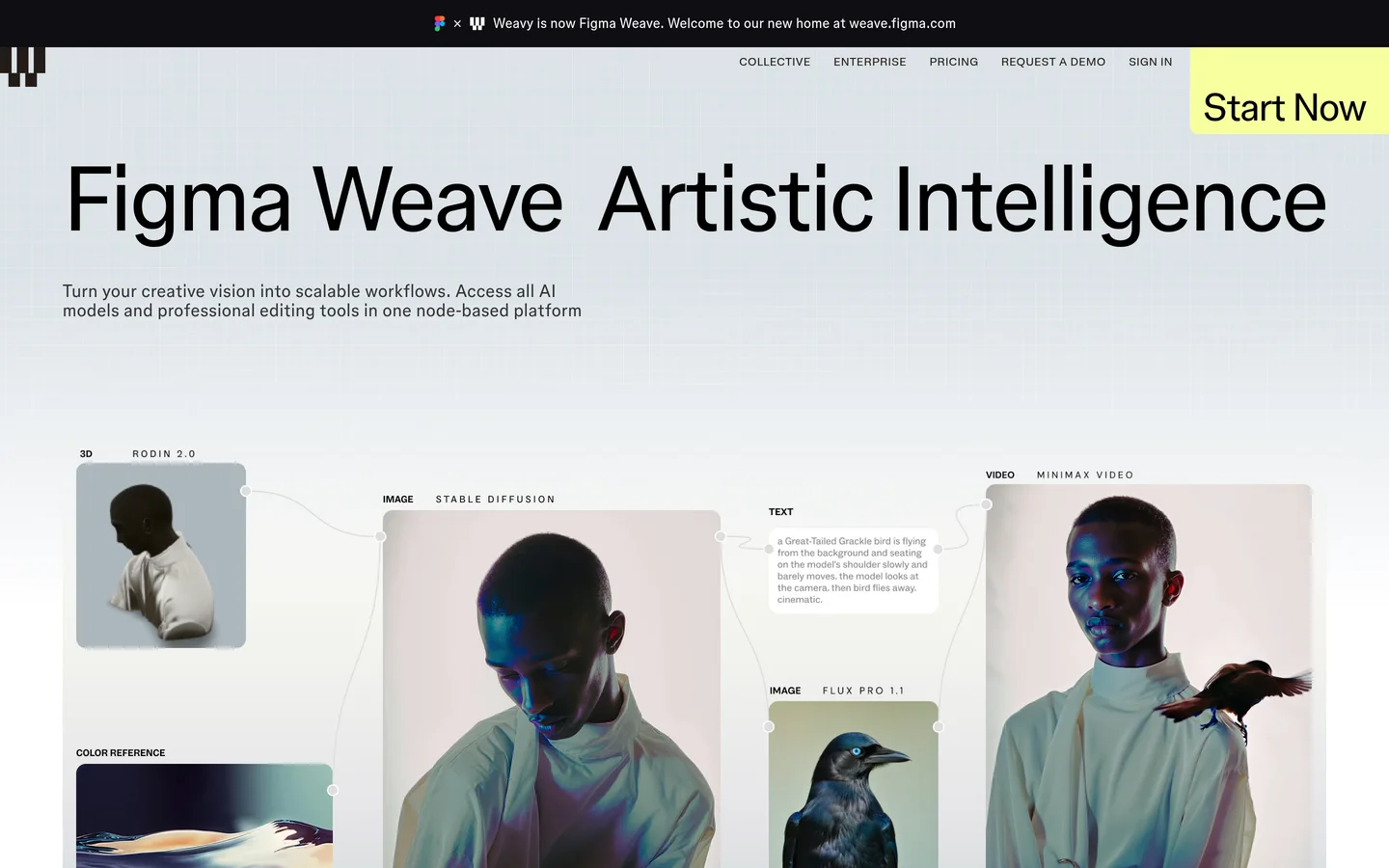
- Weavy · Strength: polished node-based canvas with strong multi-model support, a close FLORA competitor on UX · Weakness: similarly canvas-first; programmatic access is not the focus · Best for: creative teams comparing canvas experiences (see our Weavy alternative with API breakdown)
- Wireflow · Strength: node-based canvas plus a full REST API on every tier, with webhooks and batch endpoints · Weakness: smaller community than ComfyUI's ecosystem · Best for: teams that want FLORA-style visual building and API-first execution in one product
A pattern worth noting from the wider indie tools scene: specialized single-purpose generators keep carving out niches that the big canvases ignore, as this monster generator review illustrates. The canvas platforms compete on breadth; the long tail competes on doing one weird thing well.
FAQ
Does FLORA have a public API? Yes. The Flora AI API is available from the Starter plan ($18/seat/month) upward and lets you execute saved canvas workflows, called techniques, from your own code. It is documented at docs.flora.ai.
Can I build or edit workflows through the Flora AI API? No. The API executes pre-built techniques only. Composition, node editing, and chaining all happen on the canvas. If programmatic composition is a requirement, look at API-first platforms covered in our orchestration APIs for production apps guide.
Does the Flora API support webhooks? Not as of mid-2026. Runs are poll-based: you submit a job, then check a status endpoint until it completes.
Is there a free way to test the Flora AI API? No. The free plan's 500 monthly credits cover canvas use only; API and MCP access start on the Starter tier. If you only need free generation without programmatic access, our free AI image generator roundup covers the no-cost options.
What is the FLORA MCP server for? It exposes techniques to agent frameworks and AI coding assistants over the Model Context Protocol, so an agent can trigger a saved workflow as a tool call rather than through raw HTTP.
Can I run batch jobs through the Flora API? There is no batch endpoint, so you would loop submissions and polls yourself. If batch generation is the core need, our batch image generation via API tutorial covers platforms with native batch support.
Is FLORA the same as florafauna.ai? Yes. FLORA is the product; Flora Fauna is the company. The docs moved from docs.florafauna.ai to docs.flora.ai, and both domains currently resolve to the same product.
The bottom line

The Flora AI API is real, usable, and narrower than the product's canvas ambitions suggest. If your workflows are designed by humans on a board and merely triggered by machines, it will serve you fine, and the MCP server is a thoughtful addition for the agent era. If your software needs to create, version, or batch workflows itself, you will hit the ceiling quickly; in that case the Wireflow platform is the closest like-for-like option that keeps the node canvas while treating the API as a first-class product, and fal.ai or ComfyUI remain the picks at the pure-code end.
Either way, evaluate against your actual integration pattern rather than the demo video. The canvas is the easy part; the contract between your backend and the generation layer is what you will live with, a point we keep returning to in our Kling video API walkthrough and every other integration guide on this site.