
If you have been building products that embed AI generation capabilities, you have probably run into Weavy at some point. The platform carved out a niche as a visual canvas for chaining AI models together, but its API layer has always felt like an afterthought. Rate limits, limited webhook support, and multi-tenant workarounds add weeks to your integration timeline.
This guide breaks down five platforms that offer what Weavy promises but does not always deliver: a visual workflow canvas paired with a REST API that can actually power a production application. We will look at how each handles authentication, batch processing, model routing, and pricing, so you can pick the right fit for your stack.
What Makes a Good Weavy Alternative
Weavy's core proposition is a drag-and-drop canvas where you wire up image, video, and text models into pipelines. The API piece lets you trigger those pipelines programmatically. A good alternative needs to nail both halves.
The key criteria include model coverage, API design (REST vs GraphQL, sync vs async, webhook callbacks), multi-tenant support, and pricing transparency. Most platforms excel at one or two of these but stumble on the rest.
Replicate: The Model Marketplace Approach
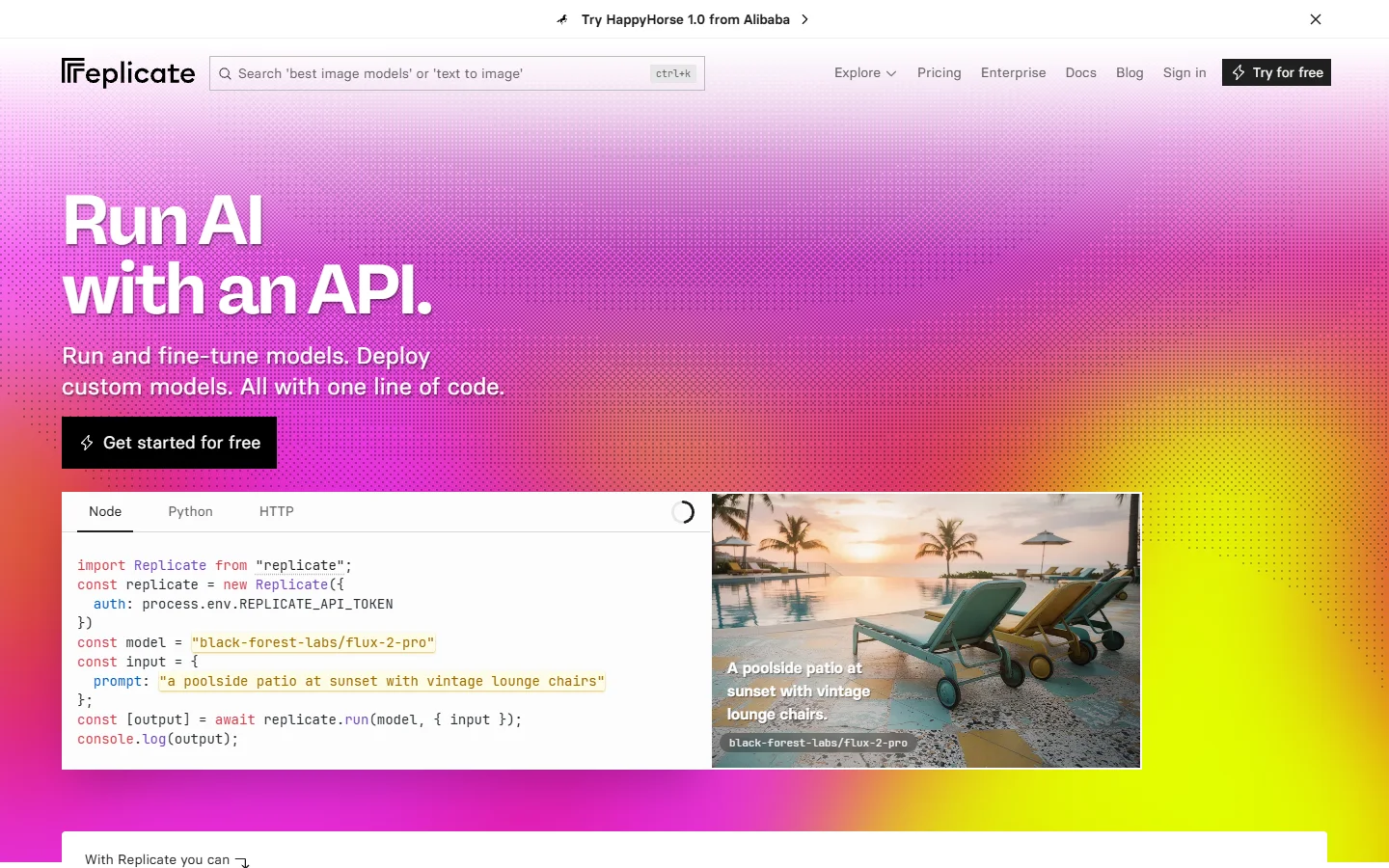
Replicate takes a different approach from Weavy. Instead of a visual canvas, it gives you a catalog of over 10,000 AI models that you call through a unified REST API. Every model gets the same interface: POST a prediction, poll for results or receive a webhook callback.
- Strength: Massive model selection, clean API design, and cold-start optimization for popular models
- Weakness: No visual workflow builder; chaining models requires writing code or using a third-party orchestrator
- Best for: Backend teams that want API-first access to a broad model catalog without managing GPU infrastructure
Replicate's pricing is straightforward: you pay per second of compute. For teams already comfortable writing integration code, it removes the overhead of managing model deployments. The tradeoff is that you lose the visual feedback loop that makes exploring models intuitive for non-technical team members.
ComfyUI: Open-Source Power, DIY Infrastructure
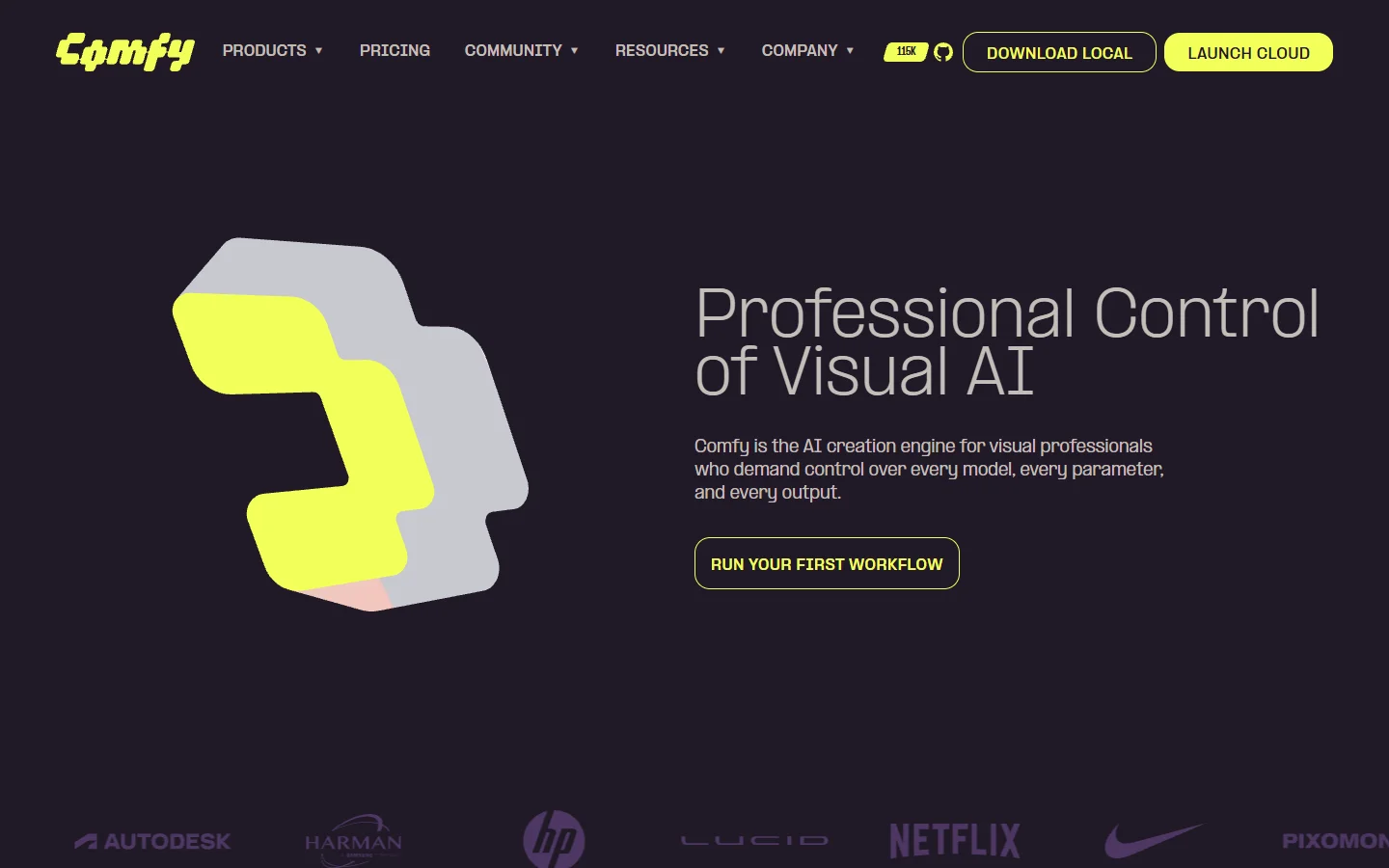
ComfyUI is the open-source node graph editor that much of the Stable Diffusion community already uses. Its visual workflow builder is arguably more powerful than Weavy's, with granular control over every step of the generation pipeline. The catch is infrastructure: you need to host it yourself or use a managed provider.
- Strength: Unlimited customization, massive community of shared workflows, no vendor lock-in
- Weakness: No built-in REST API for production use; self-hosting requires GPU management and scaling expertise
- Best for: Teams with DevOps capacity that want maximum control over their AI pipelines
Several hosted ComfyUI services have emerged that add API layers on top, but each comes with its own limitations around concurrent requests and model availability. If you need a visual AI workflow builder that handles infrastructure for you while still exposing a clean API, managed platforms tend to be a better fit than self-hosted ComfyUI.
n8n: Workflow Automation With AI Nodes
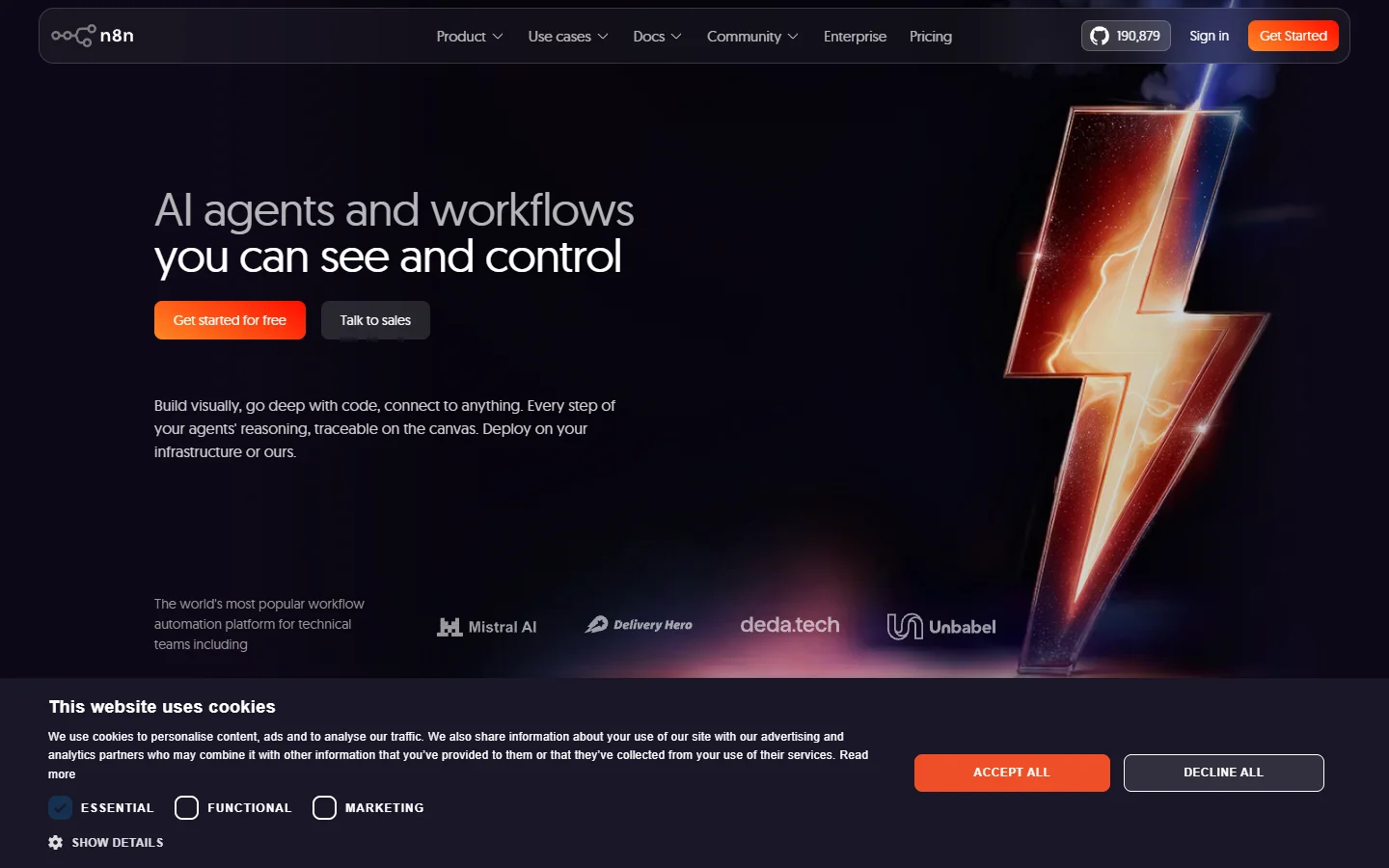
n8n is not an AI-native platform, but its recent additions of AI nodes and LLM integration have made it a viable option for teams that need to embed AI generation into broader business workflows. Think: trigger an image generation when a Shopify product is created, then post the result to Slack and update a CMS.
- Strength: Connects AI generation to 400+ business app integrations; self-hostable; strong community
- Weakness: AI-specific features are newer and less mature than dedicated platforms; limited model variety compared to AI-native tools
- Best for: Teams that need AI generation as one step in a larger automation chain, not as the core product
n8n's API lets you trigger any workflow via webhook, which means your application can kick off AI pipelines the same way it triggers any other automation. The visual builder is intuitive for connecting different services, though it lacks the fine-grained generation controls that creative teams often need.
Flowise: LLM Orchestration for Chatbots and Agents
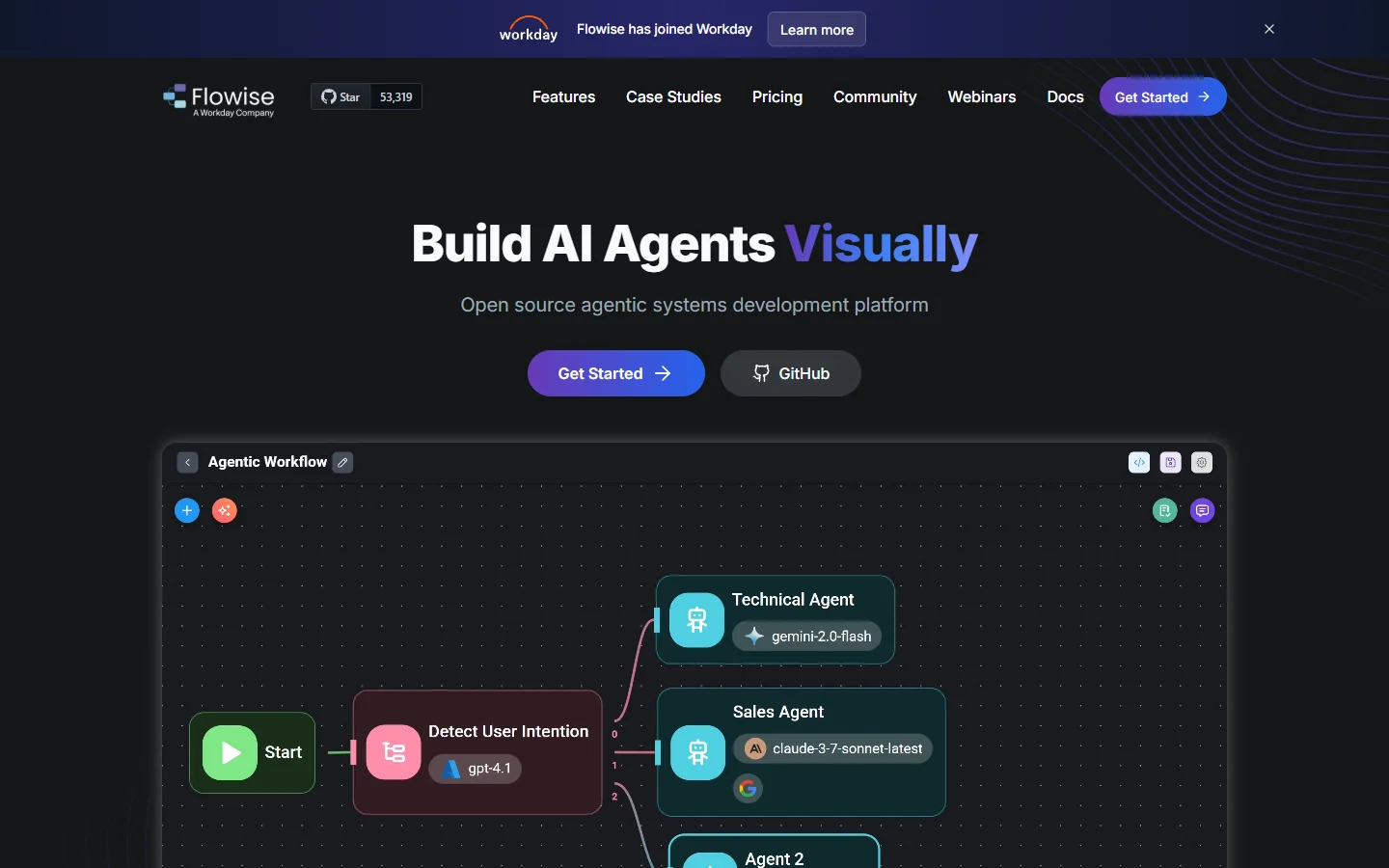
Flowise focuses on LLM orchestration rather than image or video generation. If your use case centers on building AI agents, RAG pipelines, or conversational interfaces, Flowise offers a drag-and-drop builder with built-in API endpoints for every flow you create. It supports multiple AI model providers including OpenAI, Anthropic, and open-source LLMs.
- Strength: Purpose-built for LLM workflows; every flow automatically gets an API endpoint; open-source
- Weakness: Limited support for image and video generation; not designed for creative pipelines
- Best for: Teams building chatbots, document Q&A systems, or AI agents that need a visual builder with API access

How to Choose the Right Platform
The decision comes down to what you are actually building. If you need a creative AI canvas with full REST API access for image, video, and multi-modal workflows, your options narrow quickly. Most platforms either give you a great visual builder with a weak API, or a great API with no visual builder at all.
Consider these questions when evaluating:
- Do your end users need to interact with the canvas? If so, you need multi-tenant support with per-user permissions, not just a single API key. Weavy and similar platforms often charge per-seat for canvas access, which gets expensive at scale.
- How many models do you need? If you only need one or two models, Replicate's API-first approach is simpler. If you need to chain five or six models with conditional logic, a visual workflow approach saves significant development time.
- What is your latency budget? Synchronous API calls work for batch processing but not for real-time generation in user-facing apps. Look for platforms that support streaming responses and webhook callbacks.
For teams that need both the visual canvas experience and Wireflow's creative tools accessible via API, the sweet spot is a platform that lets designers build workflows visually while developers trigger and extend them programmatically. This hybrid approach avoids the false choice between visual and code-first.
Pricing Comparison
Replicate charges per second of GPU compute, which works well for sporadic usage but can get expensive at high volume. ComfyUI is free to run but you pay for your own infrastructure. n8n offers a free self-hosted tier and a cloud plan starting around $20/month. Flowise is open-source with optional managed hosting. Most enterprise AI platforms offer volume discounts once you commit to a monthly spend.
The hidden cost with Weavy and similar tools is often the per-seat pricing for canvas access. If you have a team of 15 designers who need to build and modify workflows, those seat costs add up faster than API usage fees. Look for platforms that separate canvas access pricing from API consumption pricing.
Frequently Asked Questions
What is the main limitation of Weavy's API?
Weavy's API has historically imposed strict rate limits and limited webhook support. Multi-tenant use cases, where you run pipelines on behalf of end users, require workarounds that add integration complexity. The API landscape for AI tools has evolved significantly, and several alternatives now offer more flexible programmatic access.
Can I use ComfyUI as a production API?
Not out of the box. ComfyUI is designed as a local desktop application. You can add an API layer using community tools or hosted services, but scaling, authentication, and monitoring are your responsibility. For production use, managed platforms with built-in API endpoints tend to be more reliable.
Is Replicate a direct Weavy alternative?
Replicate replaces Weavy's API layer but not its visual canvas. If you only need programmatic access to AI models, Replicate is a strong choice. If your team relies on drag-and-drop workflow building, you will need to pair Replicate with a separate orchestration tool.
How does n8n handle AI model integration?
n8n added dedicated AI nodes in 2025 that connect to OpenAI, Anthropic, Stability AI, and other providers. You can chain these with n8n's 400+ app integrations to build end-to-end automation workflows that include AI generation as one step among many.
What should I look for in API documentation?
Good API documentation includes authentication examples, rate limit details, error code references, async/webhook patterns, and SDK support for popular languages. Test the API with a simple image generation call before committing to a platform.
Are open-source alternatives production-ready?
ComfyUI and Flowise are both mature open-source projects with active communities. However, "production-ready" depends on your operational capacity. If you can manage GPU infrastructure, handle scaling, and implement monitoring, open-source tools give you maximum flexibility. If you prefer managed infrastructure, commercial platforms reduce operational overhead.
How do multi-tenant APIs work for AI workflows?
Multi-tenant APIs let you run AI pipelines on behalf of different end users, each with their own permissions, usage limits, and billing. This is essential for SaaS products that embed AI generation. Look for platforms that support API key scoping, per-user rate limits, and usage tracking at the tenant level.
Wrapping Up
The Weavy alternative you choose depends on whether you prioritize visual workflow building, API flexibility, model coverage, or infrastructure control. Replicate wins on API simplicity and model breadth. ComfyUI wins on customization and community. n8n wins on business automation integration. Flowise wins for LLM-specific use cases.
For teams building products that need both a visual canvas and production-grade API access, the gap in the market is narrowing. Evaluate your specific requirements against each platform's strengths, run a proof of concept with your actual workload, and choose based on what your team will ship fastest with.