
Running a single AI model call is straightforward. Running dozens of them in sequence, with branching logic, retries, and human-in-the-loop checkpoints, is where most teams hit a wall. AI orchestration APIs solve that problem by giving you a programmable layer between your application code and the models themselves. Instead of writing bespoke glue code for every pipeline, you define workflows declaratively and let the orchestration layer handle execution, state, and failure recovery.
This guide breaks down the most capable orchestration APIs available right now, focusing on what matters for production: reliability, latency, observability, and the ability to swap models without rewriting your pipeline. Whether you are stitching together LLMs for a content generation pipeline or chaining vision and audio models for media production, the right orchestration layer saves months of engineering time.
What Makes an Orchestration API Production-Ready
Before comparing tools, it helps to define what "production-ready" actually means in this context. A hobby project can get away with chaining API calls in a script. Production workloads need automatic retries with exponential backoff, structured logging for every step, the ability to pause and resume long-running workflows, and version control for pipeline definitions. You also want model-agnostic connectors so you can swap GPT-4 for Claude or Gemini without touching business logic, plus webhook triggers for event-driven execution.
Most teams also need role-based access control, secrets management for API keys, and audit trails for compliance. If the orchestration layer cannot provide these natively, your engineering team builds them from scratch, which defeats the purpose. The enterprise-grade platforms typically bundle these; open-source tools leave it to you.
LangChain and LangGraph: The Developer Standard
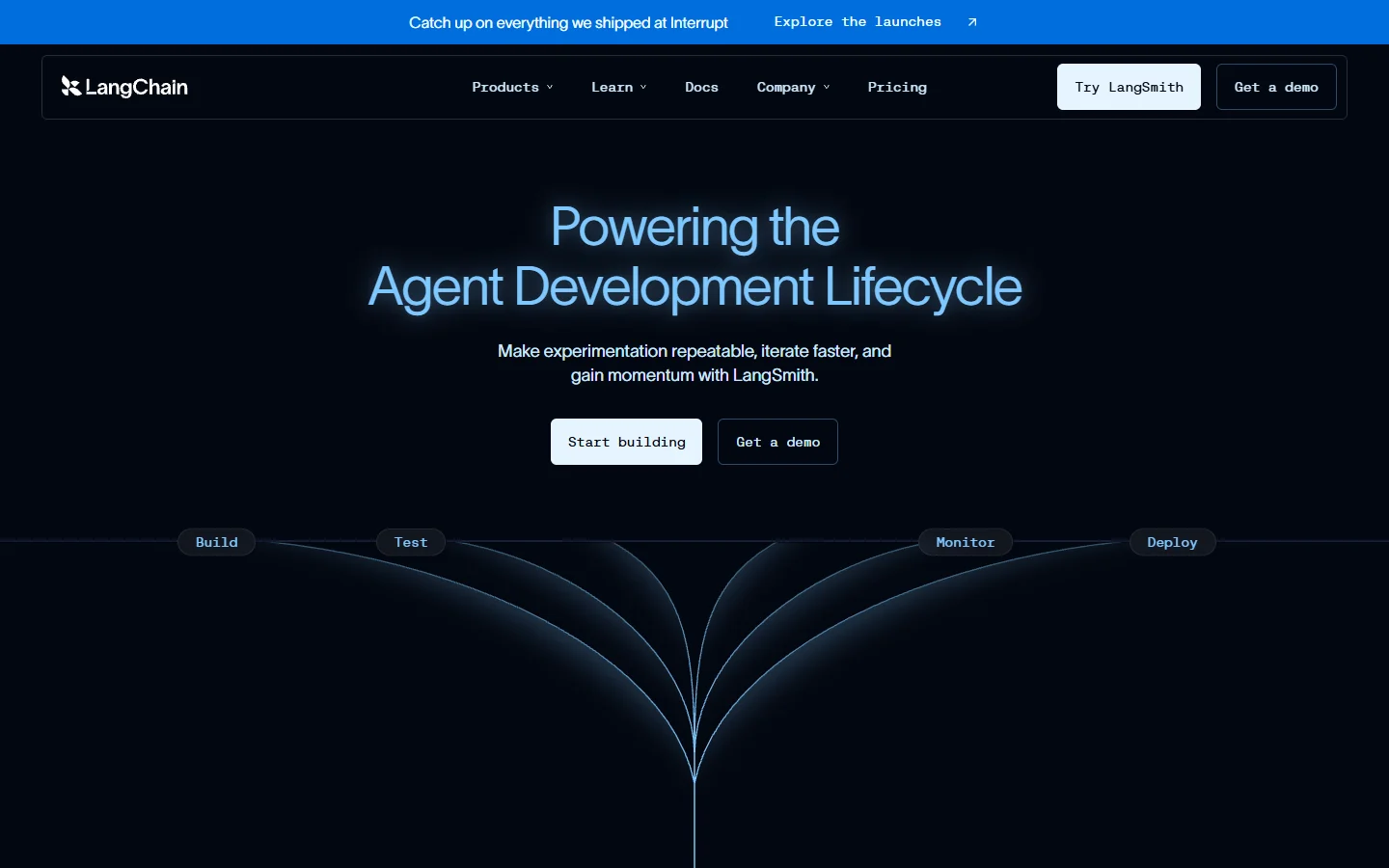
LangChain remains the most widely adopted framework for building LLM-powered applications. Its orchestration layer, LangGraph, treats workflows as directed graphs where nodes represent actions (model calls, tool use, data retrieval) and edges define control flow. The graph structure supports cycles, which means agents can re-evaluate their own outputs and loop back for correction.
Key production features include built-in checkpointing (resume from any node after a failure), streaming support for real-time UIs, and a hosted option (LangSmith) for tracing and debugging. The Python SDK is mature; the JavaScript SDK is catching up. One practical limitation: complex graphs get hard to reason about without visualization tooling, and the abstraction layers add latency compared to raw API calls.
LangGraph is strongest when you need multi-agent collaboration, retrieval-augmented generation pipelines, or workflows where the AI decides its own next step. For simpler sequential pipelines, it may be over-engineered. Consider pairing it with a model exploration environment to test individual nodes before wiring them together.
n8n: Visual Orchestration With Full API Access
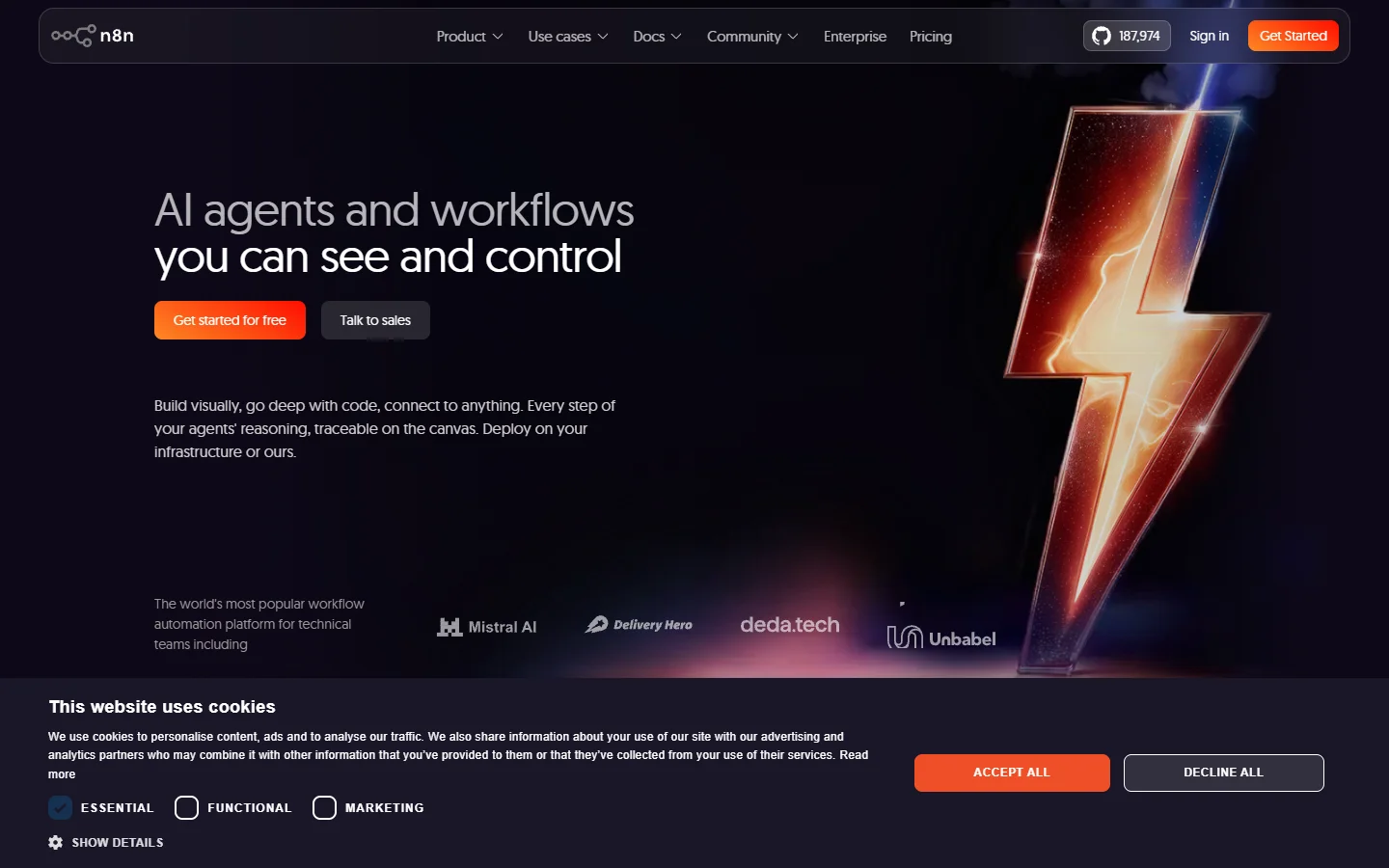
n8n takes a different approach: a visual node editor backed by a complete REST API. You can build workflows by dragging and connecting nodes in the browser, then trigger and manage those same workflows programmatically via the API. Self-hosted and cloud options are both available, with 500+ integrations covering everything from databases to AI model providers.
The execution model supports error branches, sub-workflows, and webhook triggers. For teams that want both technical and non-technical members to collaborate on pipeline design, the visual-first approach reduces friction significantly. n8n's self-hosted version gives you full control over data residency and scaling; the cloud version handles infrastructure but adds per-execution costs.
Flowise: Open-Source LLM Pipeline Builder
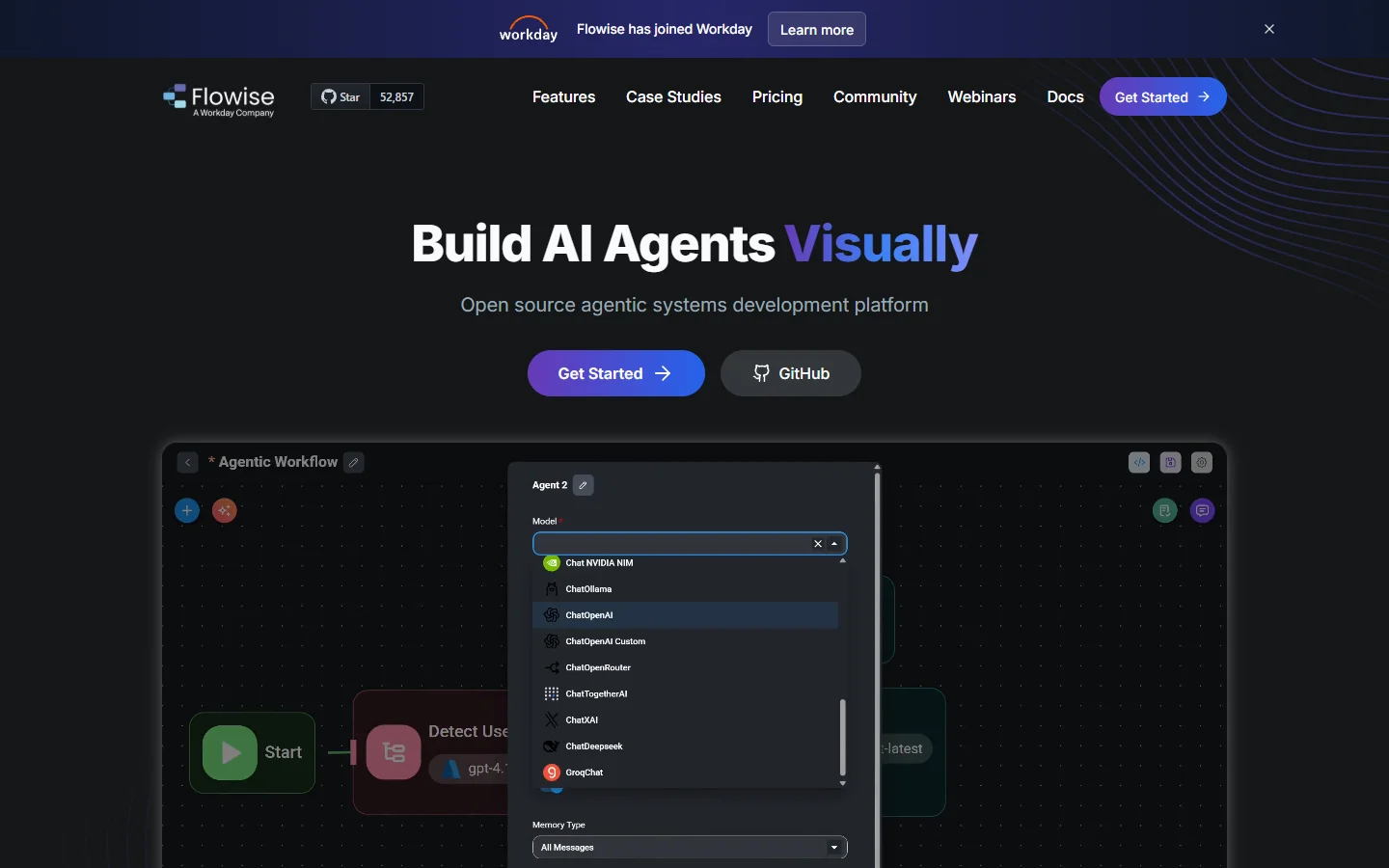
Flowise is an open-source drag-and-drop tool specifically designed for building LLM orchestration flows. It exposes every flow as an API endpoint automatically, which means you build visually and consume programmatically. The architecture sits on top of LangChain, so you get access to the full ecosystem of document loaders and vector stores.
What sets Flowise apart for production use is its simplicity. There is no proprietary runtime to worry about. You deploy it as a Docker container, point it at your preferred models, and it runs. The API layer supports streaming responses, file uploads, and conversation memory out of the box. The trade-off: Flowise is narrowly focused on LLM chains. If your pipeline needs to coordinate non-AI tasks (database migrations, file processing, third-party API calls beyond model inference), you will need to pair it with something else.
Apache Airflow: Battle-Tested Batch Orchestration
Apache Airflow was not built for AI, but it has become the default choice for scheduled AI batch processing in data-heavy organizations. If your orchestration needs are "run this pipeline every hour, retry failed steps, alert on failure," Airflow handles it with decade-proven reliability. The DAG-based workflow definition maps naturally to multi-step AI pipelines: fetch data, preprocess, run inference, post-process, store results.
The operator ecosystem includes connectors for every major cloud provider, database, and messaging system. Recent additions like the TaskFlow API and dynamic task mapping make it practical for AI workloads that generate variable numbers of subtasks. The downside: Airflow is designed for batch, not real-time. If you need sub-second latency or streaming responses, you will need Wireflow's AI workflow platform or a similar real-time orchestration layer alongside Airflow for the batch components.
Microsoft AutoGen: Multi-Agent Conversation Framework
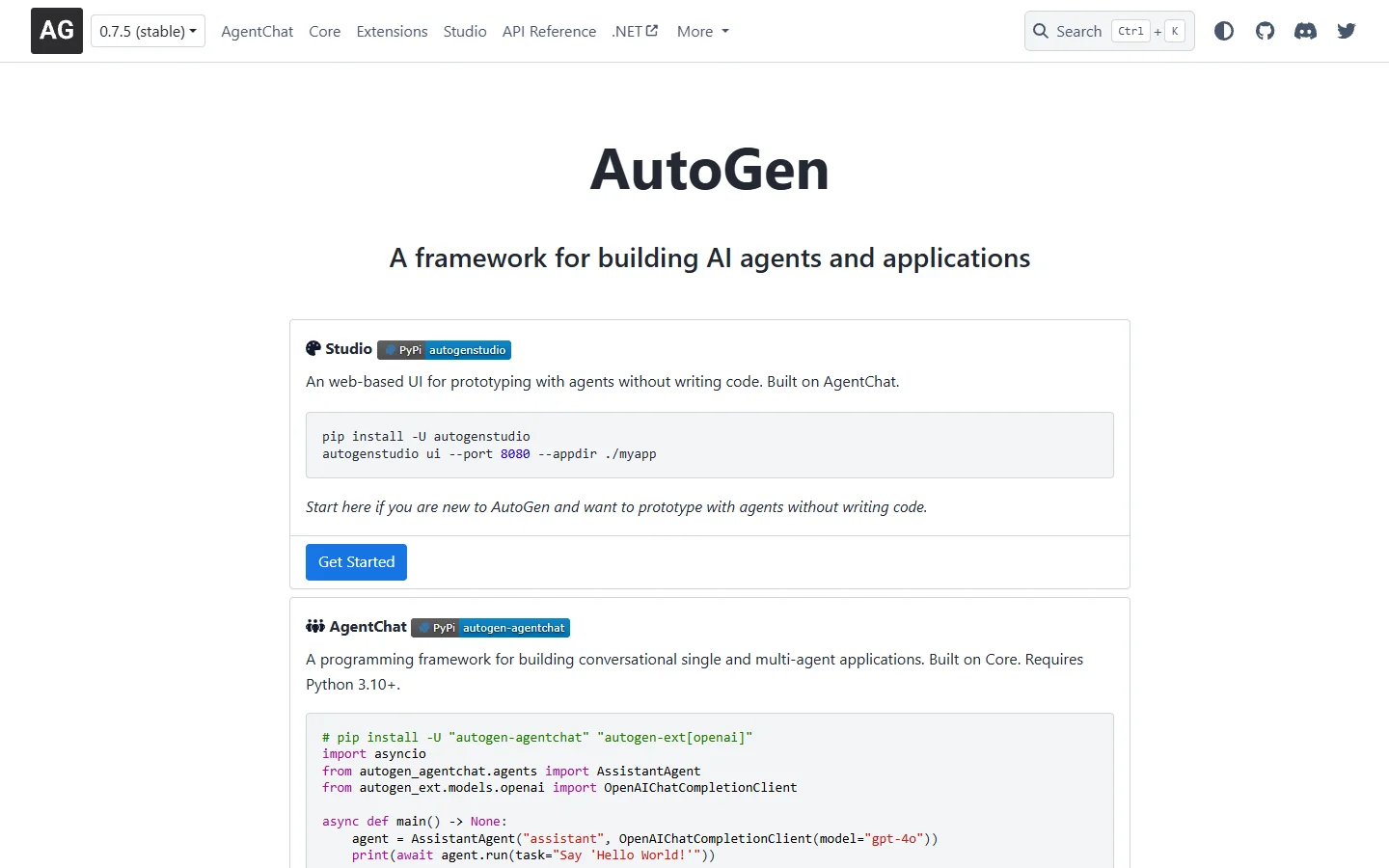
AutoGen takes a fundamentally different architectural approach. Instead of defining workflows as graphs or DAGs, you define agents that communicate through structured conversations. The framework manages turn-taking, termination conditions, and group chat patterns. This maps well to problems where you want specialized agents (researcher, coder, reviewer) collaborating on a shared task.
Production readiness comes from AutoGen's support for custom termination logic, nested conversations, and integration with Azure services. The conversation-driven model makes it easier to add human-in-the-loop steps: a human agent simply joins the conversation at the right point. The limitation is flexibility: not every problem maps cleanly to a conversation, and sequential data processing or fan-out/fan-in patterns are awkward to express as agent dialogues.
How to Choose the Right Orchestration API

The decision comes down to three factors: your team's technical profile, your latency requirements, and whether your workflows are primarily batch or real-time. Here is how each tool maps to common production scenarios:
- LangGraph works best for developer teams building complex, adaptive AI agents. Requires Python/JS proficiency.
- n8n suits teams that want visual design with full API control. Good for mixed technical/non-technical teams.
- Flowise is ideal for LLM-specific pipelines where speed-to-production matters more than flexibility.
- Apache Airflow handles scheduled batch processing with unmatched reliability. Not suitable for real-time.
- AutoGen excels at multi-agent reasoning tasks. Less suitable for deterministic data pipelines.
- Multi-model AI workflow tool platforms combine visual canvas editing with REST API access, bridging the gap between no-code convenience and developer control.
For most production applications, you will end up combining two or three of these. A common stack: Airflow for scheduled batch jobs, a real-time orchestration API for interactive features, and LangGraph for the agentic reasoning layer.
Frequently Asked Questions
What is an AI orchestration API?
An AI orchestration API is a programmable interface that coordinates multiple AI model calls, data transformations, and control flow decisions within a single workflow. Instead of writing custom code to chain API calls together, you define the pipeline structure and the orchestration layer handles execution, retries, state management, and error handling.
Can I use multiple orchestration tools together?
Yes, and most production teams do. A typical pattern is using Apache Airflow for scheduled batch pipelines, a real-time framework like LangGraph for interactive AI features, and a visual tool like n8n for integrations that non-technical team members maintain. The key is ensuring clean boundaries between systems and avoiding overlapping responsibility for the same workflow.
How do orchestration APIs handle model failures?
Production-grade orchestration APIs implement automatic retry logic with exponential backoff, circuit breakers to prevent cascading failures, and fallback model routing (if GPT-4 times out, try Claude). Most also support dead-letter queues for workflows that fail permanently, letting you investigate and replay them later. The neo-geo-mini architecture pattern of isolated failure domains applies well here.
What is the difference between orchestration and automation?
Automation executes a fixed sequence of steps. Orchestration adds dynamic decision-making: the workflow can branch, loop, call tools based on intermediate results, and adapt its execution path. In AI applications, orchestration typically means the pipeline includes steps where a model decides what to do next, rather than following a predetermined script.
Do I need orchestration for a single-model application?
Probably not. If your application makes one API call to one model and returns the result, a simple wrapper function is sufficient. Orchestration becomes valuable when you have multi-step reasoning, model chaining (output of one feeds input of another), conditional branching, or parallel execution requirements.
How do orchestration APIs affect latency?
Every orchestration layer adds some overhead, typically 10-50ms per step for routing and state management. For batch workloads this is negligible. For real-time applications serving end users, choose orchestration APIs that support streaming (sending partial results as they arrive) and minimize serialization overhead. Direct model API calls will always be faster than orchestrated ones; the trade-off is reliability and maintainability.
What should I look for in orchestration API pricing?
Most orchestration platforms charge per execution or per compute-minute, separate from the underlying model costs. Evaluate: free tier limits, per-execution pricing at your expected scale, whether self-hosting eliminates platform fees, and whether the pricing model penalizes retries. Open-source options like Flowise and n8n eliminate platform costs entirely if you can manage the deployment infrastructure.
Conclusion
The AI orchestration API landscape has matured significantly. The tools covered here represent genuinely different architectural philosophies, from conversation-driven agents to DAG-based batch processing to visual node editors. The right choice depends on your specific constraints: team size, latency budget, deployment environment, and how much of your workflow involves AI reasoning versus deterministic data processing.
For teams evaluating these options, start with the simplest tool that meets your requirements and add complexity only when the simple approach breaks. The modular nature of modern orchestration APIs means you are never locked into a single vendor; the workflows you build today can migrate to a different runtime tomorrow.