
The gap between building AI workflows visually and deploying them through code has been closing fast. In 2026, a new wave of platforms lets you design complex AI pipelines by dragging nodes on a canvas, then expose those pipelines as production-ready REST APIs with a single click. For teams that need both speed and programmability, this combination is becoming the default way to ship AI features. This guide compares the strongest options available today and walks through the practical side of choosing one for your stack.
Why Drag and Drop AI Needs an API Layer
Visual builders are great for prototyping. You connect a text input node to an image generation model, add a post-processing step, and see the result in seconds. But without an API, your workflow lives inside the builder's UI. You can't call it from your app, trigger it from a webhook, or run it in a batch job.
An API layer solves this by turning your visual workflow into an endpoint. You send a POST request with your inputs, the platform runs the workflow on its infrastructure, and you get the output back as JSON. This pattern is now standard across the best headless AI workflow platforms, and it means you can build in the canvas and deploy through code without rewriting anything.
The practical benefit is separation of concerns. Designers and prompt engineers work in the visual editor. Developers consume the API. Neither group needs to understand the other's tools. This is especially useful for teams building no-code AI with API access, where the people designing the workflow are not the same people writing the integration code.
What to Look for in a Drag and Drop AI Platform

Not every visual builder ships with a usable API. Here are the features that separate serious platforms from toy demos:
- Auto-generated endpoints. The best platforms create a REST endpoint for each workflow automatically. No manual configuration, no YAML files, no separate API gateway setup.
- Input/output schema. Your API should accept typed inputs (text, image URL, number) and return structured JSON. Loose string-in, string-out endpoints are hard to integrate reliably.
- Authentication. API keys at minimum. OAuth or JWT support for multi-tenant applications where different users trigger different workflows.
- Async execution. Image and video generation workflows can take 30 seconds or more. The platform should support async calls with status polling or webhook callbacks, not just synchronous request-response.
- Model diversity. A platform locked to one model provider limits what you can build. Look for support across OpenAI, Stability, Flux, Kling, and other providers so you can compare content generation APIs and pick the best model for each step.
Top Drag and Drop AI Platforms with API Access
Here's how the leading platforms compare for teams that need both a visual editor and production API access. For background on how AI workflow APIs evolved, see our earlier deep dive.
Flowise
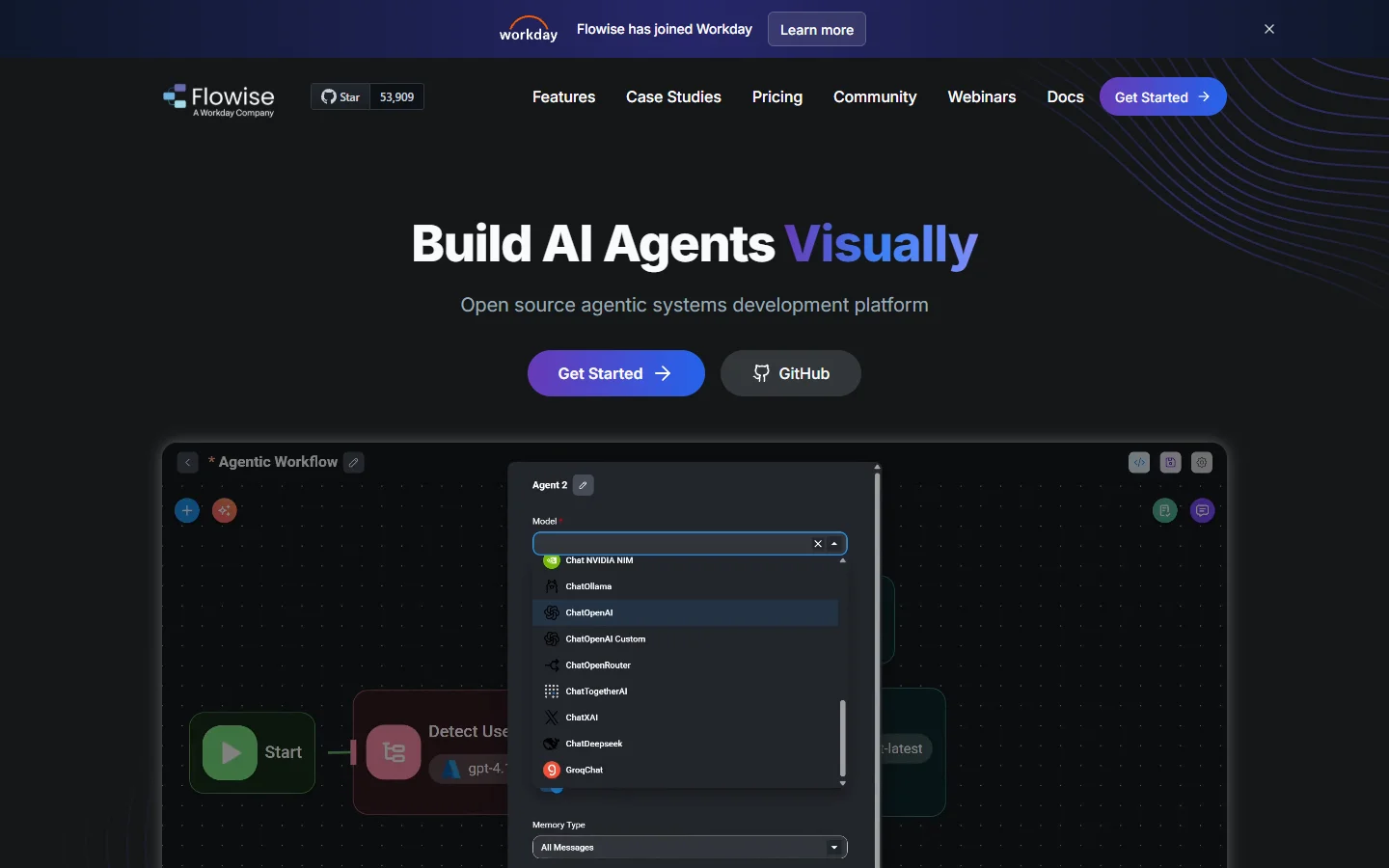
Flowise is open-source and built specifically for LLM application development. Its canvas supports LangChain and LlamaIndex components, and every chatflow automatically gets a REST API endpoint.
- Strength: Full open-source control, self-hostable, strong LangChain integration
- Weakness: Focused on LLM/chatbot flows, limited image and video generation support
- Best for: Teams building conversational AI apps that need to self-host
BuildShip
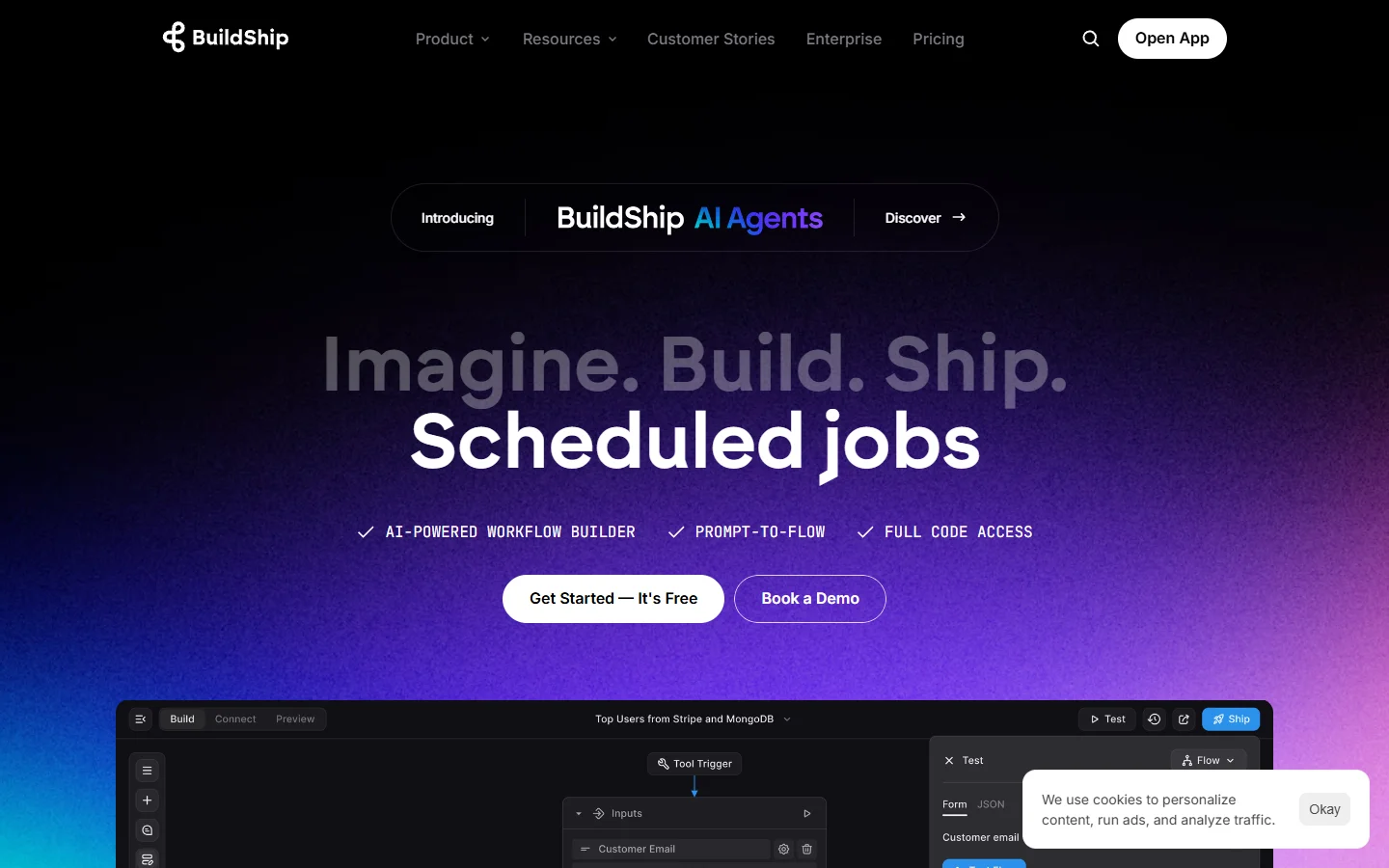
BuildShip positions itself as a visual backend builder. You design API endpoints by connecting nodes for input parsing, AI model calls, database operations, and response formatting. It supports a similar API-first approach to the headless platforms above.
- Strength: Backend-first approach with database and auth nodes built in
- Weakness: Smaller model library compared to specialized AI platforms
- Best for: Full-stack developers who need AI + database + auth in one visual builder
n8n
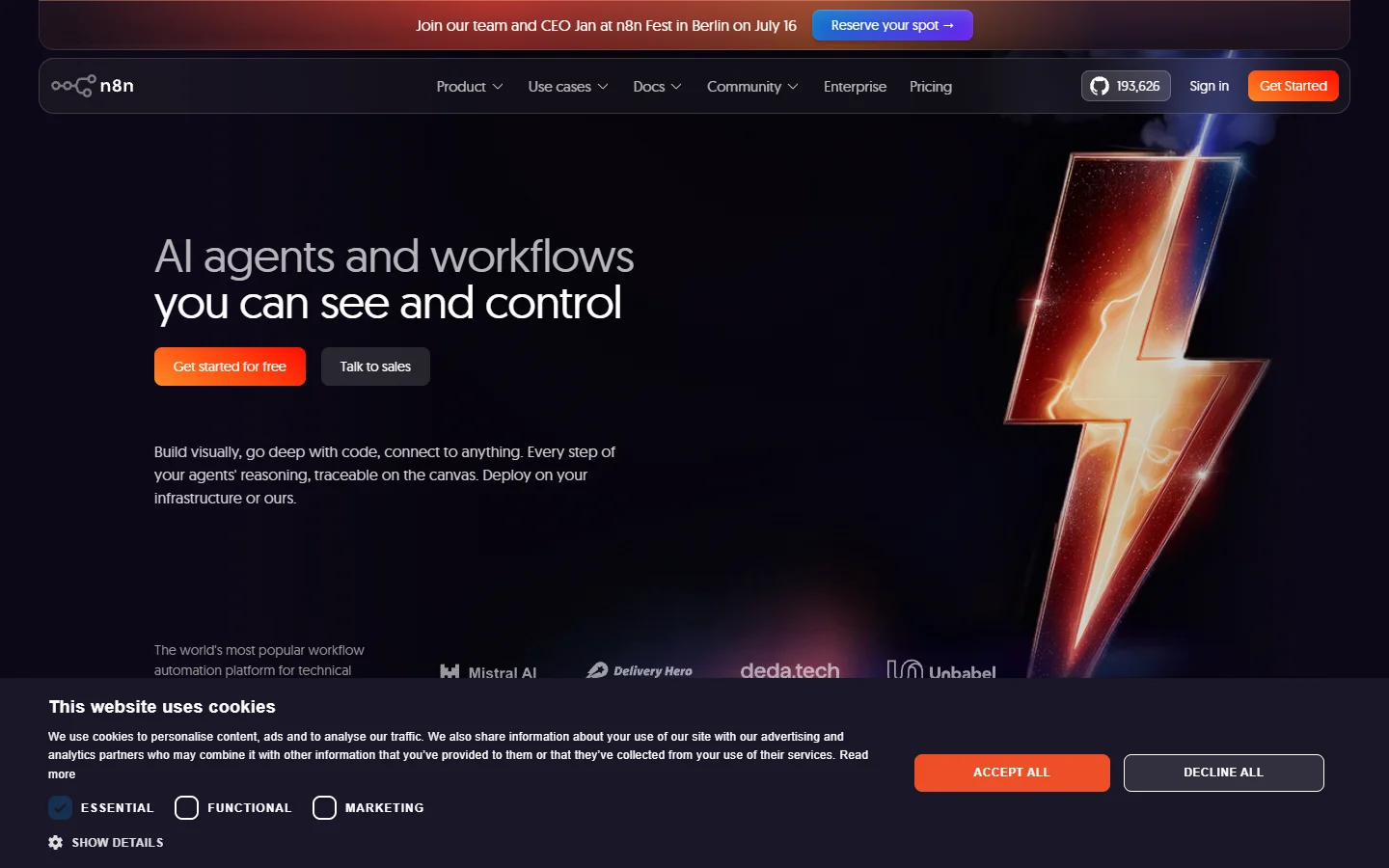
n8n is a workflow automation platform with a node-based editor and webhook triggers. It connects to hundreds of services and supports batch image generation via API alongside standard data transformations. Open-source and self-hostable, with a cloud option.
- Strength: Massive integration library (400+ connectors), mature and well-documented
- Weakness: General-purpose automation tool, not purpose-built for generative AI workflows
- Best for: Teams that need AI as part of a larger automation pipeline connecting multiple SaaS tools
MindStudio
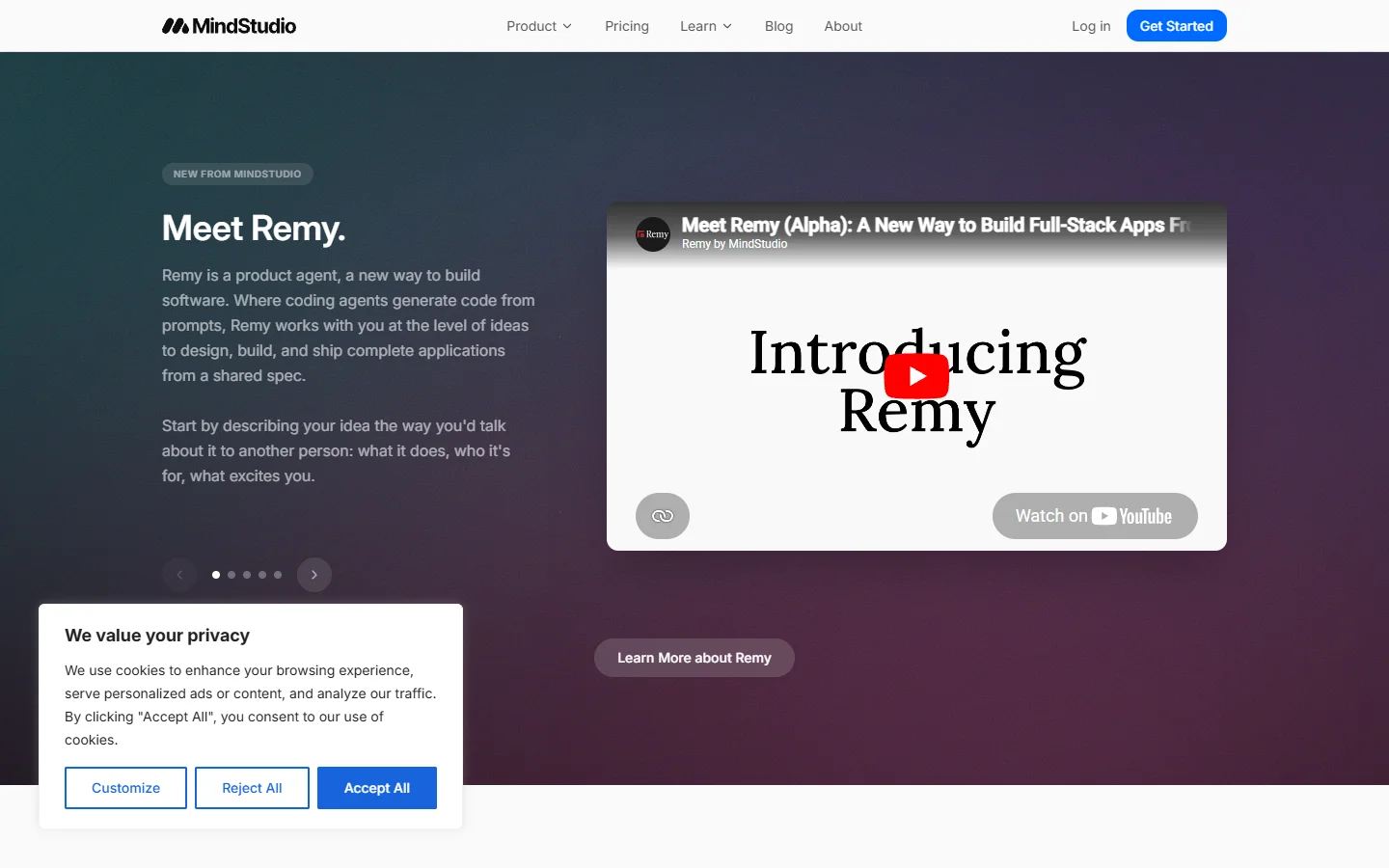
MindStudio offers a visual builder focused on AI agent creation. You design multi-step AI workflows with branching logic, then deploy them as embeddable widgets or API endpoints. It's a good option if you're building AI-powered video or content tools for non-technical end users.
- Strength: Clean UI, strong focus on agent-style multi-step workflows
- Weakness: Less flexibility for raw model access and custom processing steps
- Best for: Teams building customer-facing AI tools without deep engineering resources
Relevance AI
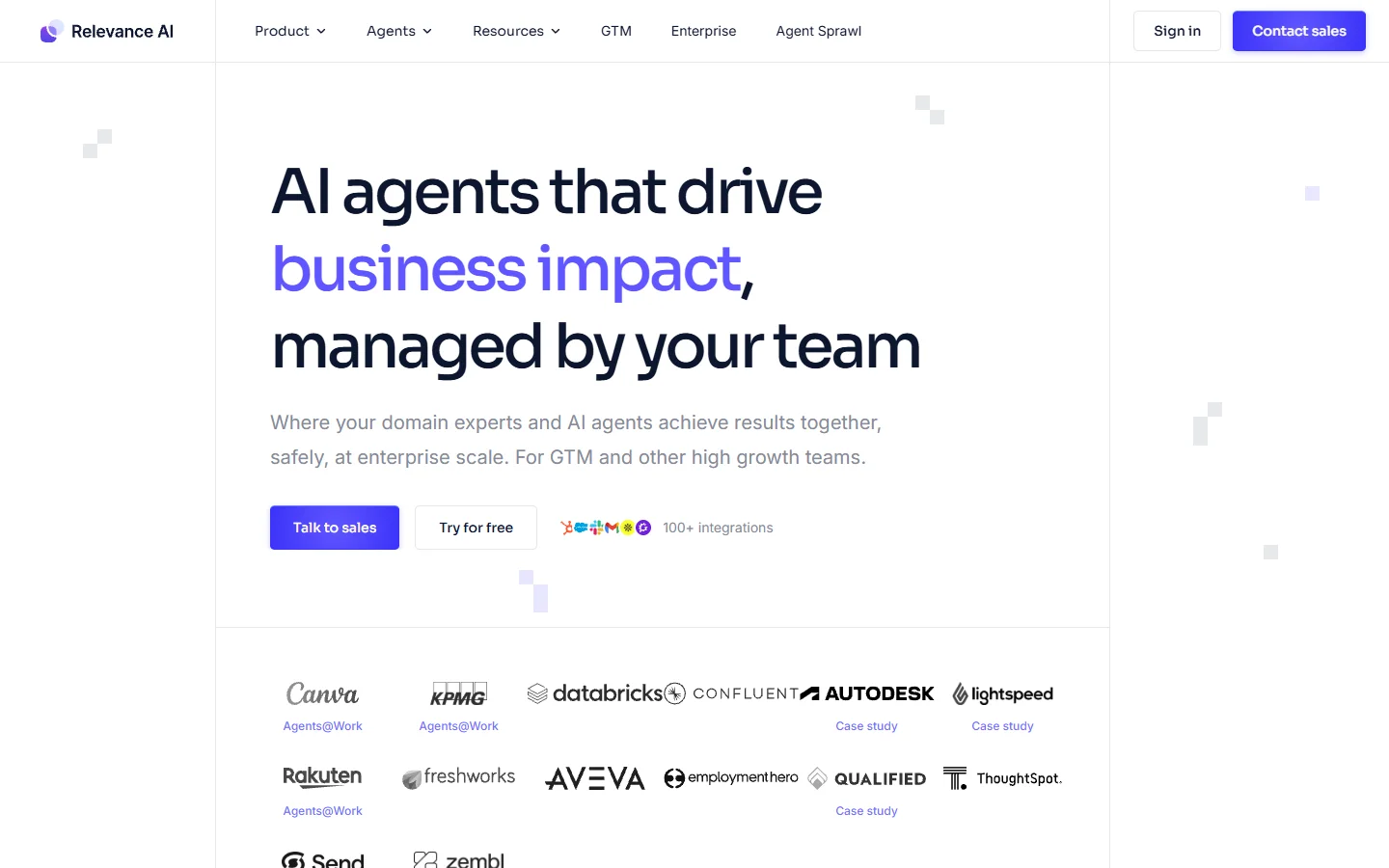
Relevance AI combines a visual workflow editor with an AI agent platform. You build tool chains visually and deploy them as API-accessible agents. Their tool-calling architecture lets agents decide which steps to run based on the input, adding a layer of intelligence beyond static pipelines. This approach aligns with how AI orchestration APIs are evolving in 2026.
- Strength: Agent-native architecture with dynamic tool selection
- Weakness: Steeper learning curve, pricing can scale quickly with heavy agent usage
- Best for: Teams building autonomous AI agents that need to make decisions across multiple tools
Wireflow-style Canvas Platforms
Beyond the tools above, a newer category of text-to-image workflow platform has emerged that focuses specifically on generative media. These platforms let you drag image, video, and audio model nodes onto a canvas, connect them into multi-step pipelines, and call the result through a REST API. If your use case is visual content generation rather than chatbots or data processing, this category is worth evaluating.
How to Evaluate API Quality

Once you've narrowed your options, test the API with a real workflow before committing:
- Build a 3-node workflow in the visual editor (input, model call, output). Export it as an API endpoint.
- Call it with curl. Does the endpoint accept JSON? Does it return structured output?
- Test error handling. Send malformed input. Does the API return useful error messages or a generic 500?
- Check rate limits and pricing. Some platforms charge per API call on top of model costs. Understand the total cost at your expected volume.
- Try webhook callbacks. Does the platform support async execution with status polling or webhook notifications?
Common Architectures for Drag and Drop AI + API
Teams typically deploy drag-and-drop AI workflows in one of three patterns, each suited to different production use cases:
Embedded generation. Your app's frontend calls the workflow API directly. The user clicks a button, your code sends a request, and the generated image or text appears in your UI. This works well for free AI image generators and lightweight creative tools.
Backend orchestration. A server-side process calls multiple workflow APIs in sequence. For example, a content pipeline that generates an image, upscales it, removes the background, and formats it for different social platforms.
Event-driven automation. A webhook triggers the workflow when something happens in another system. A new product listing in your database triggers an end-to-end AI image pipeline that generates product photos, descriptions, and social media assets automatically.
FAQ
What is a drag and drop AI platform with API access? It's a tool that lets you build AI workflows visually by connecting nodes on a canvas, then deploy those workflows as REST API endpoints that your code can call programmatically. See our overview of how to convert text to video using these tools for a practical example.
Do I need coding skills to use these platforms? Building workflows in the visual editor typically requires no coding. Integrating the API into your application requires basic programming knowledge, usually just sending HTTP requests and parsing JSON responses. Many platforms also offer SDKs for popular languages.
Can I self-host a drag and drop AI builder? Yes. Flowise and n8n are both open-source and self-hostable. Most commercial platforms are cloud-only. See our comparison of headless AI workflow platforms for more.
How do these platforms handle long-running AI tasks? Most support async execution. You submit the request, receive a job ID, and either poll for status or register a webhook callback. This is especially important for video generation workflows that can take 30+ seconds.
What's the difference between a workflow API and a model API? A model API gives you access to a single AI model (like DALL-E or Stable Diffusion). A workflow API runs a multi-step pipeline that can include multiple models, data transformations, and conditional logic.
Are there free options for drag and drop AI with API? Flowise is completely free and open-source. n8n has a free self-hosted tier. Most commercial platforms offer free tiers with limited API calls per month.
How do I choose between a general automation tool and a specialized AI platform? If your workflows are primarily about connecting SaaS tools with some AI steps mixed in, a general tool like n8n is a better fit. If your core workflow is generative AI (images, video, audio), a specialized AI workflow platform will give you better model support and faster iteration.
Wrapping Up

The platforms here represent different takes on the same core idea: build visually, deploy programmatically. For heavy image or video generation, canvas-based platforms with native model support give you the most flexibility. For broader business workflows, a general automation tool with strong connector libraries is the more practical pick. Test at least two with a real workflow before committing.