
The gap between prototyping an AI workflow and shipping it to production has been one of the biggest friction points for developer teams. Building image generation, video synthesis, or audio pipelines from raw API calls means writing brittle glue code, managing model versions manually, and debugging invisible state. Node-based AI platforms solve this by letting you assemble pipelines visually, then expose the entire graph as a single API endpoint you can call from any stack.
The concept is simple: each AI model or processing step becomes a node on a canvas. You connect nodes with wires, configure parameters, and the platform handles orchestration, queuing, and error recovery. When you are satisfied with the result, you publish the workflow and receive a REST endpoint that accepts inputs and returns outputs. No container management, no GPU provisioning, no infrastructure code.
This article looks at five platforms that combine a visual node editor with a production-grade API. We focus on what each tool does well, where it falls short, and which use cases it fits. If you are evaluating headless AI workflow options, this roundup should save you a few weekends of trial accounts.
What Makes a Node-Based AI Platform Useful
Before jumping into specific tools, it helps to understand what separates a genuinely useful node-based platform from a demo-grade toy. Three things matter most: the breadth of available nodes (how many models and utilities you can wire together), the quality of the API layer (authentication, webhooks, rate limits, error responses), and the pricing model (per-run billing versus seat-based plans that punish experimentation).
A good platform should also version your workflows automatically, so rolling back a broken change takes seconds rather than hours. Platforms that treat the visual canvas as a design tool and the API as an afterthought tend to frustrate teams that need both. For a deeper look at orchestration API patterns, we covered the architectural side in a separate piece.
ComfyUI
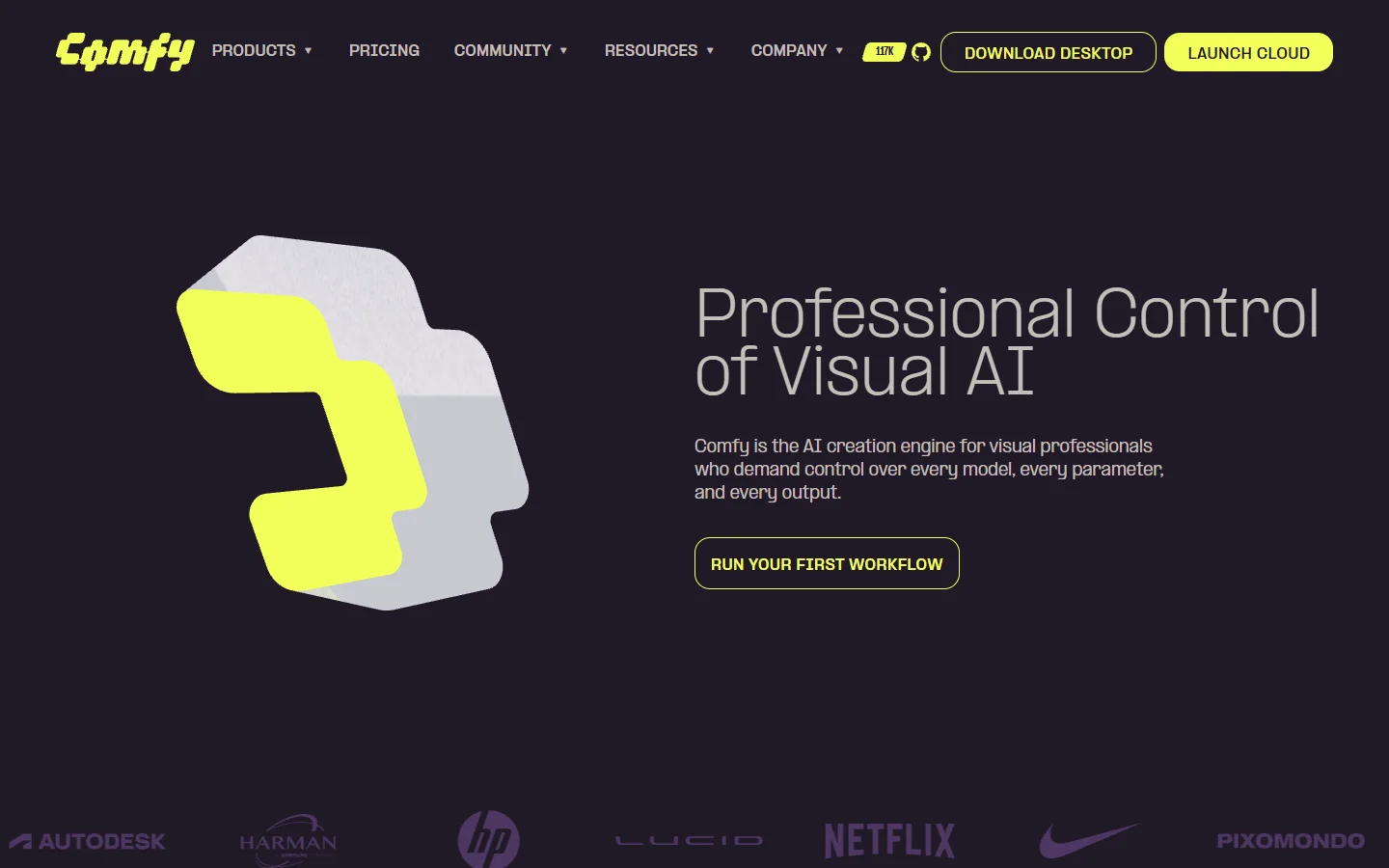
ComfyUI is the open-source standard for node-based image generation. Originally built as a Stable Diffusion frontend, it now supports Flux, SDXL, and dozens of community models through its extensible node system. The canvas is powerful but dense: new users often describe the learning curve as steep, with hundreds of node types and no guardrails preventing you from creating nonsensical graphs.
The API story for ComfyUI depends on how you deploy it. Running it locally gives you a WebSocket-based API that accepts workflow JSON and returns generated assets. Cloud-hosted versions from providers like RunComfy or ComfyDeploy wrap this in a REST interface with content generation API conventions, adding authentication and queue management. The tradeoff is cost: GPU hosting for ComfyUI runs between $0.50 and $2.00 per hour, and you pay whether or not workflows are executing.
ComfyUI's strength is its unmatched model ecosystem with thousands of community nodes. The weakness is that there is no built-in REST API without third-party hosting, and the UI has a steep learning curve. It is best for teams with ML engineers who want maximum control over every inference step.
n8n

n8n approaches AI from the automation side rather than the generative side. Its node editor was originally designed for business process automation (think Zapier with code access), and it added AI capabilities through dedicated LangChain nodes, an AI Agent node, and native connectors for OpenAI, Anthropic, and local models.
What n8n does well is connecting AI steps to real-world triggers: a form submission fires a workflow that generates images, resizes them, uploads to S3, and notifies a Slack channel. The API layer is mature, with webhook triggers, credential management, and execution logs. For teams building AI workflows with an API backbone, n8n is a solid choice when the AI part is one step in a larger business process rather than the whole pipeline.
With 400+ integration nodes beyond AI, self-hosting support, and strong webhook handling, n8n excels at connecting AI to business systems. The limitation is that image and video generation nodes are sparse compared to dedicated AI platforms. It fits backend teams that treat AI as one component in a multi-step automation.

Krea
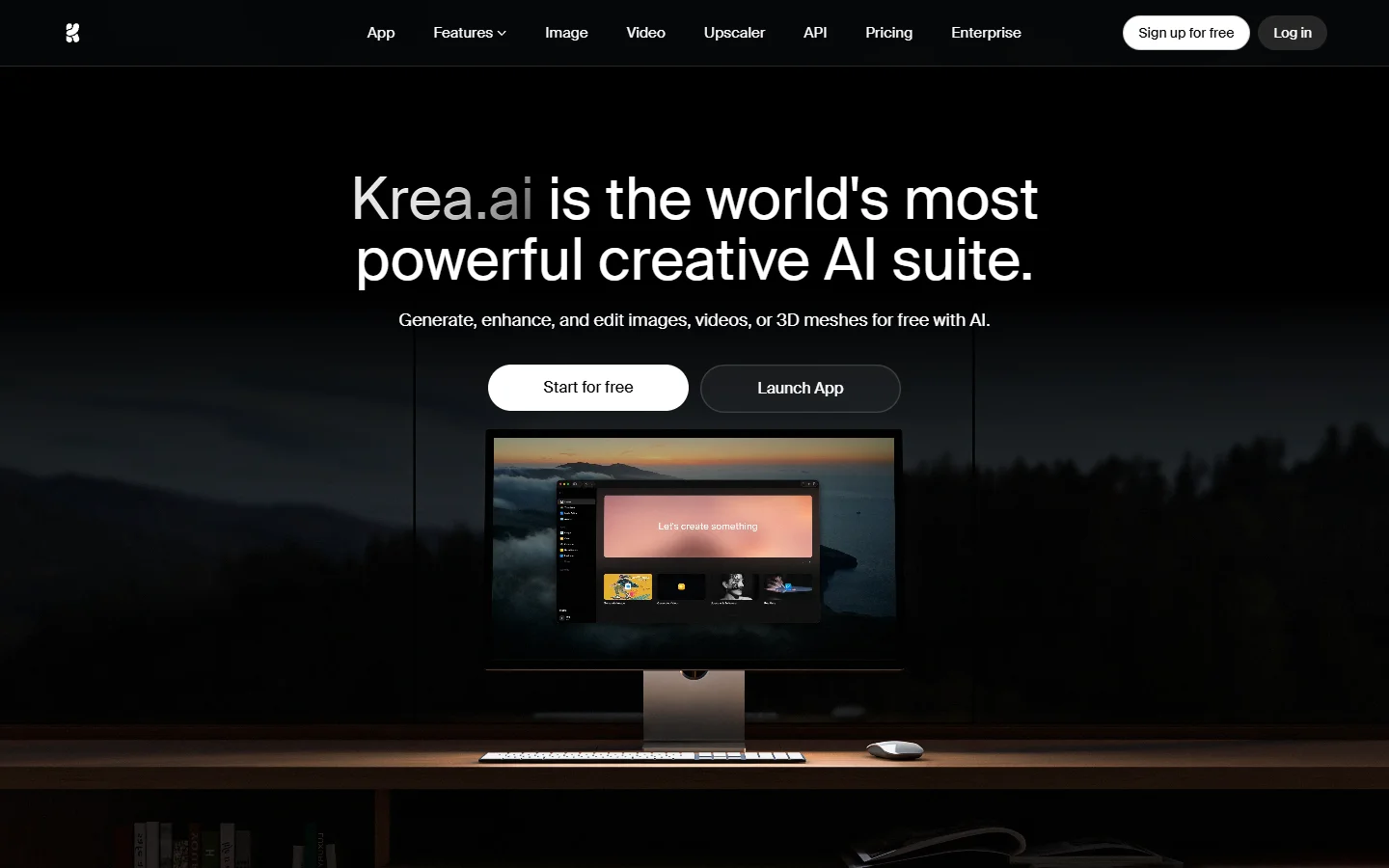
Krea sits between a creative tool and a developer platform. Its canvas lets you chain image generation, upscaling, and style transfer nodes with a clean drag-and-drop interface. The visual design is polished compared to ComfyUI's utilitarian look, making it more approachable for designers who need to collaborate with engineers.
Krea recently added API access for its workflows, allowing external applications to trigger generation jobs and retrieve results programmatically. The pricing is usage-based, which aligns well with variable workloads. However, the node library is smaller than ComfyUI's, and custom model support is limited to what Krea has integrated. Tools like Wireflow's creative tools offer a broader node catalog with 150+ types, including video and audio models alongside image generation. If your pipeline needs to span multiple media types, verify that Krea's current node set covers your requirements before committing.
Krea's clean UI, real-time preview, and usage-based pricing make it attractive for smaller teams. The node library is smaller and custom model support is limited, so it fits design teams that want visual prototyping with basic API access rather than heavy production pipelines.
Flora

Flora takes a collaborative canvas approach, letting multiple team members work on the same workflow simultaneously. It connects major AI engines including GPT-4, Flux Pro, and Runway on a shared workspace where you can branch, experiment, and merge workflow versions. The emphasis is on non-linear exploration rather than linear pipeline execution.
The Flora API supports triggering workflows externally, though the documentation is still evolving. Flora's collaboration features are genuinely useful for agencies and studios where multiple people contribute to a single generation pipeline. The tradeoff is that Flora optimizes for creative exploration over production reliability; teams running high-volume generation jobs may find the API layer less battle-tested than alternatives built with API-first architecture.
Flora's real-time collaboration, multi-model canvas, and version branching set it apart for team-based workflows. The API layer is newer and less documented than competitors, making it best for creative agencies with multi-person pipelines where collaboration matters more than raw throughput.
How to Choose the Right Platform

The decision usually comes down to where your team sits on the spectrum between "we want full control" and "we want it to just work." ComfyUI gives maximum control at the cost of operational overhead. n8n gives maximum integration breadth at the cost of AI depth. Krea and Flora optimize for visual collaboration but are still maturing their API stories.
For teams that need a node editor with a production API from day one, look for platforms that treat the canvas and the API as equal citizens rather than bolting one onto the other. Wireflow's AI workflow platform is one example of this approach, designed around API-first delivery from the start.
The key questions to ask during evaluation: Can you version workflows? Does the API support webhooks for async results? Is pricing per-run or per-seat? Can you self-host or is it cloud-only? Our guide on no-code AI workflow builders covers several of these factors in more detail.
Frequently Asked Questions
What is a node-based AI platform?
A node-based AI platform lets you build generation pipelines by dragging model nodes onto a canvas, connecting them with wires, and configuring each step visually. The platform handles orchestration, queuing, and API exposure so you can trigger workflows from external applications.
Do I need coding skills to use a node-based AI platform?
Most platforms let you build workflows visually without writing code. However, using the API to integrate workflows into your own applications requires basic programming knowledge (REST calls, JSON parsing, authentication headers). For example, developers can use these APIs to build applications such as an AI interview assistant that generates interview questions, analyzes candidate responses, and delivers personalized feedback through automated workflows.
How much does it cost to run AI workflows via API?
Pricing varies significantly. ComfyUI self-hosted costs $0.50 to $2.00 per GPU-hour. Cloud platforms typically charge per generation, ranging from $0.01 to $0.10 per image and $0.10 to $1.00 per video depending on model and resolution. Most offer free tiers for testing.
Can I use my own custom models on these platforms?
ComfyUI supports any model in SafeTensors or GGUF format. n8n connects to any model with an HTTP endpoint. Krea and Flora currently limit you to their integrated model catalog, though both are expanding custom model support.
What is the difference between a node-based platform and a traditional API?
A traditional API exposes a single model (like DALL-E or Stable Diffusion) through one endpoint. A node-based platform lets you chain multiple models and processing steps into a pipeline and expose the entire pipeline as one API call. This reduces client-side orchestration code significantly.
Are node-based AI platforms suitable for production use?
Yes, if the platform provides proper API infrastructure: authentication, rate limiting, error handling, webhooks for async results, and uptime SLAs. Evaluate the platform's API maturity separately from its canvas features.
Can I migrate workflows between platforms?
Not easily. Each platform uses its own workflow format. ComfyUI workflows are JSON and can be exported, but importing them into Krea or Flora is not supported. Plan for vendor lock-in or choose a platform you intend to stay with. Our comparison of AI video generators encountered the same portability challenge across video tools.
Conclusion
Node-based AI platforms are becoming the standard way to build and deploy multi-model generation pipelines. The visual canvas solves the prototyping problem; the API layer solves the production problem. The five platforms covered here represent different philosophies, from ComfyUI's open-source maximalism to Flora's collaborative focus.
The most important factor is not which platform has the prettiest canvas but which one treats its API as a first-class product. If you are building applications that depend on reliable, versioned AI workflows, test the API before you fall in love with the editor. For a broader overview of AI workflow tools and platforms, our orchestration roundup covers additional options beyond the five listed here.