
The gap between building an AI prototype and shipping it in production used to be measured in engineering sprints. In 2026, a new category of platforms is closing that gap: visual, no-code AI builders that also expose every workflow as a callable API endpoint. You design your pipeline by dragging nodes on a canvas, and the platform hands you a REST URL you can hit from any app, webhook, or cron job. For teams that need to build AI workflows without code, this combination of visual editing and programmatic access changes the math on what's worth building in-house versus outsourcing to a third-party API.
The appeal is practical: product managers and designers can iterate on the logic visually, while engineers consume the same pipeline as an API. No translation layer, no "now rebuild this in Python." If you've been exploring headless AI workflow platforms, you already know the landscape is moving fast.
Why API Access Matters for No-Code AI
Most no-code AI tools started as internal dashboards: you build a workflow, run it manually, get a result. That works for experimentation. It breaks down the moment you need that workflow to power a customer-facing feature, respond to a webhook or run on a schedule inside your existing infrastructure.
API access turns a visual workflow into a service. Instead of logging into a dashboard to generate an image or process a document, your app calls a URL. The workflow runs server-side, returns the result as JSON, and your frontend never knows the logic was built in a drag-and-drop editor. This pattern is already common in AI content generation APIs, but the "no-code + API" combination pushes it further by letting non-engineers own the logic layer.
The practical benefits include faster iteration (change a model or swap a prompt without redeploying code), lower bus-factor risk (the pipeline is visual and self-documenting), multi-model flexibility (chain image gen, LLM, and voice in one workflow), and usage-based scaling where you only pay for what runs. Teams building AI pipelines with REST APIs are already seeing these advantages at scale.
What to Look for in a No-Code AI Platform With API Access
Not every no-code tool that claims "API access" delivers the same thing. Some give you a webhook URL that triggers a workflow asynchronously. Others give you a synchronous REST endpoint with structured JSON responses. The difference matters when you're comparing AI orchestration APIs for production use.
Key evaluation criteria: endpoint type (sync vs. async), authentication method (API key vs. OAuth), rate limits and concurrency caps, input/output schema quality (structured JSON vs. blobs), and workflow versioning support. Sync endpoints are simpler to integrate but limit you to faster workflows, while async with callbacks is better for video generation or multi-step chains that take 30+ seconds.
Comparing the Top Platforms
Here's how the leading no-code AI platforms with API access stack up in 2026. Each has a different sweet spot depending on whether you need image/video generation, LLM orchestration, or general workflow automation.
Buildship
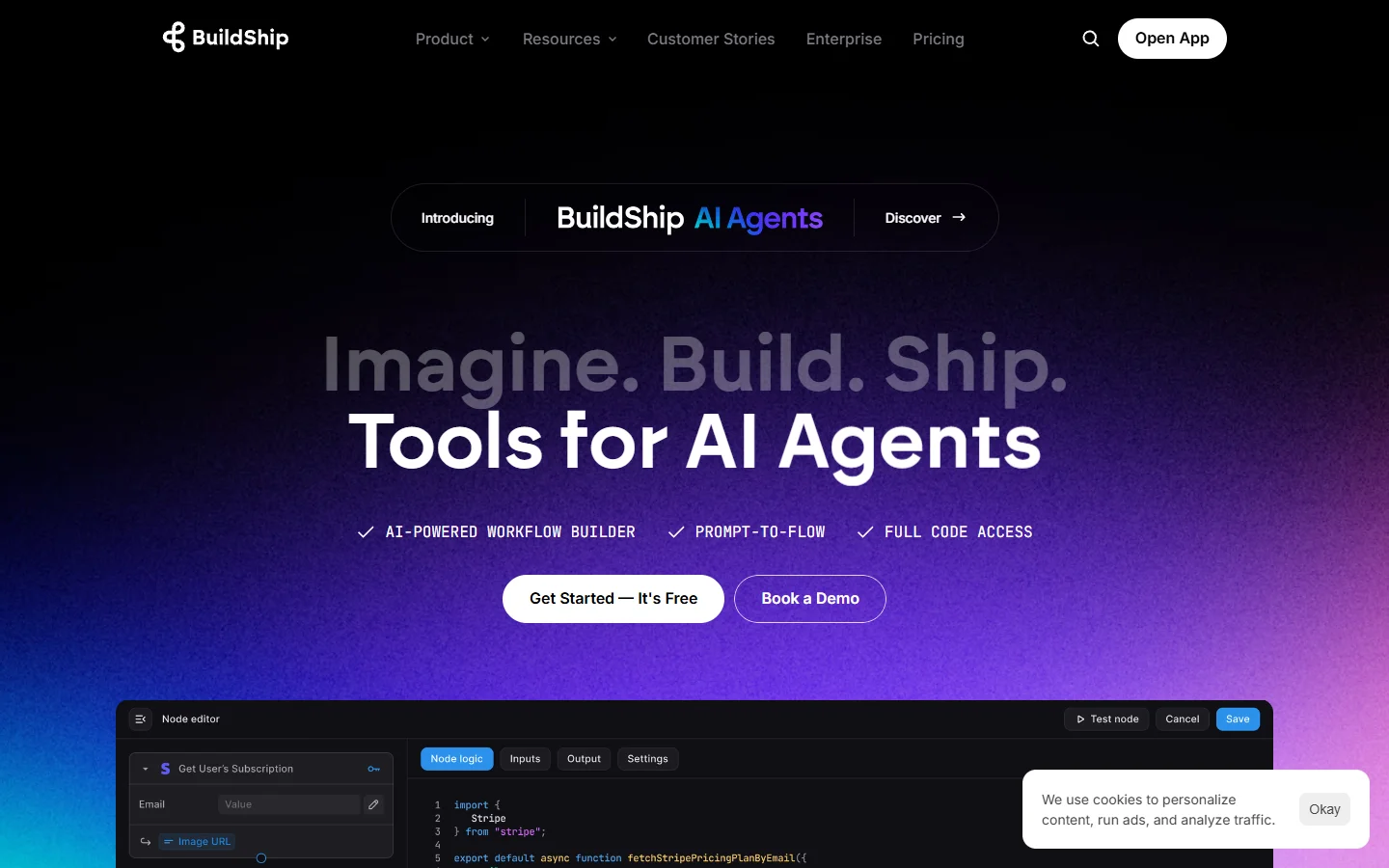
Buildship is purpose-built for creating backend APIs visually. You design logic as a flowchart, connect AI nodes (OpenAI, Anthropic, Google), and Buildship generates a live API endpoint instantly. It's especially strong for teams that want to add AI-powered batch generation features to existing SaaS products without managing servers. The main limitation is that it focuses on backend logic with no built-in image or video generation models.
n8n
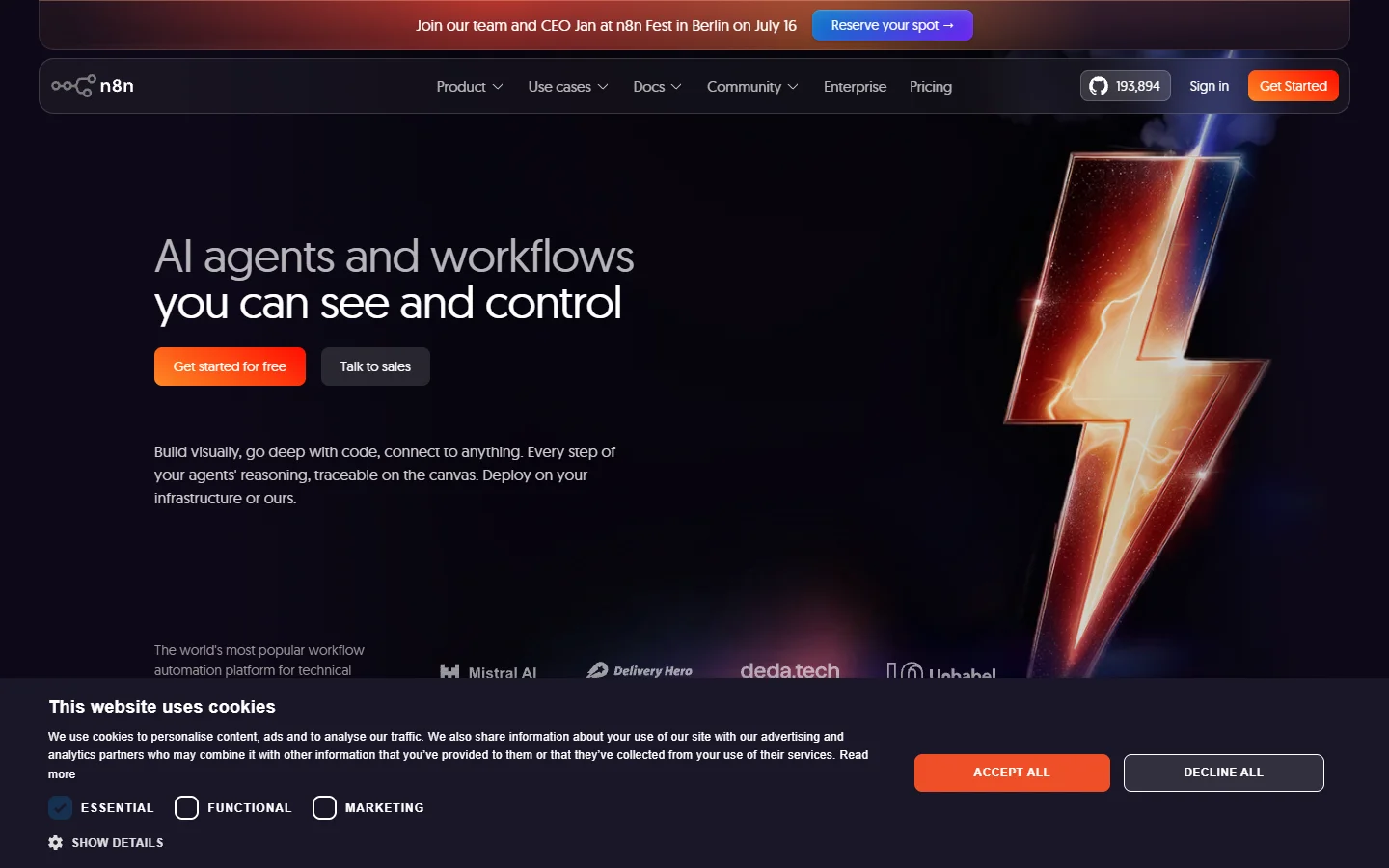
n8n is an open-source workflow automation tool with a visual editor and webhook triggers. It supports 400+ integrations and lets you self-host for full control. The API access comes through webhook nodes that expose any workflow as an HTTP endpoint. AI model integrations require manual HTTP node configuration, but the tradeoff is total control over infrastructure. Teams already running batch image generation via API often pair n8n with external model providers.
Relevance AI
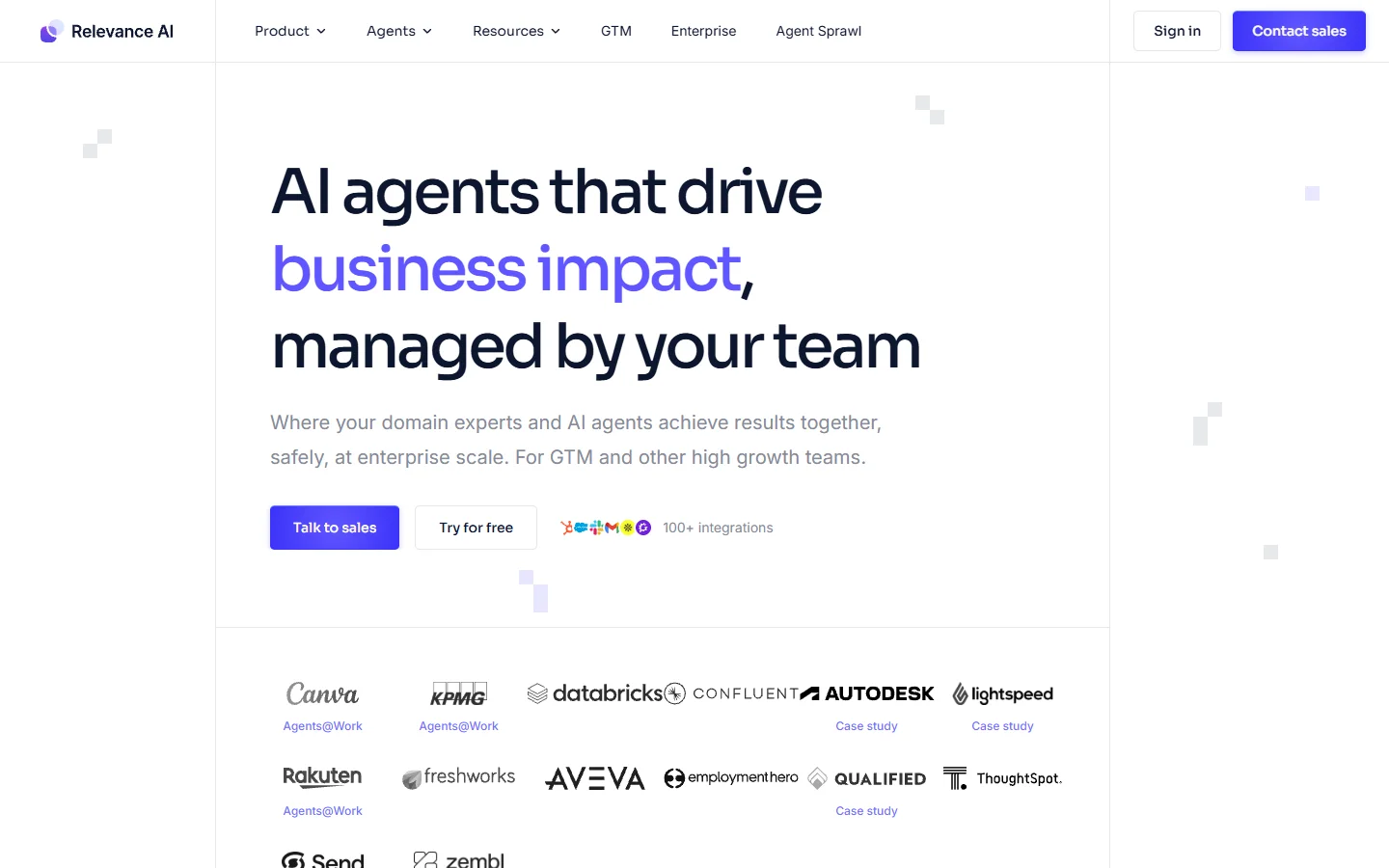
Relevance AI focuses on autonomous AI agents that use tools, make decisions, and execute multi-step tasks. You define agent capabilities visually, assign tools (search, code execution, API calls), and deploy through a REST API. Best for teams building AI agents that need to reason across multiple data sources. The agent-centric design is overkill for simple image-in/image-out pipelines, but it's the strongest option for complex orchestration workflows.
Flowise
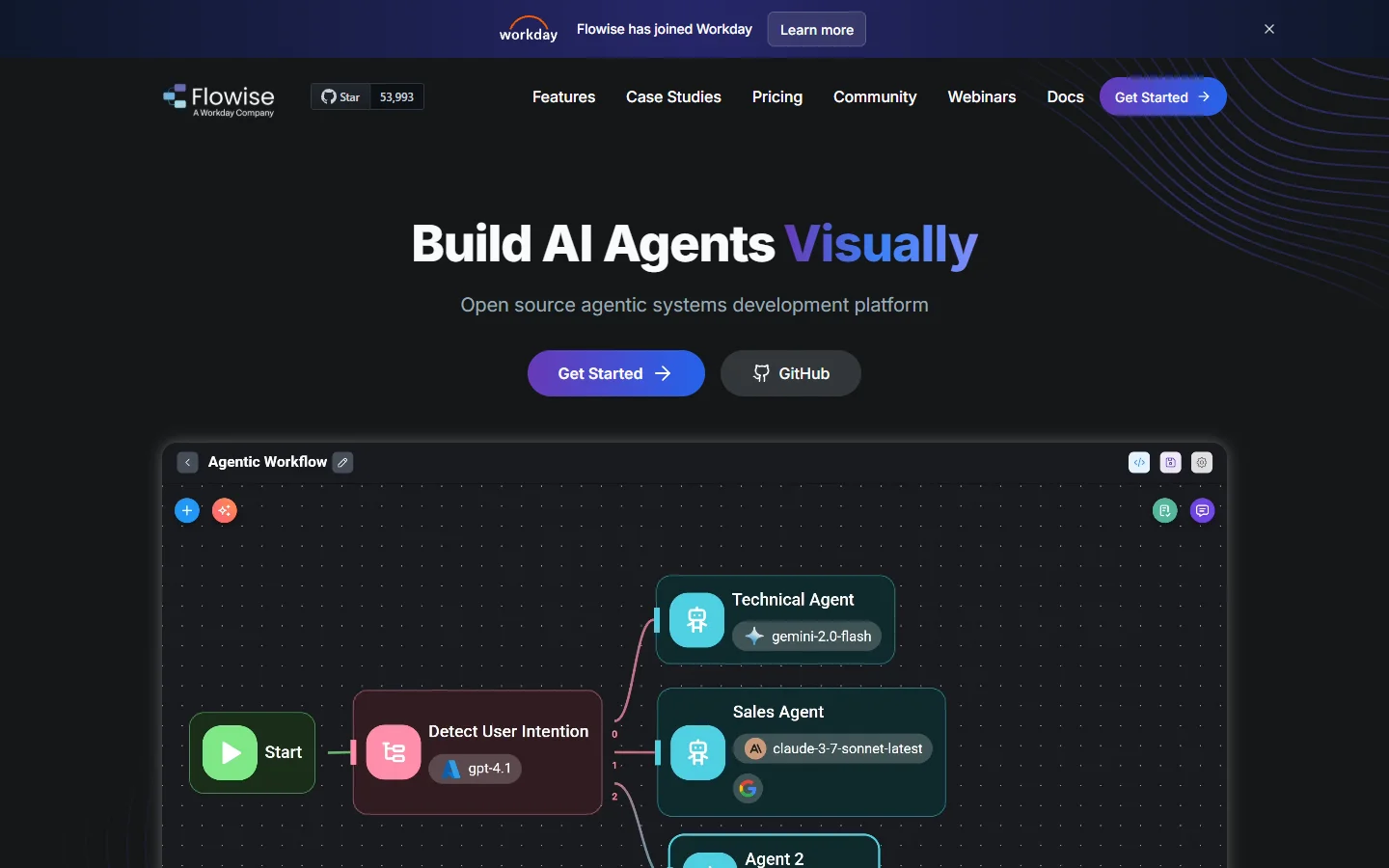
Flowise is an open-source LLM orchestration tool with a drag-and-drop interface. It supports LangChain and LlamaIndex under the hood, and every chatflow you build is automatically exposed as an API endpoint. Self-hostable on any cloud provider. Best for developers building RAG applications, though its focus on LLM chains means minimal support for image or video generation workflows.
Multi-model canvas platforms
For teams that need to chain image generation, video, audio, and LLM nodes in a single visual pipeline, a multi-model AI workflow tool offers a different approach. Instead of integrating separate APIs for each modality, you connect nodes on a canvas and the platform handles model routing, queuing, and output passing between steps.


Common Patterns Teams Ship With No-Code AI APIs
Once you have a visual workflow exposed as an API, certain patterns become trivial to implement. The most common in production involve content generation, customer-facing features, and automated batch processing.
Webhook-triggered content generation is the simplest: a CMS publishes a blog post, fires a webhook, and the workflow generates a social media image, a summary, and an audio narration, then POSTs all three back to the CMS. Zero code on the CMS side. For customer-facing features, a SaaS app sends user inputs to the workflow API, which chains background removal, image generation, and compositing in one call. Scheduled batch processing lets marketing teams get fresh product visuals every week without filing an engineering ticket.
The Tradeoffs You Should Know
No-code AI with API access is not a silver bullet. Visual workflows add orchestration overhead, so a direct API call that takes 4 seconds might take 6-8 seconds routed through a no-code platform. Teams exploring text-to-video conversion should test latency under load.
Vendor lock-in is real: your workflow logic lives on the platform. If pricing changes or the service shuts down, migrating a complex multi-model pipeline to custom code is non-trivial. Open-source options like n8n and Flowise reduce this risk. Also consider debugging quality (can you trace which node broke at 2 AM?) and cost at scale, where per-execution fees at high volume can exceed dedicated GPU instances. For voice cloning and other latency-sensitive audio workflows, these tradeoffs are especially worth testing early.
FAQ
What does "no code AI with API access" mean?
It refers to platforms where you build AI workflows visually and then call those workflows programmatically through REST APIs or webhooks. No custom code is required to build the logic, but you get full programmatic control over execution. Several platforms now let you call models like FLUX from code alongside visual pipeline design.
Can I use multiple AI models in one no-code workflow?
Yes. Most modern platforms support chaining multiple models in a single pipeline. For example, you might use an LLM to generate a prompt, pass it to an image generation model, then run the output through an upscaler. Platforms like Wireflow and Buildship support this natively with node-based editors.
Is no-code AI with API access secure enough for production?
It depends on the platform. Look for API key authentication, role-based access controls, data encryption in transit and at rest, and SOC 2 compliance. Open-source options let you self-host for full control over data residency, which matters for teams creating AI avatars from photos or processing other personal data.
How much does it cost to run AI workflows via API?
Pricing varies widely. Some platforms charge per workflow execution ($0.01-0.10 per run), others charge for compute time, and open-source tools are free but require your own hosting. The AI model costs are usually billed separately by the model provider. Compare pricing for your expected volume against the free AI image generators that may work for lower-volume use cases.
What's the difference between no-code AI and low-code AI?
No-code means you build the entire workflow visually without writing any code. Low-code gives you a visual builder but expects you to write code for custom logic, transformations, or integrations. Most platforms in this guide are no-code with optional code nodes for advanced API integration use cases.
Can I version-control my no-code AI workflows?
Some platforms support workflow versioning natively (draft vs. published states, rollback). Others let you export workflows as JSON, which you can commit to Git. If version control is critical for your team, check for export/import capabilities before choosing a platform.
What happens if a no-code AI platform goes down?
Your API calls will fail until the platform recovers. For mission-critical workflows, consider platforms that offer self-hosting or have published SLA guarantees. Multi-region deployment and fallback endpoints reduce downtime risk. Testing failover is as important as testing the photo enhancement tools or models you integrate.