
The idea of stitching together multiple AI models into a single automated pipeline has moved from research experiment to production standard. In 2026, the tooling is mature enough that a solo developer can wire up image generation, text analysis, and video synthesis in a single workflow triggered by one API call. The shift is less about whether you can do it and more about which approach fits your stack.
This guide walks through the practical steps of building API-driven AI workflows, from choosing an orchestration layer to handling errors at scale. Whether you are shipping a SaaS product or automating internal content pipelines, the same architectural patterns apply.
Why API-First Workflows Matter Now
A year ago, most AI workflows were stitched together with scripts and cron jobs. That worked for prototypes but fell apart when you needed reliability, observability, or the ability to swap models without rewriting glue code. API-first design solves these problems by treating each AI capability as a callable service with typed inputs, outputs, and error contracts.
The benefits are concrete. You get versioned endpoints you can roll back. You get rate limiting and retry logic at the infrastructure level instead of buried in application code. And you get composability: the output of a text-to-image model becomes the input of an upscaler or a video generator without custom serialization.
Step 1: Choose Your Orchestration Layer
The orchestration layer is the backbone. It decides how steps connect, how data flows between them, and what happens when something fails. In 2026, you have several solid options for building automated pipelines:
- n8n: open-source, self-hostable, visual node editor with 400+ integrations. Strong if you want full control over your infrastructure and don't mind managing your own instance.

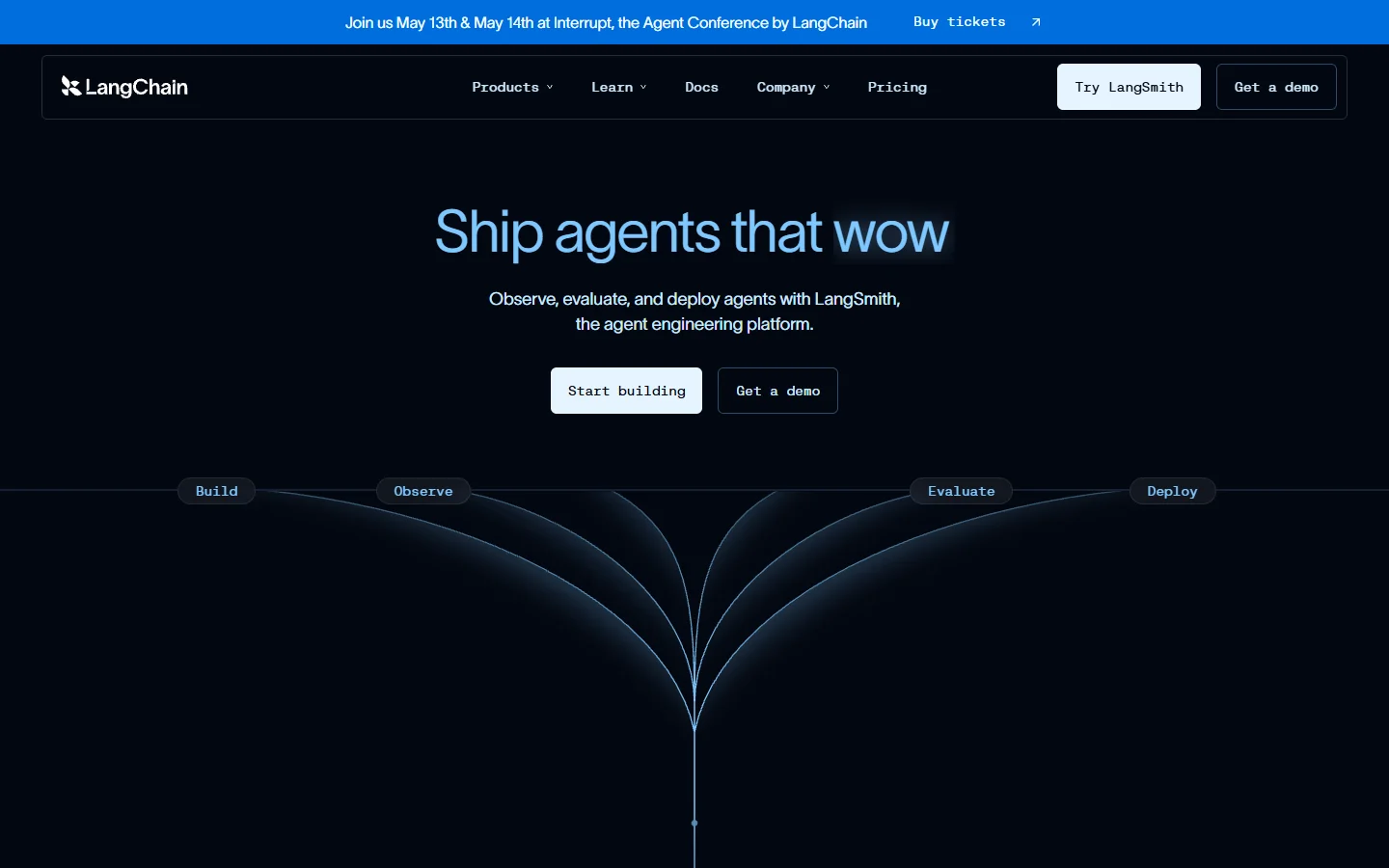
- LangChain / LangGraph: Python and TypeScript libraries for chaining LLM calls with tool use. Better suited for developers who prefer code over visual builders and need fine-grained control over agent behavior.
-
Wireflow: A visual canvas with full REST API access, letting you build workflows in a drag-and-drop editor and then trigger them programmatically. Useful when you want the speed of a no-code builder without sacrificing API-level control.
-
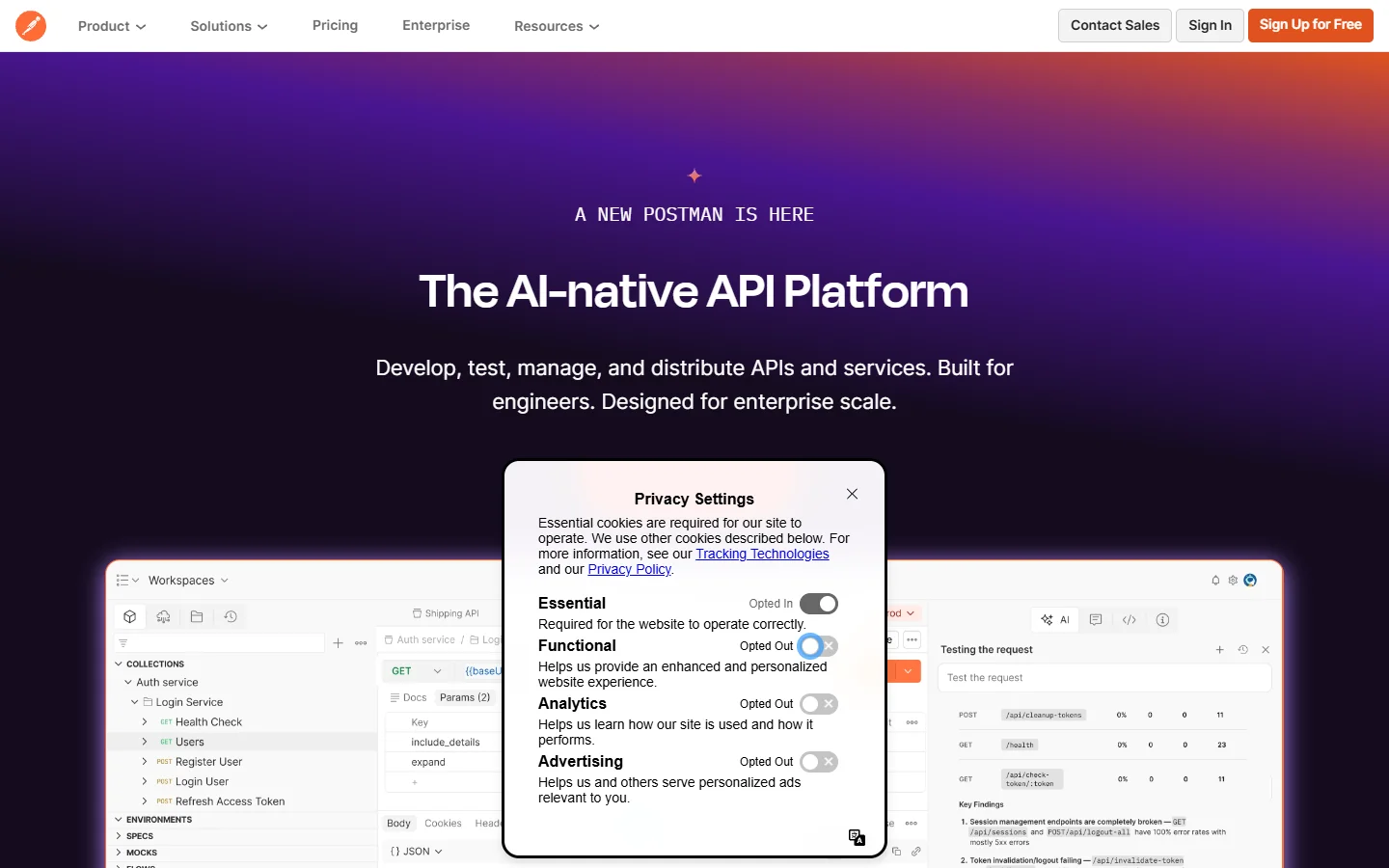
Postman Flows: Extends Postman's API testing into multi-step orchestration. Good for teams already deep in the Postman ecosystem.
The right choice depends on your team. If you are a solo developer building a prototype, a visual builder saves time. If you are running a production pipeline processing thousands of requests daily, a code-first approach like LangChain gives you more granular error handling.
Step 2: Define Your Workflow Architecture
Before writing any code, sketch the pipeline. Every AI workflow, whether it handles text, image, or video, has the same structural skeleton:
- Trigger: what starts the workflow (webhook, cron schedule, user action, queue message)
- Input validation: ensure the incoming data matches expected schema
- Processing nodes: the AI model calls, transformations, enrichments powered by modern data enrichment tools, and conditional processing logic
- Conditional routing: branch logic based on model outputs (confidence scores, content classification)
- Output: where results go (database, API response, notification, file storage)
A common mistake is designing workflows that are too linear. Real production workflows need parallel branches. For example, you might send the same input to both an image generator and a text summarizer simultaneously, then merge the results before delivering them to the user. Most orchestration tools support this, but you need to plan for it from the start of your design process.

Step 3: Connect Your AI Model APIs
The actual API integration is often the most straightforward part. Most AI providers in 2026 follow a similar REST pattern:
- POST your input (text prompt, image URL, audio file) to the model endpoint
- Receive a job ID or immediate result depending on the model
- For async models, poll or use a webhook callback for completion
Here is a simplified example of calling an image generation API within a workflow node:
const response = await fetch("https://api.example.com/v1/generate", {
  method: "POST",
  headers: {
    "Authorization": "Bearer YOUR_API_KEY",
    "Content-Type": "application/json"
  },
  body: JSON.stringify({
    prompt: "product photo on white background",
    width: 1024,
    height: 1024
  })
});
const result = await response.json();
The key consideration is handling async models. Many video generation and audio models take 30 seconds to several minutes. Your orchestration layer needs to handle this gracefully, either through polling loops with exponential backoff or webhook-based callbacks that resume the workflow when the result is ready.
Step 4: Handle Errors and Retries
This is where most AI workflows fail in production. AI model APIs are inherently less reliable than traditional CRUD APIs. Models time out, return low-quality results, or hit rate limits. Your workflow needs to account for all of these, especially when chaining together multiple model types.
Build these patterns into every workflow:
- Retry with backoff: 3 retries with exponential delay (1s, 4s, 16s) for transient failures
- Fallback models: if your primary image model is down, route to a secondary provider
- Quality gates: check model output before passing it downstream (e.g., NSFW detection, confidence thresholds)
- Dead letter queues: capture failed jobs for manual review instead of silently dropping them
- Timeout budgets: set a maximum wall-clock time for the entire workflow, not just individual steps
A workflow that generates a product photo, upscales it, and removes the background involves three separate model calls. If any one fails, you need a clear strategy: retry the failed step, restart the whole pipeline, or return a partial result. The answer depends on your use case, but you need to decide before shipping.
Step 5: Monitor and Iterate
Once your workflow is running, you need visibility into what is actually happening. Useful metrics to track:
- End-to-end latency: from trigger to final output delivery
- Per-node latency: which model calls are your bottleneck
- Error rate by node: which steps fail most often and why
- Cost per run: AI API calls add up fast, especially video and image generation
- Output quality scores: if you have automated quality checks, track them over time
Most orchestration platforms provide basic logging. For production systems, pipe your workflow telemetry into something like Datadog, Grafana, or even a simple Postgres table. The goal is to catch degradation early and know exactly which node caused a failure, whether it is an image generation step or a text classifier.
Iteration is continuous. Models improve, new providers launch, and your requirements change. A well-designed API workflow makes swapping components straightforward. If a new image model produces better results at lower cost, you should be able to swap it in by changing one endpoint URL and updating the input schema, without rewriting the entire pipeline.
Tools Worth Evaluating in 2026
Beyond the orchestration layer itself, a few tools are worth knowing about for specific pieces of the workflow puzzle:
- Wireflow AI: combines a visual canvas editor with a REST API, so you can prototype in the browser and deploy via API. Supports multiple AI models in a single workflow.
- Prefect / Dagster: Python-native workflow orchestrators originally built for data engineering. Good for batch AI pipelines where you need sophisticated scheduling and dependency management.
- Temporal: a durable execution framework that handles long-running workflows with built-in state persistence. Overkill for simple pipelines, but excellent for complex multi-step AI agents that need to wait for human approval or external events.
- FastAPI + Celery: the DIY approach. Build your own orchestration with a REST framework and a task queue. Maximum flexibility, maximum maintenance burden.
Each of these serves a different niche. The right choice depends on your team's skills, your scale requirements, and whether you prefer managed services or self-hosted infrastructure.

Frequently Asked Questions
What is the best API for building AI workflows?
There is no single best API. The answer depends on what your workflow does. For image generation, providers like FLUX, Stable Diffusion, and Recraft offer strong APIs. For text, OpenAI and Anthropic lead. For orchestration specifically, n8n and LangChain are popular choices that support multiple model providers.
Do I need a visual builder or can I code everything?
Either works. Visual builders are faster for prototyping and easier for non-technical team members to understand. Code-first approaches give you better version control, testing, and debugging. Many teams use a visual builder for design and then export to code for production deployment.
How much does it cost to run AI workflows via API?
Costs vary widely. A simple text-processing workflow might cost $0.01 per run. A multi-model pipeline that generates images, processes video, and runs multiple LLM calls could cost $0.50 to $5.00 per run. Check the pricing pages of each provider and set budget alerts from day one.
Can I mix different AI providers in one workflow?
Yes, and you should. No single provider is best at everything. A strong workflow might use one provider for image generation and another for text analysis. The orchestration layer handles the glue between them.
What happens when an AI model API goes down?
Your workflow should have fallback logic. Configure backup providers for critical steps, similar to how enterprise teams set up redundancy. Use circuit breakers to stop sending requests to a failing endpoint. Queue incoming requests and process them when the service recovers. Never assume 100% uptime from any AI API.
How do I version my AI workflows?
Treat your workflow definitions as code. Store them in git, use pull requests for changes, and tag releases. If your orchestration tool uses a visual editor, export the workflow configuration as JSON or YAML and version that file. This lets you roll back to a known-good configuration when a new model deployment causes regressions.
Is it better to use webhooks or polling for async AI APIs?
Webhooks are preferred when available. They reduce unnecessary API calls and give you faster response times. Polling works as a fallback but wastes compute and adds latency. Most modern AI APIs, including those used for video creation, support webhook callbacks for long-running jobs.