

Freepik Spaces launched as a visual canvas for designers who wanted AI generation without writing code. In 2026, Freepik added an Apps API layer that lets developers trigger published canvas workflows over HTTP. For teams already embedded in the Freepik ecosystem, this is a meaningful upgrade. But for developers building production applications from scratch, the API's scope and access restrictions raise practical questions worth examining before committing.
This guide breaks down what the Freepik Spaces API actually offers, how it works under the hood, and where it falls short. If you are evaluating creative automation platforms for a product integration or internal pipeline, the details here should save you a few weeks of trial-and-error. For context on how AI tool selection has shifted for enterprise buyers, this breakdown of enterprise AI tools covers broader trends.
How the Freepik Spaces API Works
Freepik Spaces is built around a canvas metaphor. You drag nodes onto an infinite board, connect them into a flow (text prompt to image model to upscaler, for example), and run the pipeline visually. The Apps API extends this by letting you "publish" a canvas flow as a callable endpoint. Once published, you can POST to it with input parameters and receive generated assets as output.
The API uses a credit-based billing model tied to your Freepik subscription. Each node in a flow consumes credits, and if your balance runs low, the API returns a 402 response with a per-node cost breakdown. This transparency is helpful, but the credit pool is shared with all other Freepik activity on your account, including manual canvas runs and stock downloads. For teams managing budgets, the shared pool makes cost attribution harder than it should be. If you are exploring how different creative tools handle API billing, the variation across platforms is significant.
What the API Can Actually Do
The Spaces Apps API supports a specific set of operations, all of which revolve around running pre-built canvas flows:
- HD image generation from text prompts or reference images using Freepik's model selection (Magnific upscaling, style transfer, background removal)
- Video creation from prompts or images, though model options are narrower than dedicated video platforms
- Batch processing through loop nodes that iterate over input arrays
- Chained operations where the output of one node feeds into the next (e.g., generate, then upscale, then remove background)
The output format is JSON with asset URLs and metadata. Webhook callbacks are supported for long-running flows, which is essential for video generation where processing can take 30 seconds or more. For developers who want to compare how different design platforms approach API access, the gap between visual-first and API-first tools is wide.

Limitations Developers Should Know
The biggest constraint is access. The Apps API is locked to enterprise-tier plans. Freepik does not publish enterprise pricing publicly, but reports from developer forums place it at $300-500/month minimum, with custom quotes for high-volume usage. For a startup validating a product concept, this creates a steep barrier before writing a single line of integration code.
Other limitations worth noting:
- Model selection is curated, not open. You get access to Freepik's chosen models (Magnific for upscaling, a handful of diffusion models for generation), but you cannot plug in your own fine-tuned models or swap in open-source alternatives. For teams that need LoRA support or custom checkpoints, this is a dealbreaker.
- Three-workspace cap on most plans. Even with API access, the number of active published flows you can maintain is limited. Scaling across multiple product lines or client projects requires careful flow management.
- No direct model endpoint. You cannot call an individual model (e.g., "generate an image with Flux") outside the context of a canvas flow. Everything routes through the flow abstraction, which adds latency and complexity for simple single-step operations.
Platforms like Wireflow take a different approach by exposing both a visual canvas and direct model endpoints, letting developers choose the level of abstraction that fits their use case. Getting listed in AI directories is another way smaller platforms build discoverability against incumbents like Freepik.
Comparing Freepik Spaces API to Other Platforms
If the Freepik Spaces API does not fit your requirements, several alternatives address different parts of the problem. Here is how they compare on the dimensions that matter most to developers building AI integrations.

Freepik Spaces

- Strength: Polished visual canvas with a curated model library and built-in asset management
- Weakness: API locked to enterprise plans, limited model flexibility, shared credit pool
- Best for: Design teams already paying for Freepik who want to automate repetitive visual tasks
ComfyUI
ComfyUI is the open-source standard for node-based image generation. Its API is free and fully extensible, but you need to host it yourself. For teams with GPU infrastructure, it offers maximum flexibility. For those without, managed hosting options like RunComfy bridge the gap. The workflows community around node-based editors continues to grow in 2026.
- Strength: Open source, unlimited model support, massive community ecosystem
- Weakness: Self-hosted infrastructure required, no built-in asset hosting or CDN
- Best for: Teams with DevOps capacity who need full model control
Flora AI
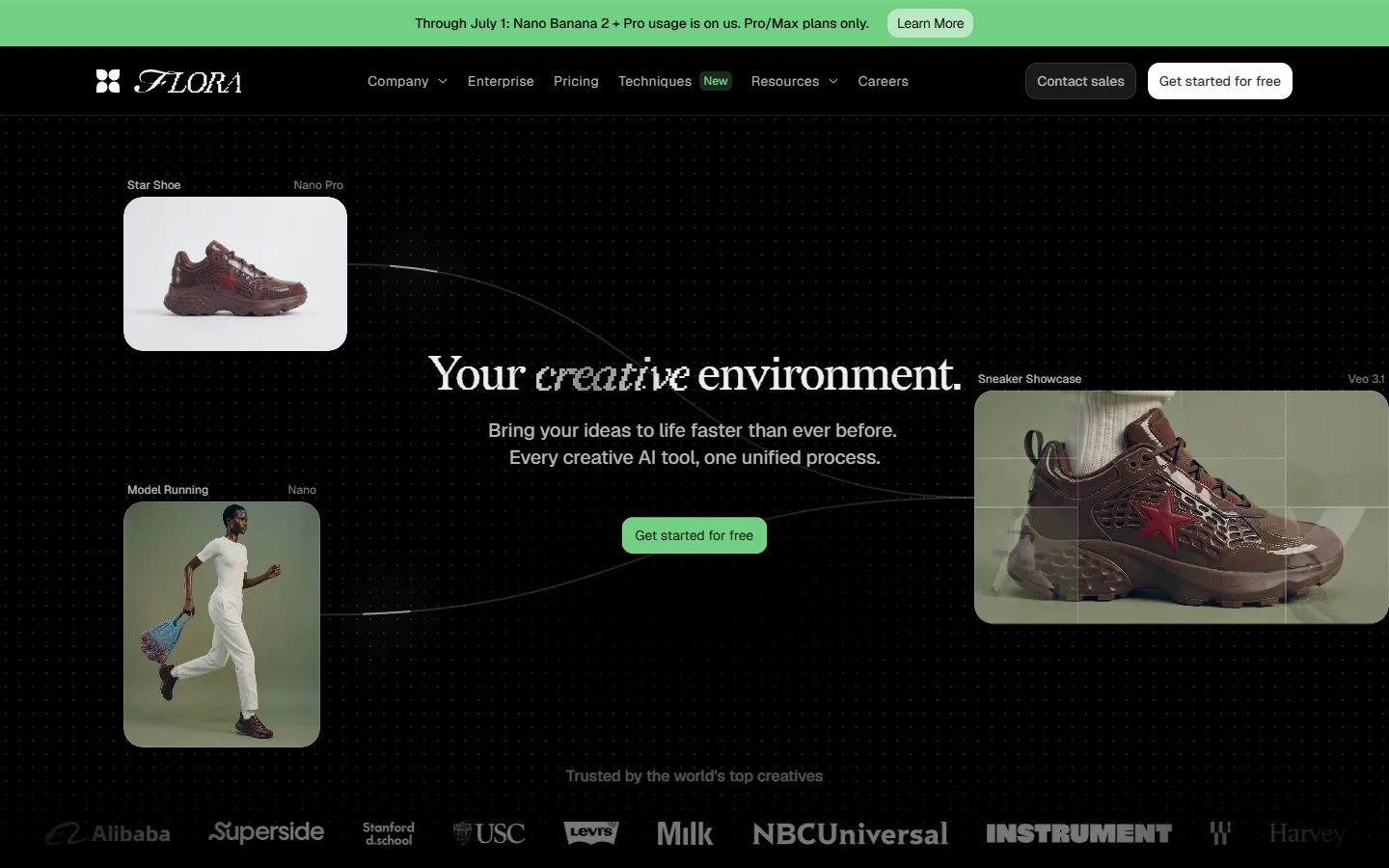
Flora AI positions itself as a managed creative API with a visual editor. It bundles hosting, model access, and a REST API into a single subscription. Pricing is usage-based rather than tier-locked, which removes the enterprise-plan barrier that Freepik imposes.
- Strength: Managed infrastructure with usage-based pricing, REST API from day one
- Weakness: Smaller model library than ComfyUI, newer platform with less community content
- Best for: Small teams and solo developers who want API access without infrastructure overhead
Canva
Canva offers a Connect API for enterprise partners, but it is heavily gated and focused on design template automation rather than AI model orchestration. For most developers, Canva is not a realistic alternative to Freepik's API. Teams evaluating Canva's broader ecosystem often find the API story underwhelming compared to the visual product.
- Strength: Massive template library, brand kit management, team collaboration at scale
- Weakness: API access is partner-only, no direct AI model orchestration
- Best for: Marketing teams automating branded collateral, not developers building AI pipelines
RunComfy
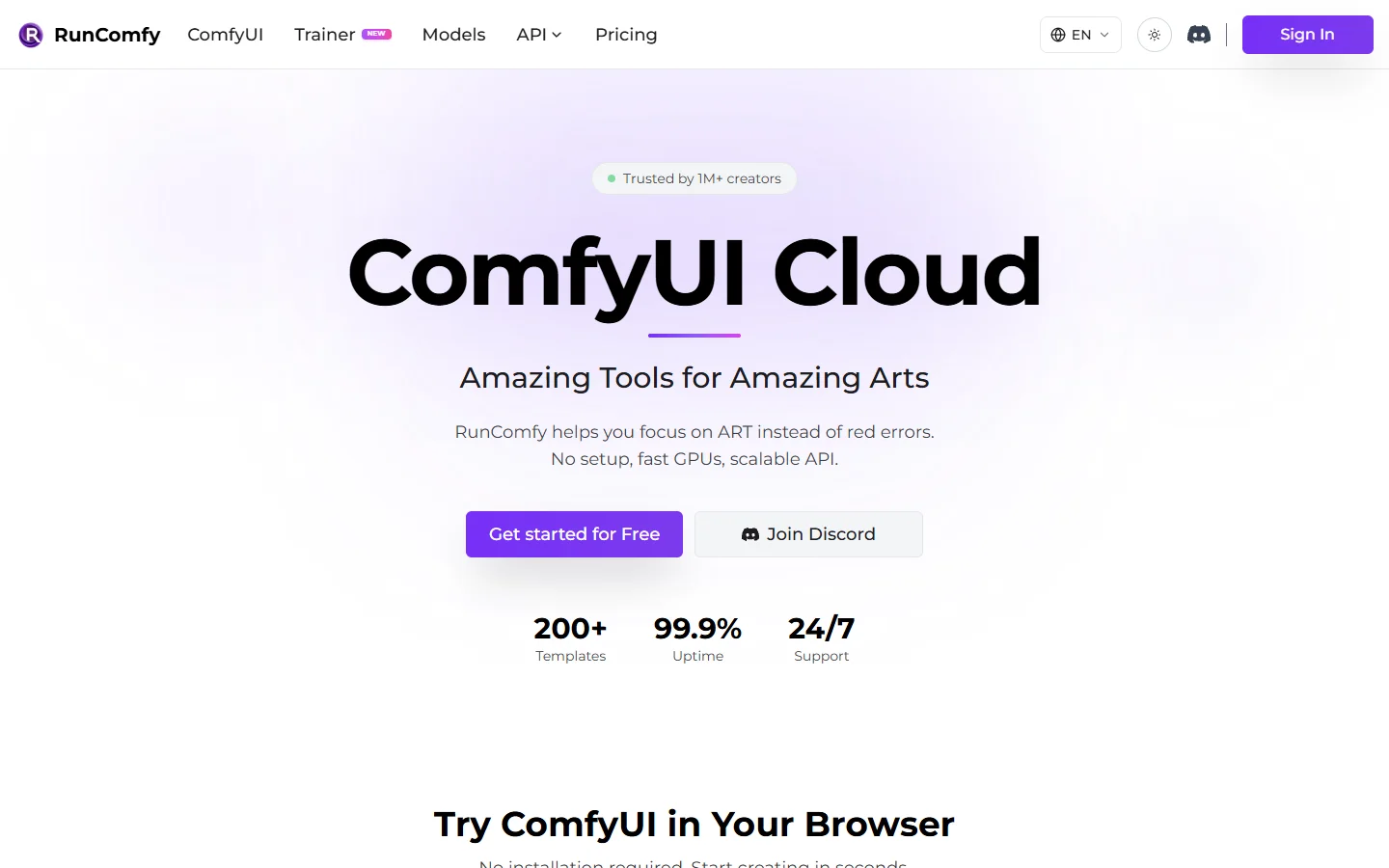
RunComfy provides managed ComfyUI hosting with API access. You upload ComfyUI workflows and trigger them via REST endpoints. It solves the infrastructure problem of self-hosted ComfyUI while keeping the model flexibility. Developers who need collaboration features alongside their API pipeline may find RunComfy's team features limited.
- Strength: Full ComfyUI compatibility without managing GPUs, pay-per-run pricing
- Weakness: Tied to ComfyUI's workflow format, less polished UX than Freepik Spaces
- Best for: Teams already using ComfyUI locally who want cloud deployment
When to Use the Freepik Spaces API
The Freepik Spaces API makes the most sense in a narrow set of situations: your team already subscribes to Freepik at the enterprise level, your automation needs stay within the curated model set, and your volume does not require more than a few published flows. Outside this profile, a workflow-based AI image platform with open model access and usage-based pricing will get you to production faster.
The API market for creative AI tooling is still maturing. Pricing models, access tiers, and model coverage change quarterly. Developers should prototype with at least two platforms before committing to a long-term integration. The exploration features on BasedLabs are a low-friction way to test different models before choosing an API provider.
FAQ
What is the Freepik Spaces API?
The Freepik Spaces API, officially called the Apps API, lets developers trigger published canvas workflows via HTTP POST requests. It accepts input parameters and returns generated assets as JSON with downloadable URLs. It is available on enterprise plans only.
How much does Freepik Spaces API access cost?
Freepik does not publish enterprise pricing publicly. Developer communities report minimum costs of $300-500/month, with custom quotes for high usage. All API calls consume credits from the same pool used by manual Freepik activity.
Can I use custom models with the Freepik Spaces API?
No. The API is limited to Freepik's curated model selection, which includes Magnific for upscaling and a set of diffusion models for generation. You cannot upload custom LoRAs, fine-tuned checkpoints, or open-source models. For platforms that support custom model uploads, check this list of AI generation models.
Is the Freepik Spaces API suitable for high-volume production use?
It depends on your plan and credit allocation. The three-workspace limit and shared credit pool can create bottlenecks for teams processing thousands of assets daily. Enterprise accounts can negotiate higher limits, but the per-credit cost may exceed dedicated API providers at scale.
What are the best alternatives to the Freepik Spaces API?
ComfyUI (self-hosted, free, maximum flexibility), Flora AI (managed with usage-based pricing), and RunComfy (managed ComfyUI hosting) are the most relevant alternatives for developers who need REST API access to AI image generation models.
Does the Freepik Spaces API support video generation?
Yes, through canvas flows that include video nodes. However, model options for video are more limited than dedicated video generation platforms, and processing times are longer due to the flow abstraction layer.
Can I use the Freepik Spaces API for batch image processing?
Yes. The canvas editor supports loop nodes that iterate over input arrays, and the API can trigger these batch flows. Credit consumption scales linearly with batch size, so cost monitoring is important for large runs.