
The gap between what AI can generate and what developers can ship keeps shrinking. In 2026, a new class of tool has emerged: visual canvas platforms that let you prototype AI pipelines by dragging nodes around a screen, then trigger those same pipelines from code via a REST API. The question is which ones actually deliver on both the visual prototyping and the production automation side of that promise.
This guide breaks down six platforms that sit at the intersection of visual AI canvas and API access. Some have a gorgeous canvas but a half-baked API. Others ship a rock-solid inference endpoint but treat the visual editor as an afterthought.
Canvas-First vs API-First: The Split That Matters
Before diving into individual tools, it helps to understand the fundamental architectural split. Platforms fall into two camps, and picking the wrong one for your use case wastes weeks of integration work.
Canvas-first platforms (Krea AI, Canva, Freepik) treat the visual editor as the primary product. The API, if it exists, exposes whatever the canvas can do. Non-technical team members can build workflows visually, but API coverage often lags behind the canvas features by months.
API-first platforms (fal.ai, Leonardo AI) treat the inference endpoint as the core product. The canvas or playground is a secondary interface for testing prompts. Production-grade reliability, rate limiting, and webhook support are there from day one, but building complex multi-step pipelines requires writing code.
The handful of platforms that genuinely straddle both camps, offering a node-based visual editor with documented REST endpoints, are where the real value sits for teams that need both rapid experimentation and reliable automation.
Krea AI: Real-Time Canvas With a Growing API
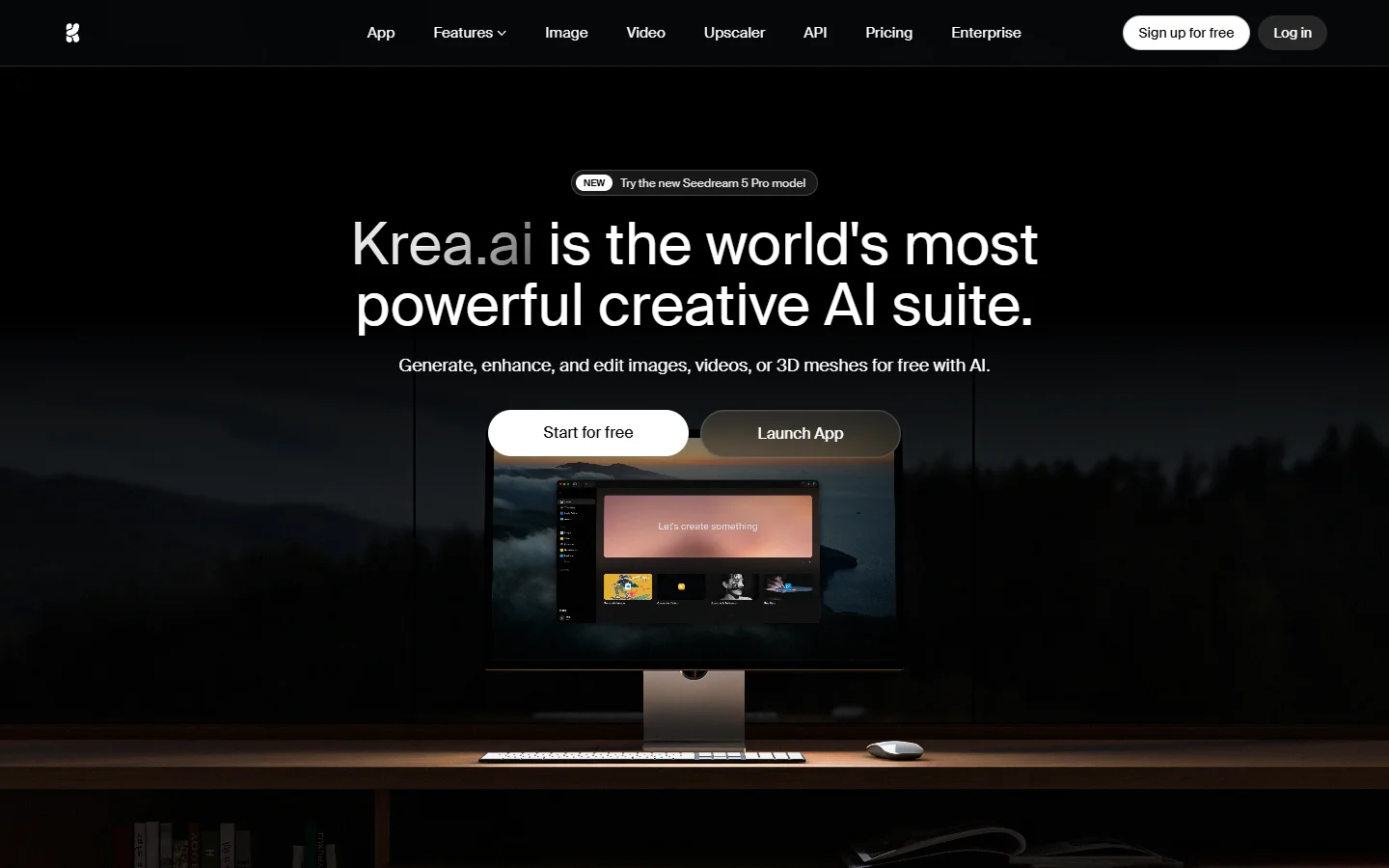
Krea's real-time canvas is the standout feature. You sketch rough shapes, type a prompt, and watch the output update live as you adjust parameters. Under the hood, Krea routes through 40+ image models and 20+ video models, letting you switch between Flux, SDXL, and their proprietary Krea 2 model without leaving the canvas.
The API launched in early 2026 and covers image generation, upscaling, and style transfer. Krea 2 is also available as a standalone model through fal.ai's API marketplace, which means you can use the model without Krea's canvas at all. Pricing follows a credit system bundled into subscription tiers, starting at roughly $0.02 per standard image generation. API documentation is sparse compared to fal.ai, and webhook support arrived late, so design teams that prototype visually but need to automate approved workflows will get the most out of it.
fal.ai: The API-Native Infrastructure Layer
fal.ai positions itself as infrastructure, not a creative tool. The platform hosts 600+ models and charges per-second of compute rather than per-image. There is a minimal playground UI for testing, but the real product is the REST API with Python and Node SDKs.
What sets fal apart from other inference providers is the headless workflow pipeline approach. You can chain multiple model calls in a single API request, passing the output of one model as the input to the next. Queue management, async callbacks via webhooks, and batch processing are all first-class features. The trade-off is that there is no real visual canvas for non-technical users. Backend engineers embedding generation into SaaS products will find the most value here.
Leonardo AI: Canvas Meets Enterprise API
Leonardo's Realtime Canvas works similarly to Krea's, with sketch-to-image generation and in-painting tools. The platform was acquired by Canva in late 2025, which injected enterprise-grade infrastructure into what had been an indie tool. The API covers image generation, canvas operations, model fine-tuning, and batch processing across content generation endpoints.
The Canva acquisition brought reliability improvements, with uptime rising from roughly 98.5% to 99.7% according to their status page. The trade-off is that Leonardo's pricing shifted toward Canva's subscription model, making pay-as-you-go less accessible for small teams. One practical consideration for teams evaluating AI canvas tools with REST APIs: Leonardo's canvas and API use different model versions in some cases, so you need to pin the model version explicitly when triggering workflows via code.
Canva: The Elephant Without an API
Canva deserves mention because it is the most widely used visual canvas in the world, and its AI features (Magic Studio, text-to-image, background removal) are genuinely capable. But Canva does not offer a public headless generation API. The Canva Connect SDK lets developers build apps that run inside Canva's interface, but you cannot call Canva's AI features from your own backend.
For teams that need no-code AI with API access, this is a hard blocker. If your workflow involves a human designing in Canva and then manually exporting, it works fine. If you need to generate 500 product images from a spreadsheet of descriptions at 3 AM, you need a different tool.
Freepik (Magnific): Node Editor With Partial API
Freepik's AI capabilities expanded dramatically after acquiring Magnific (the upscaling tool) in 2025. The platform now includes a node-based editor where you can chain generation, upscaling, style transfer, and background removal into visual pipelines. The rebrand from "Freepik Spaces" to the unified Magnific platform caused some confusion, but the underlying tech improved.
API access exists at higher subscription tiers, though documentation remains thin. The drag-and-drop AI with API pattern works well here: you build a pipeline visually, test it with sample inputs, then trigger it via a REST endpoint. Rate limits and pricing at the API tier are not publicly listed, which makes cost planning difficult.
ComfyUI: Open Source, Self-Hosted, Maximum Control
ComfyUI remains the most flexible option for teams willing to manage their own infrastructure. The node-based editor supports every major open-source model and lets you build arbitrarily complex pipelines with custom Python nodes. The "API" is the local server's REST interface, which you can expose behind a reverse proxy. Several cloud providers (RunDiffusion, ThinkDiffusion) now offer hosted ComfyUI instances with pre-configured API endpoints for AI orchestration.
The trade-off is operational overhead. You are responsible for GPU provisioning, model storage, scaling, and uptime. For an AI workflow automation platform comparison, ComfyUI wins on flexibility and loses on operational simplicity. Teams with a DevOps engineer who need sub-$0.005 per image at scale often end up here.
How to Choose: A Practical Decision Framework
The right platform depends on who is building the pipeline and how it will run in production. If your team includes designers who need to prototype visually and developers who need to automate the result, canvas-first platforms with APIs (Krea, Leonardo, Freepik) make the most sense.
If your team is entirely technical and the "pipeline" is code from the start, API-first platforms (fal.ai) or self-hosted solutions (ComfyUI) remove the canvas overhead. For teams that need both, platforms that unify node-based editing with documented REST endpoints offer the least friction.
Frequently Asked Questions
What is an AI canvas platform with API access? It is a tool that combines a visual editor (canvas) for building AI generation workflows with a REST API that lets you trigger those workflows programmatically from your own code or backend systems.
Which AI canvas platform has the best API documentation? fal.ai leads on documentation quality, with detailed reference docs, SDKs for Python and Node.js, and webhook integration guides. Leonardo AI is a close second, especially since the Canva acquisition improved their developer portal.
Can I use Canva's AI features through an API? No. As of mid-2026, Canva does not offer a public API for its AI generation features. The Canva Connect SDK is limited to building in-app extensions, not headless generation.
Is ComfyUI suitable for production API use? Yes, but with caveats. You need to self-host or use a managed provider, handle GPU scaling, and build your own monitoring. For teams with infrastructure expertise, it offers the lowest per-image cost at scale.
How much does API access cost across these platforms? Pricing varies widely. fal.ai charges per-second of compute (roughly $0.01-0.05 per image depending on model and resolution). Leonardo starts at $5 in API credits. Krea bundles credits into subscription tiers. ComfyUI's cost is your GPU hosting bill.
What is the difference between canvas-first and API-first platforms? Canvas-first platforms build the visual editor as the primary product, with API as a secondary feature. API-first platforms build the inference endpoint first, with the UI as a testing tool. The distinction affects how quickly new features reach the API.
Do these platforms support video generation via API? Some do. fal.ai supports 20+ video models via API. Krea added video model support in 2026. Leonardo's video API is in beta. Canva and Freepik focus primarily on image generation in their current API offerings.
The Bottom Line
The AI canvas-with-API space is maturing fast but remains fragmented. Krea nails the real-time creative experience. fal.ai dominates raw API infrastructure. Leonardo balances both with enterprise backing. ComfyUI offers unmatched flexibility for self-hosters. Canva, despite its massive user base, sits out the API race entirely.
For most teams, the practical advice is to start with the canvas that fits your creative workflow, then validate that its API covers your production requirements before committing. Tools like Wireflow AI are working to close the gap between "has an API" and "has an API that does what the canvas does" by making the visual pipeline itself the API contract, but the broader market still has ground to cover.