
AI image editing has moved well past the novelty stage. In 2026, these tools handle background removal, object swaps, resolution upscaling, and full scene generation with results that would have required a professional retoucher just two years ago. The real question is no longer whether AI can edit photos, but which editor fits your specific workflow. This guide breaks down six of the most capable options available right now, tested with real images and real use cases.
Whether you need batch processing for an ecommerce catalog or quick social media touch-ups, the differences between these tools matter more than their similarities. We tested each on the same set of tasks: background removal, generative fill, portrait retouching, and text-to-image generation. Here is what we found.
The tools below span cloud platforms, desktop apps, and free browser editors. Each section covers what the tool does well, where it falls short, and who it is built for. Pricing and AI model availability shift frequently, so we focus on capabilities rather than exact plan tiers.
Adobe Firefly: The Professional Default
Adobe Firefly integrates directly into Photoshop and Lightroom, which makes it the path of least resistance for anyone already paying for Creative Cloud. Generative Fill remains its standout feature, letting you select an area and describe what should replace it with surprisingly coherent results. Structure Reference, introduced in late 2025, lets you upload a composition sketch and have Firefly generate matching imagery.
The limitation is speed. Firefly inference times are noticeably slower than browser-first competitors, and the free tier caps out at 25 generative credits per month. For teams running high-volume AI content workflows, the per-seat cost adds up quickly. But for pixel-level control and non-destructive editing layers, nothing else matches it yet.

Canva: Speed Over Depth
Canva has evolved from a template tool into a legitimate AI image editor. Magic Studio bundles background removal, Magic Eraser, Magic Expand (outpainting), and text-to-image generation into a single interface that loads in seconds. The AI features are good enough for 80% of social media and marketing use cases, and the collaborative editing makes it ideal for teams that need to move fast.
Where Canva falls short is precision. You cannot feather a selection edge, adjust luminosity curves, or work with layers in any meaningful way. If your workflow demands fine control, Canva will frustrate you. But for marketers producing dozens of variations per week, it is hard to beat the speed of browser-based AI tools for rapid iteration.
Pixlr: The Browser Workhorse
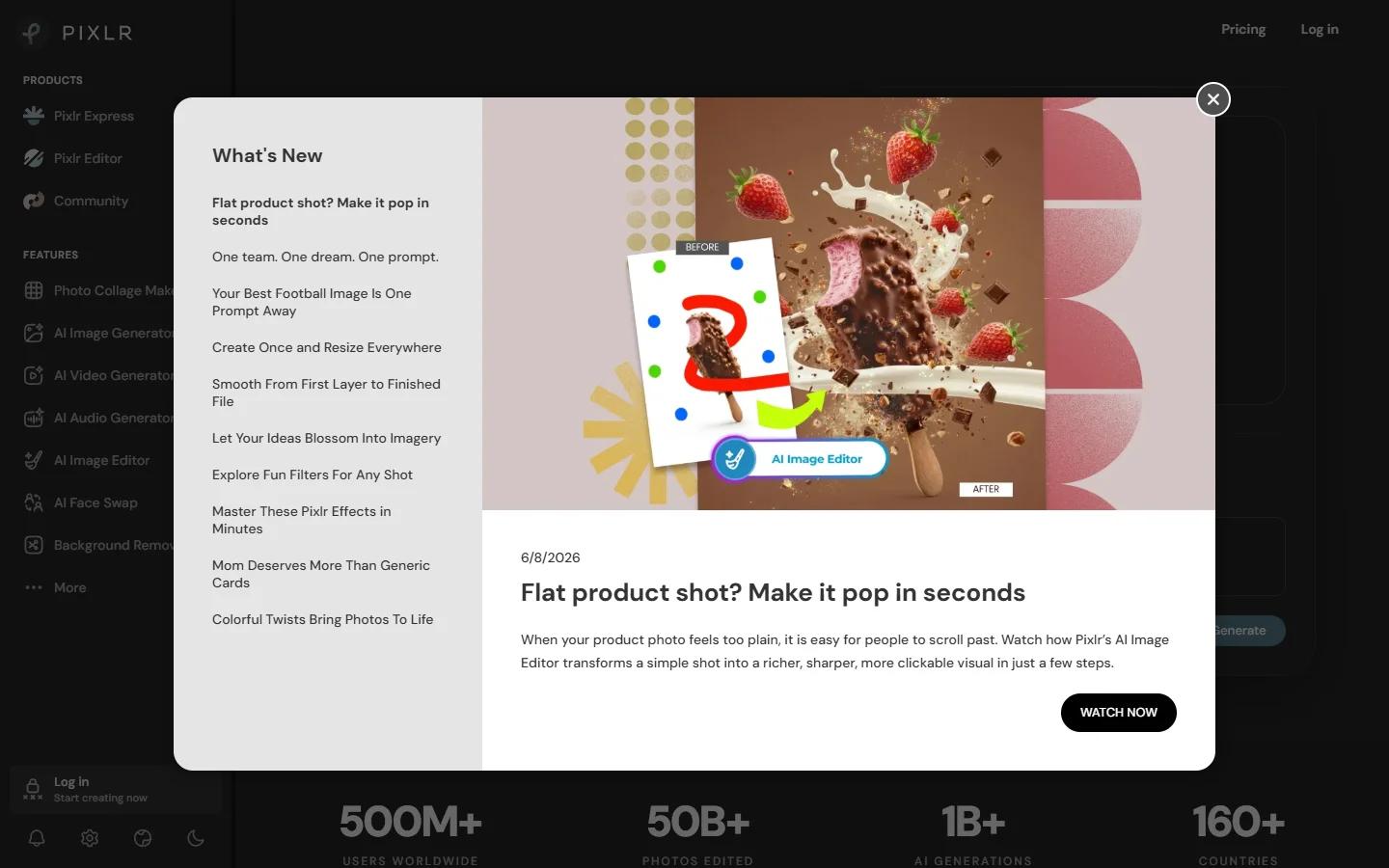
Pixlr runs entirely in the browser and packs a surprising amount of capability into its free tier. AI-powered background removal, batch resizing, and one-click enhancements work reliably, and the interface feels closer to a traditional image editor than most cloud-based alternatives. Pixlr generative AI features are powered by its own model stack, producing results that lean toward clean and commercial rather than artistic.
The paid tier (Pixlr Plus) unlocks batch processing and higher resolution exports. For freelancers and small teams who need reliable AI batch image processing without installing desktop software, Pixlr hits a practical sweet spot.
Luminar Neo: Desktop AI Done Right
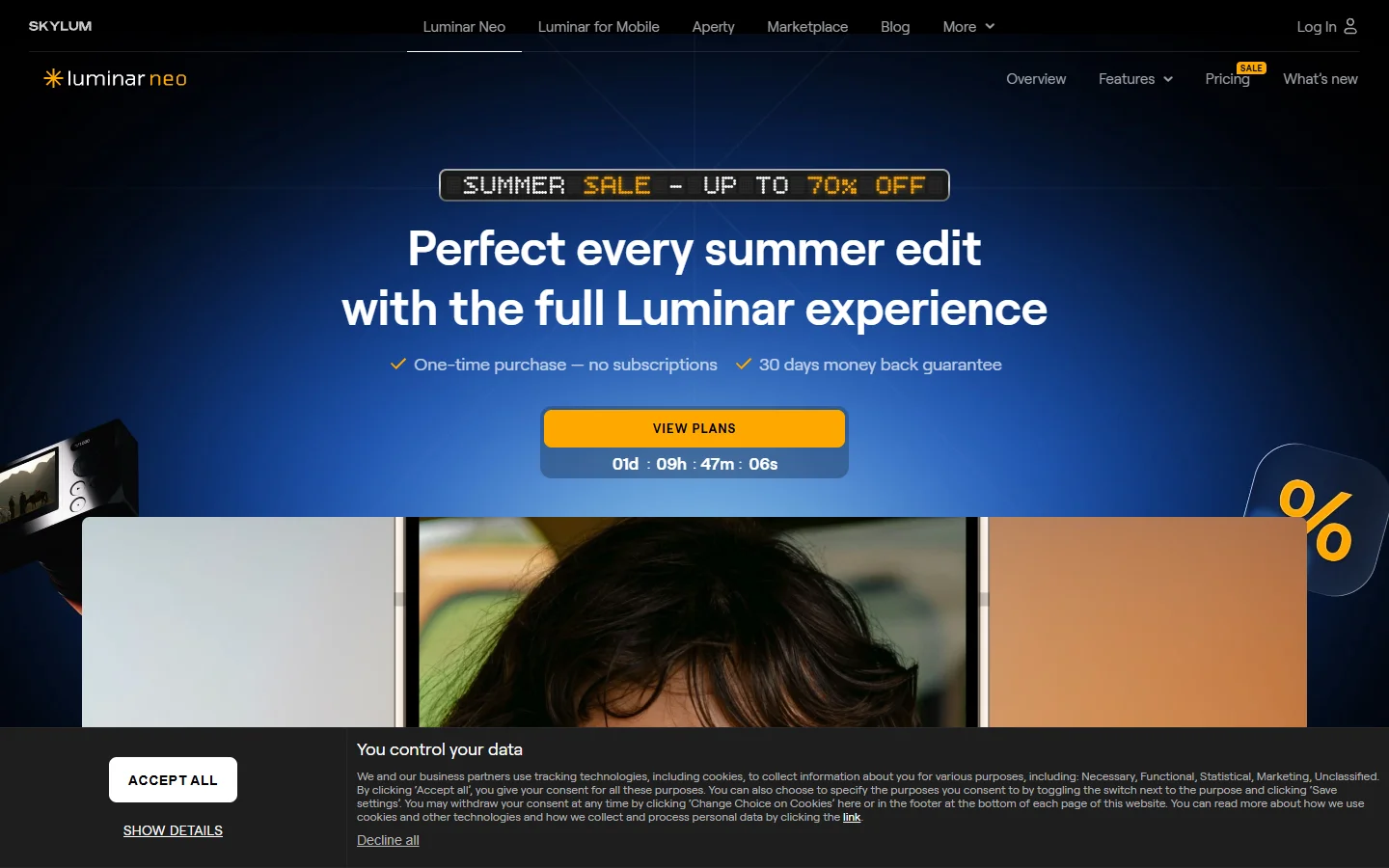
Luminar Neo by Skylum is built for photographers who want AI assistance without leaving the desktop. Its GenErase tool removes objects with context-aware fill. GenSwap replaces selected areas with AI-generated content. And the SuperSharp AI sharpening is among the best available for recovering soft images from high-ISO shoots.
Luminar Neo processes everything locally, which matters for photographers working with client images under NDA or privacy constraints. The downside is model updates: cloud tools improve weekly, while Luminar AI models update with software releases every few months. For an AI workflow automation platform that connects multiple AI models into a single pipeline, the cloud-first approach offers more flexibility; but for standalone photo editing, Luminar local processing is a genuine advantage.
Fotor: Balanced and Budget-Friendly
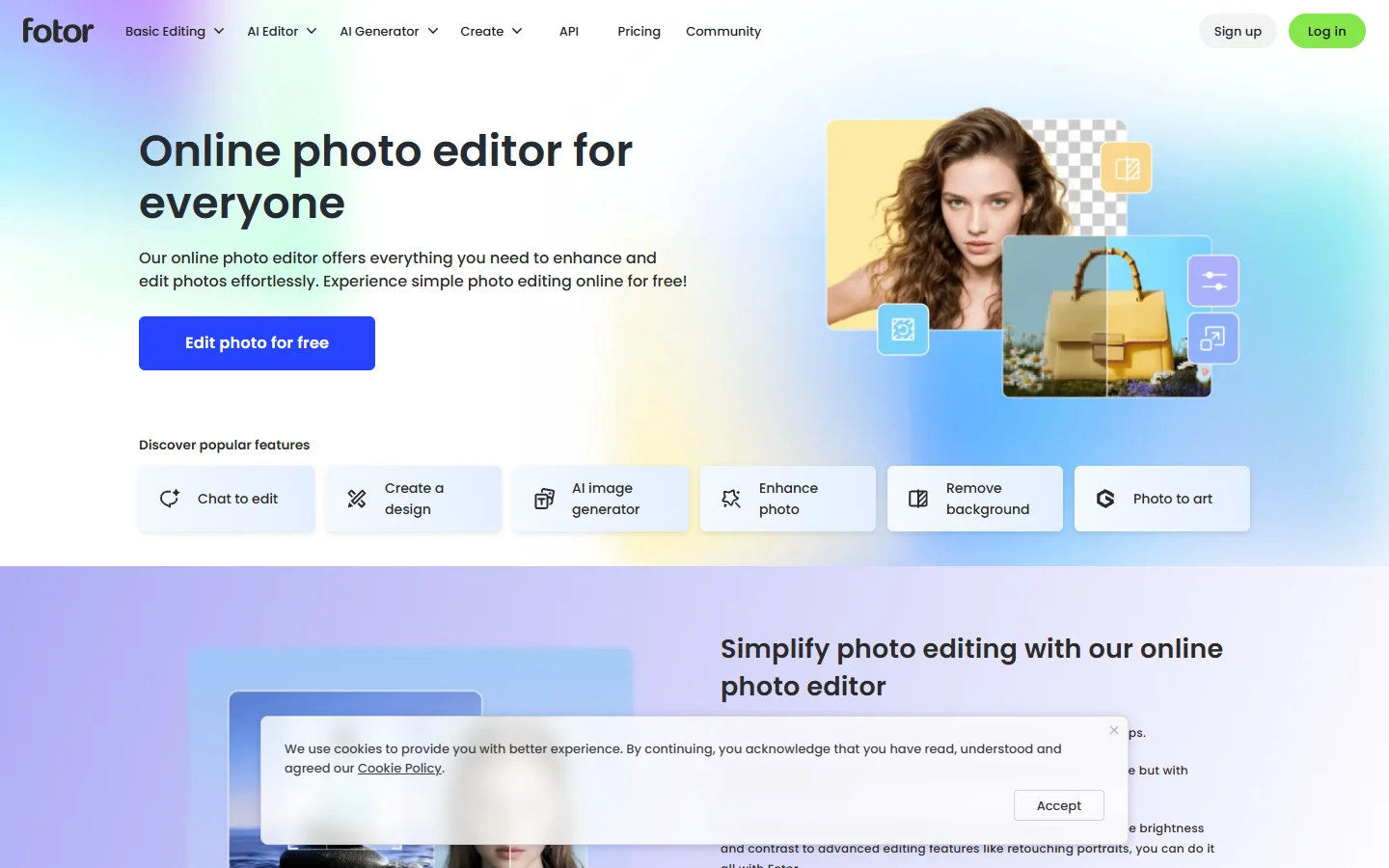
Fotor occupies the middle ground between Canva simplicity and Pixlr depth. Its AI photo enhancer sharpens and color-corrects in one click, and the background remover handles complex edges (hair, fur, semi-transparent objects) better than most free tools. The AI image generator produces decent results for social media graphics, though it lacks the fine-tuning controls of dedicated generation platforms.
Fotor pricing is straightforward: free with watermarks, or a flat monthly fee for unlimited access. For creators producing content across multiple AI models and tools, Fotor serves well as a quick-edit complement to more powerful generation pipelines.
Photopea: The Free Photoshop Alternative
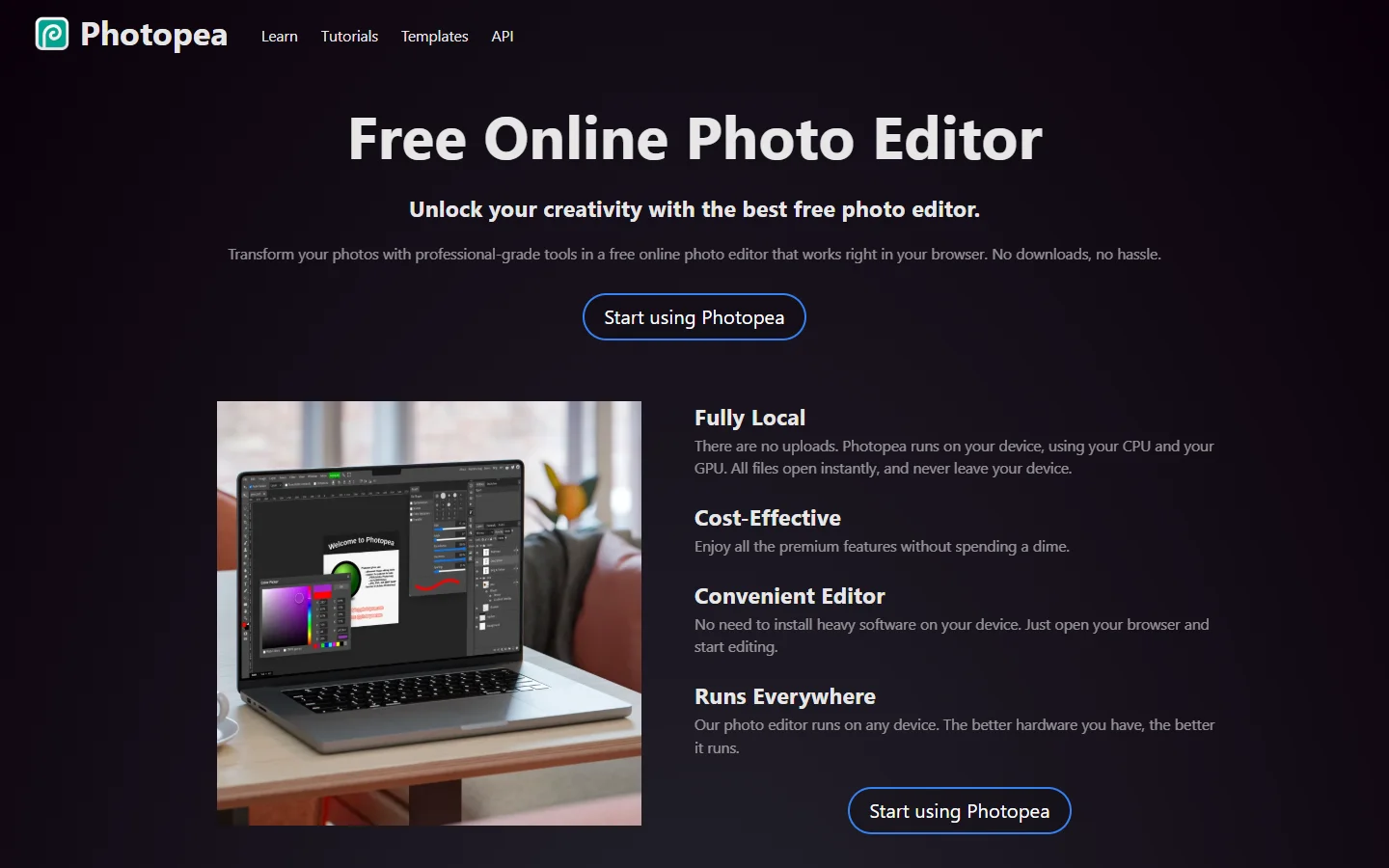
Photopea is not technically an AI-first editor, but it deserves mention because it opens PSD, XCF, Sketch, and RAW files directly in the browser for free. Its AI features are more limited, covering basic background removal and some auto-enhancement, but the manual editing toolkit rivals Photoshop. For users who need precise editing alongside AI enhancement, Photopea fills the gap that pure AI tools leave behind.
The ad-supported free model means no subscription pressure, which makes it ideal for students, hobbyists, and anyone who needs occasional deep edits without committing to Adobe pricing. Photopea handles batch operations through its scripting API, though this requires JavaScript knowledge that puts it beyond casual users.
How to Pick the Right AI Image Editor

Choosing comes down to three factors: where you work (browser vs desktop), how much control you need, and whether your workflow involves one tool or many. Here is a quick decision framework:
- Adobe Firefly is best if you already use Photoshop and need integrated AI features inside that environment
- Canva is best for teams producing high volumes of social media and marketing content quickly
- Pixlr is best for freelancers who want a capable browser editor with strong AI enhancement features and a generous free tier
- Luminar Neo is best for photographers who process locally and want AI sharpening and object removal
- Fotor is best for budget-conscious creators who need balanced editing and generation in one place
- Photopea is best for manual editing power with PSD compatibility and zero cost
The larger trend in 2026 is that standalone editors are becoming nodes in bigger creative pipelines. Platforms that let you connect generation, editing, upscaling, and publishing into automated sequences via API are increasingly how professional teams work. The best editor is the one that plugs into your existing stack cleanly.
FAQ
What is the best free AI image editor in 2026?
Photopea offers the most capable free editing experience with PSD support and no watermarks. For AI-specific features like background removal and generative fill, Pixlr free tier is the strongest option without requiring a download.
Can AI image editors replace Photoshop?
For 70-80% of common editing tasks (background removal, color correction, object removal, basic retouching), yes. For complex compositing, precise masking, and print-production workflows, Photoshop with Firefly remains the professional standard. The gap is narrowing each quarter.
Are browser-based AI editors safe for client work?
Most browser editors process images on remote servers, which means your files leave your machine. Luminar Neo and Photopea (which processes in-browser via WebAssembly) are the safest options for sensitive images. Always check a tool privacy policy before uploading client-facing work or production assets.
How do AI image editors handle batch processing?
Adobe Firefly supports batch via Photoshop Actions. Pixlr Plus includes batch resize and enhancement. For large-scale automation, developers often connect image editing APIs to pipeline tools that process hundreds of images without manual intervention.
What is the difference between AI image editing and AI image generation?
Editing modifies existing images (removing backgrounds, enhancing resolution, swapping objects). Generation creates new images from text prompts or references. Most tools in this comparison do both, but their strength varies. Firefly and Luminar excel at editing; platforms like wireflow.ai and BasedLabs focus more on generation pipelines.
Do AI image editors work on mobile?
Canva and Fotor have full-featured mobile apps. Pixlr and Photopea work in mobile browsers but are best on tablet-sized screens. Luminar Neo is desktop-only. Firefly is available through the Adobe Express mobile app with limited features.
Which AI image editor has the best background removal?
In our testing, Canva background remover handled the most edge cases correctly (fine hair, semi-transparent objects, complex shadows). Fotor came in second. For automated background removal via API, dedicated services like remove.bg still outperform general-purpose editors.
Final Thoughts
The AI image editor market in 2026 is mature enough that bad options are rare. The real differentiator is workflow fit. If you are building a startup visual identity, consider reviewing early-stage SaaS launch toolkits alongside your editor choice to align your creative and technical stack from the start. Test at least two tools head-to-head with your actual images before committing to a subscription. The best editor is the one you will actually use every day.