
Canva reshaped how non-designers create visual content. But for working designers, its limitations become obvious fast: rigid templates, shallow typography controls, and AI features that prioritize speed over precision. If you have outgrown the template-first approach, 2026 offers several strong alternatives that give you more control without adding unnecessary complexity. This guide covers the best options across different design needs, from professional UI tools to AI-native platforms.
The tools below range from free to enterprise-priced, and each solves a different problem. Some focus on collaborative interface design, others on data visualization or quick social content. The right pick depends on where your current workflow breaks down, not on which tool has the longest feature list.
Figma: Professional Interface and Visual Design
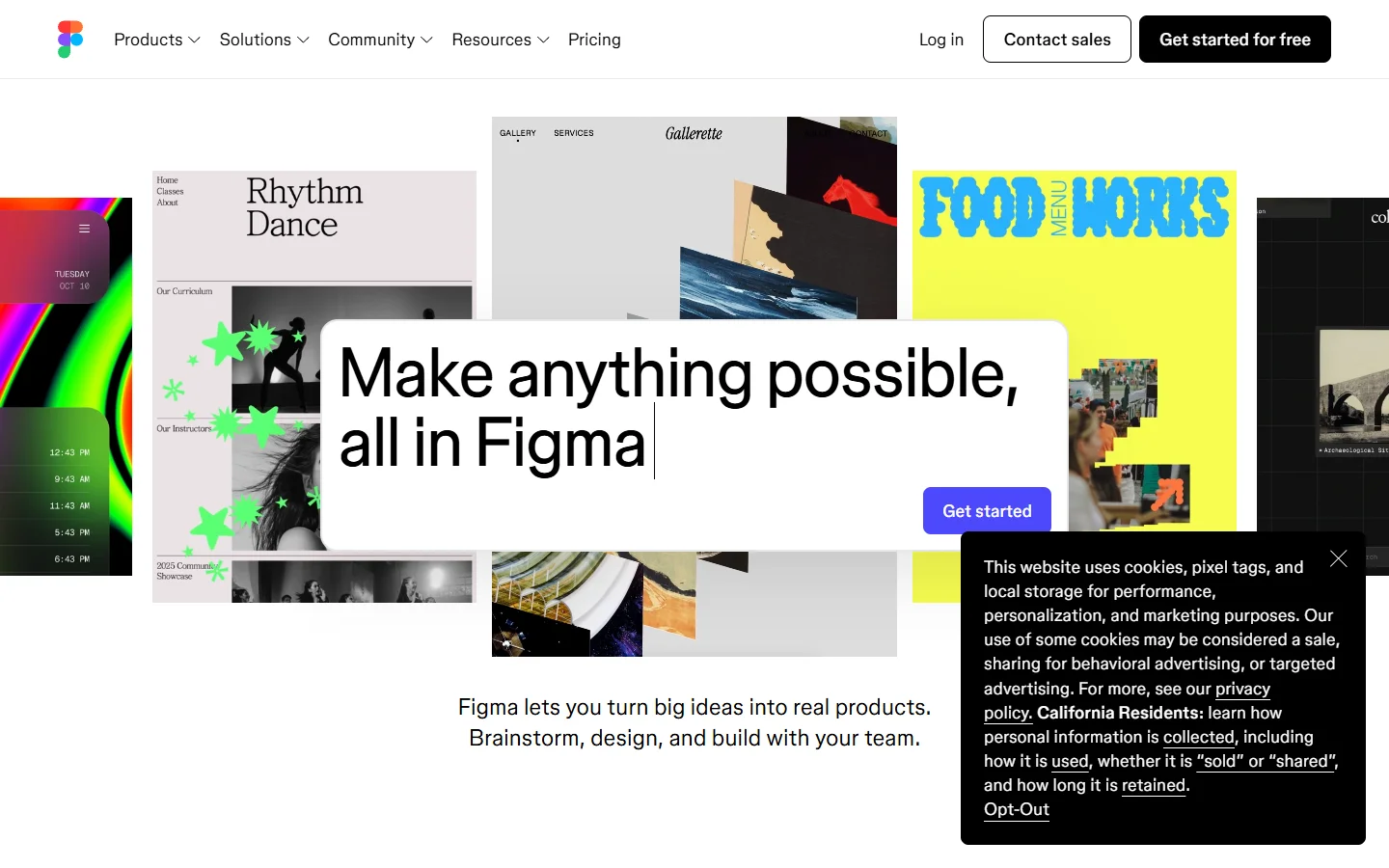
Figma remains the standard for collaborative UI and product design. Its real-time multiplayer editing, component libraries, and auto-layout system give teams precision that Canva simply does not offer. Figma's AI features now include layout suggestions and asset generation, though they stay focused on interface design rather than marketing content.
The learning curve is steeper than Canva, but that is the trade-off for a tool that handles design systems and collaboration at scale. If your work involves product interfaces, prototyping, or handoff to developers, Figma is the strongest option in this list. Its plugin ecosystem also extends functionality into areas like icon generation, accessibility checking, and content population.
Adobe Express: AI Inside the Creative Cloud
Adobe Express pairs a simplified design interface with Adobe Firefly, its commercially safe generative AI engine. You get text-to-image generation, generative fill, and style transfer without leaving the editor. For designers already paying for Creative Cloud, Express integrates directly with Photoshop and Illustrator assets.
The free tier is more limited than Canva's, and the AI generation quality, while improving, still trails dedicated image generation platforms. Where Adobe Express shines is brand consistency: its brand kit tools and template locking features are built for teams managing assets across dozens of channels.
Visme: Data Visualization and Presentation Design
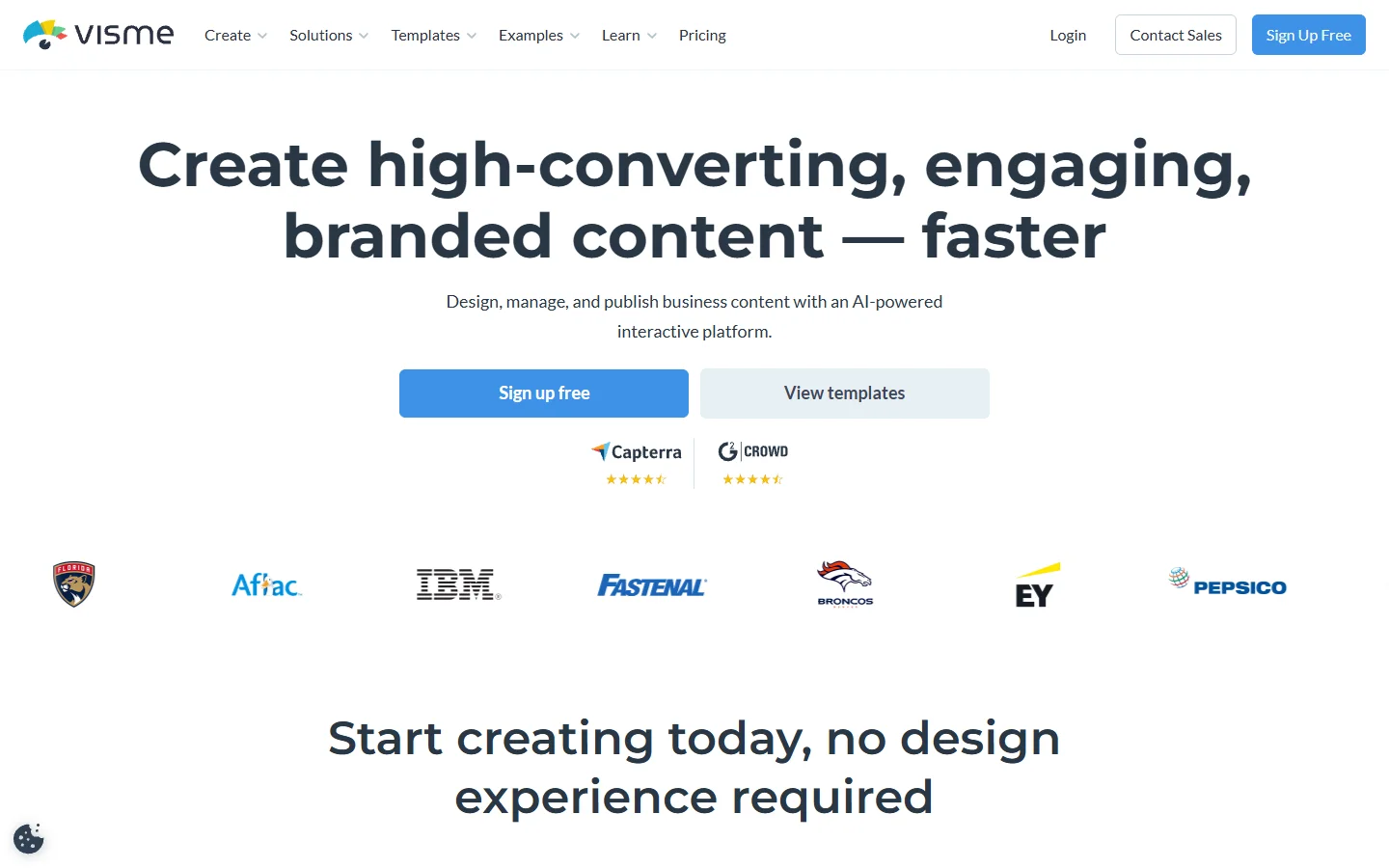
Visme targets a gap Canva has never properly filled: interactive data visualization. Its charting engine connects to Google Sheets, Excel, and live databases, producing charts that animate on hover and update in real time. For designers building reports, investor decks, or infographics with real data, Visme handles complexity that would require workarounds in Canva.
The AI assistant helps generate initial layouts and suggest data presentation formats. Visme also supports social media ad creation with resize tools and scheduling integrations, though its template library for quick social posts is smaller than Canva's.
Microsoft Designer: Free AI-Powered Design
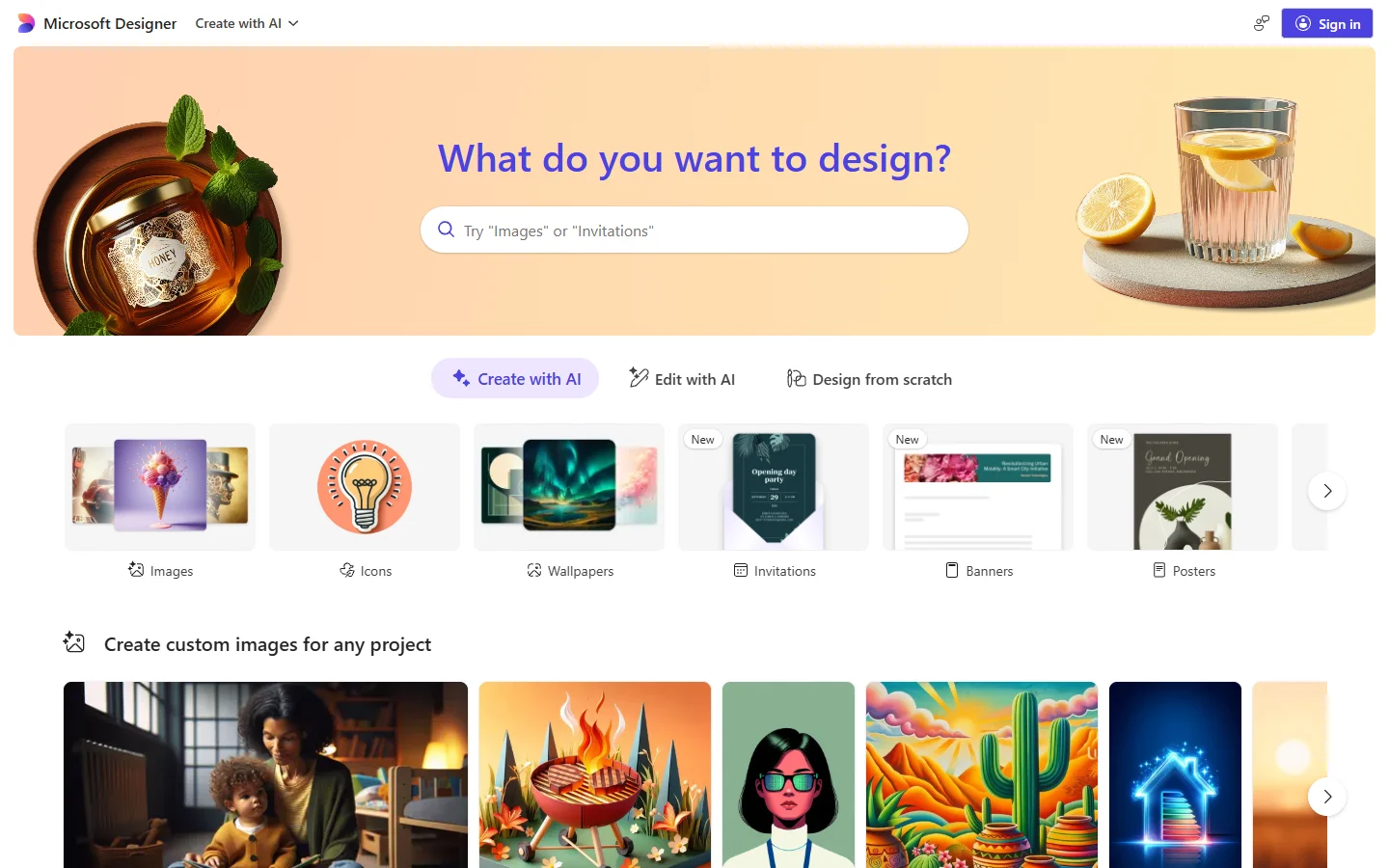
Microsoft Designer is the most generous free option in this roundup. Backed by DALL-E integration, it generates images, removes backgrounds, and creates social posts from text prompts with no subscription required if you have a Microsoft account. The AI features are genuinely useful for quick mockups and social content.
The trade-off is depth. Designer lacks the layer control, custom fonts, and export options that professional designers need for production work. Think of it as a strong first-draft tool: generate concepts quickly, then refine in something more capable. For teams already in the Microsoft 365 ecosystem, the integration with PowerPoint and Teams adds value that standalone tools cannot match.
More Alternatives Worth Exploring

Several other platforms fill specific niches that Canva covers only partially:
-
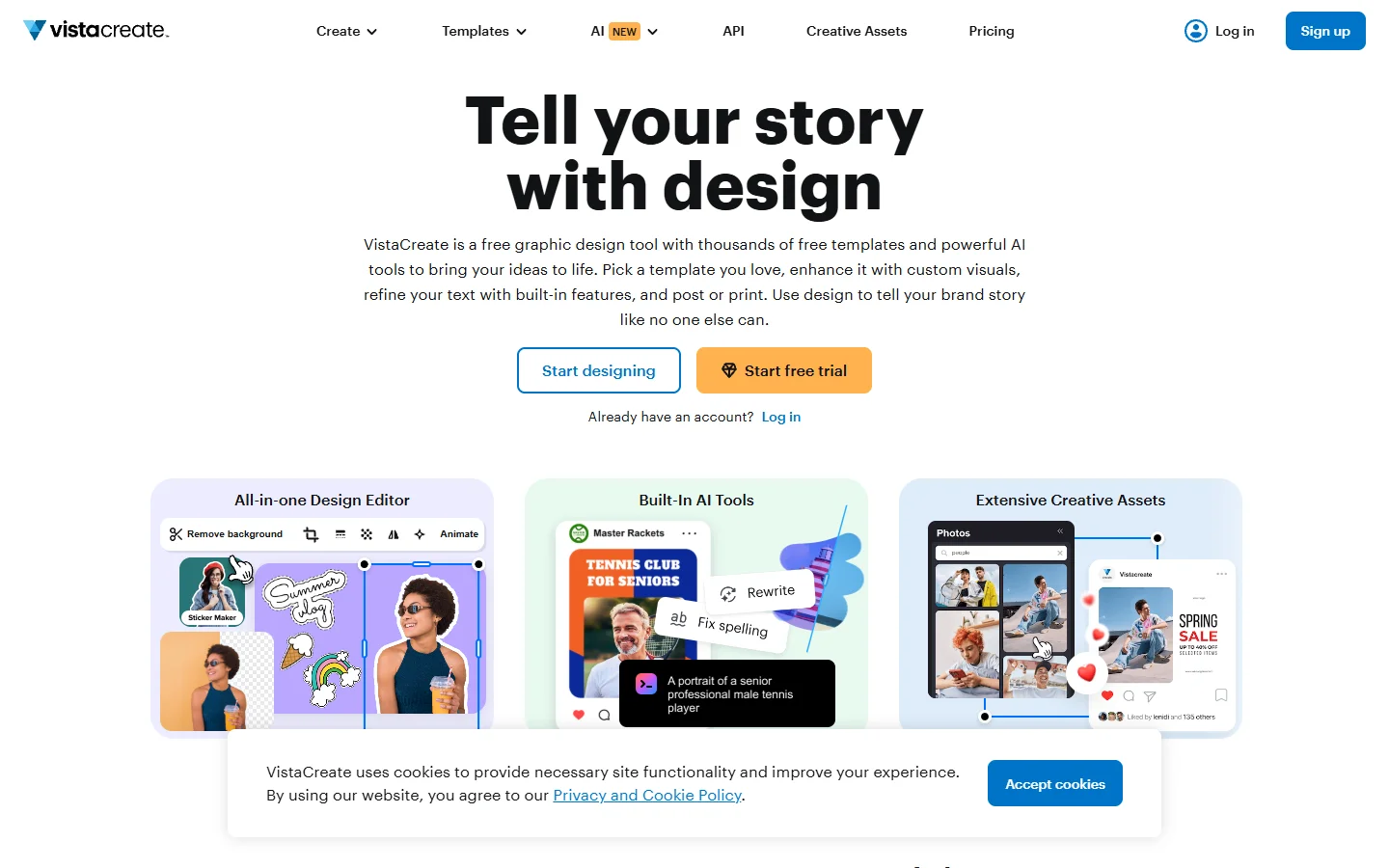
VistaCreate (formerly Crello): closest to Canva in layout and pricing, with a more generous free plan for brand kit access and animated designs. Strong for social media managers who need volume.
-
Pixlr: browser-based photo editing with AI-powered background removal, object erasing, and batch processing. Fills the gap between Canva and Photoshop for image editing tasks.
-
Fotor: AI photo enhancement, collage creation, and a solid template library. Its one-tap enhance feature is surprisingly effective for product photos and social content.
For designers who need to chain multiple AI models together, platforms built around a node-based AI canvas offer a different approach entirely. Instead of templates, you connect generation, editing, and export steps into reusable pipelines. This is more relevant for production workflows than one-off designs, but it is worth knowing about if your bottleneck is repetition rather than creativity.
How to Choose the Right Tool
The best Canva alternative depends on your actual pain point, not a feature checklist. Start by identifying what slows you down most:
- Template limitations: move to Figma or Adobe Express for more design freedom
- Data visualization: Visme handles interactive charts and live data that Canva cannot
- Budget constraints: Microsoft Designer and Pixlr both offer strong free tiers
- Brand management: Adobe Express and VistaCreate have the strongest brand kit features
- Production automation: if you are resizing and reformatting the same asset across channels, look at AI workflow tools that batch these operations
Most designers end up using two or three tools rather than one. A common stack in 2026 is Figma for product design, one of these alternatives for marketing content, and a separate tool for AI image generation when stock photos are not enough.
Frequently Asked Questions
What is the best free alternative to Canva in 2026?
Microsoft Designer offers the most capable free tier with AI image generation included. Pixlr and VistaCreate also have competitive free plans, though with watermarks or export limitations on some features. For a broader look at free options, this overview of AI creative tools covers additional platforms.
Can Figma replace Canva for social media design?
Figma can create social media graphics, but it is not optimized for that workflow. Canva and its closest alternatives (VistaCreate, Adobe Express) have pre-sized templates, scheduling integrations, and batch resize features that Figma lacks. Use Figma for interface design and a template-based tool for social content.
Is Adobe Express worth it if I already have Creative Cloud?
Yes. The premium version is included with most Creative Cloud plans, and the Firefly AI integration means you can generate and edit images without switching to Photoshop. The brand kit syncs across Adobe apps, which saves time on asset management.
How do AI features in these tools compare to Canva's Magic Studio?
Canva's Magic Studio is broad but shallow. Adobe Express has deeper generative AI through Firefly. Microsoft Designer uses DALL-E for stronger image generation. Visme focuses AI on data layout rather than image creation. Each tool prioritizes AI in the area where it already excels.
What about using AI workflow platforms instead of traditional design tools?
AI workflow platforms like Wireflow solve a different problem. They let you connect multiple AI models into automated pipelines, useful for teams producing content at scale rather than designing individual pieces. They complement rather than replace traditional design tools.
Do any of these alternatives support team collaboration like Canva?
Figma leads in real-time collaboration. Adobe Express, Visme, and VistaCreate all support team workspaces with shared brand kits and comment threads. Microsoft Designer has basic sharing through OneDrive. For a comparison of collaborative features, see this roundup of design collaboration platforms.
Which alternative is best for creating presentations?
Visme is the strongest for presentations, especially data-heavy ones. It supports interactive elements, embedded videos, and analytics on viewer engagement. Adobe Express and VistaCreate also handle basic presentation design, though without Visme's data integration depth.
Conclusion
Canva remains a solid choice for quick, template-based design. But designers with specific needs will find better tools elsewhere in 2026. Figma dominates collaborative product design. Adobe Express ties AI generation into the Creative Cloud ecosystem. Visme owns data visualization. Microsoft Designer delivers surprising value at no cost. The right move is matching the tool to the task, not looking for one platform to do everything.