
For most of the last three years, generating an AI image meant typing into a box and hoping. You wrote a prompt, waited, got four variations, picked one, then opened a separate upscaler, then a separate background remover, then a separate editor. Every step lived in a different tab, and none of them remembered what the previous step did. That workflow is fine for one image. It falls apart at fifty.
Node based image generation is the correction. Instead of a single prompt box, you get a canvas. Each operation becomes a node: a prompt node, a model node, an upscale node, a mask node, a compositing node. You wire them together, and the output of one becomes the input of the next. The whole thing runs as a graph. Change the prompt at the top and the entire chain re-runs with the new input, which is the same reason visual pipeline builders took hold with production teams before they reached hobbyists.
The idea is not new. Compositing software has worked this way since the nineties, and anyone who has touched Nuke or Blender's shader editor will recognise the pattern instantly. What is new is that the nodes now wrap diffusion models, vision models, and language models, which means a graph can do things no compositor ever could, and it is why the current crop of AI canvas platforms borrowed the interface wholesale rather than inventing one.
What a Node Actually Does
A node is one operation with typed inputs and typed outputs. A text-to-image node takes a string and a seed and emits an image. An inpaint node takes an image and a mask and emits an image. A background removal node takes an image and emits an image plus an alpha channel. The types matter more than they sound, because they are what stops you from wiring nonsense together.
The useful consequence is inspectability. In a prompt box, a bad result gives you one signal: the final image is wrong. In a graph, you can look at the output of every stage and see exactly where it went wrong. If the composition is right but the face is mushy, the problem is downstream of the base generation, and you fix the face restoration node rather than rewriting the prompt for the tenth time. That debugging loop is closer to how node editors with API access are used in engineering teams than how image tools are usually marketed.
Nodes also branch. One base image can feed three different style nodes at once, producing three finished variants from a single generation instead of three separate rolls of the dice. Branching is where the time savings actually come from, and it is invisible in any interface that only shows you one output at a time, which is the gap most image generator roundups aimed at fast ideation never quite explain.
Why the Pipeline Beats the Prompt Box
The honest answer is repeatability. A prompt is a one-off. A graph is a recipe you can run again with different inputs, which is why the pattern spread fastest among people producing volume: ecommerce catalogues, ad variants, game assets, editorial illustration sets.
Consider a product photography pass. The manual version is: generate a background, open Photoshop, cut out the product, place it, colour match, export. The graph version is: a background node, a segmentation node fed by your product photo, a compositing node, a colour match node, an export node. Run it once and you have a shot. Swap the product photo input and run it again and you have the next shot, in the same lighting, at the same crop, with no drift. Teams doing AI product images for online stores usually hit this ceiling around the twentieth SKU.
The second benefit is model mixing. No single model is best at everything. Flux handles typography better than most, Nano Banana is quicker and cheaper for iteration passes, and specialised upscalers still beat any general model at detail recovery. A graph lets you use the right model per stage instead of picking one and living with its weaknesses everywhere, which is easier to see once you have compared something like Nano Banana called directly via API against a heavier base model on the same brief.
The third is that graphs are shareable in a way prompts are not. Sending someone a prompt tells them almost nothing about how you got there. Sending them a graph tells them everything, which is why the better node based platforms with API access treat workflows as first-class objects with versions and forks rather than as disposable settings.
Building a Node Graph, Step by Step
Start with the smallest graph that produces something: one prompt node into one model node into one preview. Run it. Confirm the base output is in the right neighbourhood before you add anything, because every node you add downstream inherits the base image's problems.
Then add one node at a time and re-run after each. The common failure is building a twelve node graph in one sitting and then having no idea which stage introduced the artefact. Adding incrementally costs a few extra runs and saves an afternoon. If you are working inside a text-to-image workflow platform, the run history usually keeps each intermediate output cached, so re-running after a small change only recomputes the branch you touched rather than the whole chain.
Once the graph works, parameterise it. Pull the values that change between runs, the subject, the product photo, the aspect ratio, out into explicit inputs at the top of the canvas. A graph with clean inputs is a template. A graph with values buried inside eight different nodes is a one-off you will rebuild from scratch next month. This is also the point where most people start looking at batch generation setups, because a parameterised graph and a CSV of inputs is the whole automation story.
Save the working version before you experiment. Node canvases invite tinkering, and tinkering breaks things. Fork, then break the fork.

The Tools Doing This in 2026
The category has split into two camps. One optimises for control and runs models you host yourself. The other optimises for speed and runs models in the cloud. Neither is strictly better, and the split maps almost exactly onto whether you own a GPU. Our own rundown of node based AI workflow platforms goes deeper on the hosting question.
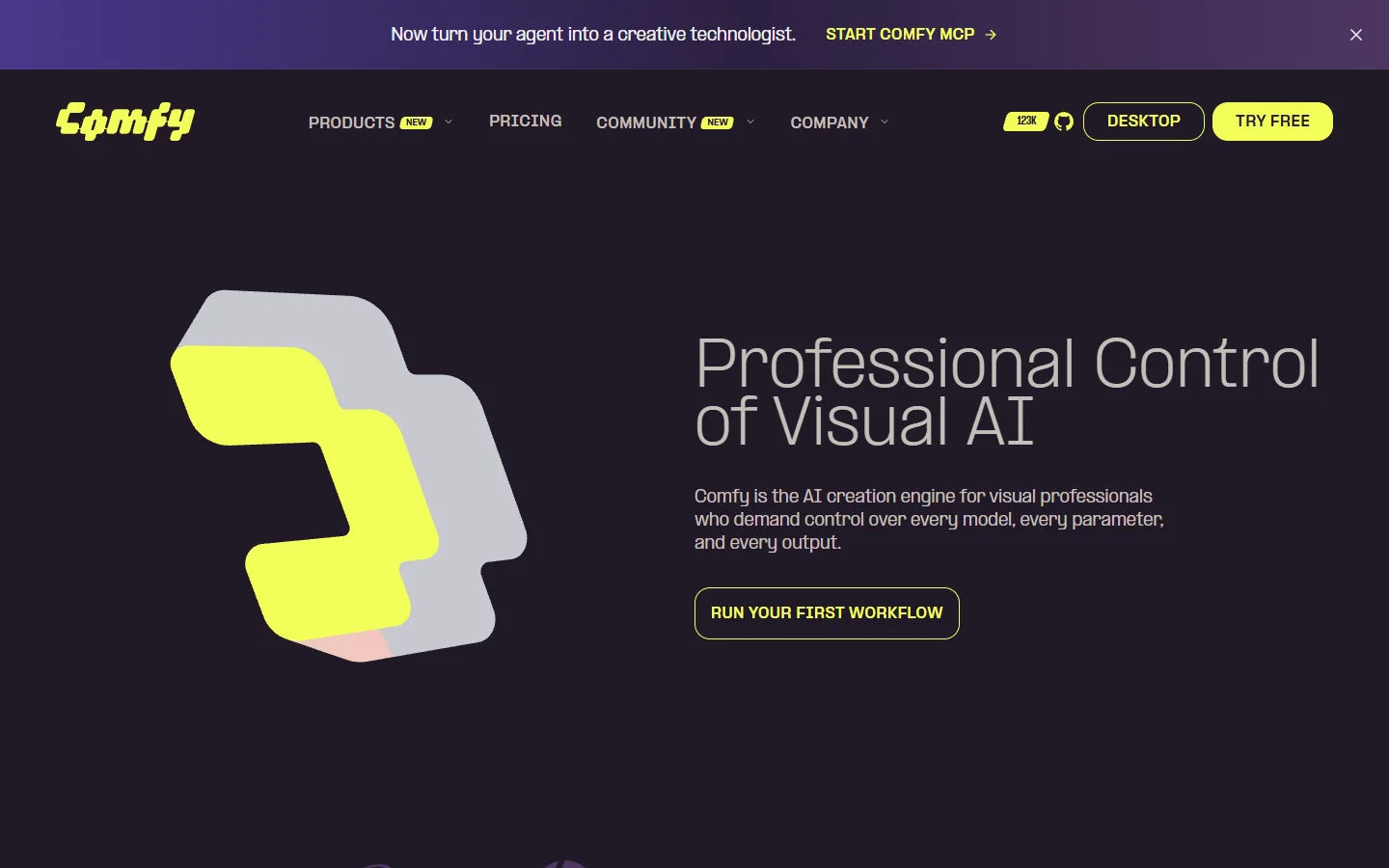
- ComfyUI · Strength: the deepest node library in existence, plus a custom node ecosystem that covers essentially every published technique within days of the paper. · Weakness: you manage the models, the dependencies, and the GPU, and the learning curve is real. · Best for: technical users who want nothing abstracted away, or teams pairing it with one of the headless workflow platforms that wrap it in an API.

- Krea · Strength: real-time canvas where edits render as you drag, which changes how exploratory work feels. · Weakness: the node graph is shallower than ComfyUI's and less suited to long deterministic chains. · Best for: art direction and fast visual exploration, and it shows up in most surveys of AI canvas platforms with API access.

- InvokeAI · Strength: a genuine painting and inpainting surface bolted onto a node backend, so illustrators are not forced to think in graphs full time. · Weakness: narrower model coverage than the open ecosystem. · Best for: artists doing iterative retouching rather than batch production, often alongside dedicated photo enhancement tools for the final pass.
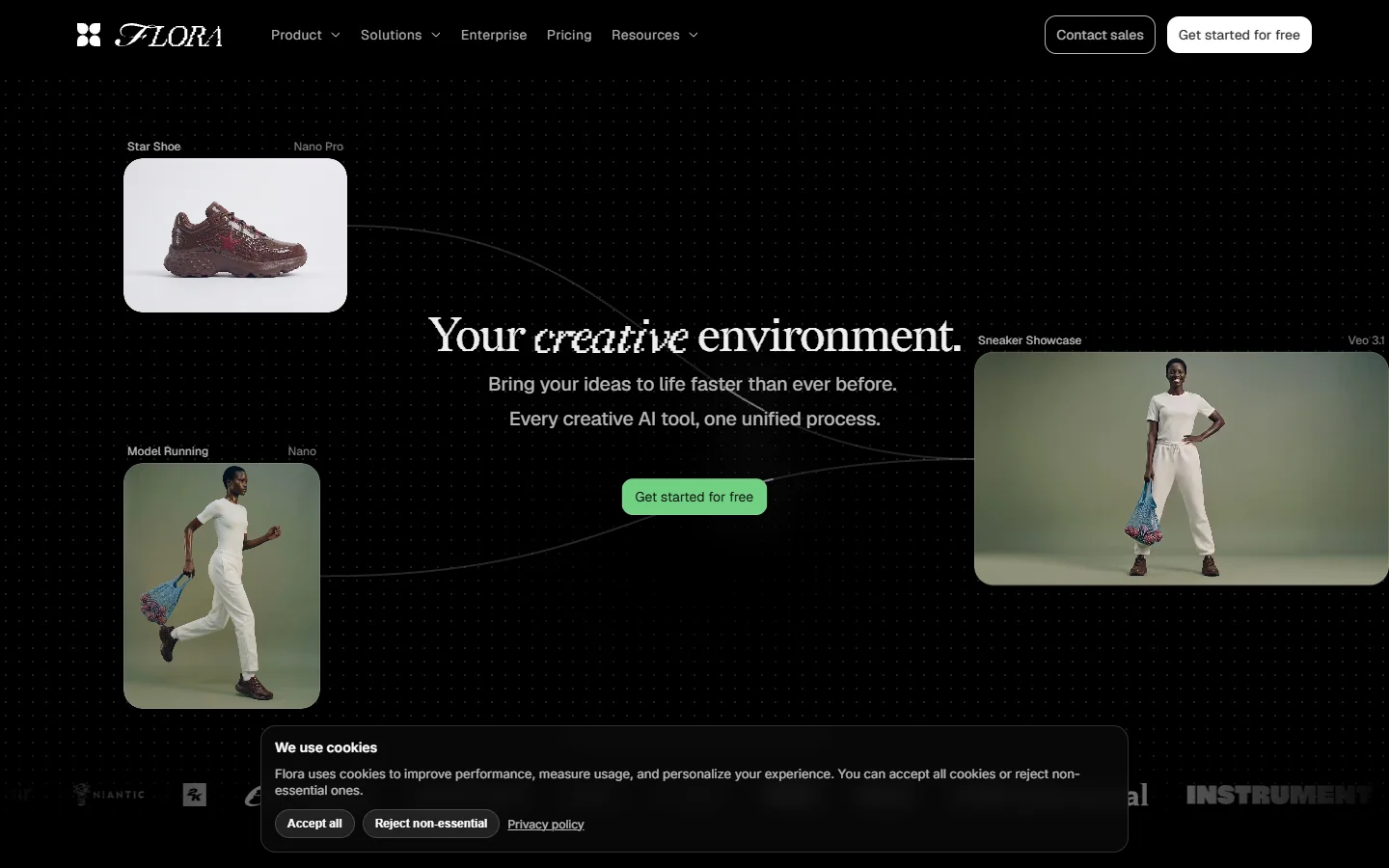
- Flora · Strength: an infinite canvas that treats image, video and text nodes as equal citizens, which suits mixed-media campaign work. · Weakness: less granular control over individual diffusion parameters. · Best for: creative teams working across formats in one file, with an API surface for the parts that need to run unattended.
Picking between them mostly comes down to two questions: do you need the output to be identical on every run, and do you want to maintain infrastructure. If both answers are no, hosted wins. If the first is yes, look hard at how the platform handles seeds and caching, since that is where hosted tools most often disappoint. The same trade-off shows up in the hosted alternatives to self-run ComfyUI that have appeared over the past year.
Where Node Graphs Fall Down
They are overkill for single images. If you want one picture of a cat, a prompt box is faster and always will be. The graph pays off at repetition, and pretending otherwise is how people bounce off the category in their first hour.
They also get ugly fast. A graph with forty nodes and crossing wires is harder to read than the equivalent Python script, and most canvases give you almost no tools for managing that complexity. Group your nodes, name them, and collapse the parts you are not editing. Treat the canvas like source code, because that is what it is. Anyone who has read a guide on building AI pipelines with REST APIs will recognise that a messy graph and a messy script fail for the same reasons.
The last problem is portability. Graphs are not standardised. A workflow built in one tool does not open in another, and custom nodes make the lock-in worse. Before you build a production pipeline on any canvas, check whether it can export the graph in a form you could rebuild elsewhere, and whether it exposes an API so the graph can be triggered from your own code rather than only from the UI.

FAQ
Is node based image generation harder than using a normal prompt box?
The first graph takes longer than the first prompt. The fiftieth image takes a fraction of the time. If your work is one-off, stay with prompts. If it repeats, the curve pays for itself quickly, and the no-code workflow guides cover the ramp reasonably well.
Do I need a GPU?
Only for self-hosted tools like ComfyUI or InvokeAI, where the models run on your machine. Hosted canvases run everything server side and charge per generation instead, which is usually cheaper than a GPU until you are generating thousands of images a month.
Can I use different models in the same graph?
Yes, and you should. Mixing a strong base model with a specialised upscaler and a dedicated face restorer produces better results than any single model end to end, which is the main argument for graphs over the single-tool approach most image editor comparisons still assume.
Are node graphs reproducible?
Only if the platform pins seeds and model versions. Ask specifically about both. A graph that silently upgrades its underlying model will quietly change the look of your output, which matters if you are producing brand assets rather than one-offs. The programmatic image generation platforms that target production teams tend to be explicit about version pinning.
How many nodes is too many?
There is no hard limit, but past roughly twenty nodes you should be grouping and naming things or splitting the graph into reusable sub-workflows. Complexity is the real constraint, not compute.
Can a graph run on a schedule or from code?
On platforms that expose an API, yes. That is the difference between a design tool and a production system, and it is worth confirming before you commit. Tools built around API-first canvases treat the graph as an endpoint rather than a document.
What happens to my graph when a model is deprecated?
The node breaks and the chain stops. Good platforms warn you in advance and offer a migration path. Less mature ones simply fail on the next run, which is a strong argument for keeping a written record of what each graph does. The comparison of Freepik Spaces and ComfyUI for developers covers how differently the two camps handle this.
Conclusion
Node based image generation is not a new way to make pictures. It is a way to stop making the same picture manually over and over. The mental shift is from asking a model for an image to designing a small factory that produces images to a spec, and once that shift lands it is difficult to go back to a single prompt box.
Start small, add nodes one at a time, and parameterise once the graph works. Whether you run the whole thing locally in ComfyUI or lean on a hosted AI image editing suite so you are not maintaining a GPU box, the discipline is the same: keep the graph readable, pin what needs pinning, and treat the canvas as something you maintain rather than something you doodle on.