

ComfyUI won the local AI workflow race by being open, node-based, and endlessly extensible. But the moment you want those workflows running in production, behind an API, without babysitting a GPU box, the picture changes. Self-hosting means CUDA driver roulette, VRAM ceilings, custom node conflicts, and a machine that has to stay online for your app to work. That is why the hosted category has exploded, and why we keep covering it in pieces like our roundup of the best node-based AI workflow platforms.
The phrase "hosted ComfyUI alternative with an API" actually describes two different products. The first is literal: platforms that take your existing ComfyUI workflow JSON and run it on their GPUs, exposed as an HTTP endpoint. The second is looser: node-based workflow builders with their own runtime that give you the ComfyUI mental model (chain models together on a canvas) without any of the ComfyUI infrastructure.
Both approaches are legitimate, and picking the wrong one wastes weeks. We compared the API ergonomics of this category in detail in our AI workflow platforms with API comparison, so this guide focuses on the decision itself: which tools sit in which camp, what they cost you in setup time, and where each one breaks.
Why teams outgrow self-hosted ComfyUI
The usual trajectory looks like this: a designer or developer builds a workflow locally, it works beautifully, and then someone asks "can we put this in the app?" Suddenly you are provisioning GPU servers, writing a queue, handling cold starts, and pinning custom node versions so an update does not silently change your outputs. If you have ever followed a guide like our walkthrough on how to use Stable Diffusion, you know the local setup tax is real even before production enters the conversation.
There is also a team-shape problem. ComfyUI assumes the person building the workflow is comfortable with Python environments and model checkpoints. In most companies, the person who designs the pipeline and the person who deploys it are different people, and self-hosted ComfyUI forces them to share one fragile environment.

Two ways to get workflows behind an API
Camp one preserves your workflow JSON. ComfyDeploy, RunComfy, ViewComfy, and RunPod all run actual ComfyUI on cloud GPUs, so custom nodes and exotic checkpoints keep working. The tradeoff is that you inherit ComfyUI's complexity along with its power; you are renting someone else's ComfyUI box, not escaping ComfyUI. This camp makes sense when you have months of workflow investment you cannot rewrite, a pattern we explored in our look at the visual AI pipeline builder category.
Camp two replaces the runtime. Platforms like Wireflow, Replicate, and fal.ai give you hosted model execution with a cleaner API surface, but you rebuild your workflow in their system or call individual models directly. The rebuild sounds expensive until you realize most production workflows use five to ten nodes, not fifty, and the hosted versions come with authentication, queuing, and scaling already solved.
Hosted ComfyUI platforms: keep your workflow JSON
ComfyDeploy
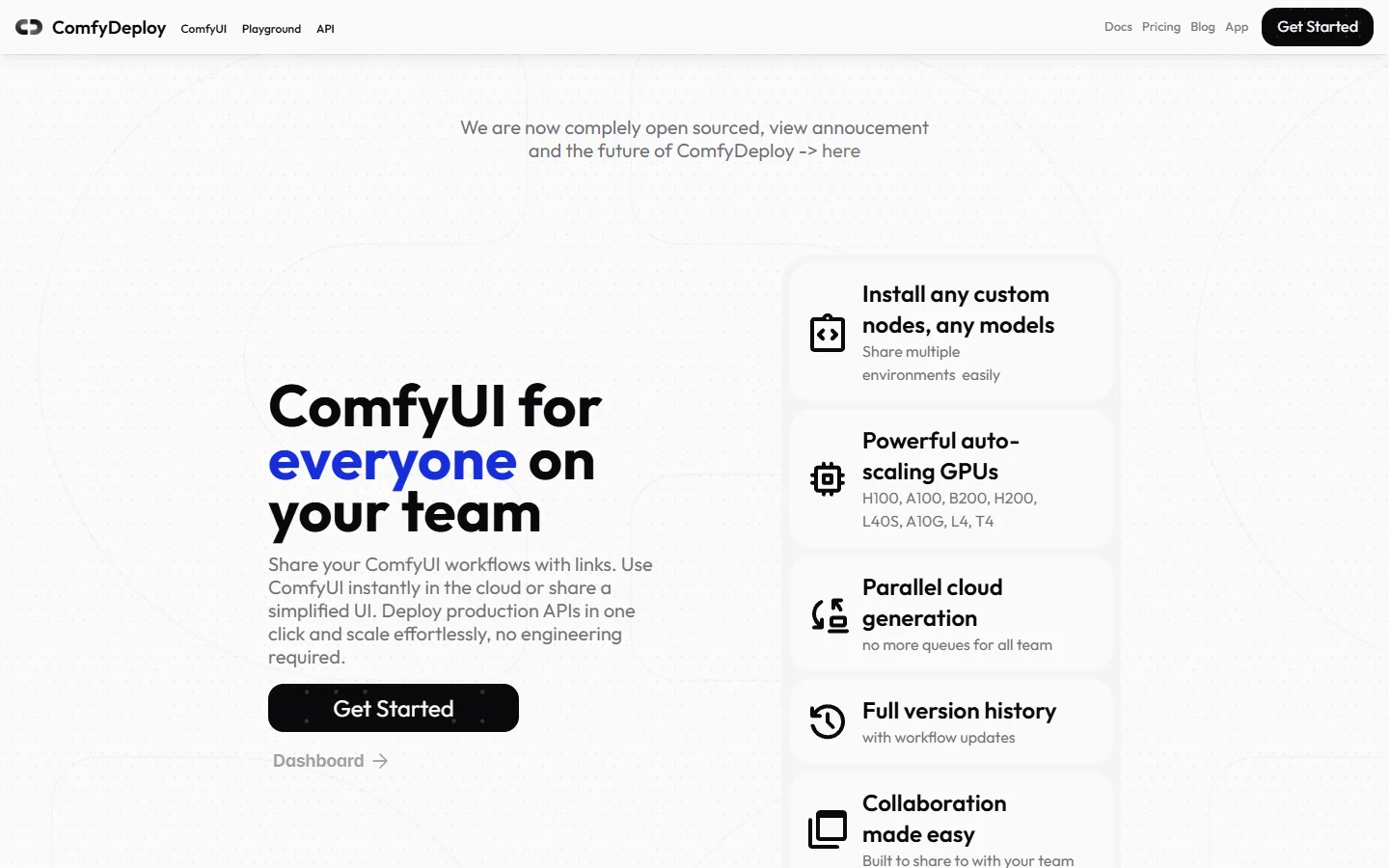
ComfyDeploy is the most direct answer to "make my ComfyUI workflow an API". You push your workflow, it snapshots the environment (custom nodes included), and returns an endpoint. Environment snapshots are the killer feature: your workflow keeps producing identical outputs even as upstream nodes update. The weak spot is that debugging still happens in ComfyUI terms, so non-technical teammates stay locked out, the exact gap the no-code AI with API access category exists to close.
RunComfy
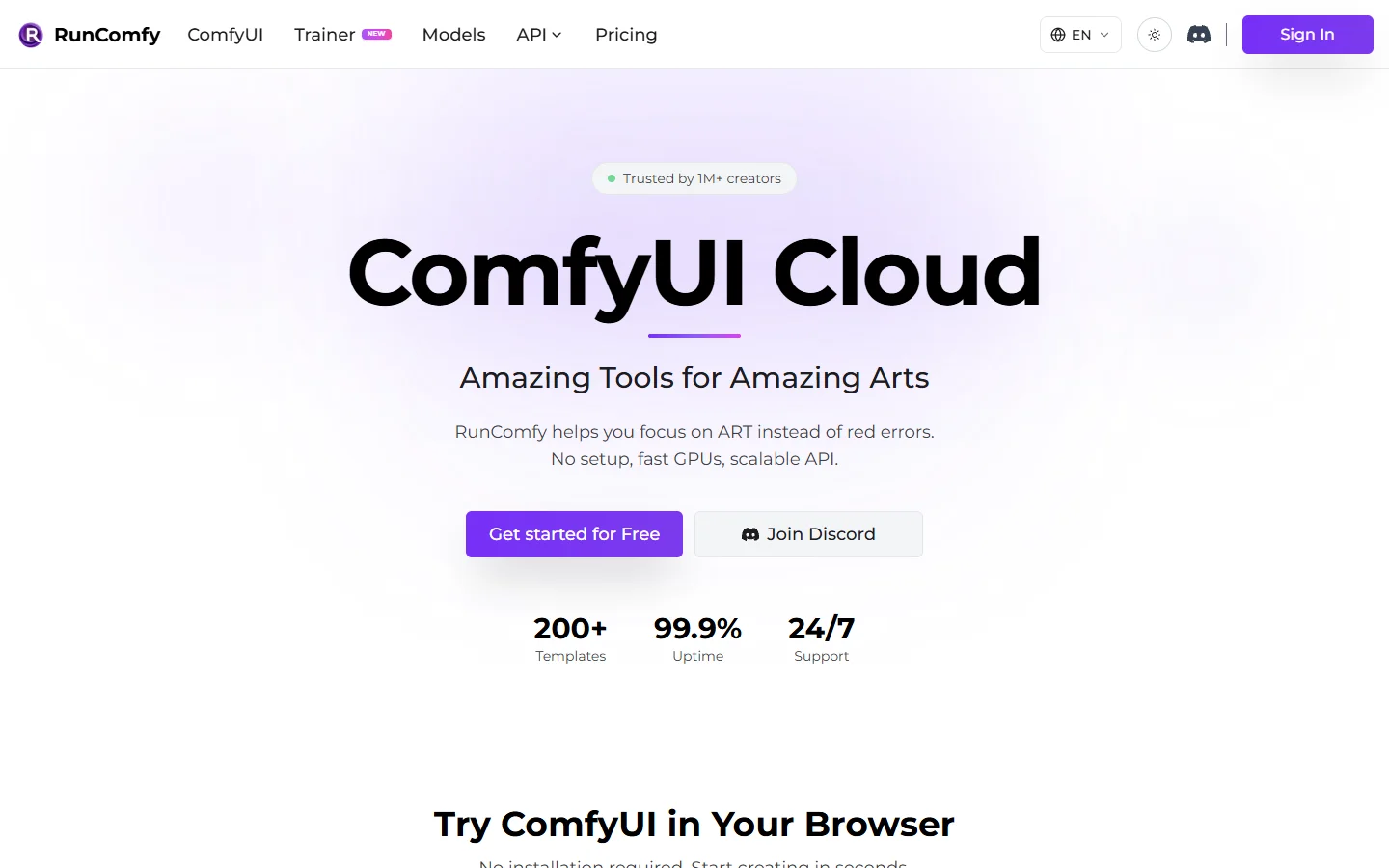
RunComfy is one of the longest-running ComfyUI cloud hosts. You pick a GPU tier (T4 up to H100), get a full ComfyUI workspace in the browser, and can expose workflows as endpoints. It is strongest as a rented workstation; the API layer feels secondary to the interactive experience, so treat it as "ComfyUI without owning a GPU" first and an API platform second.
ViewComfy
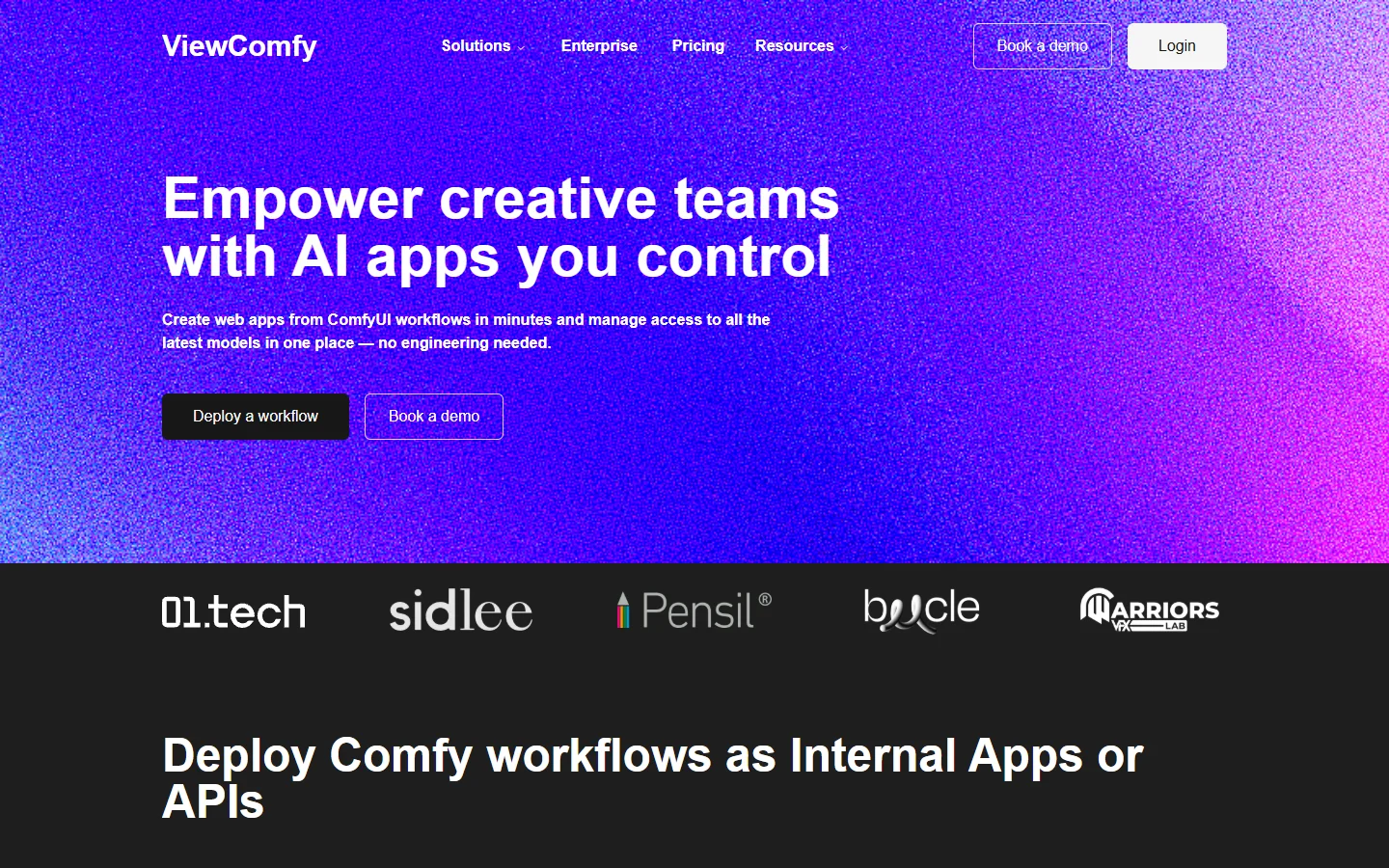
ViewComfy targets the "share this workflow with people who will never open ComfyUI" problem. It converts workflows into simple web apps or serverless API endpoints, with enterprise options like SSO and private S3 buckets. Good fit if your workflow is the product and you need a front door for clients; less compelling for pure backend integration. It sits closer to the app-builder end of the spectrum we mapped in our AI canvas platforms with API roundup.
RunPod
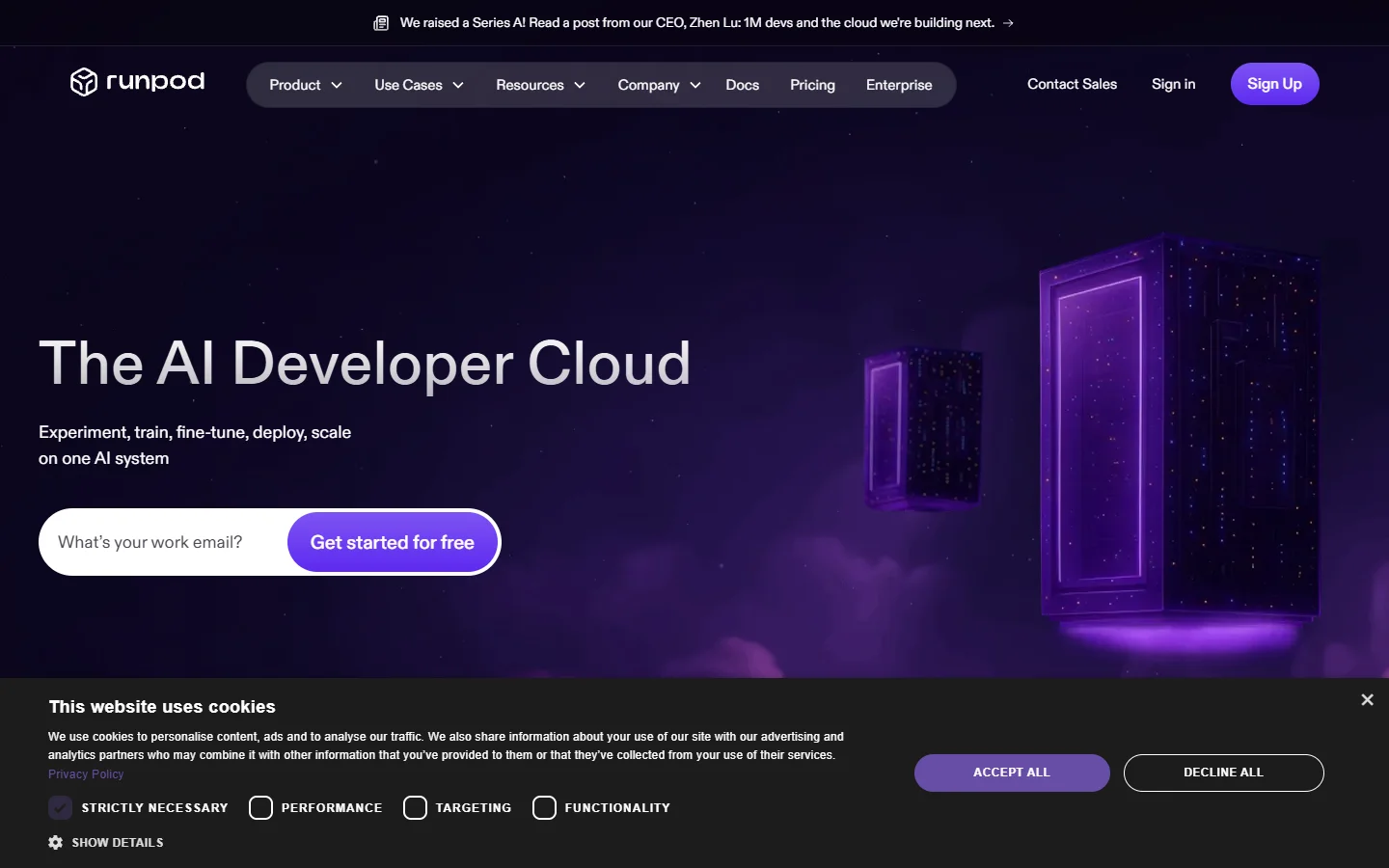
RunPod is the infrastructure play. It offers ComfyUI as a serverless template, but the real appeal is container control: bring your own Docker image, pin a specific ComfyUI commit, choose exact hardware per job. Maximum flexibility, maximum responsibility. If you do not have someone who enjoys writing Dockerfiles, look elsewhere.
Node-based alternatives with their own runtime
Wireflow
Wireflow is a hosted visual AI workflow builder that keeps the node-canvas mental model but swaps ComfyUI's runtime for a managed one: 150+ nodes covering image models like Flux 2 and Imagen 4, video models like Kling 2.5, plus audio and utility steps, all callable through a REST API. You rebuild workflows on its canvas rather than importing JSON, which costs an afternoon but removes the entire custom-node and environment-management layer. Best for teams that want the graph-based way of working without ever thinking about GPUs.
Replicate
Replicate is not a workflow tool at all; it is a model catalog behind one unified API. Its value is breadth: community-published open-source models become callable within hours of release. You chain models in your own code rather than on a canvas, which developers often prefer anyway. The pattern resembles what we covered in our guide to upscaling images through an API: single-purpose calls composed in application code.
fal.ai
fal.ai takes the same model-endpoint approach with a speed focus: pay-per-inference APIs for FLUX, video, and audio models with aggressive cold-start optimization. If your workflow is really just "call one or two models fast", fal is hard to beat on latency. It offers less than the others as workflow complexity grows, since orchestration stays entirely on your side; the same speed-versus-orchestration tradeoff showed up in our AI video generators comparison.

How to choose
The deciding question is whether your existing ComfyUI workflow JSON is an asset or a liability. If it encodes months of tuning and uses custom nodes with no hosted equivalent, stay in camp one and pick ComfyDeploy for API-first deployment or RunPod for infrastructure control. If the workflow is simple enough to rebuild, camp two platforms remove more operational weight, a tradeoff we keep seeing across the developer-friendly AI generation platforms we test.
A quick heuristic by team type:
- Solo developer shipping a feature: Replicate or fal.ai; compose in code, skip the canvas.
- Team with a designer-owned pipeline: a hosted node canvas, so non-developers can edit without redeploying.
- Studio with deep ComfyUI investment: ComfyDeploy for endpoints, RunComfy for interactive work.
- Platform engineering team: RunPod, if you want the container layer under your control.
FAQ
Is there a hosted ComfyUI that is literally just ComfyUI in the browser? Yes, RunComfy and RunPod's template both give you the real ComfyUI interface on rented GPUs. For the broader landscape of no-code options with API access, our no-code AI platforms with API access guide maps who offers what.
Do custom nodes work on hosted platforms? On camp-one platforms, mostly yes: ComfyDeploy snapshots them, RunComfy and RunPod let you install them. Camp-two platforms do not run custom nodes at all; you use their built-in node catalog instead.
What does hosted ComfyUI cost compared to self-hosting? Expect per-second GPU billing (roughly $0.0002 to $0.005 per second depending on card) or credit systems on managed platforms. Self-hosting only wins on cost at sustained high volume; for spiky workloads, serverless pricing is cheaper than an idle A100. Node-editor platforms bundle inference into credits, which we broke down in our AI node editor with API review.
Can I get deterministic outputs from a hosted workflow? Pin your seed and your environment. ComfyDeploy's snapshots handle the environment half automatically; on RunPod you pin the Docker image yourself. Managed-runtime platforms version their nodes internally, so determinism depends on the provider's changelog discipline.
Which option is fastest to integrate for a non-ML developer? The model-catalog APIs (Replicate, fal.ai) get you to a working call in minutes. Visual builders are close behind and easier to modify later, as we found testing tools in the drag-and-drop AI with API category.
Do these platforms support video models or just images? Most now cover both. RunComfy and ComfyDeploy run whatever ComfyUI video nodes you configure; managed platforms expose hosted video models like Kling directly. Check VRAM tiers before committing, since video workflows routinely need 48GB+ cards.
The bottom line
Hosted ComfyUI is no longer a compromise. If your workflow JSON is precious, ComfyDeploy and RunComfy will run it faithfully behind an endpoint. If what you actually want is the node-graph way of working minus the infrastructure, a managed platform like Wireflow gets you to a production API without touching a GPU, and Replicate or fal.ai cover the pure-code path. Decide based on what you are keeping, not what you are leaving.