
The days of manually exporting every banner, thumbnail, and social asset from a design tool are over. Programmatic image generation platforms let teams create thousands of on-brand visuals through code, APIs, and automation pipelines instead of point-and-click editors. Whether you are shipping personalized ad creatives, generating product catalog images, or building AI-powered visual tools, the right platform can collapse hours of production work into a single API call.
This guide breaks down the current landscape: what these platforms actually do, who they serve, and how to pick the right one for your stack. If you have been evaluating options for a programmatic image generation platform, the field has matured significantly since early 2025, and the choices are no longer obvious. The same shift that brought us accessible AI video tools is now reshaping how static visuals get produced.
What Makes a Platform "Programmatic"
A programmatic image generation platform is any service that lets you create or manipulate images through code rather than a manual design interface. The minimum bar is a REST API or SDK that accepts parameters (text, colors, layout instructions, model weights) and returns a finished image, much like today's AI image editing tools but driven entirely by code. Beyond that, platforms diverge in three directions:
- Template-based rendering accepts structured data (product name, price, photo URL) and composites it onto pre-designed templates. Think dynamic ad banners or social cards at scale.
- AI model hosting exposes generative models (Flux, Stable Diffusion, GPT Image, Imagen) through inference APIs. You send a prompt; you get pixels back.
- Hybrid pipelines combine both: generate a base image with AI, then composite it onto a branded template with text overlays, backgrounds, and layout logic.
The category matters because your choice depends on whether you need creative generation or production-grade rendering, or both.
Template-Based Platforms: Structured Output at Scale
Template-based tools are the workhorses of e-commerce, performance marketing, and content automation. They are not "AI" in the generative sense; they are render engines that stamp variable data onto fixed layouts. Think of them as the production back-end behind the kind of assets you see on AI design platforms.
Abyssale
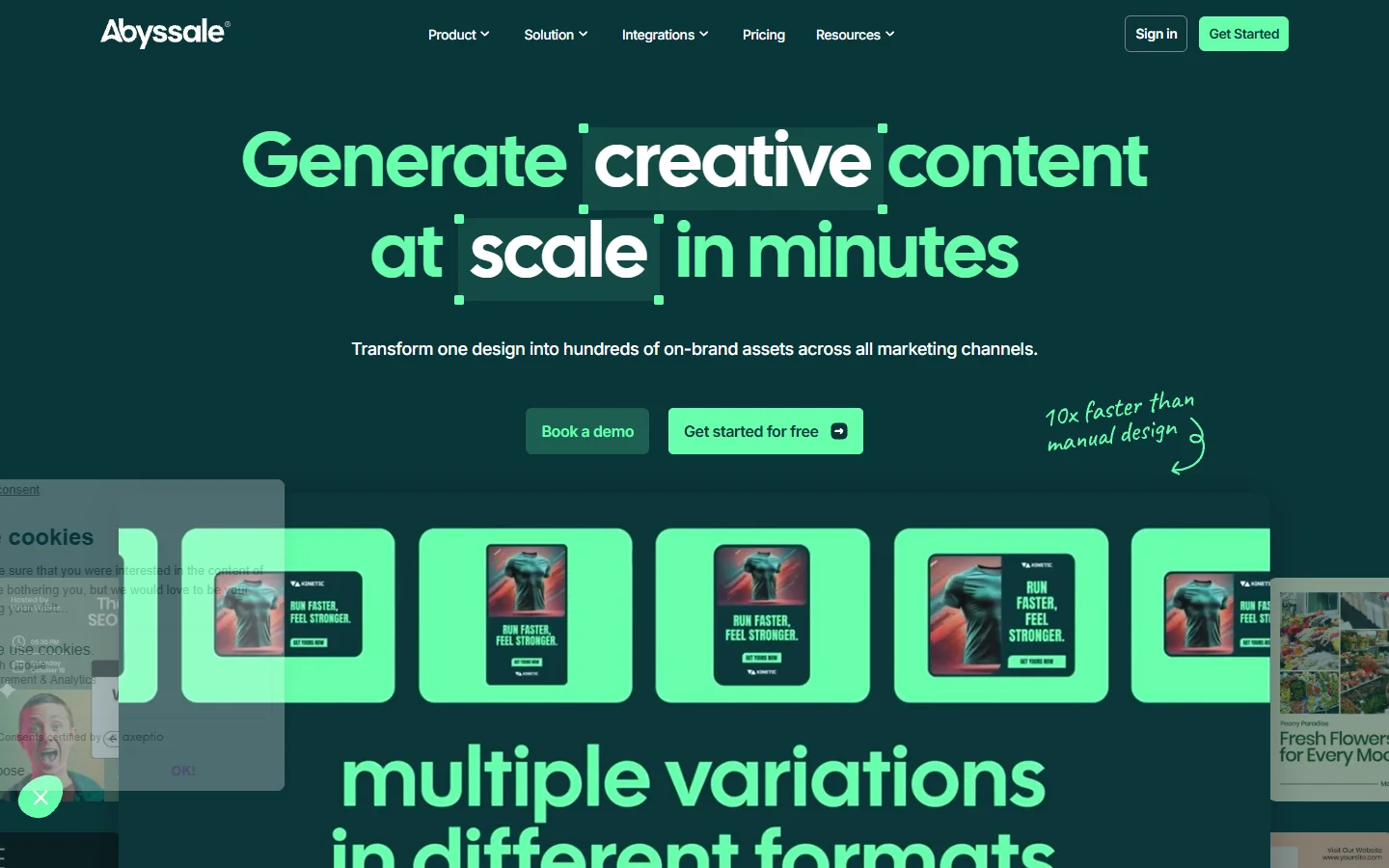
Abyssale positions itself as a "creative automation" platform. You design templates in their visual editor, define dynamic fields (headline, image, CTA), and hit their REST API to generate variations. Batch endpoints let you produce hundreds of banner sizes from a single template, a capability that pairs well with AI ad generation workflows. Pricing scales by render volume.
- Strength: Purpose-built for multi-format ad creative. One template, dozens of output sizes.
- Weakness: No generative AI built in. If you need to create the base image itself, you need a separate model.
- Best for: Performance marketing teams running paid social across multiple placements.
Bannerbear
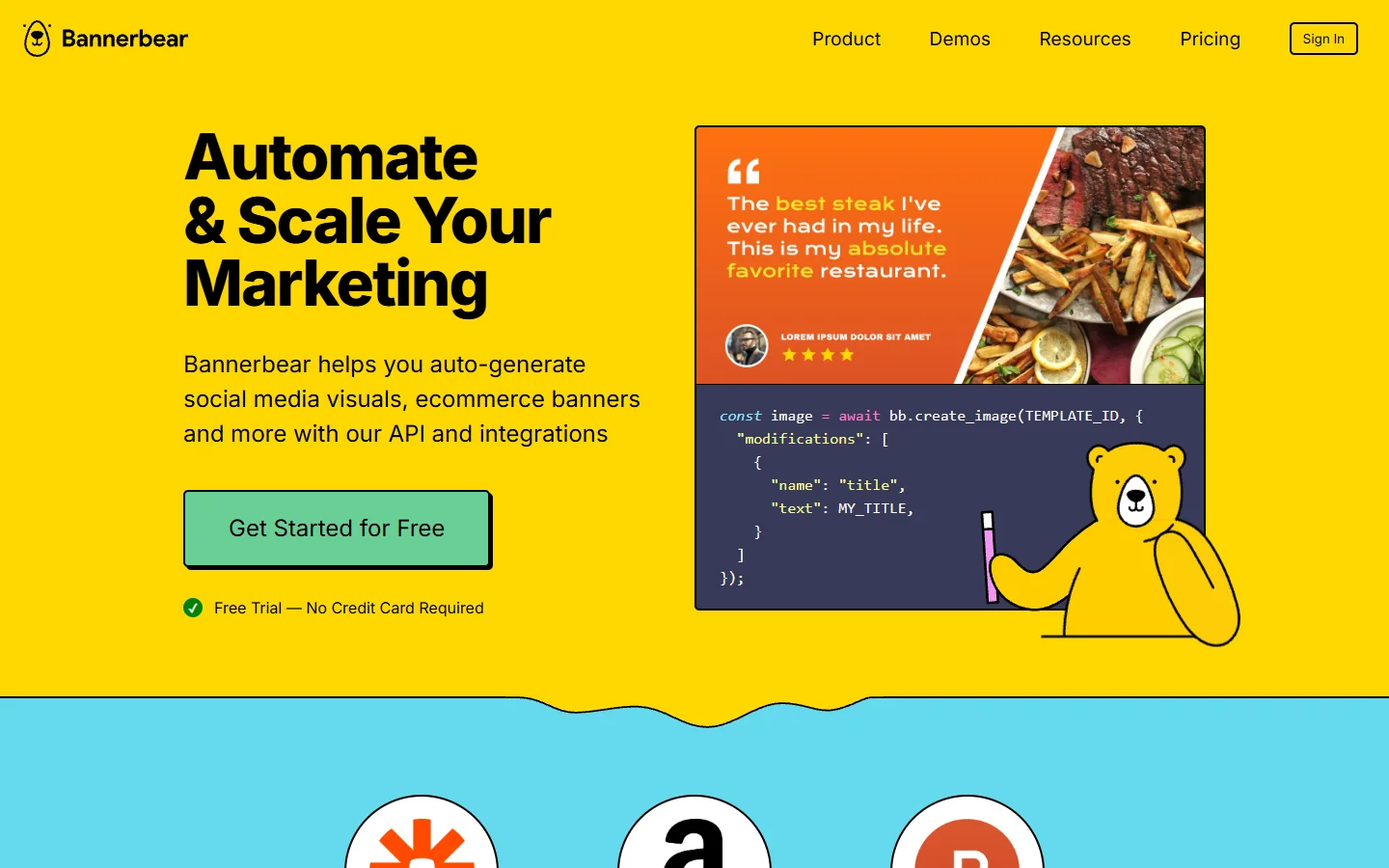
Bannerbear is a REST API for generating images and videos from reusable templates. It handles text rendering, image overlays, and dynamic resizing. The API is clean, well-documented, and supports webhooks for async generation. Integrations with Zapier and Make extend it into no-code automation workflows.
- Strength: Developer experience. The API is straightforward and the docs are some of the best in this category.
- Weakness: Templates must be designed in their web editor first. No headless template definition via code.
- Best for: SaaS products that need to generate certificates, social proof images, or personalized graphics.
Placid
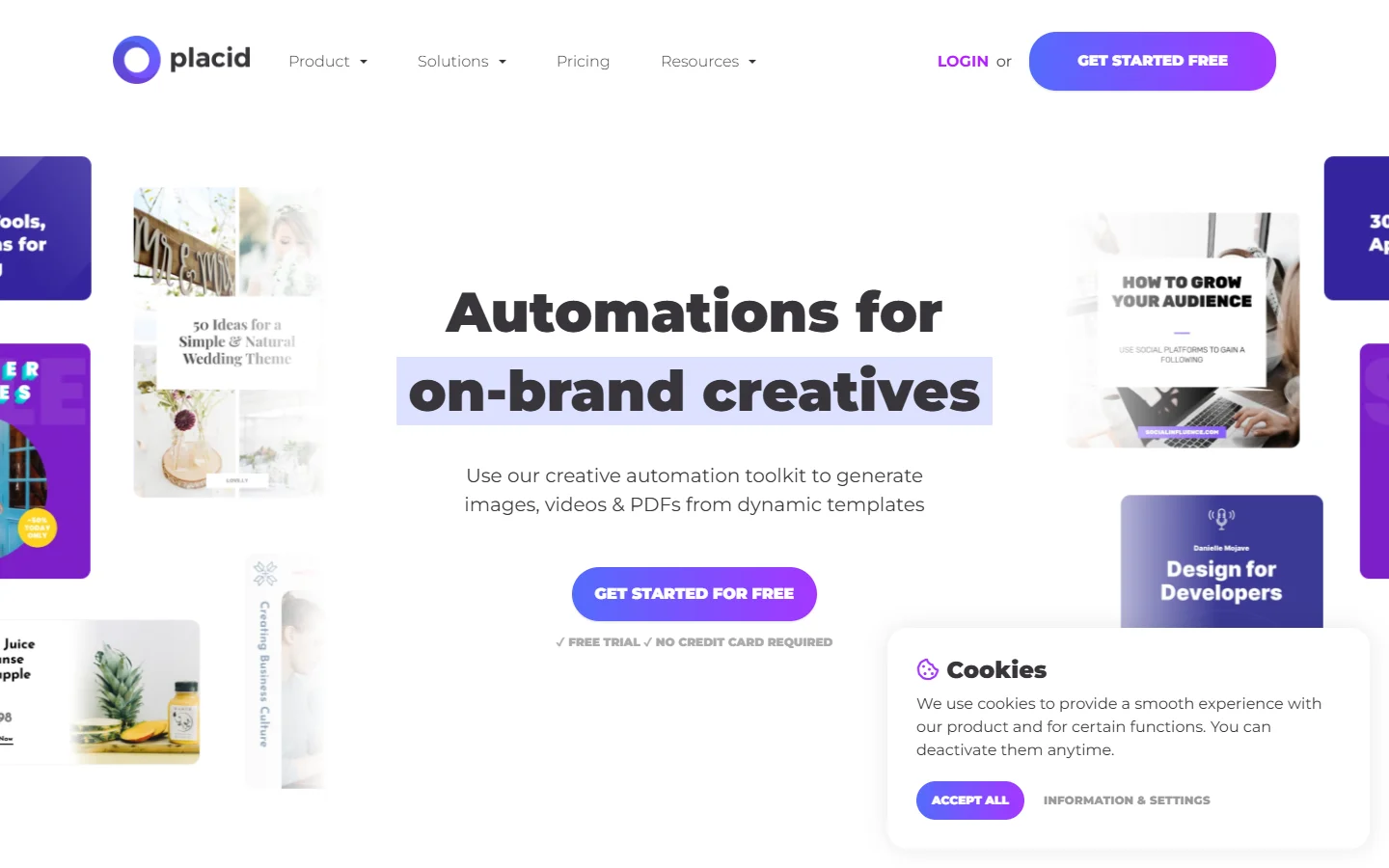
Placid covers both image and PDF generation with a template-first approach. Their visual editor is drag-and-drop, and the REST API supports JSON payloads with dynamic fields. They also offer a no-code layer through Zapier and Make integrations, similar to how headless AI workflow platforms connect tools without custom code.
- Strength: PDF generation alongside images, useful for invoices, reports, and print assets.
- Weakness: Render speeds can be slower than Bannerbear for high-volume batch jobs.
- Best for: Teams that need both digital and print outputs from the same template system.

AI Model APIs: Generative Power via Code
If your use case is creating original images from prompts, descriptions, or reference inputs, you need a generative AI API rather than a template renderer. The model landscape in 2026 is crowded, but a few platforms stand out for programmatic access.
Creatomate
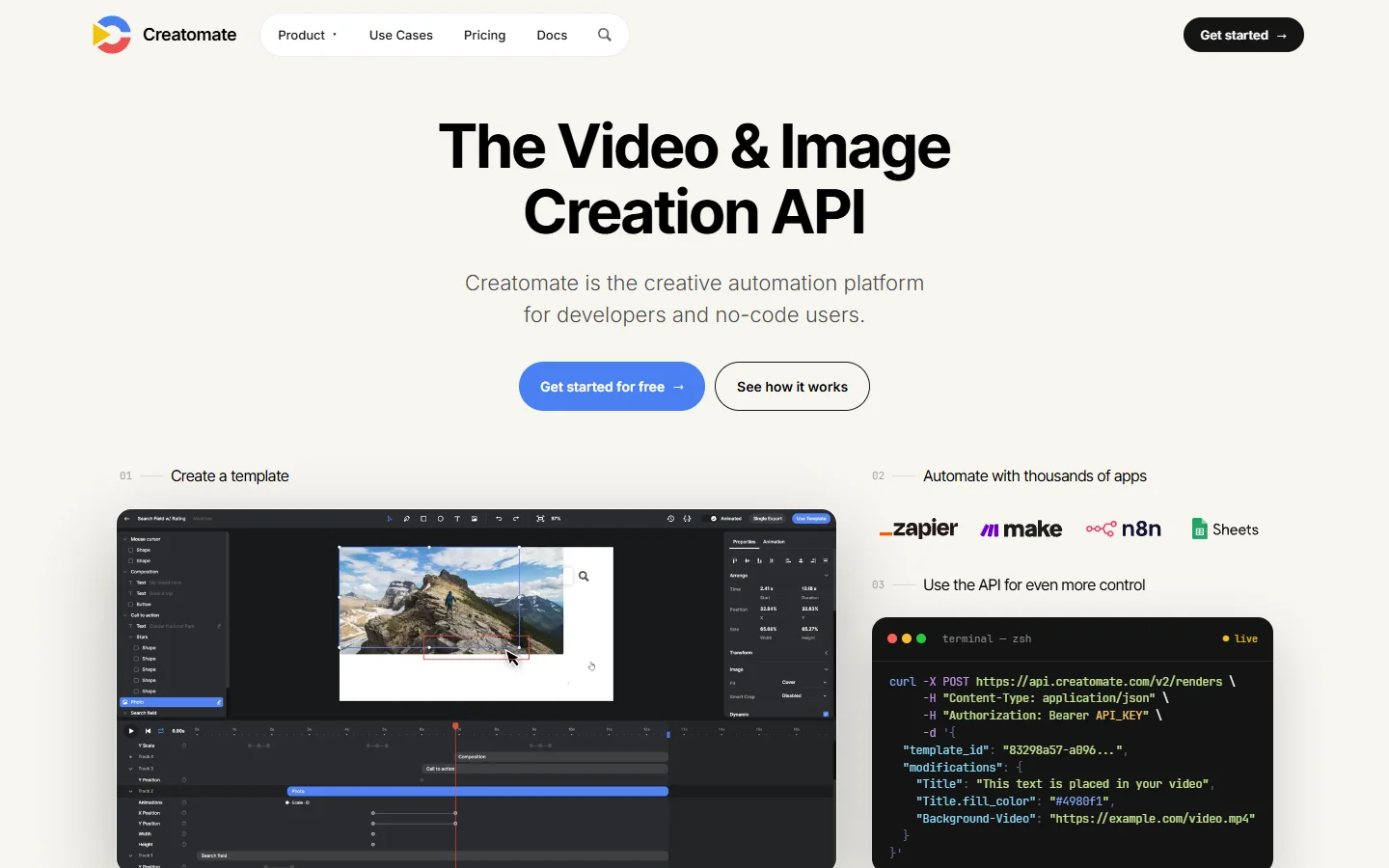
Creatomate bridges the gap between template rendering and dynamic media generation. Their API handles images and video, with JSON-based scene descriptions that define layers, animations, and text. It is particularly strong for social media content automation and pairs well with AI video generation pipelines.
- Strength: Video and image in one API. Scene-graph approach gives fine control over composition.
- Weakness: Not a generative AI platform. You still need to supply source assets.
- Best for: Marketing teams automating social content across formats.
Unified AI Inference APIs
Several platforms now offer a single API endpoint that routes to dozens of generative models. Instead of managing separate API keys for Flux, Stable Diffusion, GPT Image, and Imagen, you call one endpoint and specify the model. This is where the concept of an end-to-end AI image pipeline becomes practical: prompt routing, model selection, post-processing, and delivery all happen in one request chain.
The advantage is flexibility. You can A/B test outputs across models, fall back to cheaper models for low-priority assets, and upgrade to new models without rewriting integration code. The disadvantage is that unified APIs add a layer of abstraction, which means you lose some model-specific parameters and pay a markup over direct API pricing.
Shopify's Built-in Tools
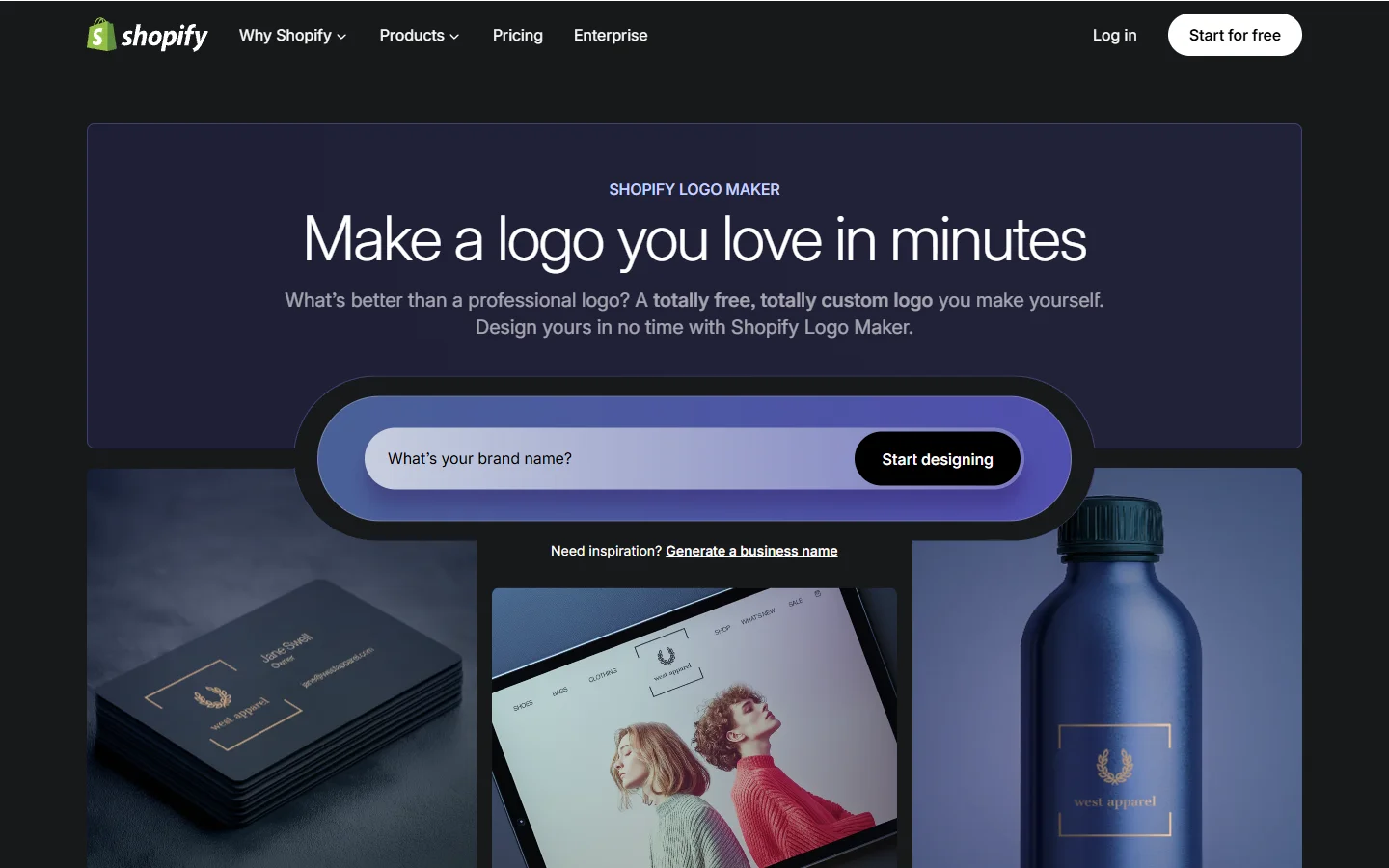
Shopify's Hatchful and their broader media API deserve mention for e-commerce teams. While not a general-purpose programmatic image generation platform, Shopify's tools handle product image backgrounds, logo generation, and catalog-scale image processing natively within the commerce stack.
- Strength: Zero integration overhead if you are already on Shopify.
- Weakness: Locked to the Shopify ecosystem. Not useful outside e-commerce.
- Best for: Shopify merchants who need product imagery without a separate toolchain.
Choosing the Right Architecture
The decision tree is simpler than it looks, and mirrors the same logic teams apply when choosing AI photo enhancement tools:
- Do you already have the base images? If yes, you need a template renderer (Abyssale, Bannerbear, Placid). Your job is compositing, resizing, and branding.
- Do you need to create images from scratch? If yes, you need a generative AI API. Pick a unified inference platform if you want model flexibility, or go direct to a provider like BasedLabs AI if you want a single-vendor experience.
- Do you need both? Build a two-stage pipeline: generate with AI, then composite onto templates. This is the pattern most production teams land on eventually.
Cost modeling matters here. Template renderers charge per render (typically $0.01 to $0.05 per image). Generative AI APIs charge per inference (ranging from $0.01 for lightweight models to $0.10+ for high-fidelity outputs). At scale, the render step is cheap; the generation step is where your bill climbs. For a detailed breakdown of API pricing tiers, see this Flux Pro API pricing guide.
Building a Production Pipeline
A real programmatic image generation platform deployment involves more than just calling an API. Here is what a production pipeline looks like in practice:
- Input validation: sanitize prompts, enforce brand guidelines, reject out-of-scope requests
- Model routing: select the right model based on content type (product photos get a photorealistic model; illustrations get a stylized one)
- Generation: call the AI image generation API with appropriate parameters
- Post-processing: resize, crop, apply watermarks, overlay text, convert formats
- Quality checks: run automated scoring to catch artifacts, check brand compliance
- Delivery: push to CDN, update asset management system, trigger downstream workflows
Teams running this at scale often use Wireflow or similar orchestration layers to wire these steps together visually rather than maintaining a monolithic script. The visual approach makes it easier to swap models, add new post-processing steps, or debug failures in the middle of a pipeline.

Common Pitfalls
A few patterns trip up teams new to programmatic image generation:
- Over-relying on a single model. No single AI model is best at everything. Product photos, illustrations, text-heavy banners, and abstract art each have a model that handles them better than the rest. Route accordingly.
- Ignoring latency budgets. Generative models can take 5 to 30 seconds per image. If your application needs sub-second response times, you need pre-generation and caching, not real-time inference. Review how batch processing works before committing to a synchronous architecture.
- Skipping brand guardrails. Without input validation, generative models will produce off-brand, inconsistent, or inappropriate content. Build guardrails into the pipeline, not as an afterthought.
- Treating it as a one-off integration. Models improve and pricing changes quarterly. Design your pipeline so you can swap providers without rewriting your application. Abstraction layers pay for themselves within six months.
Frequently Asked Questions
What is a programmatic image generation platform?
It is a service that creates or manipulates images through APIs and code rather than manual design tools. You send structured requests (prompts, data, template IDs) and receive finished images in return. The category includes both template-based renderers and generative AI model APIs.
How much does programmatic image generation cost?
Template rendering typically costs $0.01 to $0.05 per image. AI-generated images range from $0.01 (fast, lower quality) to $0.10+ (high fidelity). Most platforms offer volume discounts, and some enterprise plans include dedicated infrastructure. At 10,000+ images per month, expect to negotiate custom pricing.
Can I use AI-generated images for commercial products?
Yes, with caveats. Most major model providers (Flux, Stable Diffusion, GPT Image) grant commercial rights for outputs generated through their APIs. Check the specific license terms for each model, as some restrict certain content categories or require attribution. The free AI image generators typically have more restrictive commercial terms than paid tiers.
What is the difference between template rendering and AI image generation?
Template rendering composites variable data onto fixed designs, similar to mail merge for images. AI image generation creates entirely new visual content from text prompts or reference images. Many production workflows combine both in a two-stage pipeline.
Which AI models are best for programmatic image generation in 2026?
Flux 2 Pro leads for photorealistic content. Recraft v4 excels at design-oriented outputs with text rendering. GPT Image handles diverse creative styles well. Imagen 4 Ultra is strong for product photography. The best choice depends on your specific content type and quality requirements for realistic images.
How do I handle high-volume batch image generation?
Use async APIs with webhook callbacks rather than synchronous requests. Queue jobs through a task system, implement retry logic for transient failures, and store results in a CDN. Most platforms support batch endpoints that accept arrays of generation requests.
Do I need a separate CDN for generated images?
For production use, yes. API-generated image URLs are typically temporary (expiring within hours to days). Upload finished images to your own storage (S3, R2, GCS) and serve them through a CDN for reliable delivery. This also gives you control over caching, resizing, and format conversion. Many teams building AI-powered creative tools route outputs through Cloudflare or similar edge networks.