
AI photo enhancement has moved well beyond simple sharpening filters. In 2026, the best tools use multi-model pipelines to upscale, denoise, restore faces, and correct color in a single pass. Whether you are a photographer cleaning up old scans or a product team scaling e-commerce images, the options are broader than ever. This guide compares the leading AI photo enhancement platforms side by side so you can pick the right one for your workflow.
The market has split into two camps: desktop apps that run heavy models on local GPUs, and cloud services that process images through browser uploads or APIs. Each approach has trade-offs around speed, privacy, and cost. We tested six tools across real-world scenarios to see how they hold up beyond marketing demos.
What Matters in a Photo Enhancer
Before diving into individual tools, it helps to know what separates a good enhancer from a great one. Detail recovery is the most important factor: does the tool preserve real texture or does it hallucinate new details that were never in the original? Artifact handling comes next, covering halos around edges, plastic-looking skin, and color shifts. Finally, speed and integration options matter for anyone processing more than a handful of images at a time.
We evaluated each tool below on five test images: a noisy low-light portrait, a compressed product shot, a vintage family photo, a landscape with fine foliage detail, and a 400x300 thumbnail needing 4x upscaling. Results reflect the May 2026 versions of each product.
Topaz Photo AI
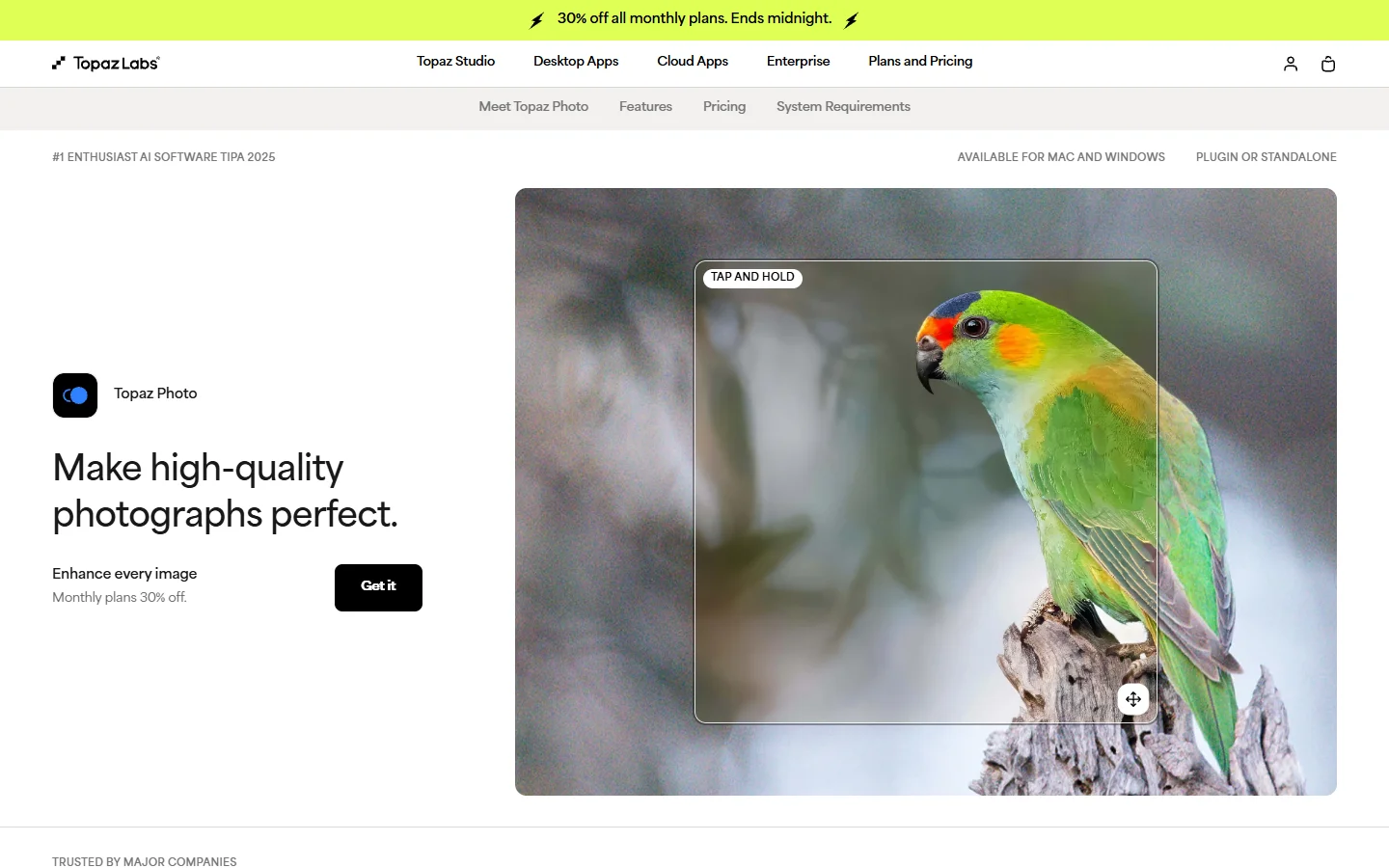
Topaz Photo AI remains the benchmark for local processing. It runs entirely on your machine, with no upload wait times and no data leaving your hard drive. The 2026 update introduced a unified model that handles denoising, sharpening, and upscaling in a single inference pass. On a modern GPU (RTX 4070 or better), a 24MP image processes in under four seconds.
- Strength: Best-in-class detail preservation on high-ISO noise. The face recovery model cleans without over-smoothing skin texture.
- Weakness: Requires a capable GPU. CPU-only mode is 8-10x slower, using 4-6GB of VRAM.
- Best for: Professional photographers and retouchers processing large batches locally.
- Pricing: One-time purchase ($199) with optional annual update plan ($99/year).
Topaz supports a command-line interface for batch automation, making it practical for studios processing hundreds of images per shoot.
Remini
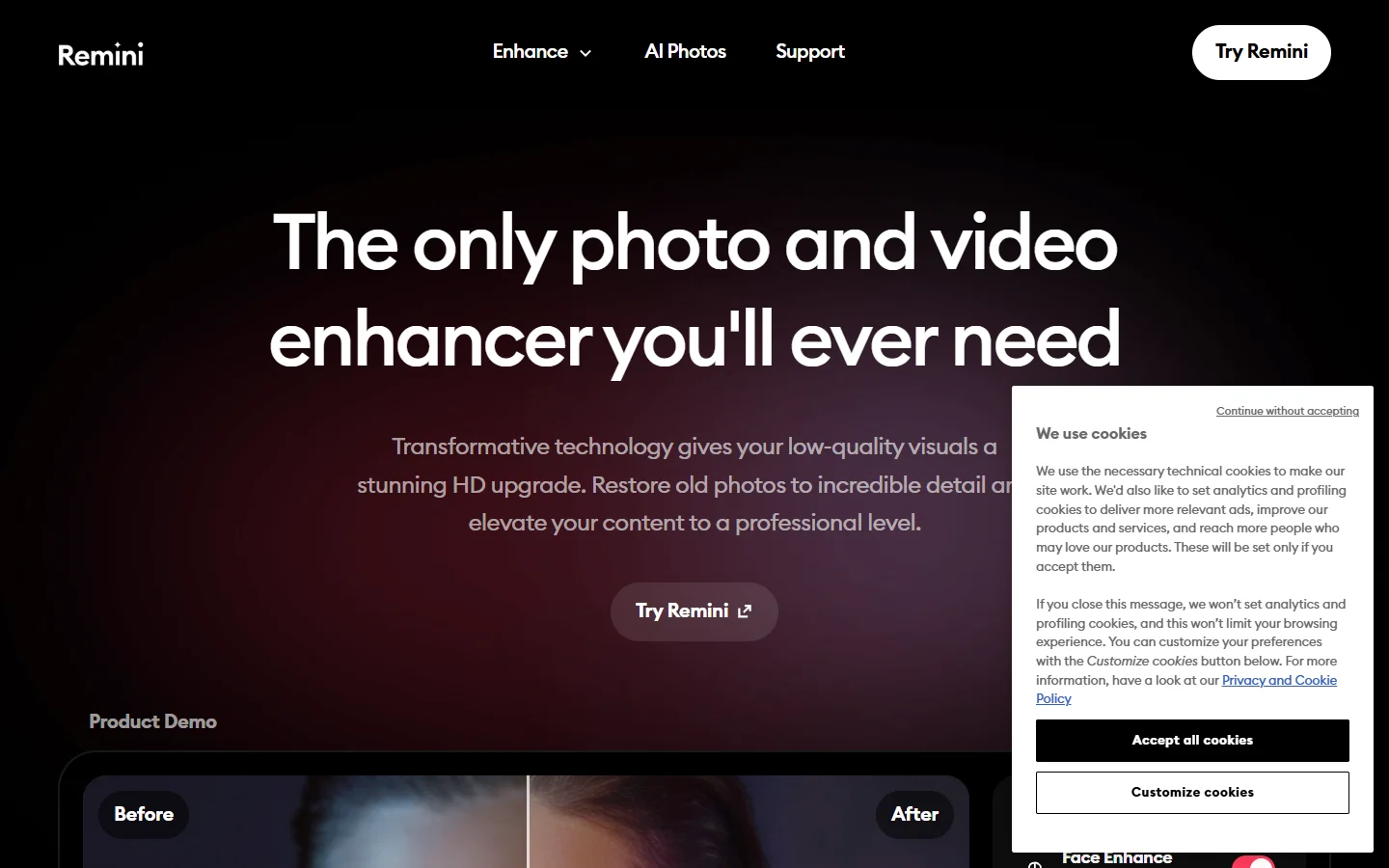
Remini focuses on face restoration and has built a massive user base through its mobile apps. The web version now supports full-image enhancement, but face recovery is still where it excels. Old photos with blurry or pixelated faces come out surprisingly well, making it popular for genealogy and social media throwback posts.
- Strength: Face restoration quality is exceptional on extremely low-resolution inputs (under 200px face crops). The mobile app is fast and simple.
- Weakness: Full-image enhancement (landscapes, products) is average compared to dedicated tools. Heavy watermarking on free tier.
- Best for: Casual users restoring old family photos or improving selfies.
- Pricing: Free tier (5 enhancements/day with watermark), Pro ($9.99/month).
Let's Enhance
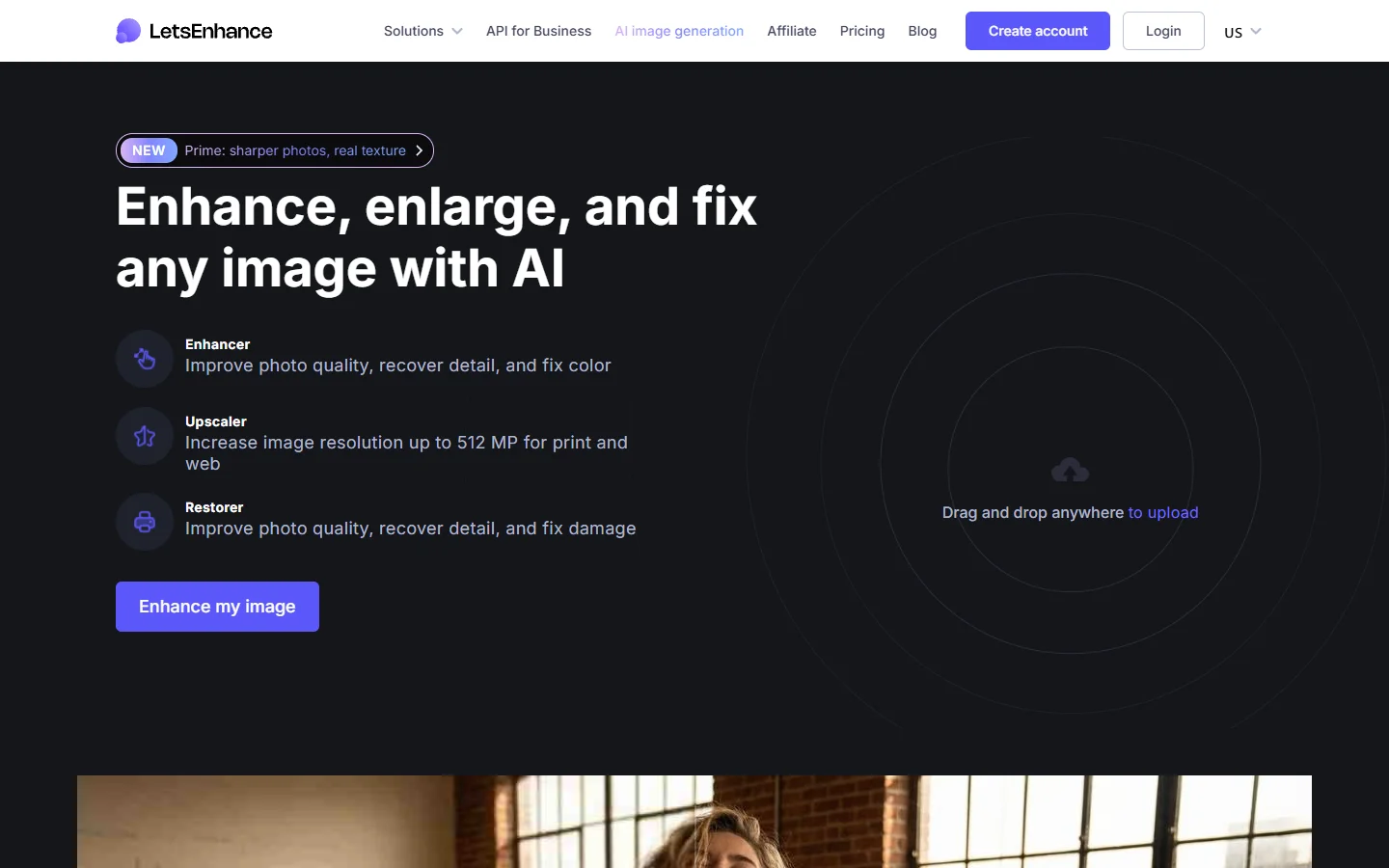
Let's Enhance is a cloud-first tool built for e-commerce and marketing teams. Its standout feature is Smart Enhance, which automatically detects image type (photo, illustration, graphic) and applies the appropriate model. The API handles bulk processing natively, so teams can feed it hundreds of product images without manual intervention.
- Strength: Automated image-type detection reduces wrong-model mistakes. API-first design fits production workflows.
- Weakness: Cloud-only, so there is latency on large files and your images leave your network.
- Best for: E-commerce teams and agencies needing programmatic batch enhancement.
- Pricing: Free trial (10 images), plans from $12/month (100 images) to custom enterprise tiers.
Teams building automated content pipelines may find that combining Let's Enhance with an AI workflow tool streamlines the process, especially when enhancement is one step in a multi-stage image production chain.

VanceAI
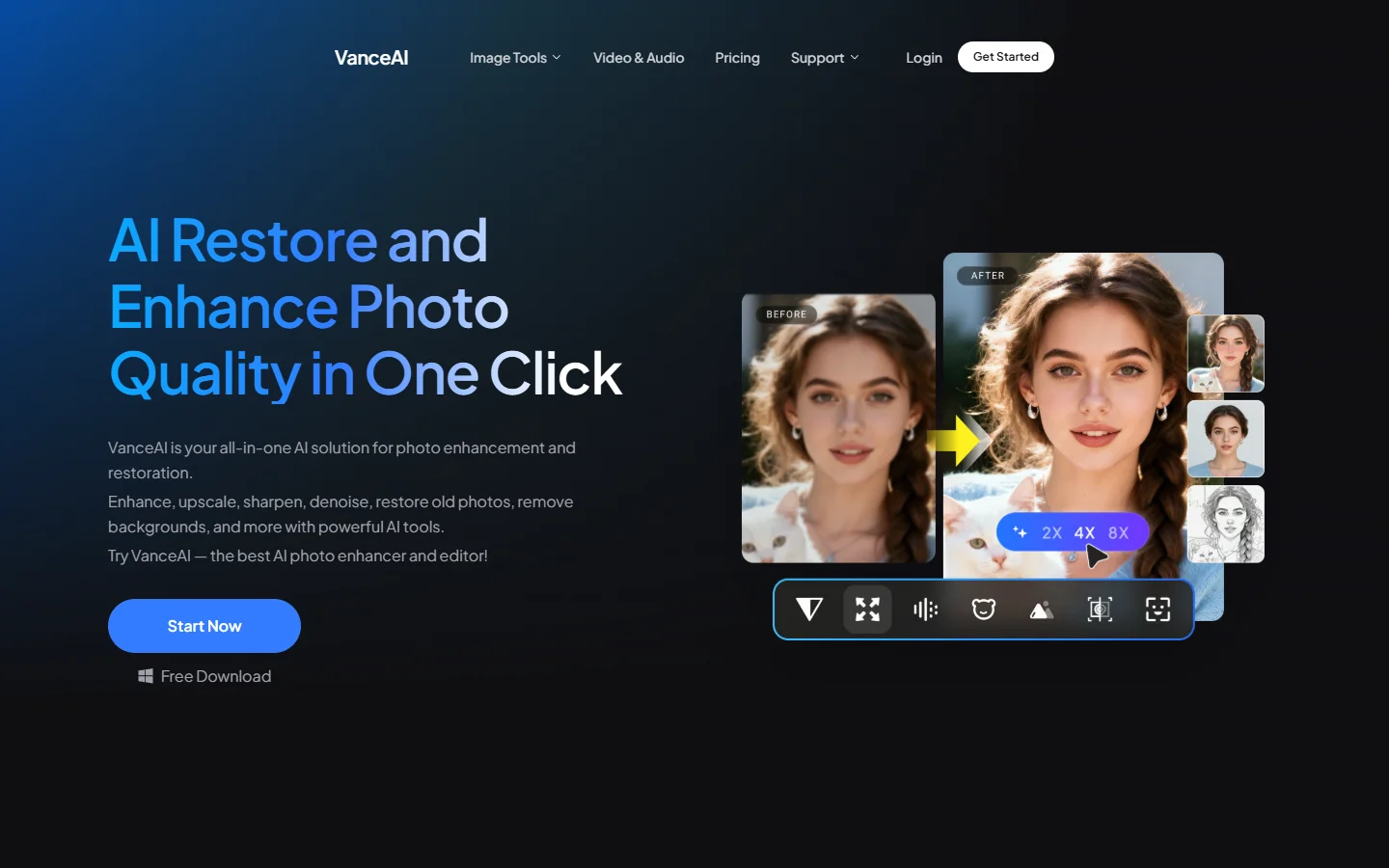
VanceAI bundles multiple tools under one roof: upscaling, denoising, sharpening, background removal, and AI art generation. The workspace interface lets you chain operations without re-uploading between steps. It sits in a useful middle ground between Topaz's raw power and Remini's simplicity. Developers can also access a dedicated enhancement API with per-image pricing that scales for mid-volume use cases.
- Strength: All-in-one workspace reduces context switching. Denoising handles compression artifacts (JPEG banding, mosquito noise) better than most competitors.
- Weakness: Free tier is throttled. Advanced features (batch mode, priority queue) locked behind higher plans.
- Best for: Freelancers and small studios wanting multiple capabilities in one subscription.
- Pricing: Free tier (3 images/month), plans from $9.90/month.
Fotor
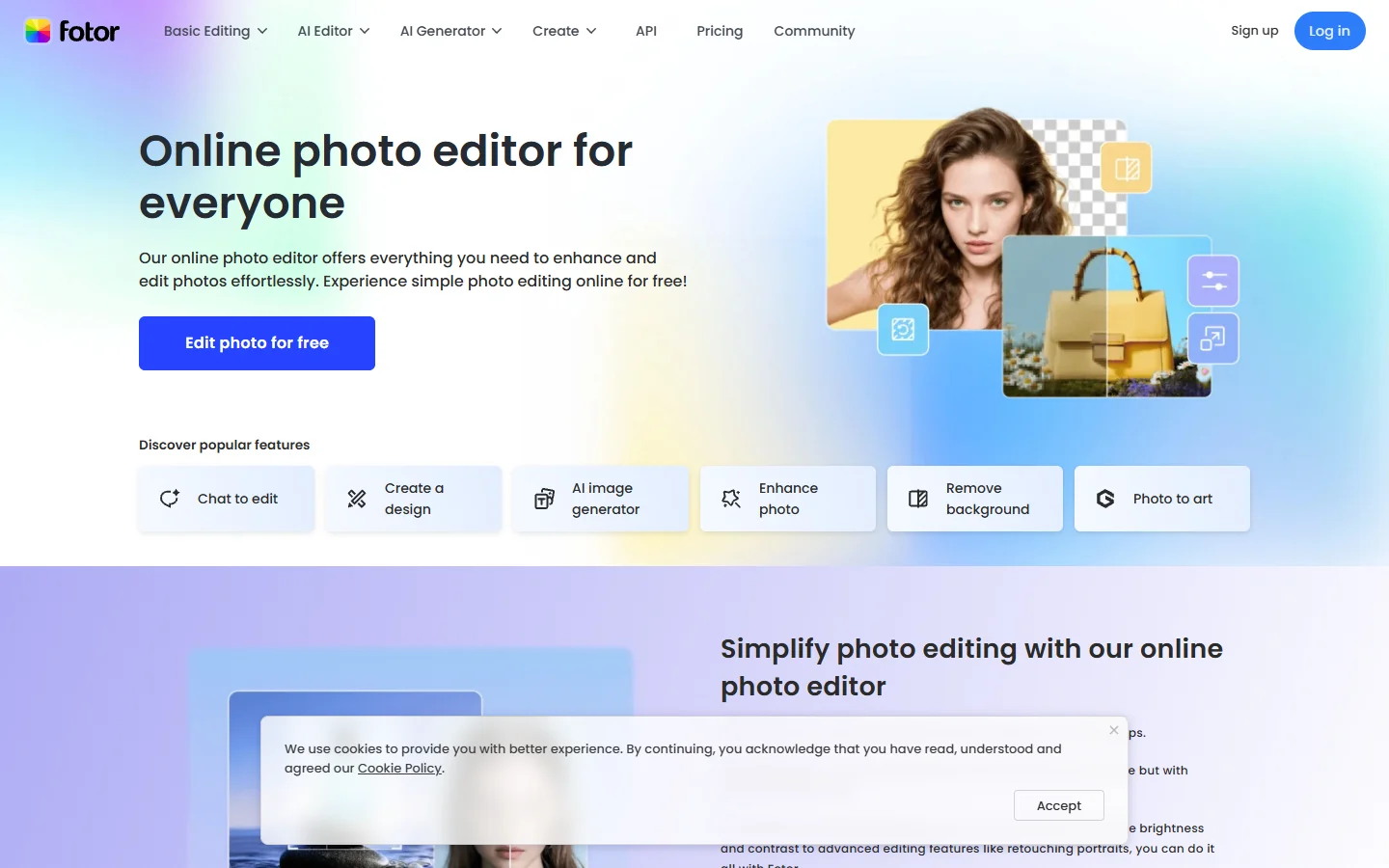
Fotor positions itself as a general-purpose online photo editor with AI enhancement built in. Enhancement quality is a step behind the specialized tools, but for users who also need collage-making, design templates, and basic retouching, the convenience of having everything in one browser tab is real.
- Strength: Broad feature set beyond enhancement. Very accessible for beginners. No installation required.
- Weakness: Enhancement models lag behind Topaz and Let's Enhance on detail recovery. Interface feels cluttered with upsell prompts.
- Best for: Content creators needing quick edits alongside basic enhancement.
- Pricing: Free tier with ads, Fotor Pro ($8.99/month), Fotor Pro+ ($19.99/month).
Adobe Firefly (Enhance Features)
Adobe's Firefly suite now includes AI enhancement embedded directly into Photoshop and Lightroom. For photographers already in the Adobe ecosystem, this means no additional subscription or tool-switching. The Enhance Detail and Super Resolution features use proprietary models trained on licensed stock data.
- Strength: Deep Photoshop/Lightroom integration. Non-destructive editing. RAW file support is unmatched.
- Weakness: Requires Creative Cloud subscription ($22.99/month). Slower than standalone tools for batch work.
- Best for: Professional photographers already using Adobe Creative Cloud.
- Pricing: Included in Creative Cloud Photography plan ($22.99/month) or All Apps ($59.99/month).

How to Choose the Right Tool
For local processing and maximum quality, Topaz Photo AI is the clear leader. For cloud-based batch work, Let's Enhance wins on API design. For face restoration, Remini is hard to beat on mobile. For all-in-one convenience, VanceAI and Fotor cover different price points.
If your workflow involves chaining enhancement with other AI operations (background removal, generation, format conversion), consider whether a node-based AI canvas could reduce the manual steps between tools. Several of the tools above offer APIs, but connecting them still requires glue code unless you use a visual pipeline builder.
Healthcare imaging teams exploring AI-assisted diagnostic tools face similar integration challenges when stitching enhancement into clinical workflows. The hybrid approach of local quality processing plus cloud distribution formatting is becoming standard across industries.
Frequently Asked Questions
What is the best AI photo enhancer for free?
Remini offers 5 free enhancements per day with watermarks. VanceAI provides 3 free images per month without watermarks. See our full comparison of free AI image tools for more options.
Can AI photo enhancement tools upscale images without losing quality?
Modern AI upscalers (Topaz, Let's Enhance) reliably upscale 2-4x while maintaining perceived quality. Beyond 4x, all tools start generating details not present in the original. Topaz handles extreme upscaling best, but even it introduces hallucinated texture at 8x and above.
Is Topaz Photo AI worth the price?
For professionals processing more than 50 images per month, the one-time $199 cost pays for itself within two months compared to cloud subscriptions. For occasional use, cloud tools offer better value.
Do AI enhancers work on old scanned photos?
Yes. Remini is particularly strong on face restoration in old photos. Topaz handles full-scene restoration with less face-specific bias. Scanning at the highest DPI your scanner supports before enhancing gives AI models more data to work with.
Are cloud-based AI enhancers safe to use with private photos?
It depends on the provider's data policy. Most reputable platforms delete uploaded images within 24-48 hours, but verify this in writing. For maximum privacy, use local tools like Topaz or Adobe's offline processing modes.

What file formats do AI photo enhancers support?
All tools tested support JPEG and PNG. Topaz and Adobe also handle RAW formats (CR2, NEF, ARW, DNG). Cloud tools typically require exporting from RAW to JPEG/PNG before uploading, which means losing some tonal range before enhancement begins.
Can I use AI-enhanced images commercially?
Generally yes, since enhancement models process your own images. Adobe's Content Credentials system adds metadata confirming AI processing, which some stock agencies now require. Check terms of service for each tool, as some free tiers restrict commercial use.
Conclusion
The AI photo enhancement space in 2026 rewards knowing what you need. Topaz leads on local quality, Let's Enhance and VanceAI serve API-driven cloud workflows, Remini owns face restoration, Adobe fits Creative Cloud users, and Fotor rounds out the field for lighter tasks. The biggest shift this year is toward pipeline thinking: embedding enhancement into automated workflows that handle generation, enhancement, formatting, and publishing in sequence.