
There is no Figma Weave API in 2026, so the eight tools below are the realistic ways to get a Weave-style node canvas that a script can actually call. We ranked them on one criterion: how little work it takes to go from a graph you drew by hand to an endpoint your backend can hit with JSON. Prices here run from roughly $0.025 per fast image up to $55 per seat per month, and only three of the eight expose a public API for a workflow you composed visually. Our roundup of AI canvas platforms with API access covers the wider category.
Figma acquired Weavy in late 2025 and relaunched it as Figma Weave. The canvas got deeper Figma integration, better model coverage, and a much larger user base. What it did not get was a way out of the browser. A Weave graph runs when a human presses play, and that is the whole story.
That is fine for a designer exploring options. It is a hard stop for anyone who needs 400 product variants generated overnight, or a graph that fires when a row lands in a database. Every tool here is judged on programmatic access, not on how pleasant the canvas feels, and the node-based workflow platforms we tested last year form the baseline.
Why Figma Weave still stops at the browser
Figma Weave is a node editor for generative work. You drop image and video models onto a canvas, wire them together, and iterate visually. The Enterprise tier lists workflow API execution as coming soon, which has been the status for most of 2026. There is no documented endpoint, no key issuance flow, and no published rate limits.
The practical effect is that Weave graphs are not reproducible artifacts. A colleague can open the file and press play, but a cron job cannot. Teams that hit this wall usually end up rebuilding the same chain somewhere else, which is the exact problem we walked through in our notes on moving a canvas workflow onto a REST API.
How we ranked these tools
Ranking criterion, stated plainly: can you compose a multi-step generation graph visually, and then run that same graph from code without rebuilding it? That question separates the field faster than any feature list, as our survey of no-code platforms with API access found.
- Tier 1 means the visual graph and the callable endpoint are the same object.
- Tier 2 means there is a solid API, but you write the orchestration yourself in code.
- Tier 3 means the canvas is the product and the API is absent or partial.
We also weighted queueing and webhooks, because video jobs routinely run past any sane HTTP timeout. Anyone building on top of long-running jobs should read our breakdown of orchestration APIs for production apps alongside this list.
1. Wireflow
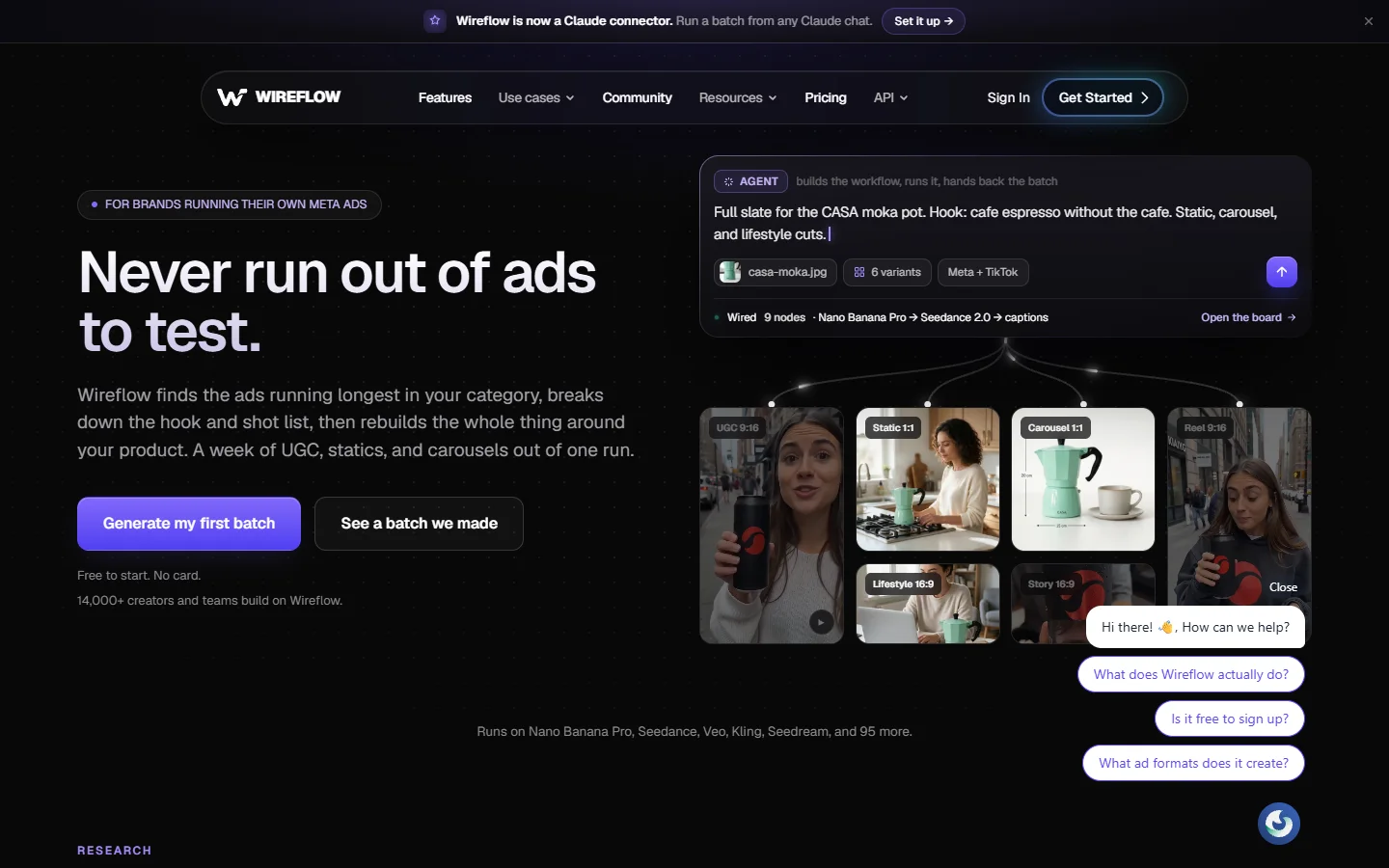
Verdict: best overall, and the only Tier 1 entry where the graph you drew is the thing you call.
This is the closest functional match to Weave for anyone who needs automation. You build on a node canvas, chaining models like Flux, Kling, Veo, and Nano Banana, and the published workflow becomes a REST endpoint with a JSON input contract. Batch execution and webhooks are built in rather than bolted on, which is the shape we described in our earlier look at visual pipeline builders.
The concrete migration path is short. Rebuild the Weave chain on the canvas, expose the two or three fields you actually want to vary as inputs, run it once by hand to confirm the output, then finish by publishing the finished graph as a callable endpoint so the same chain runs from a script instead of a browser tab. Pricing is usage-based credits with a free tier.
Weakness: the model catalog is curated rather than exhaustive, so if you need an obscure checkpoint you will be happier on a raw inference host.
2. Figma Weave
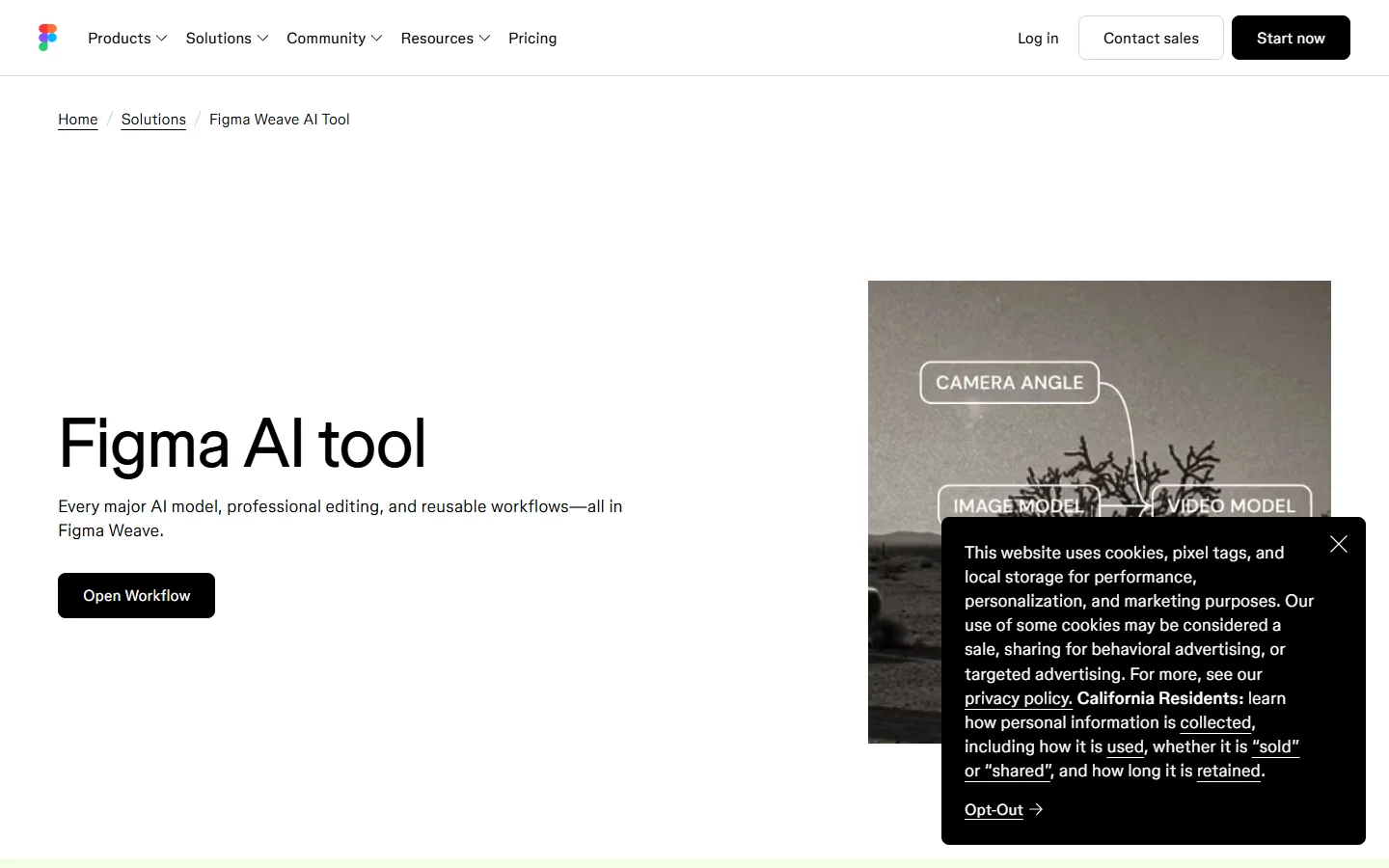
Verdict: best for teams whose work never leaves Figma.
Weave earns its place because the integration is genuinely good. Assets flow into design files without an export step, comments and permissions work the way the rest of Figma does, and the model selection is current. If your output is a mockup rather than a build artifact, the missing API costs you nothing, a tradeoff we also weighed in our Weavy and Flora API comparison.
- Strength: native Figma integration and shared team files
- Weakness: no public API, browser-only execution
- Best for: design teams producing assets for design files
3. fal.ai
Verdict: best per-call pricing for developers who are comfortable writing the orchestration.
fal is an inference host, not a canvas. You get fast endpoints, queue support, and per-generation pricing at roughly $0.025 for a fast image and between $0.50 and $4.00 for a ten-second video. The tradeoff is that composition lives in your code, so a five-step chain is five calls you sequence and error-handle yourself. Teams that go this route usually build their own thin queue layer, a pattern covered in our guide to batch image generation via API.
We skipped the homepage screenshot here because the site served a bot challenge to our capture browser rather than real content.
4. ComfyDeploy
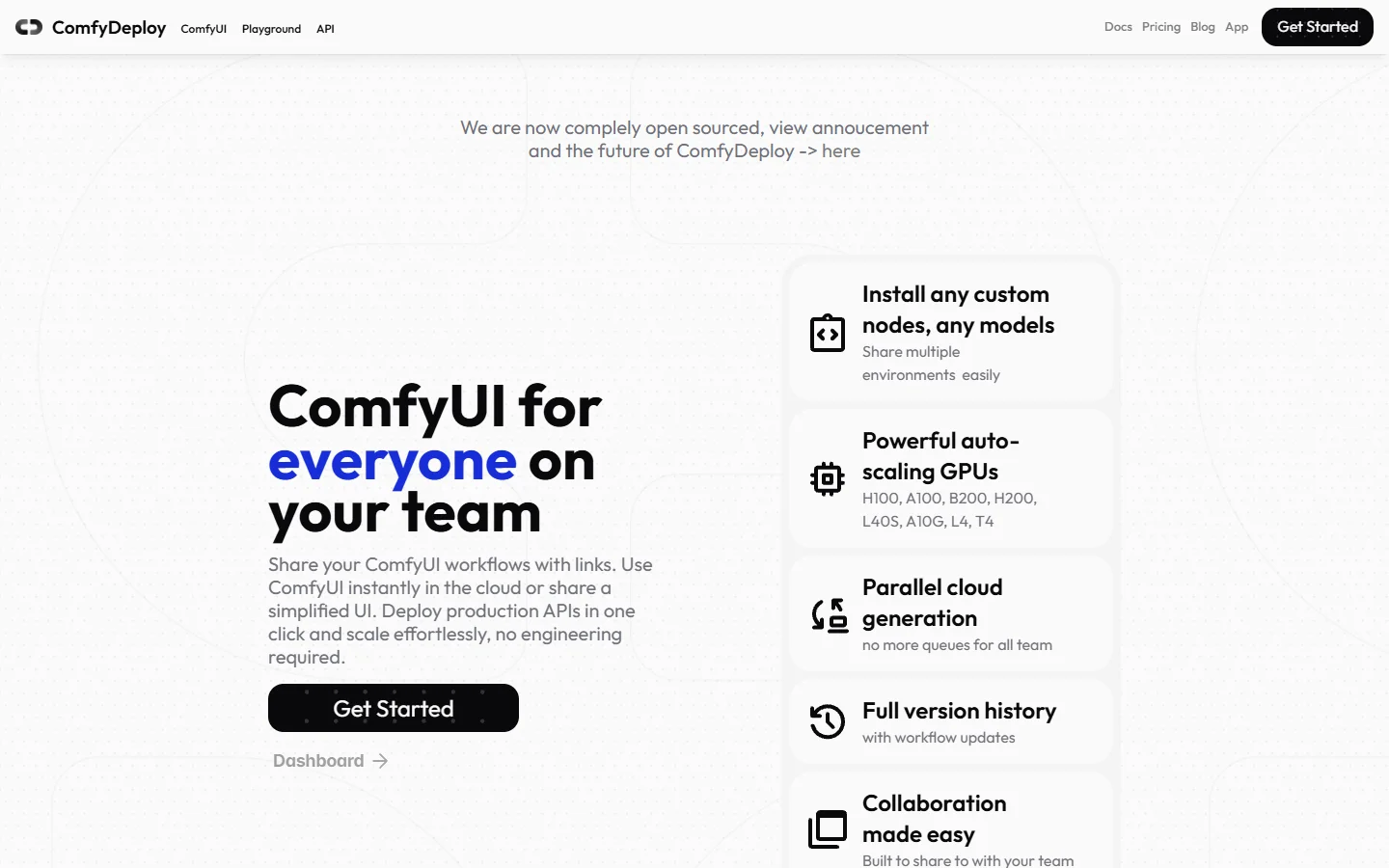
Verdict: best route if your team already lives in ComfyUI.
ComfyDeploy takes an existing ComfyUI graph and turns it into a hosted API with per-second GPU billing. The graph stays the source of truth, which is conceptually the same trick as the top entry, with the difference that you inherit ComfyUI's dependency management and custom node fragility. If you are weighing hosting against running it yourself, our comparison of hosted ComfyUI alternatives with an API covers the maintenance math.
5. Replicate
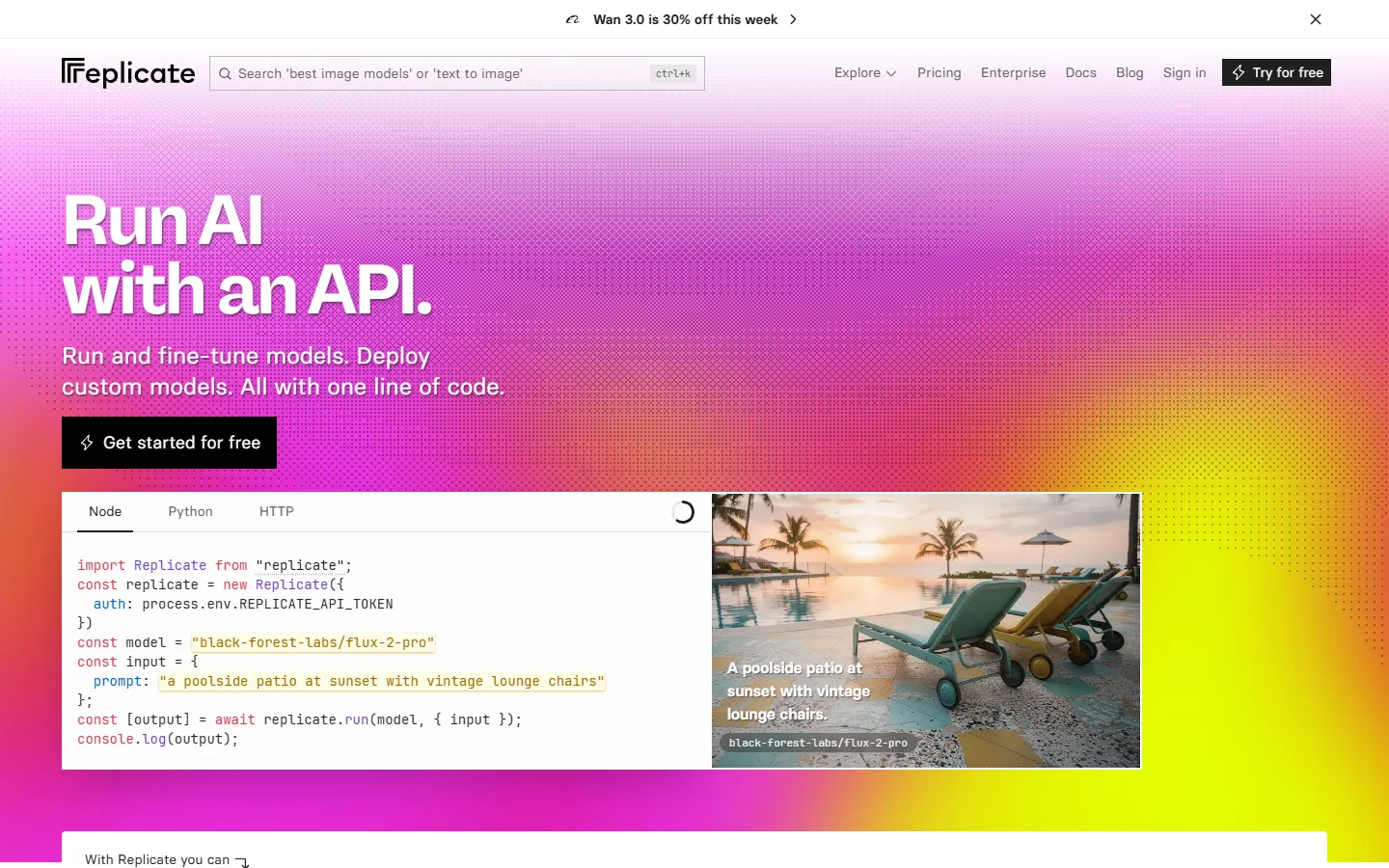
Verdict: best model catalog, weakest visual composition.
Replicate has the broadest selection of runnable models on this list and charges per prediction. There is no canvas at all, so it belongs here only as the layer underneath something else. Plenty of production stacks use it as the model tier with a workflow tool sitting above it, an arrangement described in our writeup on building AI pipelines with REST APIs.
6. Freepik Spaces

Verdict: best if you want stock assets and generation in one subscription.
Freepik Spaces bundles a node canvas with Freepik's asset library at $55 per seat per month with a two-seat minimum, which makes it the most expensive entry point here. API coverage exists for individual models but not for a composed Space, so the automation story is partial. Our side-by-side of Freepik Spaces and ComfyUI for developers goes deeper on where that boundary sits.
7. Flora
Verdict: best real-time collaboration on a shared canvas.
Flora is the closest thing to a studio whiteboard in this category. Several people can work the same graph at once, and the interaction design is the strongest argument for it. Programmatic access remains limited, which is why it sits low on an API-focused list rather than a canvas-focused one, and we covered that gap in detail in our look at Flora's API surface. Its homepage did not finish loading for our capture browser, so there is no screenshot in this entry.
8. Krea
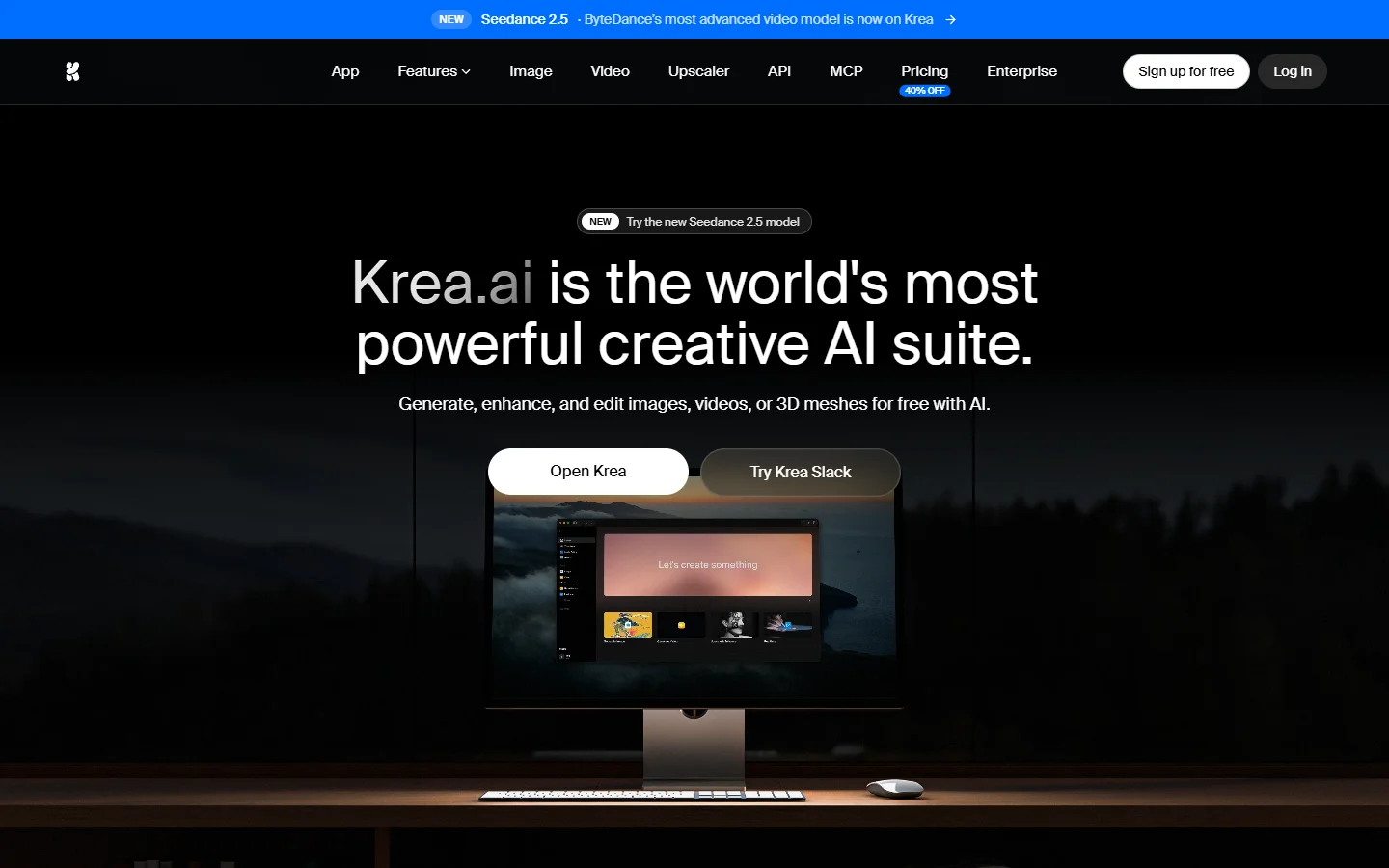
Verdict: best for fast visual experimentation, not for production runs.
Krea is built around speed of iteration. Real-time canvases, quick model switching, and a low barrier to a first result. It is a good place to find the look you want before you rebuild that look somewhere callable. Treat it as the exploration step in a pipeline, then move the settled recipe into one of the Tier 1 tools above.
Comparison at a glance
- Wireflow - Strength: graph and endpoint are one artifact · Weakness: curated model catalog · Best for: automated production runs
- Figma Weave - Strength: native Figma integration · Weakness: no API · Best for: design-file output
- fal.ai - Strength: cheap per-call inference · Weakness: you write the orchestration · Best for: engineering-led stacks
- ComfyDeploy - Strength: hosts your existing graph · Weakness: ComfyUI dependency churn · Best for: existing ComfyUI teams
- Replicate - Strength: catalog breadth · Weakness: no canvas · Best for: a model layer under something else
- Freepik Spaces - Strength: assets plus generation · Weakness: $55 per seat, partial API · Best for: creative teams on one subscription
- Flora - Strength: live multiplayer canvas · Weakness: limited API · Best for: collaborative studios
- Krea - Strength: speed of iteration · Weakness: no production automation · Best for: exploration
What to check before you commit
Ask three questions of any tool here. Does it queue long jobs and call you back, or expect you to hold an HTTP connection open for four minutes? Can you cap spend per key, which matters more than people expect once a loop misfires, and which we covered in our notes on generation APIs with spend limits? And can you pin a graph version, so a model update does not silently change last week's output?
The third one catches most teams out. A canvas encourages tweaking, and tweaking without versioning means the endpoint quietly drifts. Pin versions early, and treat the graph the way you would treat any other deployed artifact, a habit our AI node editor with API piece argues for at length.
FAQ
Does Figma Weave have an API in 2026? No. Workflow API execution is listed as coming soon on the Enterprise plan and has been for most of the year. Weave graphs run in the browser when a person triggers them.
What is the closest alternative with a real API? A node canvas that publishes each workflow as a REST endpoint is the closest structural match, since it preserves the visual composition step that Weave users are attached to. Our list of headless AI workflow platforms covers the same ground from the automation side.
Can I export a Weave graph and run it elsewhere? Not directly. There is no portable graph format shared across these tools, so migration means rebuilding the chain node by node. It is usually a short job for a five-node graph and a real project for anything larger, as our Weavy alternative with API writeup describes.
How much do these tools cost? Usage-based platforms charge per generation, roughly $0.025 for a fast image and $0.50 to $4.00 for a ten-second video. Seat-based options are pricier up front, with Freepik Spaces at $55 per seat per month on a two-seat minimum.
Do any of them support webhooks? Wireflow, fal.ai, ComfyDeploy, and Replicate all support callback-style completion for long jobs. Weave, Flora, and Krea do not expose one, which is the practical dividing line between the tiers described in our comparison of AI workflow platforms with APIs.
Which one should a small team pick? If you need automation, pick a Tier 1 tool and accept a smaller model catalog. If you only need assets for design files, Weave is already installed and there is nothing to migrate, a decision tree we expanded in our piece on building AI workflows with an API.
Conclusion
The gap in 2026 is not model quality. Every tool here reaches roughly the same ceiling because they call roughly the same models. The gap is whether the thing you composed by hand can be triggered by something other than a hand. Weave is the best canvas that cannot be automated; the Tier 1 tools are the ones where the graph and the endpoint are the same object. Anyone still deciding between the visual and headless approaches can compare both in our overview of node-based AI platforms with an API.