 AI TikTok app - Go viral!NEW: Seedream 5 by ByteDance. Sharper prompts, native text in 14 languages, precise edits. Try it now.Try It Now →
AI Pixel Art Generator — Free 8-bit & 16-bit Art
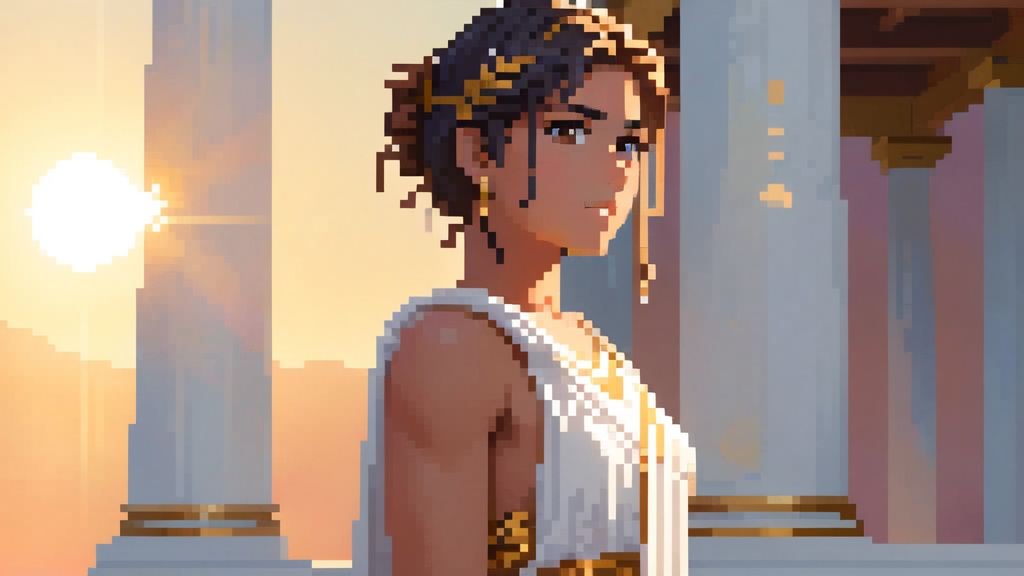
BasedLabs AI's pixel art generator uses advanced AI technology to quickly and easily transform uploaded images into stunning pixel art. Simply upload your image and let the AI work its magic, creating a detailed and captivating pixel art version in moments.

How to use AI Pixel Art Generator — Free 8-bit & 16-bit Art
Steps to get you started in BasedLabs.

Step 1
Upload Your Image
Select the image you want to transform into an anime-style artwork. Ensure you have the rights to use the image.
Select the image you want to transform into an anime-style artwork. Ensure you have the rights to use the image.

Step 2
Choose Settings and Add Prompt
Select the img2img option and the anime image model. Adjust settings like filter intensity and anime style. Add a prompt to guide the AI.
Select the img2img option and the anime image model. Adjust settings like filter intensity and anime style. Add a prompt to guide the AI.

Step 3
Review and Save Your Anime Artwork
Review the AI-generated anime artwork. If satisfied, save the image to your device. Share it on social media or use it as a profile picture.
Review the AI-generated anime artwork. If satisfied, save the image to your device. Share it on social media or use it as a profile picture.
Learn More
Watch the tutorial video below to learn more about AI Pixel Art Generator — Free 8-bit & 16-bit Art
Turn Your Favorite Anime Characters into Pixel Art
Bring your beloved anime characters to life in the charming pixel art style with our user-friendly anime pixel art generator. Whether you want to create pixel art versions of existing characters or design your own original sprites, our AI-powered tool makes the process quick and easy. Simply input your desired character or upload a reference image, and watch as the generator transforms it into a delightful pixel art masterpiece.
Pixel Yourself: Create Your Own Video Game Avatar
Ever wondered what you would look like as a character in a retro-style video game? Now you can find out with our AI pixel art character maker. Just upload a photo of yourself, and our advanced algorithm will analyze your features and convert the image into a personalized pixel art avatar. From hairstyle to clothing, the generator captures the essence of your appearance and translates it into an adorable pixel art version that you can use as a profile picture, social media icon, or even as a character in your own game.
Elevate Your Designs with Custom Pixel Art Elements
Take your graphic design projects to the next level by incorporating unique pixel art elements created with our AI pixel art generator. From logos and icons to stickers and fonts, you can generate a wide range of pixel art assets to enhance your designs. The generator allows you to customize colors, styles, and sizes, giving you full control over the final output. Whether you're working on a retro-inspired website, a pixel art game, or any other digital art project, our pixel art generator provides you with the tools to create stunning and cohesive visual elements.
FAQs
Discover related AI tools:
- Kling 2.6
- R2 Upload Test
- Nano Banana 2
- Nano Banana Pro
- Ideogram AI
- AI Gorilla
- AI Picture Generator — Free Online 2026
- Photo To Caricature
- Sketch To Image
- Studio Ghibli Filter
- MiniMax Hailuo 2.3
- Hyper Realism AI
- Realistic AI Image Generator — Photo-Grade Free
- LTX-2 Video AI — Try Free Online
- AI Logo Maker
- Reve Image Editing — Try Free Online
- Kling 2.5 Turbo
- Pixverse AI
- Hunyuan Image 3.0
- AI Prompt Generator
- Remove Background On Photo Free
- AI Photo Cropper
- Adobe Express Photo Editor
- AI Bing Image Creator
- Convert Text To Image AI
- AI Bot Image Generator
Browse Related Content
Explore AI-generated pixel art generator — free 8-bit & 16-bit art artwork from our community
More From BasedLabs



Beyond Pixel Art: Explore BasedLabs' Creative AI Suite
Join millions of creators using BasedLabs to generate professional, scroll-stopping content for social media, YouTube, marketing, and more — in seconds. Produce high-quality AI-generated videos and images optimized for engagement and reach. Streamline your content workflow and scale faster.
