
The social media landscape runs on video. TikTok, Instagram Reels, YouTube Shorts, and LinkedIn video posts now dominate feeds, and the creators and marketing teams producing that content need speed without sacrificing quality. In 2026, AI video tools have matured from novelty experiments into production-ready software that handles everything from script-to-screen generation to automated caption overlays. The question is no longer whether to use AI for social video, but which tools actually deliver. This guide breaks down the best options available today, organized by what they do best.
Short-form video keeps accelerating. HubSpot's 2026 AI Trends report found that content teams using AI tools save an average of 6 hours per week on video production tasks alone. The tool landscape is fragmented: some platforms excel at text-to-video generation, others at editing and repurposing, and a growing category focuses on avatar-based content that eliminates filming entirely. Choosing the right stack depends on your format, your audience, and how much creative control you need.
Text-to-Video Generators for Social Content
Text-to-video has become the fastest path from idea to published clip. These tools take a written prompt or script and generate video footage, often with music, transitions, and captions included. The latest generation of AI video models has pushed output quality to a point where generated clips blend naturally into social feeds.
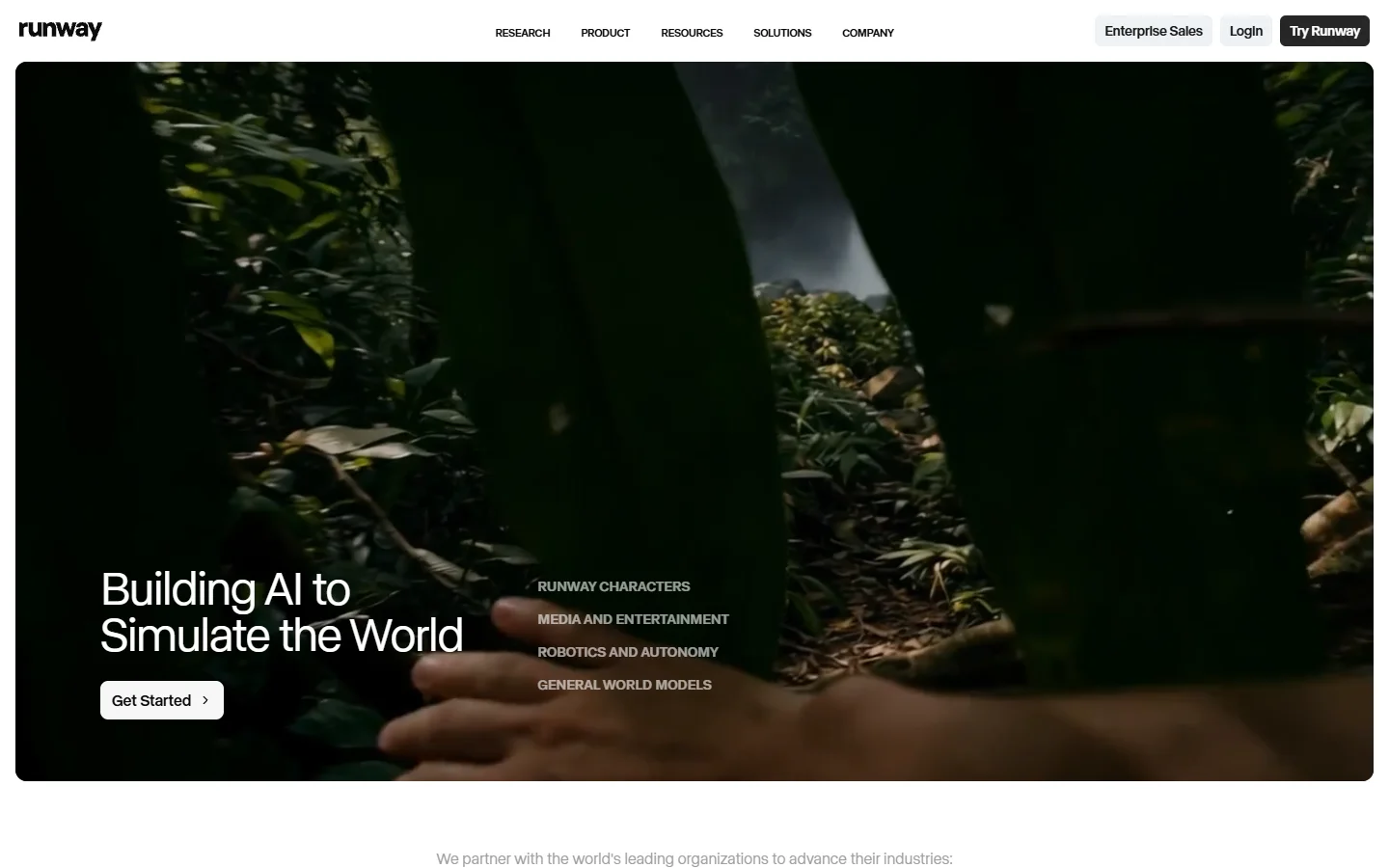
Runway remains the benchmark for quality. Gen-4.5 delivers strong temporal consistency and motion control that makes generated footage look intentional rather than glitchy. For social media creators, the 5-10 second clip sweet spot maps well to Reels and TikTok formats. The tradeoff is generation time: expect 60-90 seconds per clip, which adds up during batch production workflows.
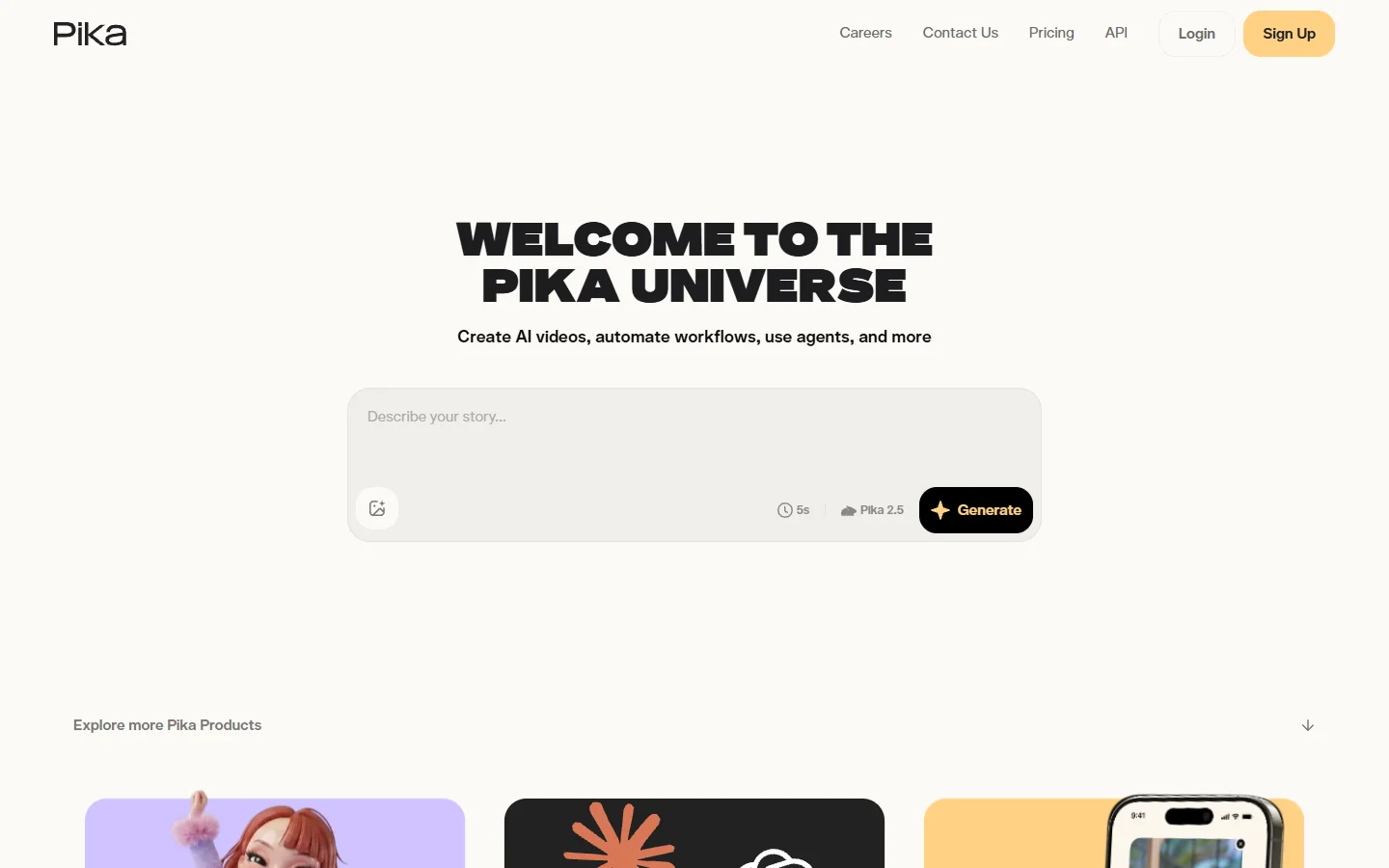
Pika Labs 2.5 takes the opposite approach, prioritizing speed over fidelity. Clips generate in 15-30 seconds, roughly three to five times faster than Runway for equivalent content. For teams publishing multiple videos daily, that speed difference compounds.
For creators who work across image and video pipelines, a node-based AI canvas can chain text-to-image and image-to-video steps into a single repeatable workflow, cutting out the manual export-import cycle between tools.

Editing and Repurposing Tools
Not every social video starts from scratch. A large category of AI tools focuses on transforming existing content: trimming long-form videos into shorts, adding captions, resizing for different platforms, and enhancing visual quality.
CapCut dominates this space with over 300 million monthly active users. Its AI features include auto-captions, background removal, smart cut suggestions, and one-click resizing from landscape to vertical. The free tier covers most social media use cases, and the tight TikTok integration makes sense given ByteDance owns both products. For pure editing speed, it is hard to beat among free tools.

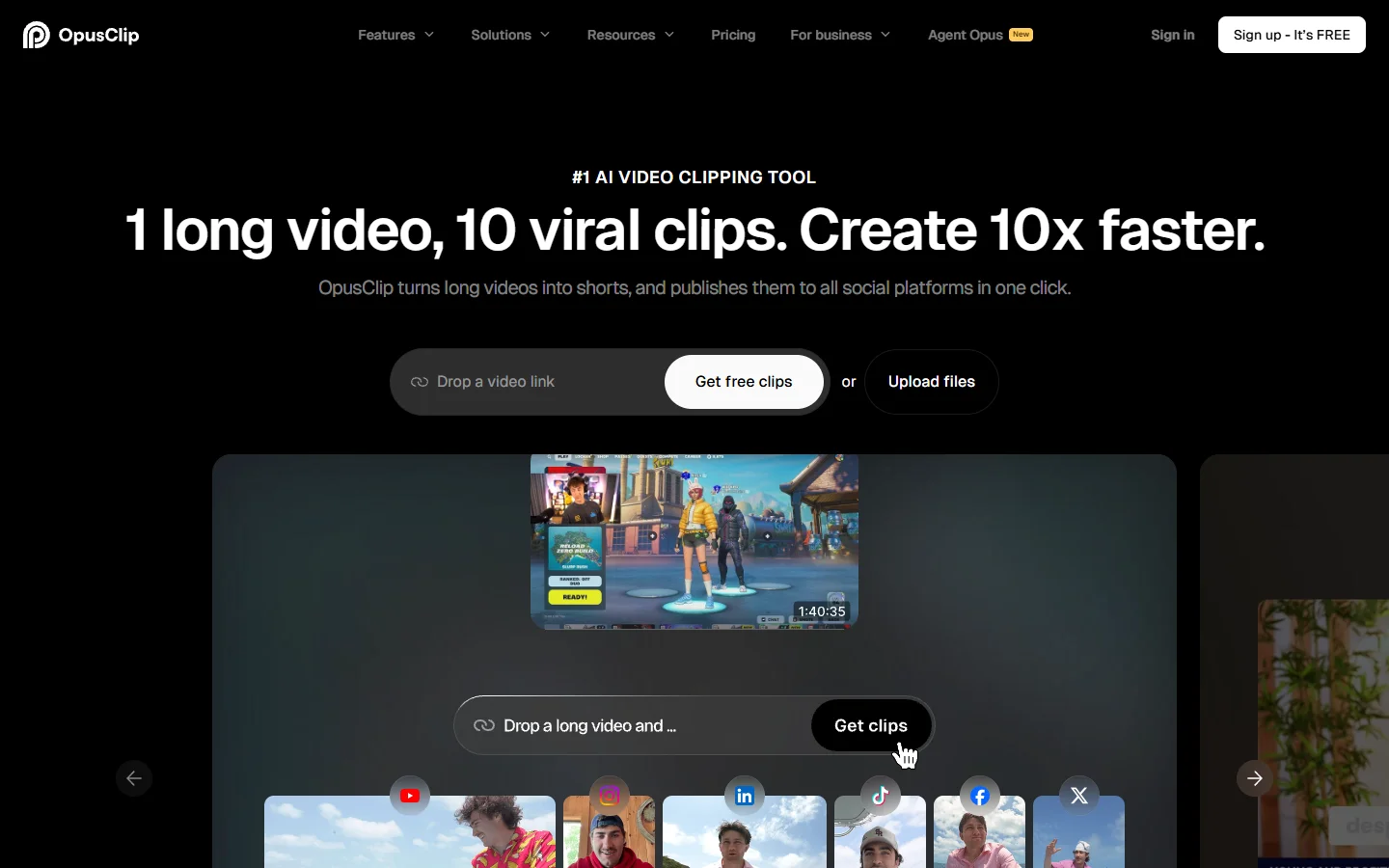
OpusClip serves a narrower but valuable niche: it analyzes long-form videos (podcast episodes, webinars, tutorials) and automatically extracts the most engaging moments as standalone short clips. The AI scores segments by predicted virality, adds captions, and formats them for each platform. Teams repurposing a weekly podcast into daily social clips save hours of manual scrubbing.
Avatar and Presenter-Style Video
Avatar-based video tools let you create talking-head content without a camera, studio, or on-screen talent. This category has grown rapidly among marketing teams, educators, and SaaS companies that need consistent video output for social channels and ads.
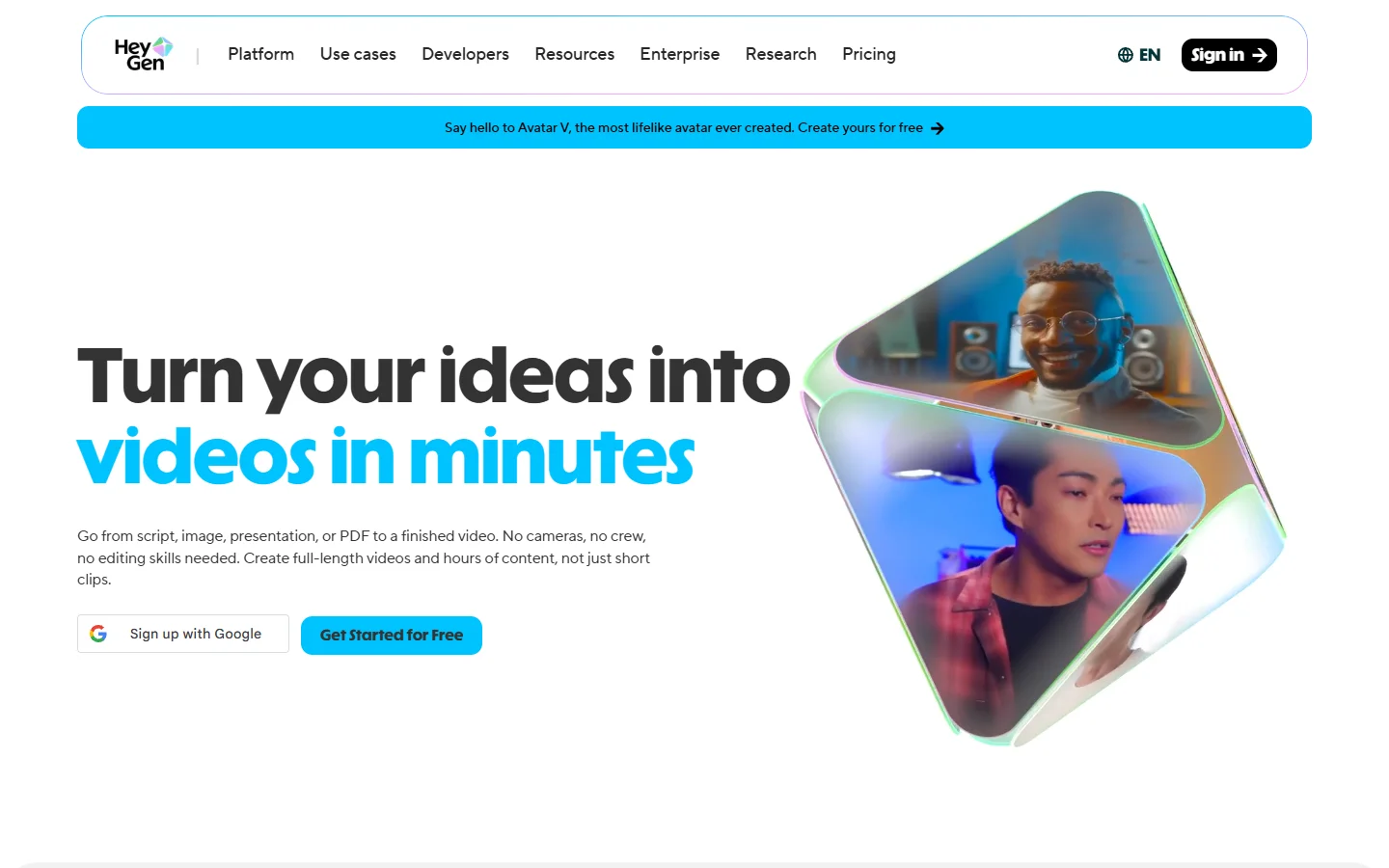
HeyGen leads the avatar space with realistic digital presenters, voice cloning, and multi-language dubbing. You type a script, choose an avatar (or upload your own likeness), and get a polished presenter-style video in minutes. The quality is good enough for LinkedIn AI outreach, internal training videos, and product walkthroughs. Where it falls short is creative content: avatar videos have a distinct "AI presenter" feel that audiences on TikTok and Instagram tend to scroll past in favor of organic clips.
For teams that want to generate AI voiceovers and pair them with custom visuals rather than a fixed avatar, combining a voice synthesis tool with a separate video editor offers more creative flexibility.
All-in-One Platforms
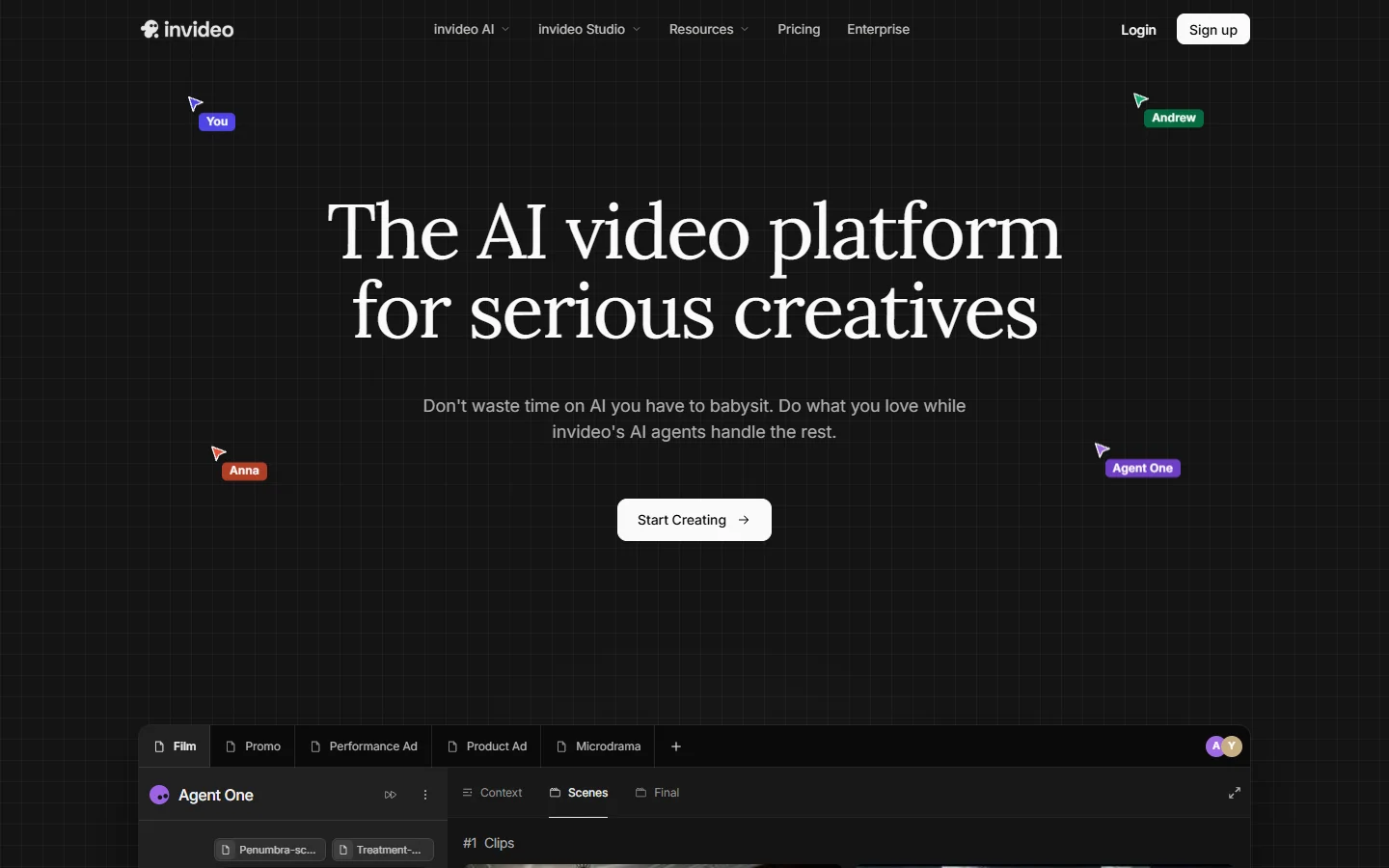
InVideo AI targets creators who want a single tool for the entire workflow. You describe a video concept in plain language, and it generates a full video with stock footage, AI voiceover, subtitles, and background music. The output is editable, so you can swap clips, adjust pacing, or re-record narration. For social media ad creation, this one-prompt-to-finished-video approach saves significant time.
The all-in-one category also includes emerging tools that combine generation with editing. Platforms that support multi-model workflows let you mix image generators, video models, and audio tools in a single pipeline. This approach suits teams building templated content systems where the same workflow runs daily with different inputs.
What to Look For When Choosing
Picking the right tool depends on three factors:
- Output format: short-form clips under 60 seconds, long-form edited content, or avatar presentations
- Volume: a solo creator posting three times a week has different needs than a brand team producing 20 clips daily
- Integration: does the tool connect to your publishing workflow, or does every video require manual download and re-upload
Speed and cost matter more than raw quality for most social content. A video that ships today outperforms a perfect video that ships next week. Tools like CapCut and Pika optimize for that reality. For higher production value, AI video generators without watermarks matter when brand polish is non-negotiable.
Teams building repeatable video pipelines should also evaluate API access. A multi-model AI workflow tool lets you connect generation, editing, and publishing steps programmatically, which scales better than clicking through a web UI fifty times a day.
Frequently Asked Questions
What is the best free AI tool for social media video?
CapCut offers the most complete free tier for social media video editing, including AI captions, background removal, and format resizing for every platform. For text-to-video generation, Pika Labs has a generous free plan.
Can AI generate TikTok videos from text?
Yes. Tools like Runway, Pika, and InVideo AI can generate short video clips from text prompts. The output quality varies, but for social content where authenticity matters more than perfection, AI-generated clips perform well alongside organic creator content.
Are AI-generated videos allowed on social media platforms?
All major platforms (TikTok, Instagram, YouTube, LinkedIn) allow AI-generated content. Some platforms require disclosure labels for AI content, particularly for realistic deepfakes or synthetic voices. Check each platform's current policy, as requirements around AI transparency are evolving.
How long does it take to generate a social media video with AI?
Generation times range from 15 seconds (Pika for a short clip) to 5 minutes (longer-form tools like InVideo AI). Editing-focused tools like CapCut work in real time. The biggest time savings come from eliminating the pre-production steps: scripting, storyboarding, and sourcing footage.
Which AI video tool is best for Instagram Reels?
CapCut is the most popular choice for Reels due to its vertical-first editing tools and one-tap posting. For generating original footage, Runway's 5-10 second clips fit the Reels format well. Combining both, using a generation tool for raw footage and an editing tool for polish, is the approach most professional creators use.
Do I need multiple AI tools or just one?
Most serious creators use two to three tools: one for generation, one for editing, and optionally one for repurposing long-form content into shorts. All-in-one platforms like InVideo AI try to cover everything, but specialized tools typically outperform them in their core function.
Can AI video tools help with YouTube Shorts?
Yes. The same tools that work for TikTok and Reels (CapCut, OpusClip, Pika) work equally well for YouTube Shorts. OpusClip is particularly effective for YouTube creators who want to turn long videos into Shorts automatically.
The Bottom Line
AI video tools for social media in 2026 split into clear categories: generators (Runway, Pika), editors (CapCut), repurposers (OpusClip), and avatar platforms (HeyGen). The best stack depends on your content format and publishing cadence. Start with CapCut for editing and one generation tool for original footage. As your volume grows, consider workflow automation tools that let you chain multiple AI steps into repeatable pipelines. The tools are mature enough now that the bottleneck is no longer technology; it is having a clear content strategy to feed into them.