

Runway has held a firm position in the AI video generation space since launching Gen-1 in early 2023. But the landscape in 2026 looks nothing like it did back then. A wave of new models and platforms have caught up, and in some cases surpassed, what Runway offers in terms of motion quality, prompt adherence, and pricing. If you have been weighing your options, now is a good time to look around. For a broader overview of where the AI video generation market stands today, we published a full comparison earlier this year.
The biggest shift has been in video length and coherence. In 2024, most tools topped out at four seconds of usable output. Today, several platforms generate 10 to 30 second clips with consistent subjects and smooth camera movement. Pricing models have also changed. Runway still charges per-second on its higher tiers, while some competitors now bundle generous free allowances or flat monthly subscriptions that cover unlimited generations.
This guide covers seven tools worth considering as alternatives to Runway in 2026. Each fills a slightly different niche, from quick social media clips to cinematic B-roll to AI-powered talking head videos for marketing and training.
What to Look for in a Runway Alternative
Before jumping into specific tools, it helps to know what matters most for your use case. The core factors to evaluate are motion quality (how natural the movement looks), prompt fidelity (whether the output matches what you asked for), maximum clip length, resolution, and cost per generation. Some tools also offer image-to-video conversion, which lets you animate still frames or product shots.
Speed is another consideration. Runway's Gen-3 Alpha typically renders a five-second clip in about 90 seconds. Some alternatives are faster; others trade speed for higher fidelity. If you are producing content on a deadline, generation time adds up quickly. For a practical walkthrough of text-to-video workflows, we covered the full process in a recent article.
Pika: Best for Quick Social Clips

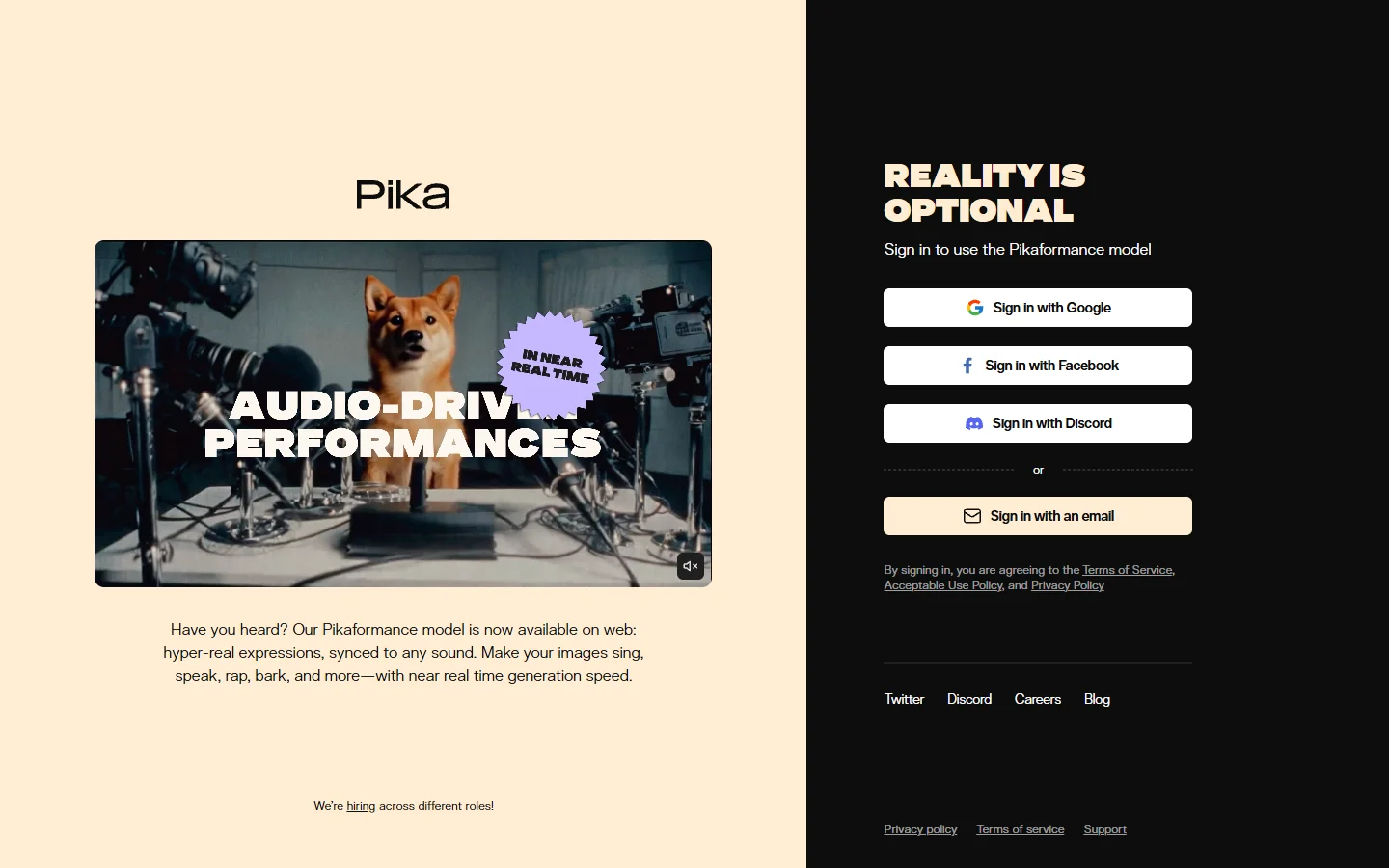
Pika has carved out a strong position for short-form video creation. Its 2.0 release brought significant improvements in motion smoothness and added lip-sync capabilities for character animations. The interface is streamlined and beginner-friendly, making it a solid choice for creators who need fast turnaround on social video content.
- Strength: Fast generation times, intuitive editor, good text-to-video for simple scenes
- Weakness: Longer clips (beyond 8 seconds) can lose subject consistency
- Best for: Social media creators, short ads, quick prototyping
Pika's free tier is generous enough for testing, and its paid plans start lower than Runway's Pro subscription. For creators already exploring Pika and similar platforms, the recent updates have made it a much more competitive option.
Kling AI: Best for Cinematic Quality
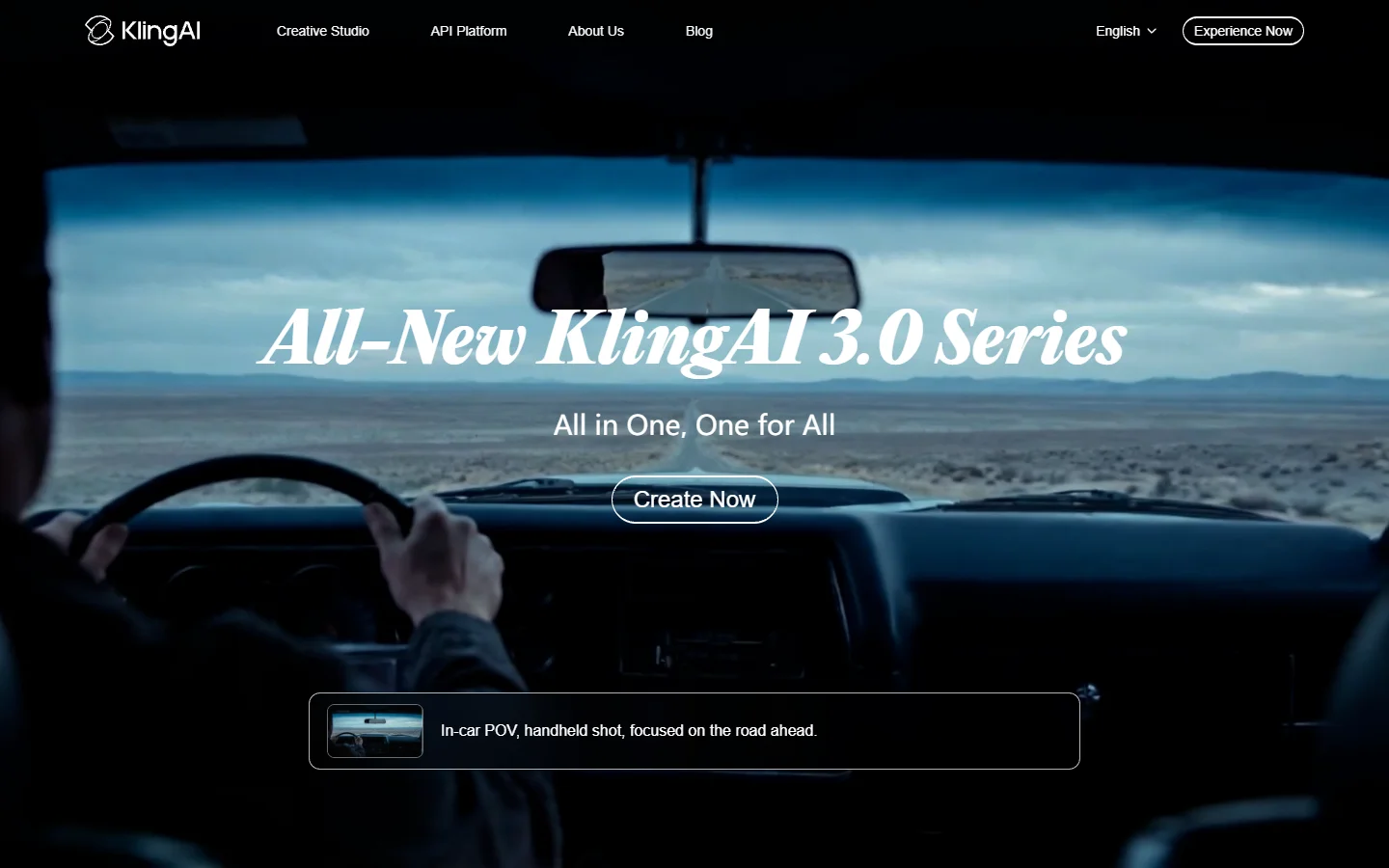
Kling 3.0 has become a serious contender for high-quality video output. Developed by Kuaishou, Kling consistently produces clips with cinematic motion, detailed lighting, and impressive camera movements. Its 1080p output at 30fps rivals what you would expect from traditional stock footage.
- Strength: Outstanding motion quality, strong prompt adherence, up to 15-second clips
- Weakness: Generation times can be slow (2-4 minutes per clip), less intuitive interface
- Best for: Filmmakers, content studios, anyone prioritizing visual quality over speed
The Kling 3.0 prompting guide covers techniques for getting the best results from the model. One notable advantage is Kling's image-to-video mode, which produces some of the most natural-looking animations from still inputs.
Google Veo 3: Best for Prompt Adherence
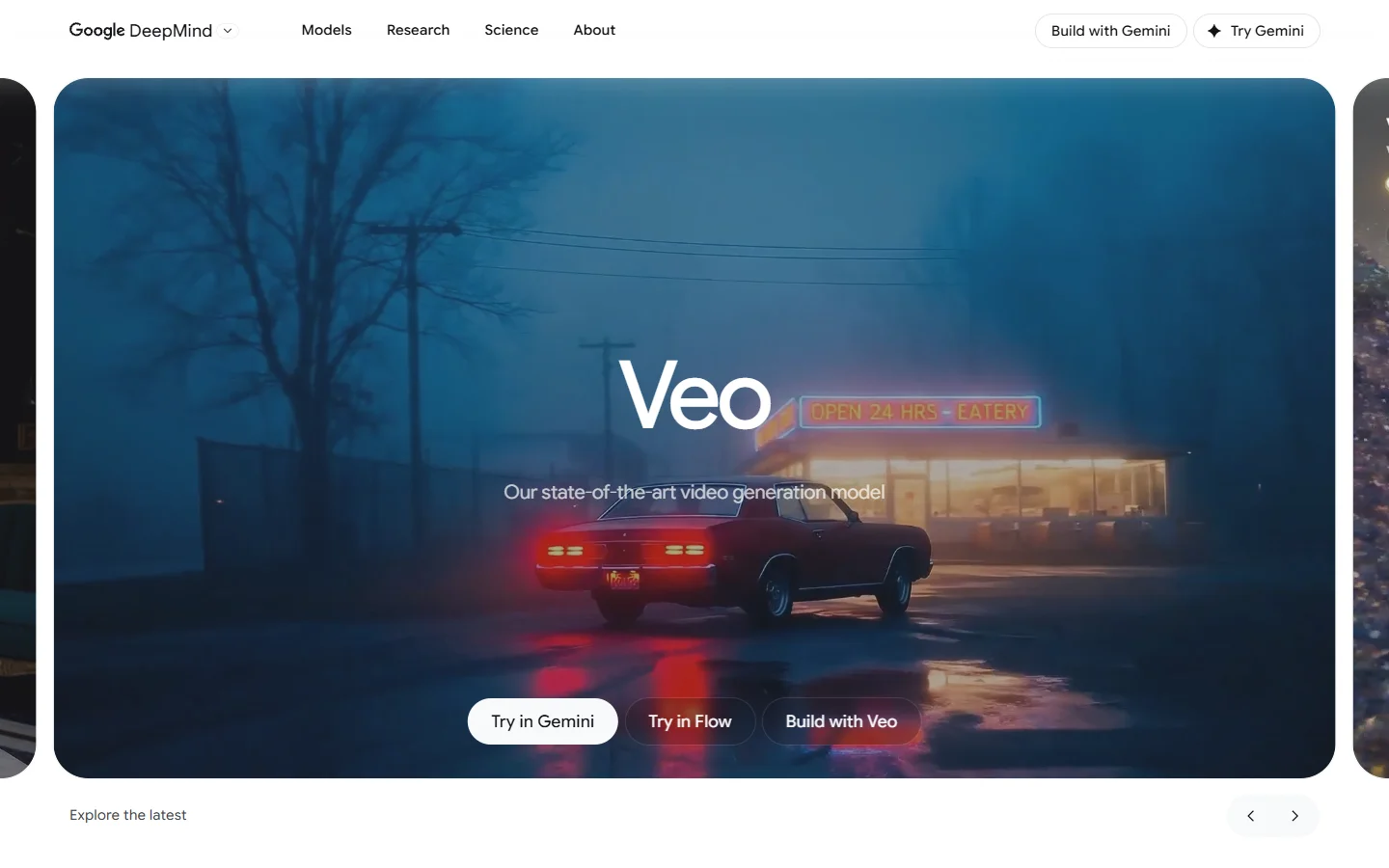
Google's Veo 3 has set a new standard for how accurately AI video follows text instructions. Where other models sometimes drift from complex prompts, Veo tends to render exactly what you describe, including specific camera angles, lighting conditions, and subject interactions.
- Strength: Excellent prompt fidelity, built-in audio generation, native integration with Google tools
- Weakness: Limited availability (still gated behind waitlists in some regions), less creative "happy accidents"
- Best for: Professional productions, precise storyboarding, projects requiring exact visual specifications
The Veo 3.1 prompt guide is worth reading even if you use other tools, since many of the prompting principles transfer. Google's approach to AI video generation differs from OpenAI's in important ways that affect output style.
Luma Dream Machine: Best for Dreamlike Motion
Luma's Dream Machine has developed a distinct aesthetic that sets it apart. Its outputs tend toward smooth, almost ethereal motion that works particularly well for abstract visuals, nature scenes, and artistic projects. The platform also supports multi-shot generation, letting you create sequences with visual continuity.
- Strength: Unique visual style, good at abstract and artistic content, multi-shot support
- Weakness: Less reliable for realistic human faces, occasional warping on complex scenes
- Best for: Artists, music video creators, experimental filmmakers
For creators who want to chain multiple AI models together, combining Luma's output with upscaling or style transfer tools can produce results that no single platform achieves alone. Wireflow's creative tools let you build these kinds of multi-model pipelines without writing code, which is useful when you want to feed Dream Machine outputs into additional processing steps.
OpenAI Sora: Best for Complex Scenes

Sora 2 arrived with significant improvements over its initial release. The model handles multi-subject scenes, consistent character identities across shots, and realistic physics better than most competitors. Its understanding of spatial relationships and object interactions remains among the best available, as we explored in our Sora monetization guide.
- Strength: Complex scene composition, character consistency, realistic physics simulation
- Weakness: Higher cost per generation, slower rendering, limited free tier
- Best for: Narrative content, commercial productions, scenes with multiple interacting subjects
OpenAI's pricing sits at the premium end of the market, which makes Sora better suited for professional work than casual experimentation. For a look at how AI video generators stack up overall, including pricing breakdowns, our comprehensive guide covers the full picture.
Synthesia and HeyGen: Best for Talking Head Videos
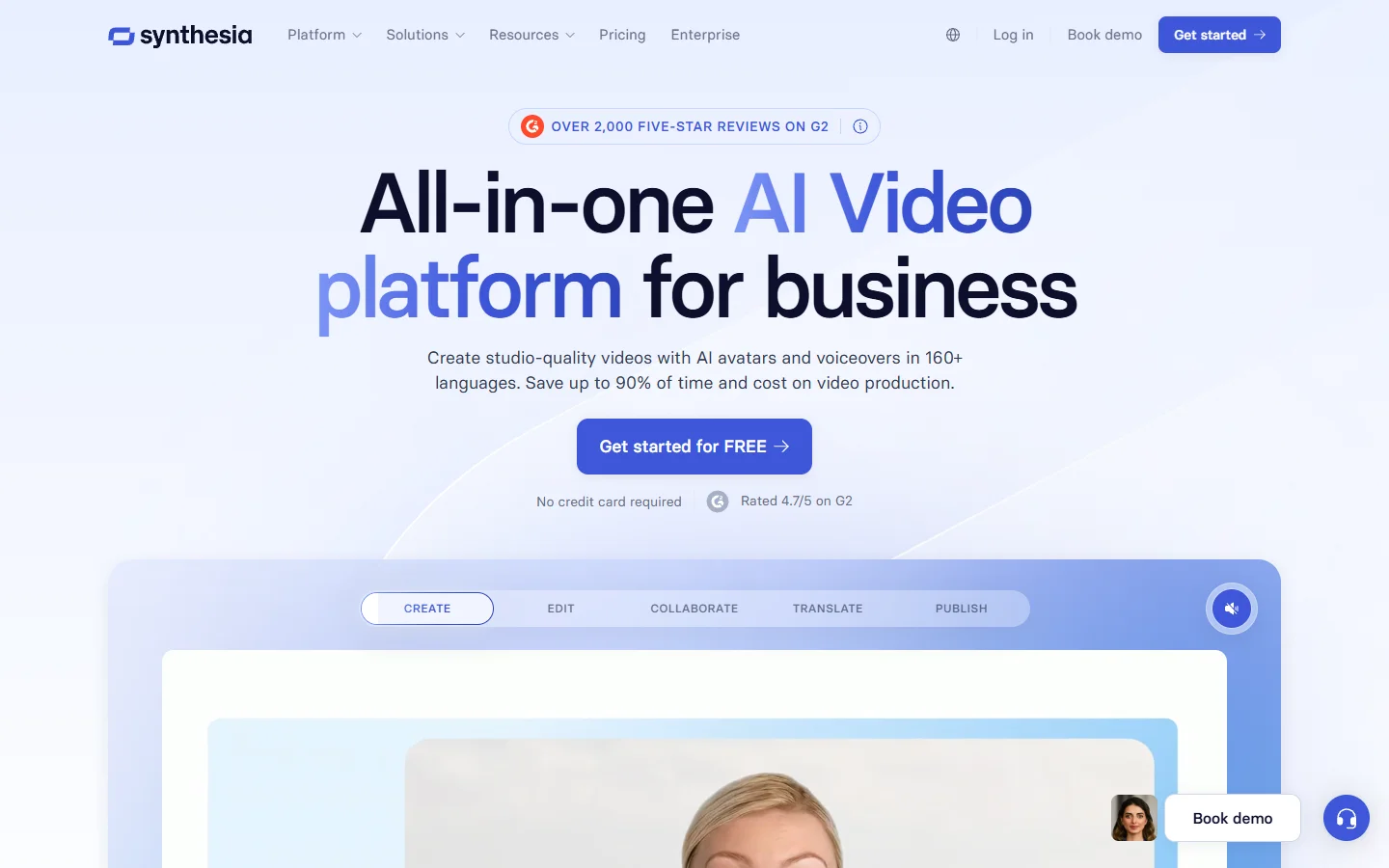
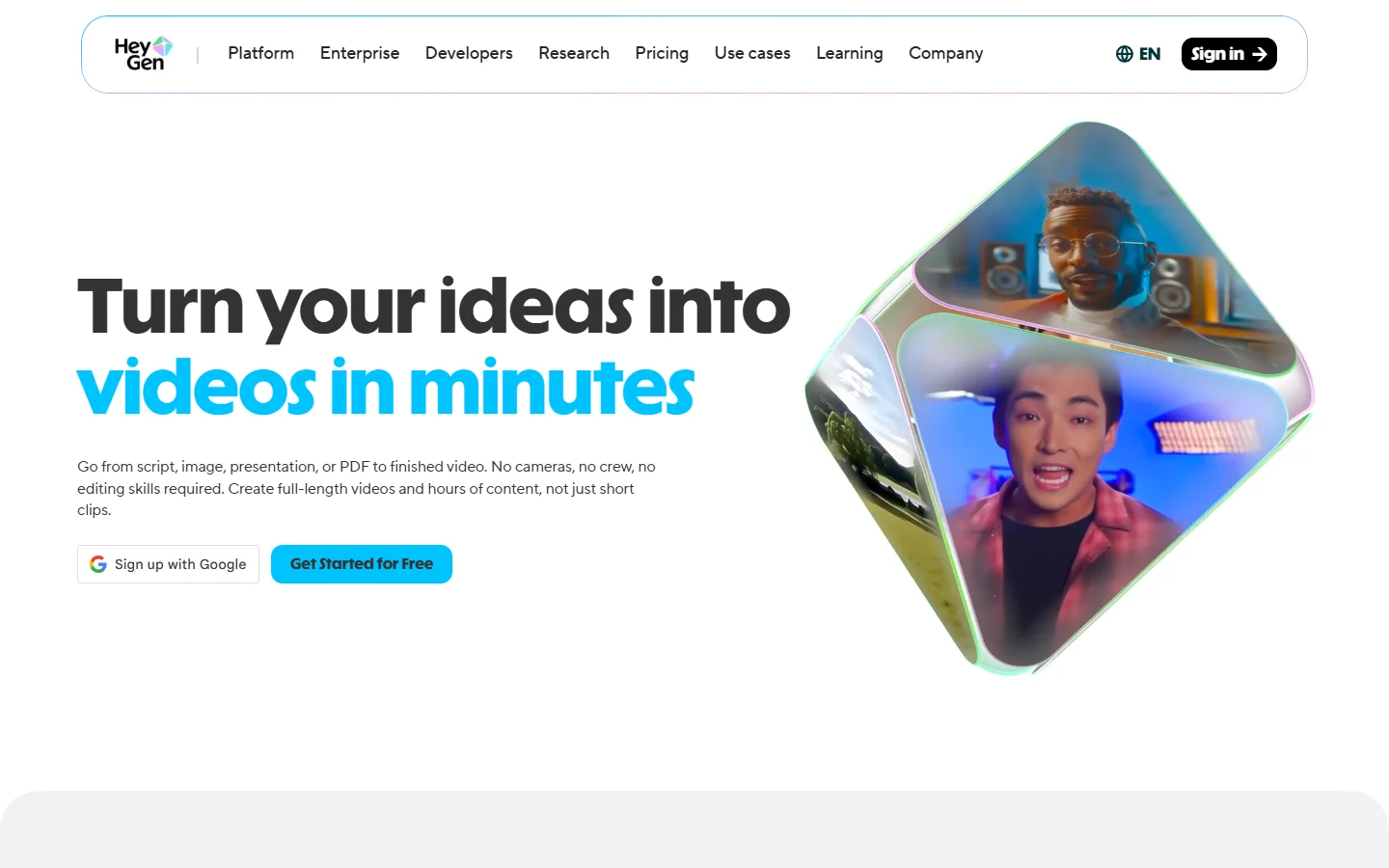
These two platforms occupy a different corner of the market. Rather than generating creative B-roll or cinematic clips, Synthesia and HeyGen specialize in avatar-based videos where a digital presenter speaks directly to camera. This makes them ideal for corporate training, product demos, and localized marketing content.
- Synthesia specializes in enterprise-grade avatar creation with support for 140+ languages and custom avatar training from video footage
- HeyGen focuses on speed and accessibility, with a strong free tier and quick generation times for shorter videos
Both platforms have improved lip-sync accuracy and added more natural gestures. The choice between them usually comes down to whether you need enterprise features (Synthesia) or faster iteration (HeyGen). For more on AI avatar video creation, we covered the full avatar tool landscape in a dedicated article.
How to Choose the Right Tool

The right choice depends entirely on what you are making. Here is a quick decision framework:
- Social media clips under 10 seconds: Pika or Kling
- Cinematic B-roll and stock replacement: Kling or Veo 3
- Precise storyboarding with exact specifications: Veo 3 or Sora
- Artistic and experimental work: Luma Dream Machine
- Talking head and training videos: Synthesia or HeyGen
- Multi-model pipelines combining generation with post-processing: A workflow-based AI image platform that connects models end-to-end
Many professional creators use two or three of these tools depending on the project. The days of relying on a single platform for all video needs are largely over. As noted in this analysis of acquisition trends in the AI tools space, the market is consolidating around specialized strengths rather than one-size-fits-all platforms.
For beginners just getting started with AI video, our step-by-step introduction walks through the fundamentals before committing to any paid plan.
Frequently Asked Questions
What is the best free alternative to Runway in 2026?
Pika offers the most generous free tier among the tools listed here, with enough monthly credits to produce several short clips. Kling also provides free generations, though with longer queue times. For a full rundown of free AI video options, we tested several free-tier tools in a separate review.
Can AI video generators replace traditional video production?
Not entirely. AI tools excel at B-roll, social content, and concept visualization, but they still struggle with precise brand guidelines, exact product placement, and multi-minute narrative sequences. They work best as supplements to traditional production, handling tasks like turning photos into short video clips rather than replacing full shoots.
Which AI video tool has the best motion quality?
As of early 2026, Kling 3.0 and Veo 3 consistently produce the smoothest, most natural motion. Sora 2 is close behind, particularly for scenes involving human movement and physics.
How long can AI-generated videos be?
Most tools generate 5 to 15 second clips natively. Sora 2 can produce up to 20 seconds in a single generation. For longer content, you typically stitch multiple clips together using video editing workflows, which is where multi-shot consistency becomes important.
Is Runway still worth using in 2026?
Runway remains a capable platform with strong editing features, including its motion brush and image-to-video tools. Whether it is "worth it" depends on pricing sensitivity and which specific features you need. The previous generation of Runway alternatives has matured significantly, and pure text-to-video generation quality from competitors now matches or exceeds Runway's output.
Do AI video tools support 4K resolution?
Most generate at 1080p by default. Veo 3 and Kling 3.0 offer upscaled 4K output on paid tiers. For other tools, third-party AI image upscaling solutions can bridge the gap.
What is the difference between text-to-video and image-to-video?
Text-to-video generates clips entirely from a written prompt. Image-to-video takes a still image and animates it, giving you more control over the starting frame's composition, style, and subject. Image-to-video typically produces more predictable results since the model has a visual reference to work from.
Conclusion
The AI video generation landscape in 2026 offers more capable, more affordable alternatives to Runway than ever before. Whether you need cinematic B-roll, fast social clips, or enterprise avatar videos, there is a tool built specifically for that use case. The best approach is to test two or three platforms with your actual project needs before committing to a subscription. Most offer free tiers or trial credits that let you evaluate output quality firsthand.