
AI voice generation has matured from a novelty into a production-grade tool that content creators rely on daily. Whether you produce podcasts, YouTube videos, online courses, or social clips, synthetic voices now sound natural enough to sit alongside recorded audio without distracting your audience. The technology has reached a point where even listeners trained on professional narration struggle to distinguish between human and AI-generated speech. For creators who also work with AI-powered video creation, pairing a solid voice generator with your visual pipeline can cut production time significantly.
This guide breaks down the strongest options available right now, compares their strengths and limitations, and helps you pick the right tool for your specific workflow. We tested each platform on long-form narration, short social clips, and multilingual output to give you a practical sense of what actually works in production. Creators producing at scale across multiple video platforms will find voice generation to be the missing piece in their automation stack.
Why AI Voice Generators Matter for Creators
The economics of content production have shifted. Hiring voice talent for a single 10-minute video runs $150-400 depending on quality and turnaround. Multiply that across a weekly upload schedule and the costs add up fast. AI voice generators offer unlimited iterations at a fixed monthly price, which fundamentally changes how creators approach audio content. Those who make AI TikTok videos at scale find this cost structure essential for staying profitable.
Beyond cost, the speed advantage is substantial. Traditional voiceover work involves scripting, casting, recording, revisions, and final delivery, a process that typically takes 3-7 business days. With AI voice tools, you can generate a polished voiceover in under a minute, iterate on tone and pacing instantly, and publish the same day. Creators building short-form video content need this turnaround to stay relevant on platforms where trends shift weekly.
Top AI Voice Generators Compared
Here is how the leading platforms stack up for content creators in 2026. Each tool fills a different niche, so the right pick depends on your format, volume, and language needs.
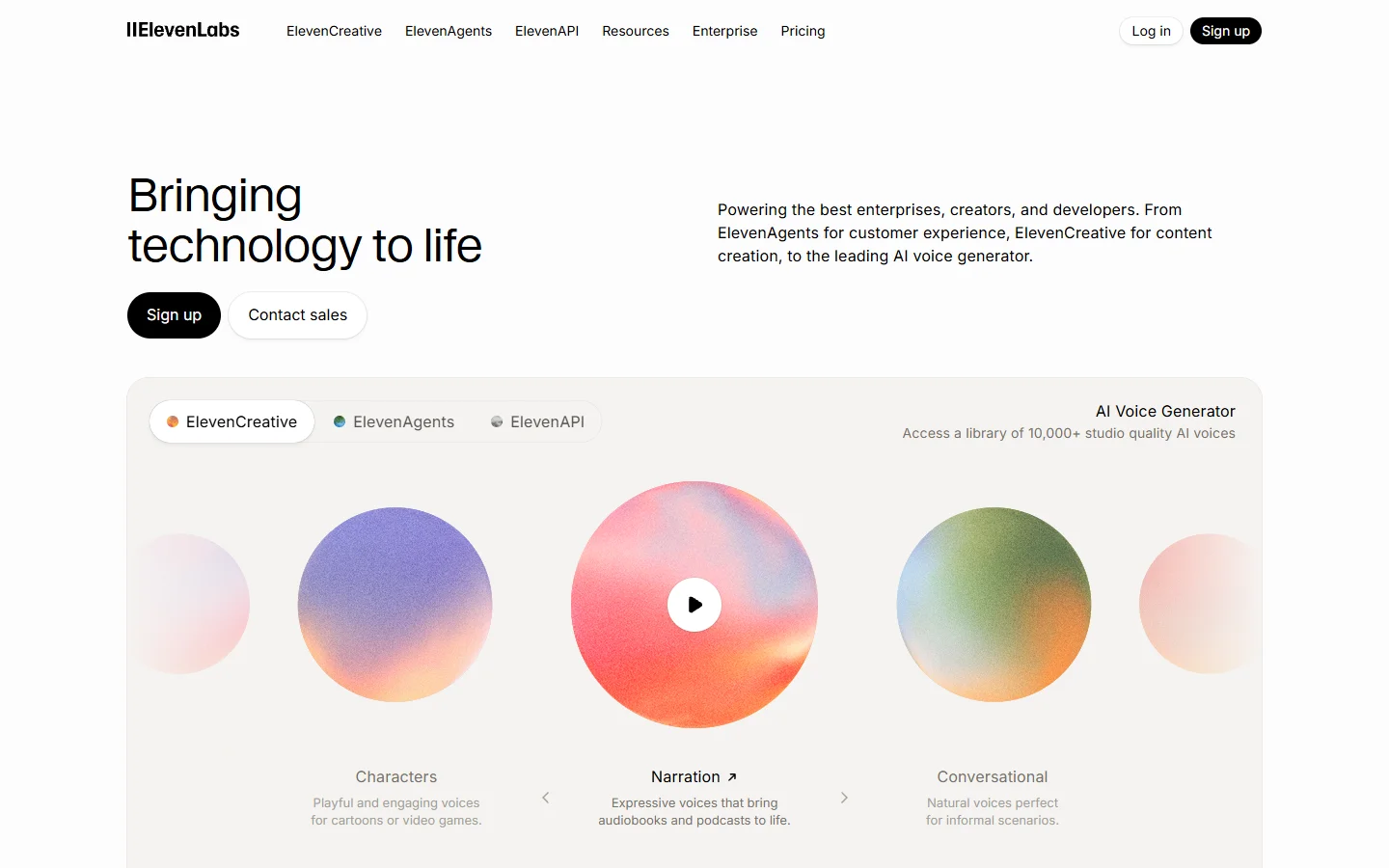
ElevenLabs leads on voice quality with emotional expression and voice cloning. Higher price tier for professional features, but the output quality justifies the cost for serious creators. Best for podcasters, audiobook creators, and gaming narration. Learn more about how AI audio fits into the broader AI tools ecosystem.
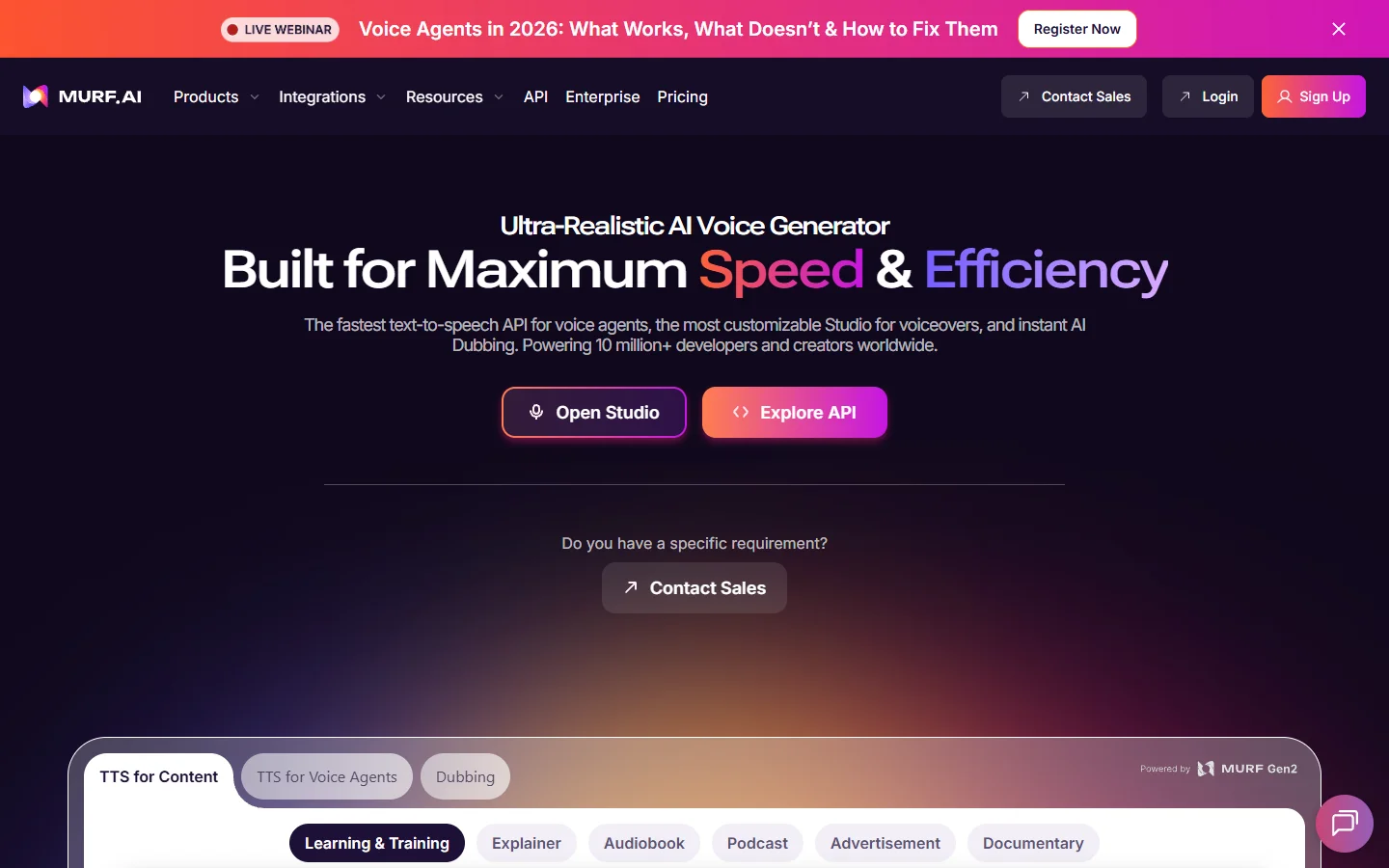
Murf AI offers a polished interface with fine-grained tone, pacing, and emphasis controls. Voice library is broad but some voices sound slightly synthetic in longer passages. Best for marketing teams and tutorial creators on tight timelines. Creators exploring the music and audio AI space will find Murf's studio approach familiar.
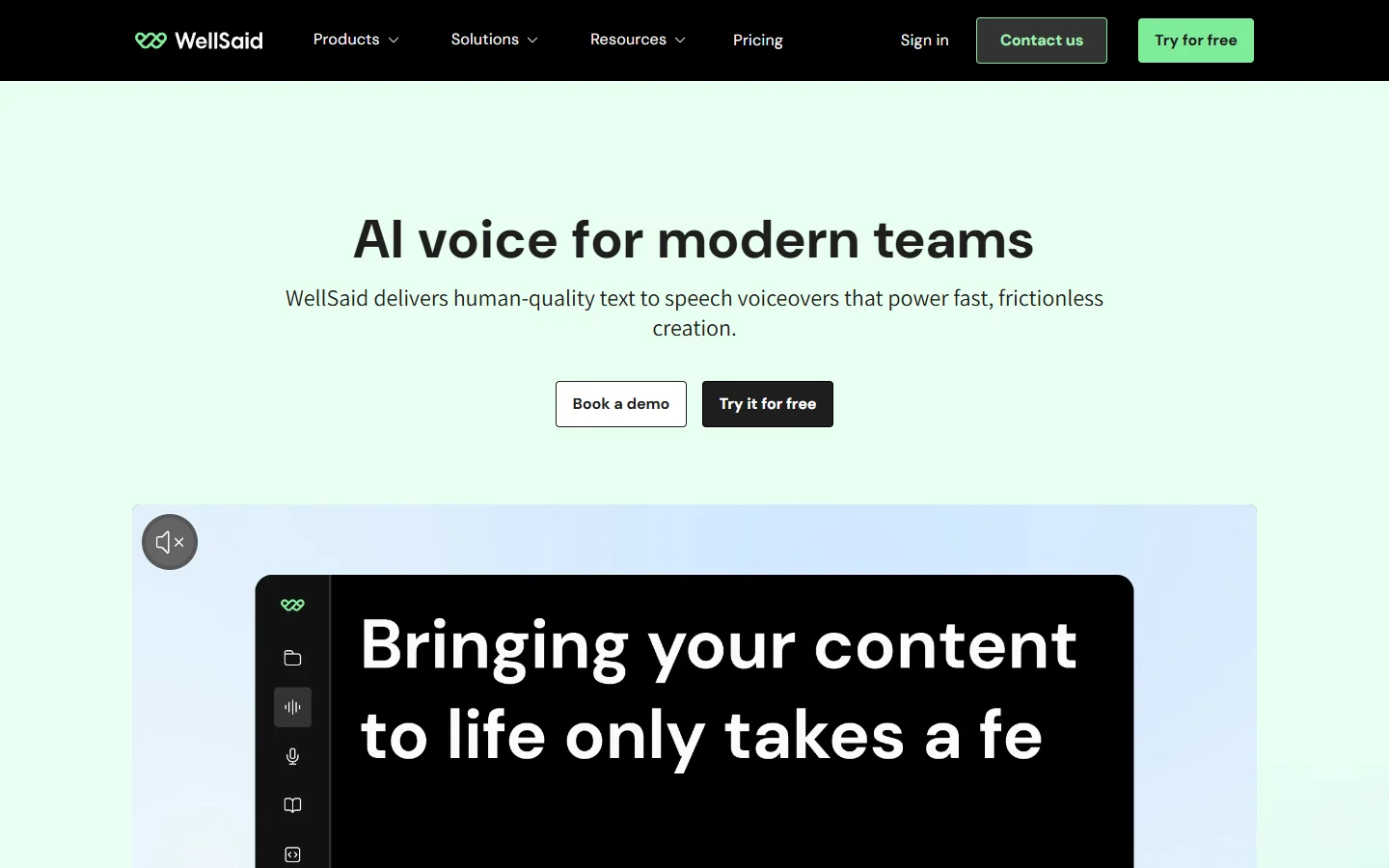
WellSaid Labs integrates smoothly with Adobe Premiere Pro and corporate content tools. Limited multilingual support compared to competitors, but unmatched for English-language enterprise use cases. Best for enterprise teams and training content producers. The platform works well alongside video generation tools for complete media pipelines.
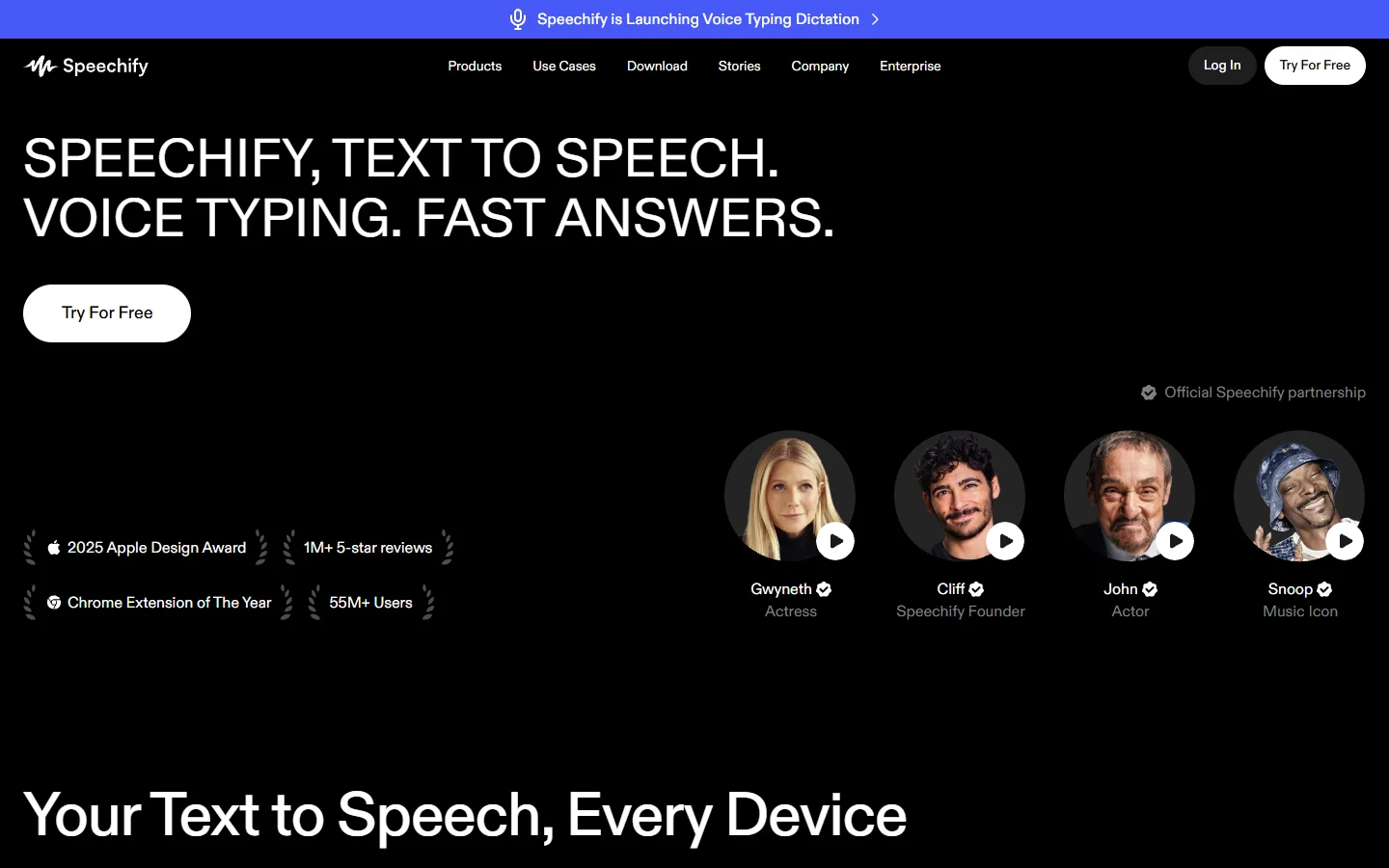
Speechify provides fast text-to-speech with a large free tier and browser extension for quick narration. Less control over emotional inflection than dedicated studio tools. Best for bloggers, students, and creators converting written content to audio. If you also produce talking head content, Speechify's quick export pairs well with avatar animation tools.
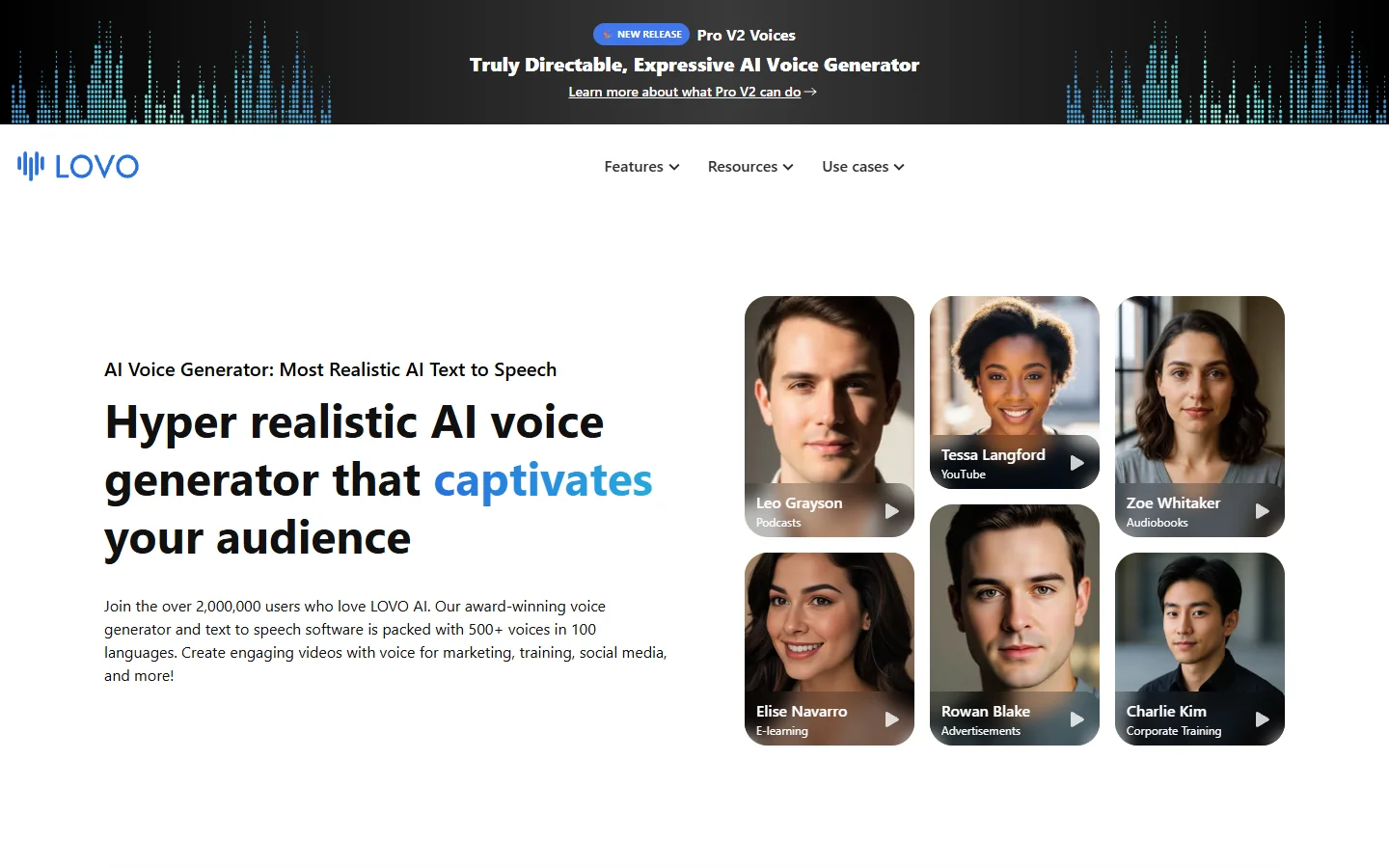
LOVO AI excels at multilingual support with 400+ voices across 100 languages. UI can feel cluttered for simple tasks. Best for global creators and localization teams needing diverse language coverage. Check how other AI generation models compare for multilingual capability.
Voice Cloning: What Actually Works
Voice cloning has improved dramatically in 2026. ElevenLabs requires just a few minutes of sample audio to create a usable clone, while Murf and LOVO offer professional voice cloning for creators who want consistency across hundreds of videos without recording each one manually. Creators building AI influencer channels rely heavily on voice cloning to maintain a consistent persona.
The practical applications are clear. A YouTube creator can record one sample, then generate voiceovers for every future video in their exact voice without sitting in front of a microphone. Course instructors can update outdated lessons without re-recording entire modules. Agencies can maintain a consistent brand voice across campaigns without scheduling talent every time. The approach mirrors what teams do with text-to-video workflows, where one input generates variations at scale.
The legal side matters too. Most platforms now include commercial usage rights in their standard plans, but voice cloning requires explicit consent from the voice owner. ElevenLabs enforces verification steps, and creators should document consent regardless of which tool they use.

Integrating Voice AI Into Your Content Workflow
The best voice generator means nothing if it doesn't fit into how you actually produce content. Some creators take this further by connecting voice generation to their broader AI workflow tool pipeline, automating the handoff between script, voice, and video rendering so each piece publishes without manual file shuffling.
Here is what a modern creator workflow looks like:
- Write your script in your preferred editor
- Paste into the voice generator with style and pacing notes
- Generate multiple takes with different emotional tones
- Export the best version as WAV or MP3
- Drop into your video or podcast editor for final timing adjustments
The key is reducing the number of manual steps between "script done" and "video published." Teams that have adopted this approach report cutting their per-video production time by 40-60% compared to traditional voiceover booking. For an overview of how text-to-video tools handle similar automation, see this breakdown on converting text to video with AI.

Pricing and Value for Different Creator Types
Pricing models vary significantly across platforms, and the right choice depends on your output volume. Compare the value against what you spend on visual AI generation to see how affordable the full creative stack has become:
- Solo YouTubers (5-10 videos/month): Speechify or LOVO free tiers handle basic needs. ElevenLabs Starter at $5/month works for higher quality.
- Professional podcasters (weekly long-form): ElevenLabs Pro at $22/month or Murf Creator at $26/month give enough characters for 4-6 episodes.
- Agencies and teams (daily output): WellSaid Teams or ElevenLabs Scale plans offer collaboration features and higher limits at $99-330/month.
- Course creators (bulk narration): LOVO or Murf enterprise plans with per-seat pricing suit long-form educational content.
The cost per minute of generated audio has dropped roughly 60% since early 2025, and most platforms now offer pay-as-you-go options alongside subscriptions. For creators who also use AI apps for image generation, the total monthly spend on AI creative tools typically stays under $100.
What to Look For When Choosing
Not every voice generator fits every use case. Producers working on video content at scale should weight API access and automation features more heavily than casual users. Here are the factors that matter most for content creators specifically:
- Naturalness over variety: A smaller library of exceptional voices beats 500 mediocre ones. Listen to 60-second samples before committing.
- Export formats and API access: Ensure the platform exports in your editor's preferred format, and check if it offers a REST API for automation as part of a larger AI workflow automation platform setup.
- Pronunciation controls: Names, technical terms, and brand words trip up every TTS engine. SSML support or custom pronunciation dictionaries save hours of frustration.
- Commercial rights: Verify that your plan includes commercial usage for the content you publish. Some free tiers restrict this. Check the terms of use patterns across platforms to understand what is standard.
FAQ
Which AI voice generator sounds most natural in 2026? ElevenLabs consistently produces the most natural-sounding output in English, particularly for emotional range and long-form narration. Murf AI is a close second for studio-quality voiceovers with more granular control over delivery. Explore the BasedLabs model library to see how voice AI compares to image and video generation quality.
Can I clone my own voice with AI legally? Yes, cloning your own voice is legal in most jurisdictions since you own the rights to your likeness. Platforms like ElevenLabs require identity verification to prevent misuse. Always check your local regulations if you plan to use cloned voices commercially. The AI features landscape shows how voice cloning fits alongside other generative AI capabilities.
Are AI voices good enough for podcasts? For solo narration and supplementary content, yes. Listeners in blind tests often cannot distinguish ElevenLabs or WellSaid output from human narration at standard podcast quality. For conversational formats with multiple speakers, the technology still sounds slightly less natural during dynamic exchanges. Many podcasters pair voice AI with video generation to repurpose episodes as visual content.
How much does AI voice generation cost per month? Entry-level plans start at $5/month (ElevenLabs Starter) for about 30 minutes of audio. Professional creators typically spend $22-50/month depending on volume. Enterprise teams pay $99-330/month for unlimited or high-volume access with collaboration features.
Can I use AI-generated voices on YouTube without issues? Yes. YouTube does not penalize AI-generated voiceovers. However, YouTube's 2026 policy requires disclosure if AI is used to create content that could be mistaken for a real person saying something they did not actually say. Standard narration workflows do not trigger this requirement. The same principles apply to AI-generated video content on the platform.
What languages do AI voice generators support? LOVO leads with 100+ languages. ElevenLabs supports 29 languages with high quality. Murf covers 20 languages. For most Western European and Asian languages, all major platforms perform well. Less common languages vary significantly in quality between providers.
Do I need a powerful computer to use AI voice generators? No. All the tools listed here are cloud-based and run in your browser. Generation happens on remote servers, so any device with a modern browser and internet connection works. Export and editing happen locally, but even a Chromebook handles that. Similar to how AI image generation works entirely in the cloud, voice tools require no local GPU.
Conclusion
The AI voice generation space in 2026 offers genuinely production-ready tools for content creators at every level. ElevenLabs leads on raw voice quality, Murf excels at studio control, WellSaid fits enterprise workflows, and LOVO covers multilingual needs better than anyone else. The right choice depends on your specific output format, volume, and whether you need API access for automation. Start with a free tier to test naturalness on your actual scripts before committing to a paid plan, and explore the full range of AI generation tools available to build a complete content pipeline.